GoHighLevel AI Receptionist:
Complete Guide for Agencies
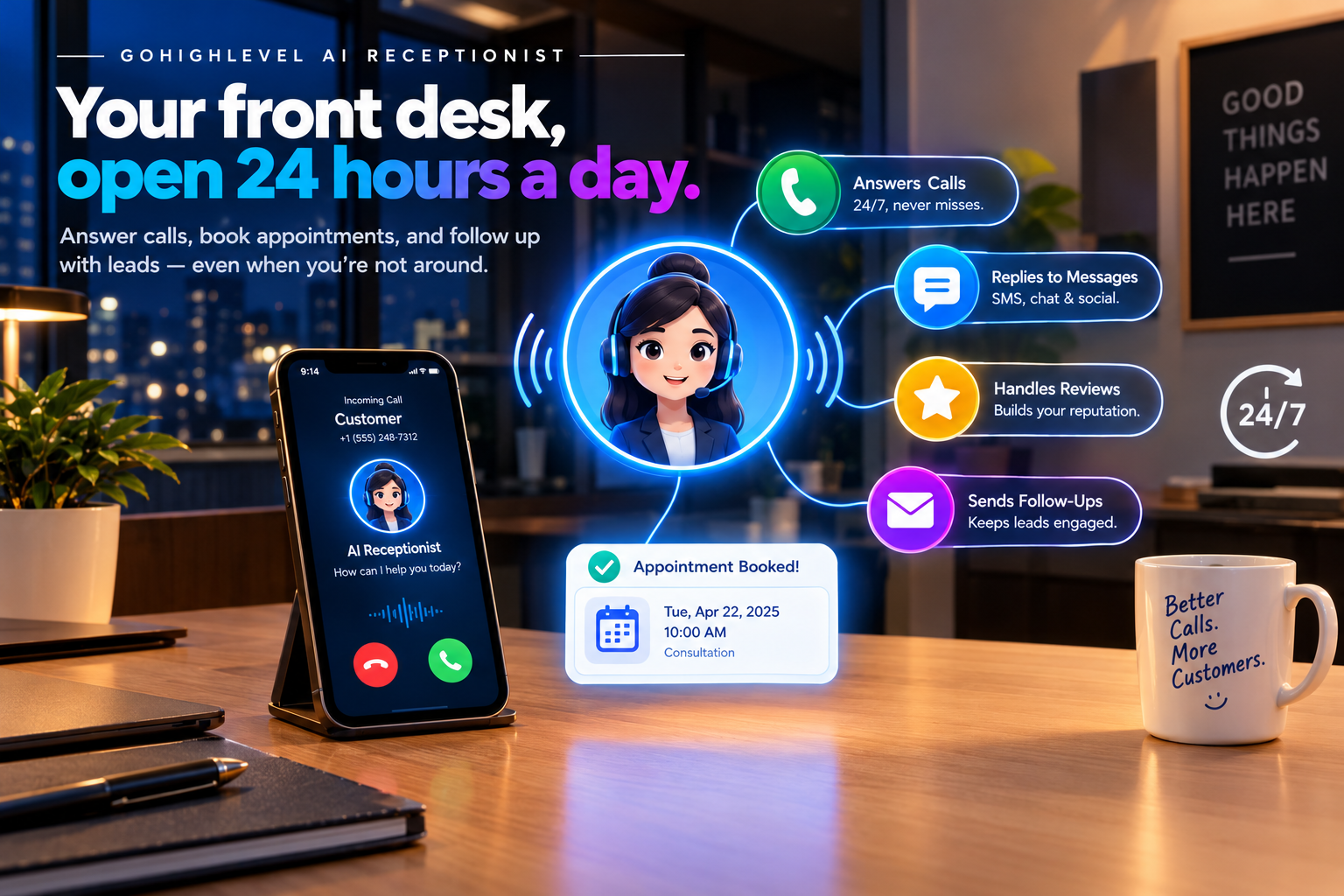
Every missed call is a missed customer. For a dentist, roofer, or med spa, that one unanswered call at 7 PM could be a booking worth hundreds of dollars, and it often goes straight to a competitor who picked up.
That’s why the GoHighLevel AI receptionist has become one of the most exciting tools for agencies and business owners. It answers calls, books appointments, and follows up with leads around the clock, without hiring extra staff. In this guide, you’ll learn what the AI receptionist is, how it works, where it shines, how to set it up, what it costs, and how to help clients actually get results from it.
What Is the GoHighLevel AI Receptionist?
The GoHighLevel AI receptionist is powered by Voice AI, one of the tools inside HighLevel’s AI Employee bundle. It’s a virtual front desk that picks up calls, talks to callers naturally, and takes action inside the CRM.
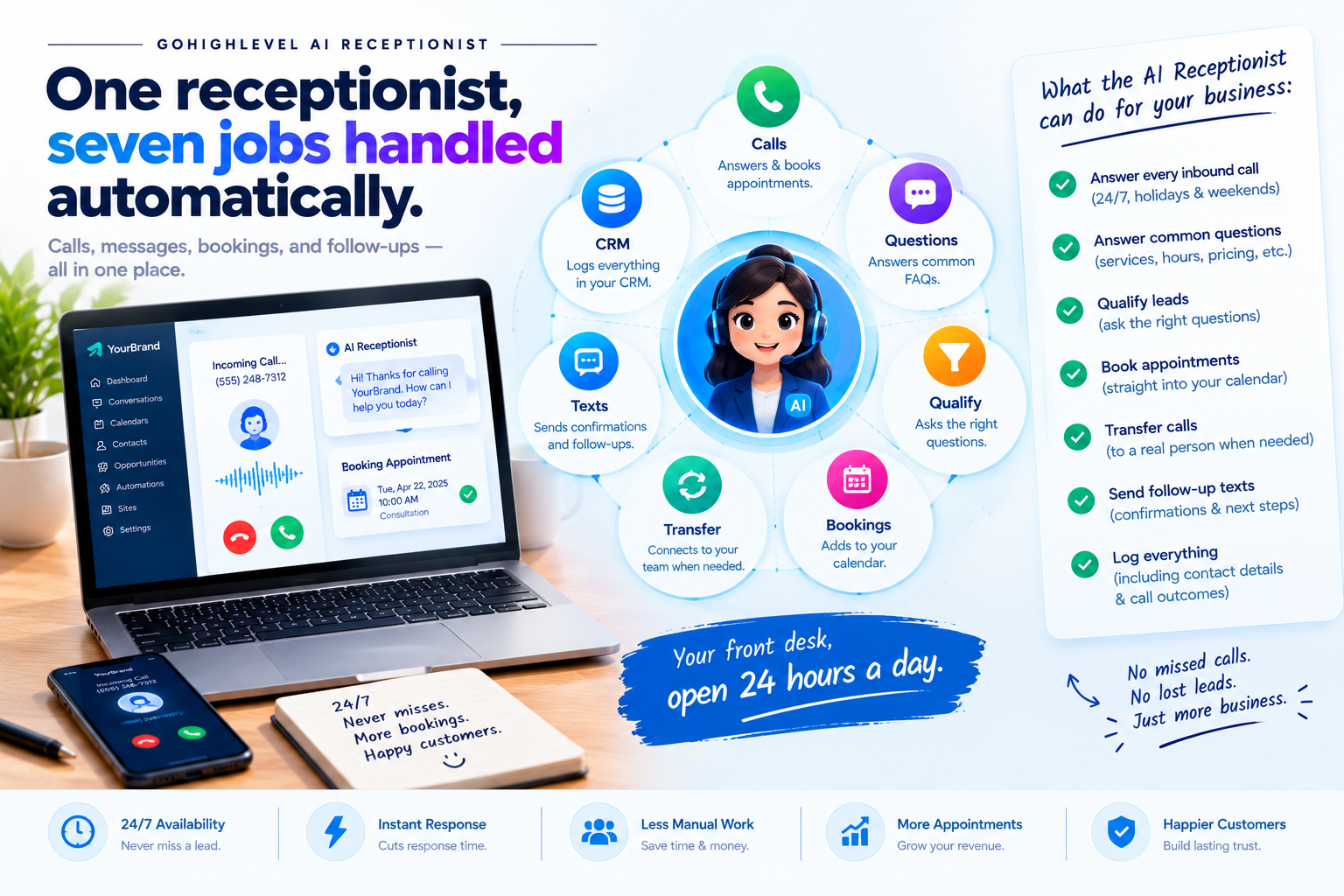
In simple terms, it can handle inbound calls 24/7 with human-like conversation, book appointments directly into your calendar, answer frequently asked questions using your knowledge base, transfer calls to your team when needed, and follow up with SMS messages.
Unlike an interactive voice response (IVR) phone tree with robotic "press 1 for sales" menus, the AI receptionist actually listens, understands natural phrasing, and replies in real time with an authentic, friendly voice.
What Can the AI Receptionist Do?
Here’s what a well-configured AI receptionist typically handles:
- Answer every inbound call day, night, weekends, and holidays
- Answer common questions about services, hours, pricing, and location
- Qualify leads by asking the right questions before booking
- Book appointments straight into the business calendar
- Transfer calls to a real person for complex or urgent requests
- Send follow-up texts with confirmations and next steps
- Log everything in the CRM, including contact details and call outcomes
Beyond phone calls, the receptionist can work in other places too. GoHighLevel’s newer website voice chat widget embeds voice agents directly on a website, so visitors can talk to the AI without making a phone call.growwstacks
How It Works: A Real Call, Step by Step
Let’s say a homeowner calls a roofing company at 9 PM after a storm:
The AI answers instantly with a friendly greeting using the company’s name.
It asks qualifying questions, like the address and type of damage.
It checks the calendar and offers available inspection times.
It books the appointment and adds the contact to the CRM.
It sends a confirmation text with the date, time, and what to expect.
It triggers a workflow, such as a reminder the day before.
The owner wakes up to a booked inspection instead of a voicemail they’ll return too late.
AI Receptionist vs. Human Receptionist
The AI receptionist isn’t about replacing people. It’s about making sure no call slips through the cracks. Here’s how the two compare:
| Feature / Metric | Human Receptionist | GoHighLevel AI Receptionist |
|---|---|---|
| Availability | Business hours only | 24/7, including holidays |
| Calls at once | One at a time | Multiple calls simultaneously |
| Response time | Depends on workload | Instant, every time |
| Consistency | Varies by day and person | Same answers every call |
| Complex situations | Handles them well | Transfers to a human |
| CRM logging | Manual entry | Automatic |
The smartest setup is usually a mix: the AI handles routine calls and after-hours traffic, while the team takes over for complex conversations.
Best Industries for an AI Receptionist
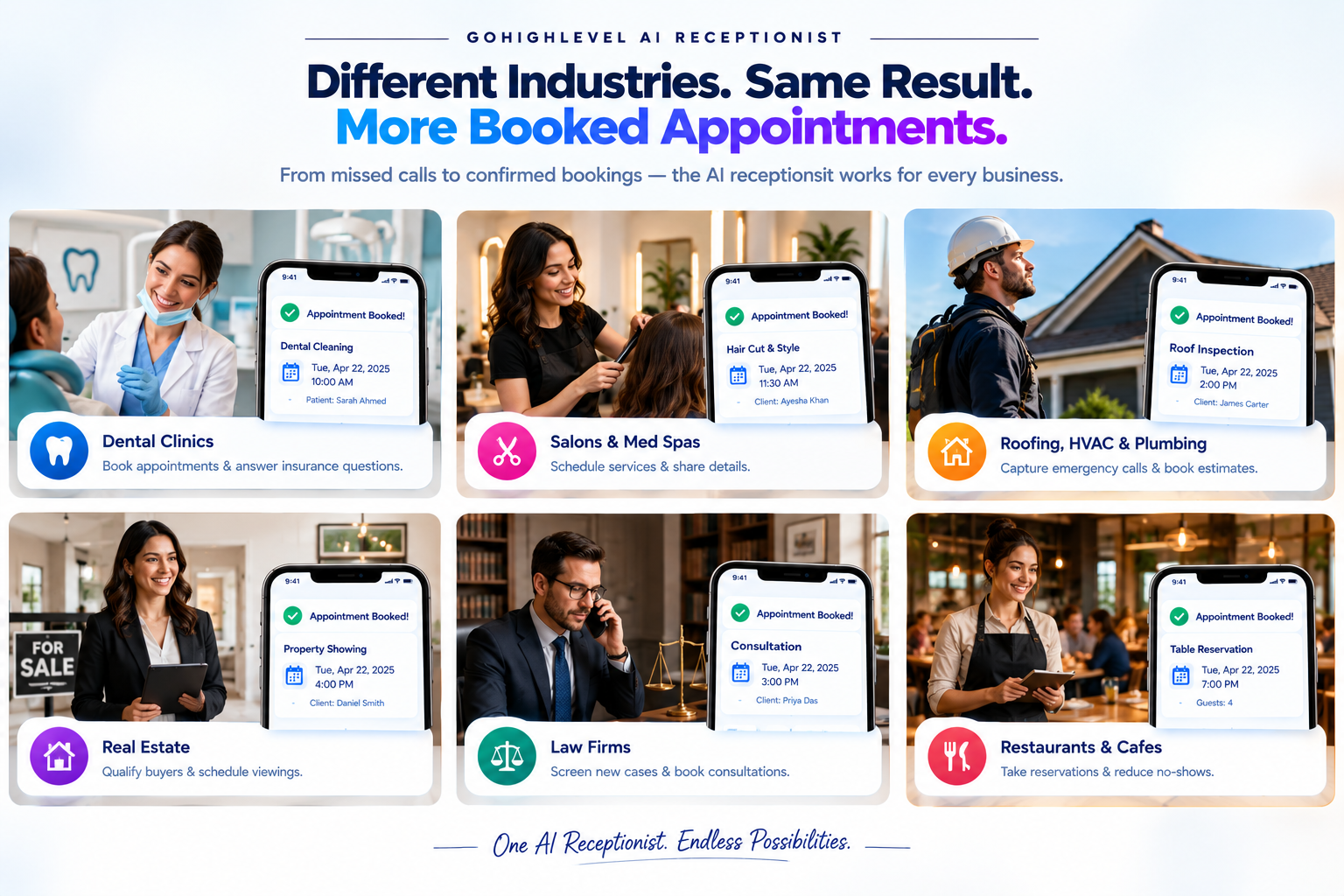
Nearly any business that relies on phone calls can benefit. These niches see the biggest wins:
| Industry | Common Use Case |
|---|---|
| Dental and medical clinics | Booking appointments and answering insurance questions |
| Med spas and salons | Scheduling treatments and sharing service details |
| Roofing, HVAC, and plumbing | Capturing emergency calls and booking estimates |
| Real estate | Qualifying buyers and scheduling viewings |
| Law firms | Screening new cases and booking consultations |
| Restaurants | Handling reservations and answering hours or menu questions |
More Ways to Use Voice AI
Answering calls is just the start. Agencies are also using Voice AI for:
- Speed-to-lead calls: Calling new form submissions right away.
- Appointment reminders: Calling 24 to 48 hours before appointments to confirm attendance and reduce no-shows.
- Missed-call recovery: Following up on calls the team couldn’t answer.
- Post-sale follow-ups: Checking in after a service and requesting reviews.
How to Set Up a GoHighLevel AI Receptionist
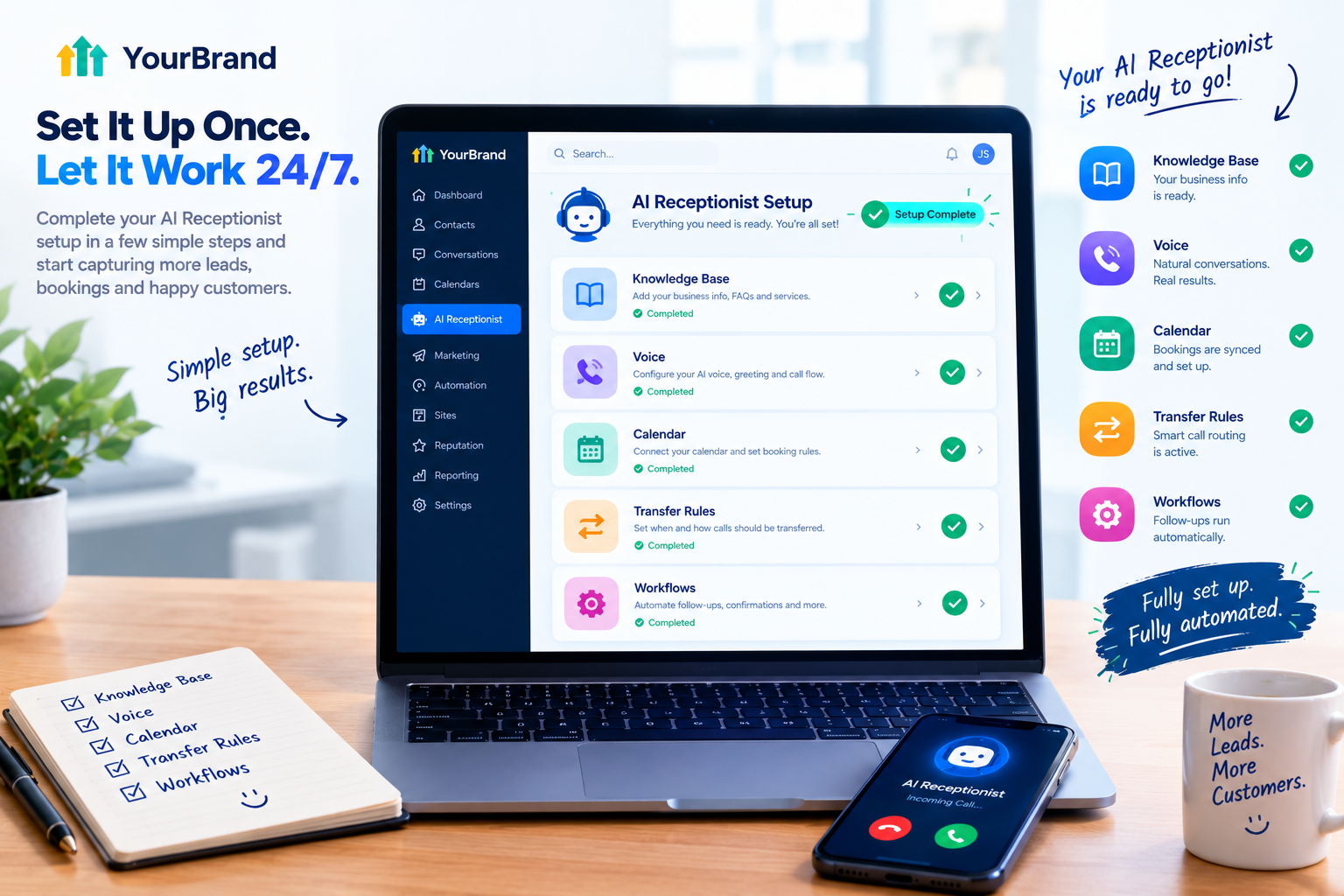
1. Define the job
Decide what the AI should handle: booking, FAQs, lead qualification, or all three. Start small.
2. Build the knowledge base
Add services, pricing ranges, hours, location, policies, and the most common questions callers ask.
3. Write the receptionist’s instructions
Give it a name, a personality, and clear rules. For example: “You are Sarah, the friendly receptionist for Bright Smile Dental. Help callers book cleanings and consultations, answer questions about services and hours, and transfer anyone with a dental emergency to the office.”
4. Choose a voice
Pick a natural voice that fits the brand’s tone.
5. Connect the calendar
Set booking rules like available hours, appointment length, and buffer time.
6. Set transfer rules
Decide when calls go to a human, such as emergencies, billing issues, or upset callers.
7. Connect workflows
Trigger confirmation texts, reminders, pipeline updates, and team notifications.
8. Test like a real caller
Call it yourself, ask tricky questions, and try to confuse it.
9. Review and improve
Check call transcripts weekly and update the knowledge base based on real conversations.
How Much Does It Cost?
The AI receptionist runs on Voice AI, which is part of the AI Employee bundle. GoHighLevel AI pricing has three options per enabled sub-account: pay-per-use with no monthly subscription fee, AI Employee Growth at $50 per month, and AI Employee Unlimited at $97 per month.
For businesses with steady call volume, a flat plan usually makes more sense than paying per minute. And for agencies on SaaS Mode, the AI receptionist can be rebilled to clients as a premium add-on at your own price.
Want the bigger picture on every AI tool in the bundle? Read our GoHighLevel AI Employee guide.
Common Mistakes to Avoid:
- A thin knowledge base: The AI can only answer what you’ve taught it.
- No transfer option: Some callers need a human, so always give them a path.
- Robotic instructions: Write prompts the way a friendly receptionist actually talks.
- Skipping testing: Clients notice mistakes fast, so test before going live.
- Set it and forget it: Review transcripts and keep improving.
The Hidden Challenge: Client Adoption
You can build the perfect AI receptionist, but if the client doesn’t understand how it works, they won’t trust it. They’ll keep sending calls to voicemail, skip the setup steps, or assume it’s “just a robot.”
And when clients don’t see value, they cancel.
The answer is showing them, quickly and clearly, exactly what their AI receptionist does. Not a 40-minute training call. Not a long help document. A short video.
Explain Your AI Receptionist With Feature Videos
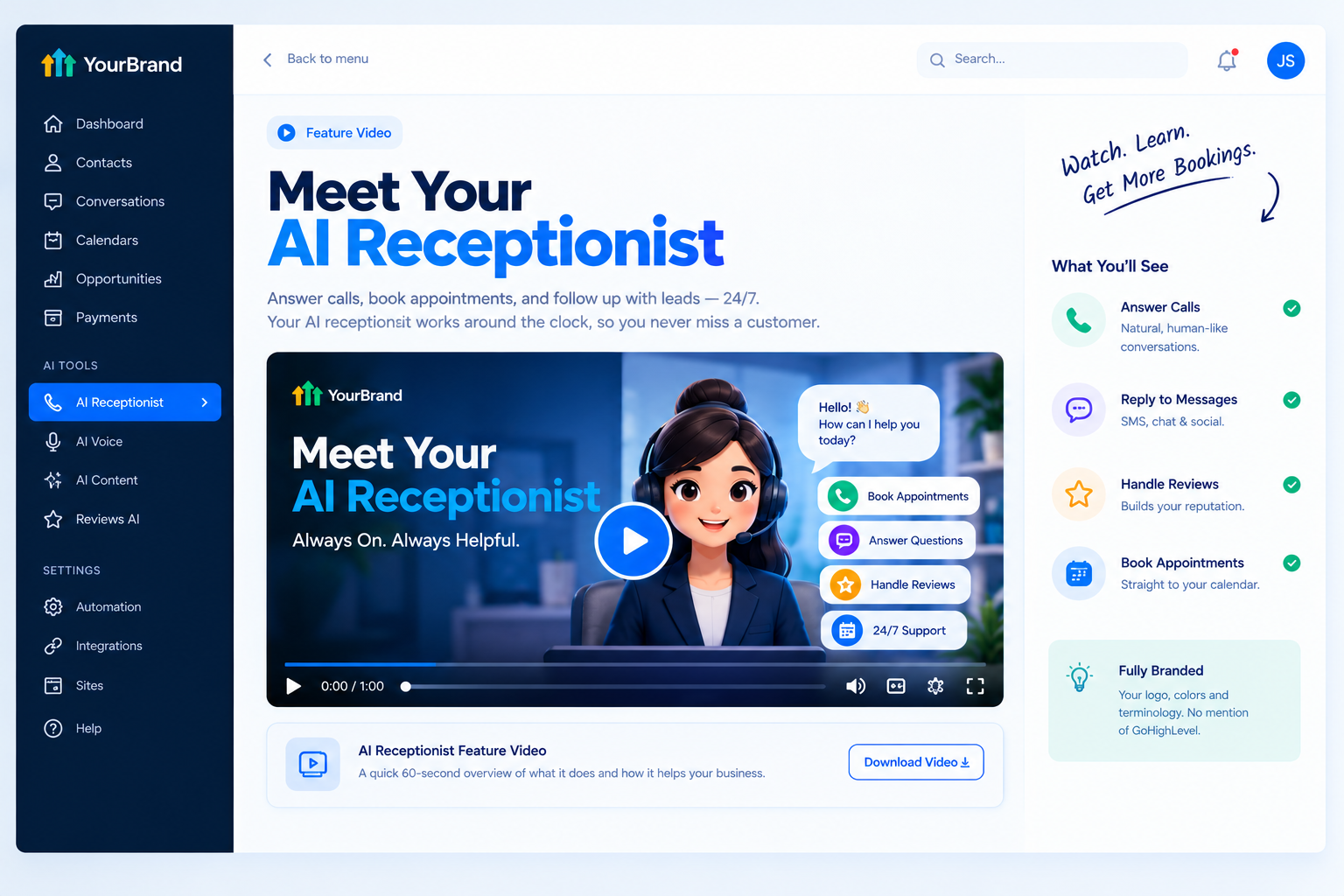
Our white-label GoHighLevel feature videos are built for exactly this. Each one focuses on a single tool, like your AI receptionist, and explains it in a 45 to 60 second animation that clients understand instantly.
- Crisp 60fps motion graphics matching your dashboard theme
- Your brand name and terminology throughout, with GoHighLevel never mentioned or shown
- Ready-to-embed files for custom menus, onboarding checklists, help centers, and social media
- Fast delivery in 3 to 5 business days
- Bundle options for building a full library of feature animations
| Where to Use It | What It Does |
|---|---|
| Sales pages and ads | Sells the AI receptionist as a premium upgrade |
| Sales calls and emails | Shows prospects the value in under a minute |
| Onboarding checklists | Helps clients set it up and switch it on |
| Inside your app | Answers “how does this work?” before a support ticket |
Tips for Selling the AI Receptionist
- Lead with lost revenue: Ask prospects how many calls they miss each week.
- Use niche examples: A dental booking call sells better than a generic demo.
- Position it as a premium tier: Make it the upgrade that pays for itself.
- Show it in action: Let prospects hear a sample call or watch a feature video.
- Share early wins: Booked appointments from after-hours calls make powerful proof.
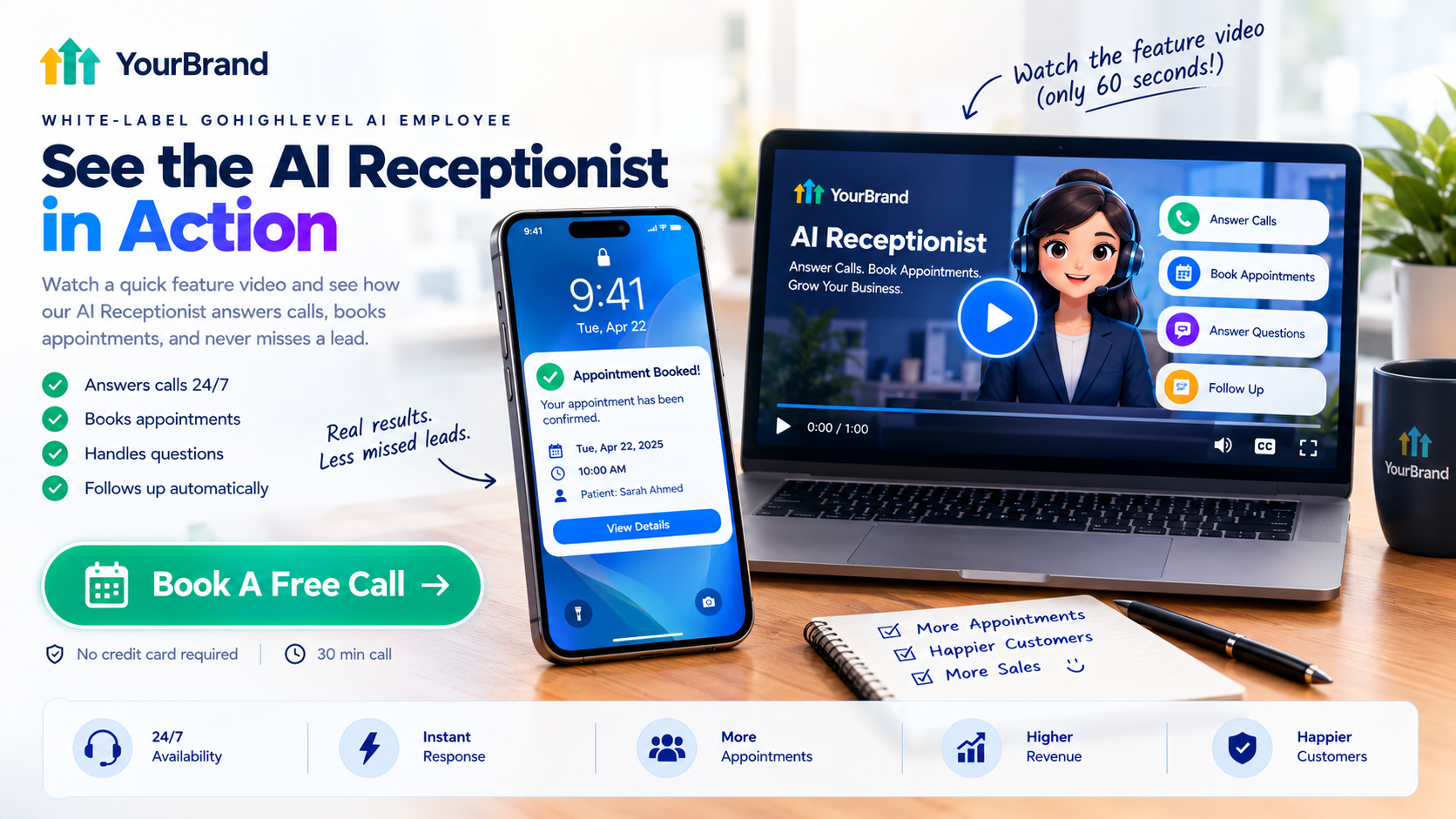
Ready to help clients see the value of their AI receptionist?
Book a call and let’s plan the right feature videos for your platform.
Frequently Asked Questions
What is a GoHighLevel AI receptionist?
It’s a Voice AI agent inside HighLevel that answers calls, answers questions, books appointments, and follows up with callers 24/7.
Can the AI receptionist book appointments?
Yes. It connects to the business calendar and books appointments in real time during the call.
Can it transfer calls to a real person?
Yes. You can set rules so complex, urgent, or sensitive calls go straight to the team.
Does it replace a human receptionist?
Not entirely. It works best alongside staff, handling routine calls and after-hours traffic.
How long does setup take?
A basic version can be live quickly, but a strong knowledge base and testing make the biggest difference in quality.
Can I sell the AI receptionist under my own brand?
Yes. Agencies using SaaS Mode can rebill it to clients as part of their white-label platform.
Will your feature videos mention GoHighLevel?
No. Every video uses your brand name, colors, and terminology. GoHighLevel is never shown.
Skip the Loom. Talk to us.
Tell us what you're building. We'll tell you exactly which video it needs.
or write to hello@ghlexplainer.com