GoHighLevel AI Employee:
Complete Guide for Agencies
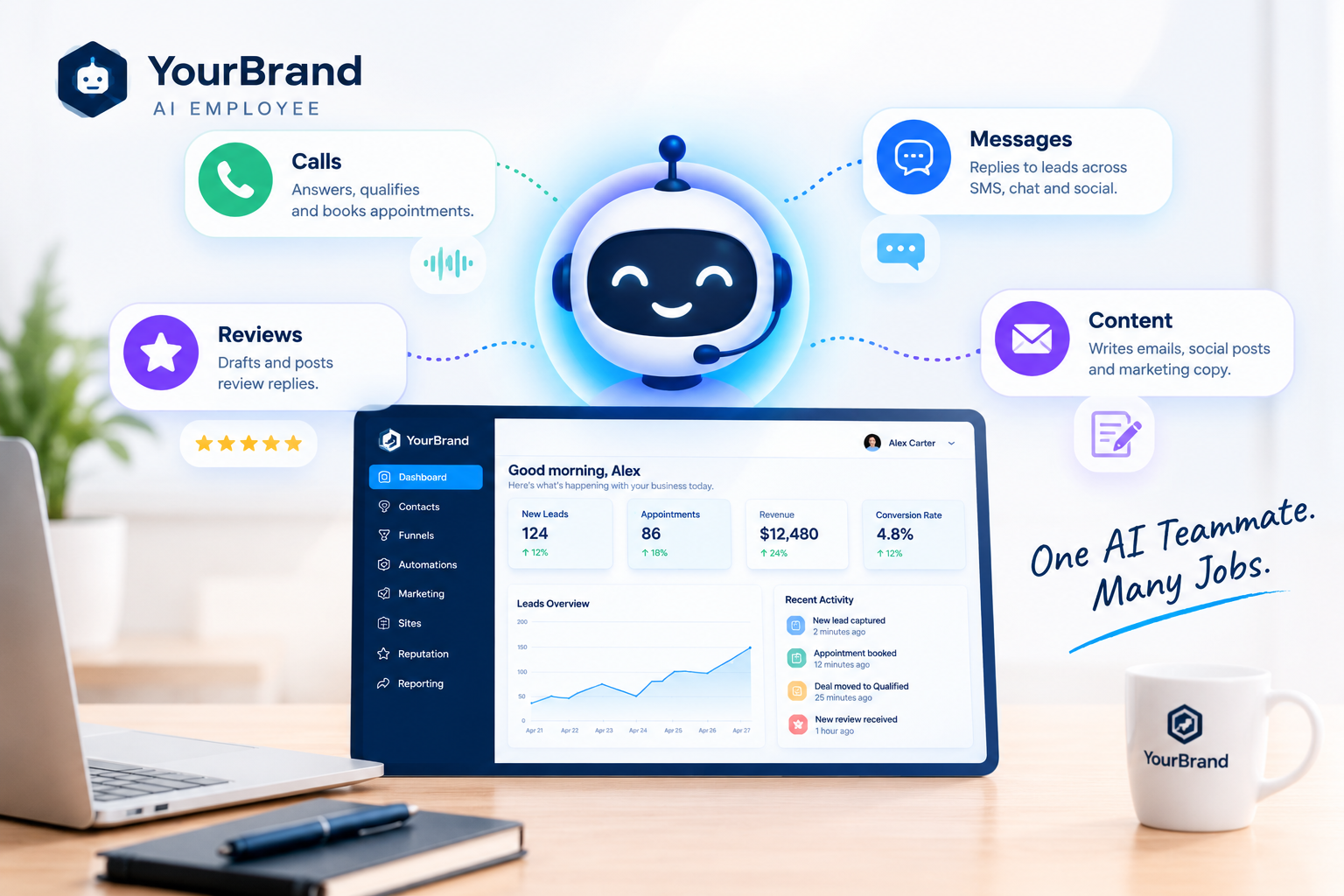
Imagine a team member who answers every call, replies to every message, responds to every review, and never takes a day off. That’s the promise behind the GoHighLevel AI Employee, and it’s quickly becoming one of the most talked-about features for agencies and SaaS owners.
But here’s the catch. A powerful AI tool only creates value if your clients understand it, switch it on, and actually use it. In this guide, we’ll cover what the AI Employee is, what it includes, how pricing works, how to sell it, and how to make sure your clients get real results from it.
What Is the GoHighLevel AI Employee?
The AI Employee isn’t one single tool. It’s an add-on bundle inside the HighLevel platform that brings AI into the tools agencies already sell, covering chat and SMS, phone calls, review replies, and content creation.
Think of it as a digital front desk, follow-up assistant, and content helper rolled into one. It works inside the same CRM your clients already use, so leads, conversations, and appointments all stay in one place.
What’s Included in the AI Employee?
Here are the core tools most agencies focus on:
| AI Tool | What It Does | Real-World Example |
|---|---|---|
| Voice AI | Answers inbound calls, qualifies leads, and books appointments | A dental clinic never misses an after-hours call |
| Conversation AI | Replies to leads across SMS, web chat, and social messages | A roofer’s website chat books inspections at midnight |
| Reviews AI | Drafts and posts replies to online reviews | A med spa responds to every Google review in minutes |
| Content AI | Writes emails, social posts, and marketing copy | A coach drafts a week of posts in one sitting |
Depending on the account, you may also see extra AI assistants for building funnels, workflows, and custom AI agents. Features evolve often, so check your platform for the latest set.
How the AI Employee Works in Real Life
Here’s a simple example of the AI Employee in action for a local business:
A potential customer calls after hours.
Voice AI answers, asks a few qualifying questions, and books an appointment.
Conversation AI sends a confirmation text and answers follow-up questions.
After the visit, a review request goes out automatically.
Reviews AI drafts a thoughtful reply when the review comes in.
No missed calls, no slow replies, and no extra staff. That’s the story your clients want to hear.
Benefits for Business Owners
- Never miss a lead: Calls and messages get answered 24/7.
- Faster response times: Leads hear back in seconds, not hours.
- Lower staffing costs: AI handles repetitive front-desk tasks.
- Stronger online reputation: Every review gets a reply.
- More time to focus: Owners spend less time on admin and more on the business.
Why It Matters for Agencies and SaaS Owners
For agencies running a white-label SaaS, the AI Employee is more than a feature. It’s a selling point and a revenue opportunity.
It sets your platform apart
“24/7 AI receptionist” is far easier to sell than “CRM with automations.”
It increases account value
Agencies on SaaS Mode can rebill the AI Employee per sub-account at a price they set.
It improves retention
Clients who rely on AI to answer calls and book appointments are far less likely to cancel.
How Much Does the GoHighLevel AI Employee Cost?
Pricing works per enabled sub-account, with three options: pay-per-use with no monthly fee, AI Employee Growth at $50 per month, and AI Employee Unlimited at $97 per month. Pay-per-use suits light usage. If a client’s AI handles real call and message volume, a flat plan usually makes more sense.
Pricing changes often, so always confirm current rates on HighLevel’s official pricing page before quoting clients.
How to Get Started
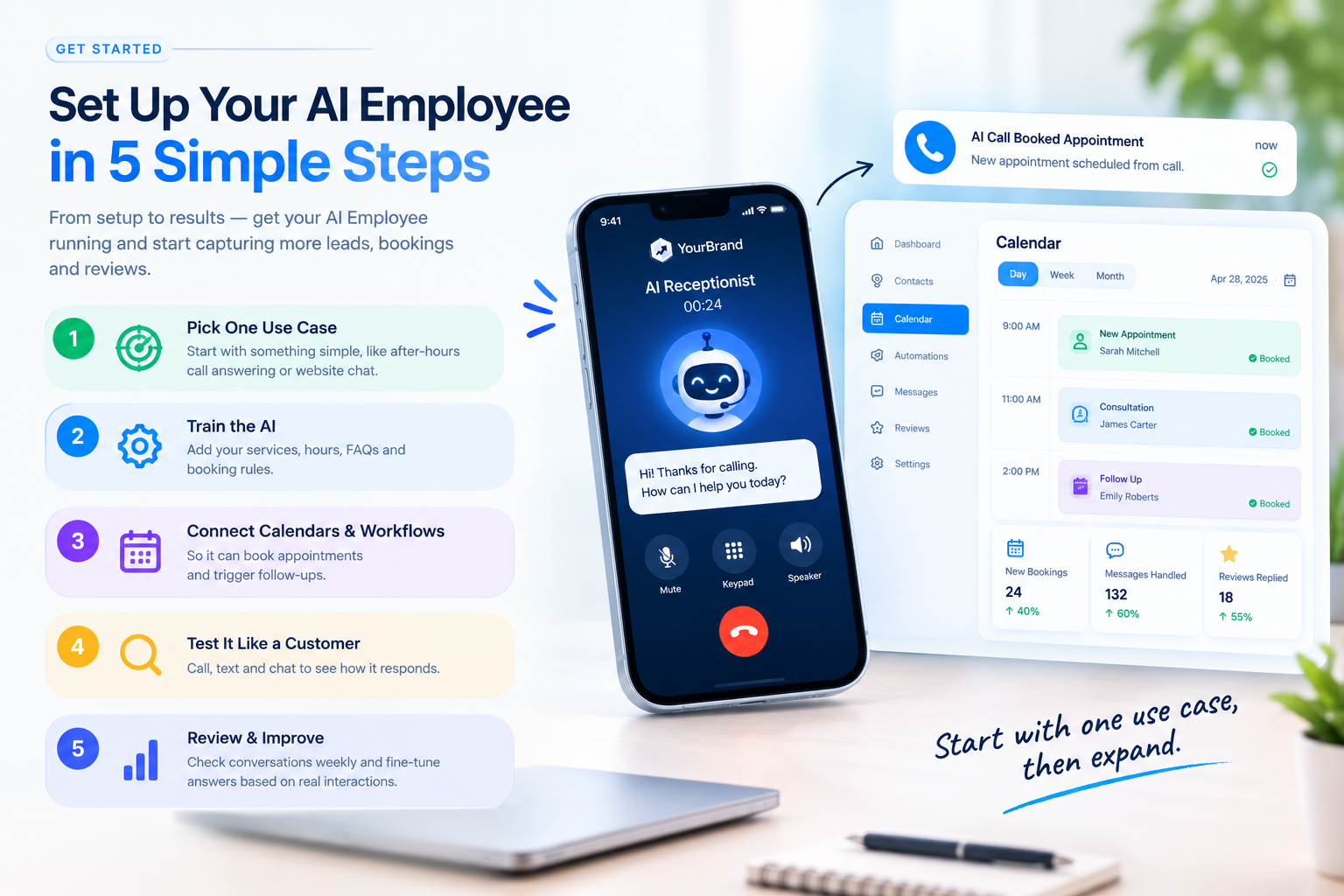
1. Pick one use case first
After-hours call answering or website chat is usually the easiest win.
2. Train the AI on the business
Add services, hours, FAQs, and booking rules.
3. Connect it to calendars and workflows
So it can book appointments and trigger follow-ups.
4. Test it like a customer
Call, text, and chat to see how it responds.
5. Review conversations weekly
Fine-tune answers based on real interactions.
The Biggest Challenge: Getting Clients to Use It
Here’s where many agencies struggle. You sell the AI Employee, the client signs up, and then... nothing. They never finish setup, they don’t understand what each tool does, or they assume it’s too complicated.
Unused features lead to “I’m not getting value,” and that leads to cancellations.
The fix is simple: show, don’t tell. A long help article or a 45-minute training call won’t do it. A short, clear video showing exactly how Voice AI books an appointment or how Reviews AI replies to a review will.
How Feature Videos Make the AI Employee Easy to Understand
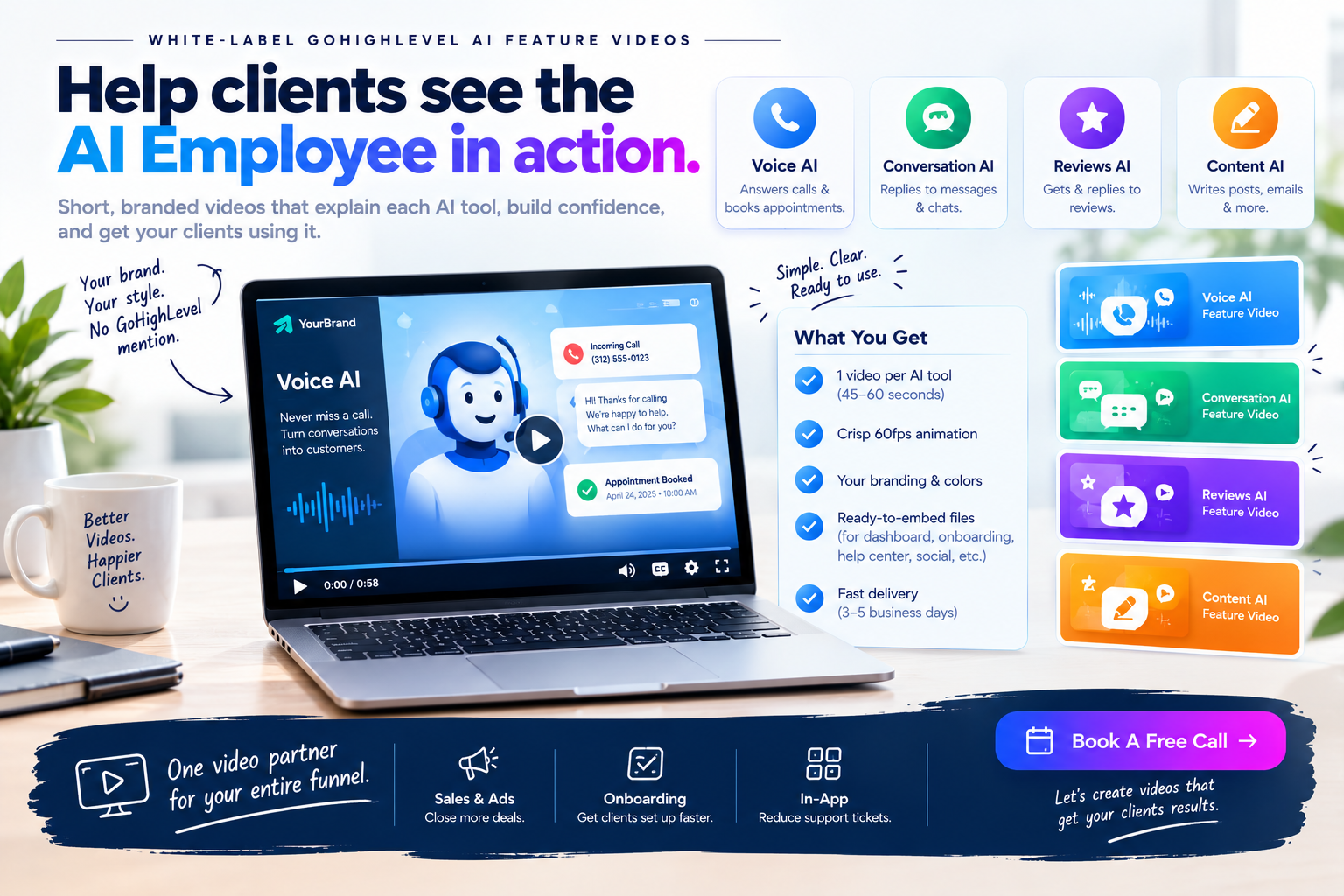
This is exactly what our white-label GoHighLevel feature videos are built for. Each video focuses on one tool, like Voice AI or Conversation AI, and explains it in a quick 45 to 60 second animation.
Here’s what you get:
- Crisp 60fps motion graphics matching your dashboard theme
- Your branding throughout, with GoHighLevel never mentioned or shown
- Ready-to-embed files for custom menus, onboarding checklists, help centers, and social posts
- Fast delivery in 3 to 5 business days
- Bundle options if you want a full library of feature animations
Use them in three places:
| Where to Use It | Goal |
|---|---|
| Sales pages and ads | Sell the AI Employee as a premium upgrade |
| Onboarding checklists | Help new clients set it up and activate faster |
| Inside your app | Answer “how does this work?” before a support ticket |
Tips for Selling the AI Employee
- Lead with outcomes like “never miss a call,” not technical features
- Offer it as a premium tier or upgrade
- Show a live example in your niche, such as a dental or roofing call
- Share early wins from existing clients
- Pair every sale with a clear onboarding video
Want your clients to actually use the AI Employee you sell?
Book a call and let’s plan the right feature videos for your platform.
Frequently Asked Questions
What is the GoHighLevel AI Employee?
It’s a bundle of AI tools inside HighLevel that handles calls, messages, reviews, and content for a business.
Can I resell the AI Employee under my own brand?
Yes. Agencies on SaaS Mode can rebill it to clients at their own price.
Is the AI Employee worth it for small businesses?
For businesses that miss calls or respond slowly to leads, it often pays for itself quickly.
How do I get clients to use AI Employee features?
Show them how each tool works with short feature videos inside their onboarding and dashboard.
Will your feature videos mention GoHighLevel?
No. Every video uses your brand name, colors, and terminology. GoHighLevel never appears.
Skip the Loom. Talk to us.
Tell us what you're building. We'll tell you exactly which video it needs.
or write to hello@ghlexplainer.com