AI Software Explainer Video Examples
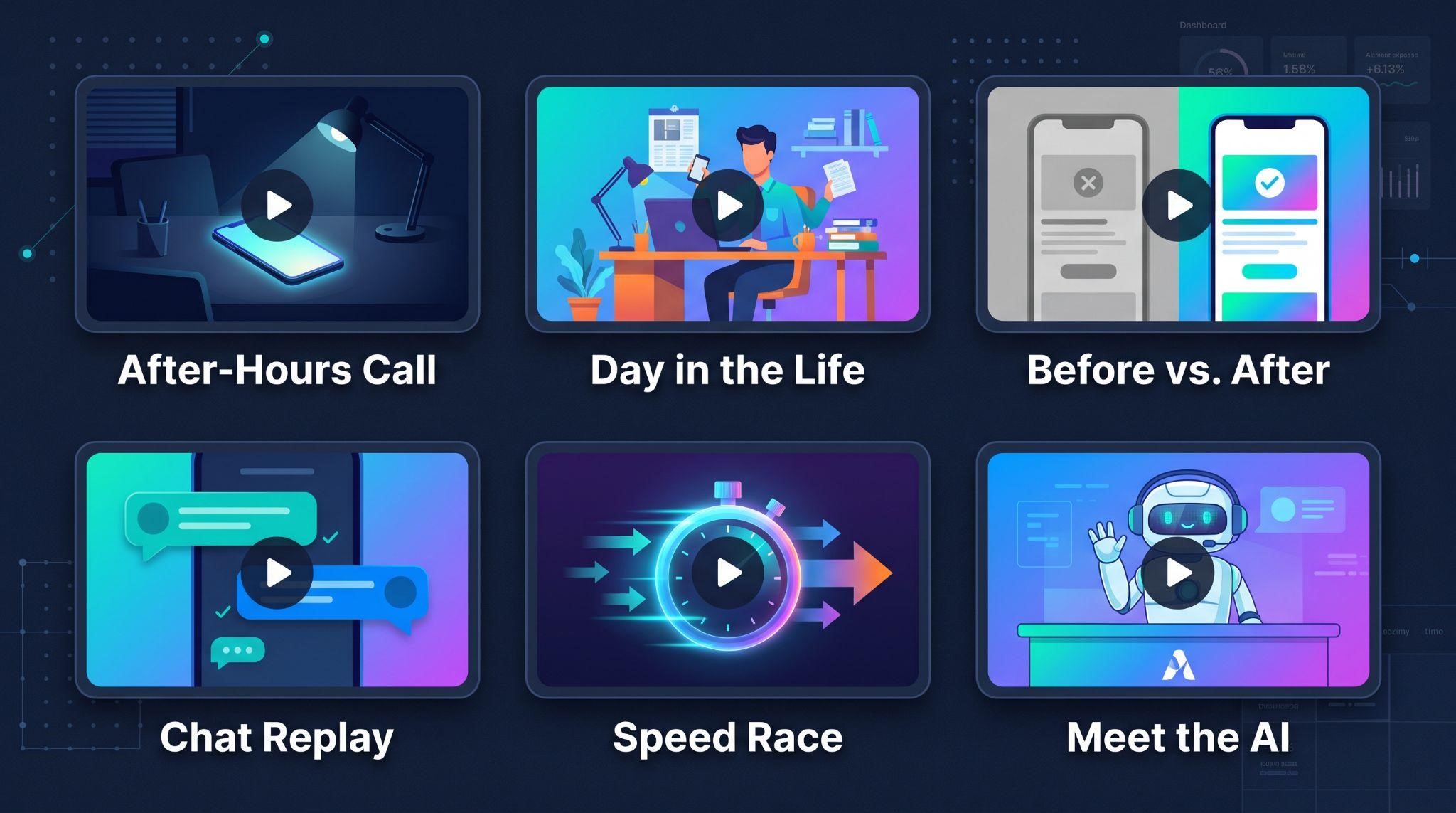
Sometimes the fastest way to figure out what your own video should look like is to see what works for others.
That’s especially true for AI products. Explaining something invisible, like a bot that answers messages or a voice agent that books appointments, is tricky. A good example can instantly spark ideas: “Oh, we could show it like that.”
In this guide, we’ll walk through real AI software explainer video examples from our own work, plus 10 proven example concepts you can adapt for your own platform. For each one, you’ll see the hook, how it’s shown on screen, why it works, and what kind of product it suits best.
By the end, you’ll know exactly which style fits your AI software, and how to turn it into a video that makes buyers say, “I get it. I want that.”
What Makes a Great AI Software Explainer Video?
Before looking at examples, here’s a quick scorecard. The best AI explainers usually check most of these boxes:
| Quality | What It Looks Like |
|---|---|
| Problem first | Opens with a moment viewers instantly recognize |
| One clear story | Follows one scenario or character, not a feature list |
| AI made visible | Shows conversations, actions, and results on screen |
| Plain language | No jargon like “LLM” or “neural network” |
| Trust built in | Shows the business staying in control |
| Outcome focused | Ends on a real result, like more bookings or saved time |
| Short | Usually 60 to 90 seconds |
| One CTA | Tells viewers exactly what to do next |
Keep this scorecard in mind as you go through the examples below.
Real Examples From GHL Explainer
Let’s start with real explainer videos we’ve produced for software brands. While these products focus on automation, the storytelling techniques apply directly to AI software, since both need to make invisible work feel obvious.
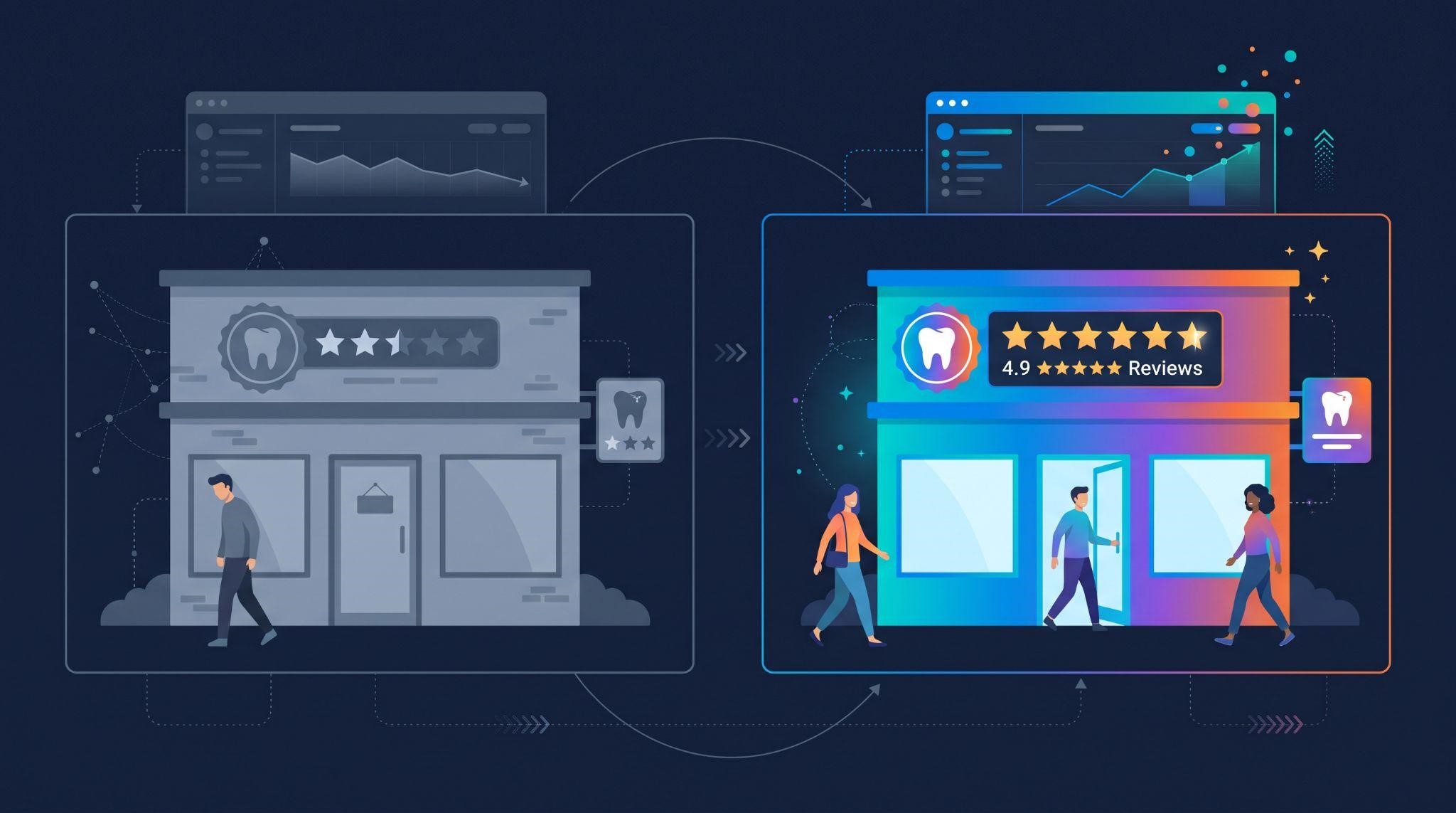
Example 1: Starvolt (Review Automation for Dental Practices)
The product: Starvolt is a review-automation platform that helps dental practices turn satisfied patients into five-star reviews automatically.
The challenge: Most practices don’t even realize they have a problem. Happy patients simply forget to leave reviews.
How the video tells the story:
Style: Motion graphics, voiceover, and sound design
Why it works for AI software: It proves that the strongest explainers start by making an invisible problem visible, which is exactly what AI products need to do.
According to the case study, Starvolt saw 40% more reviews collected. Read the full Starvolt case study.
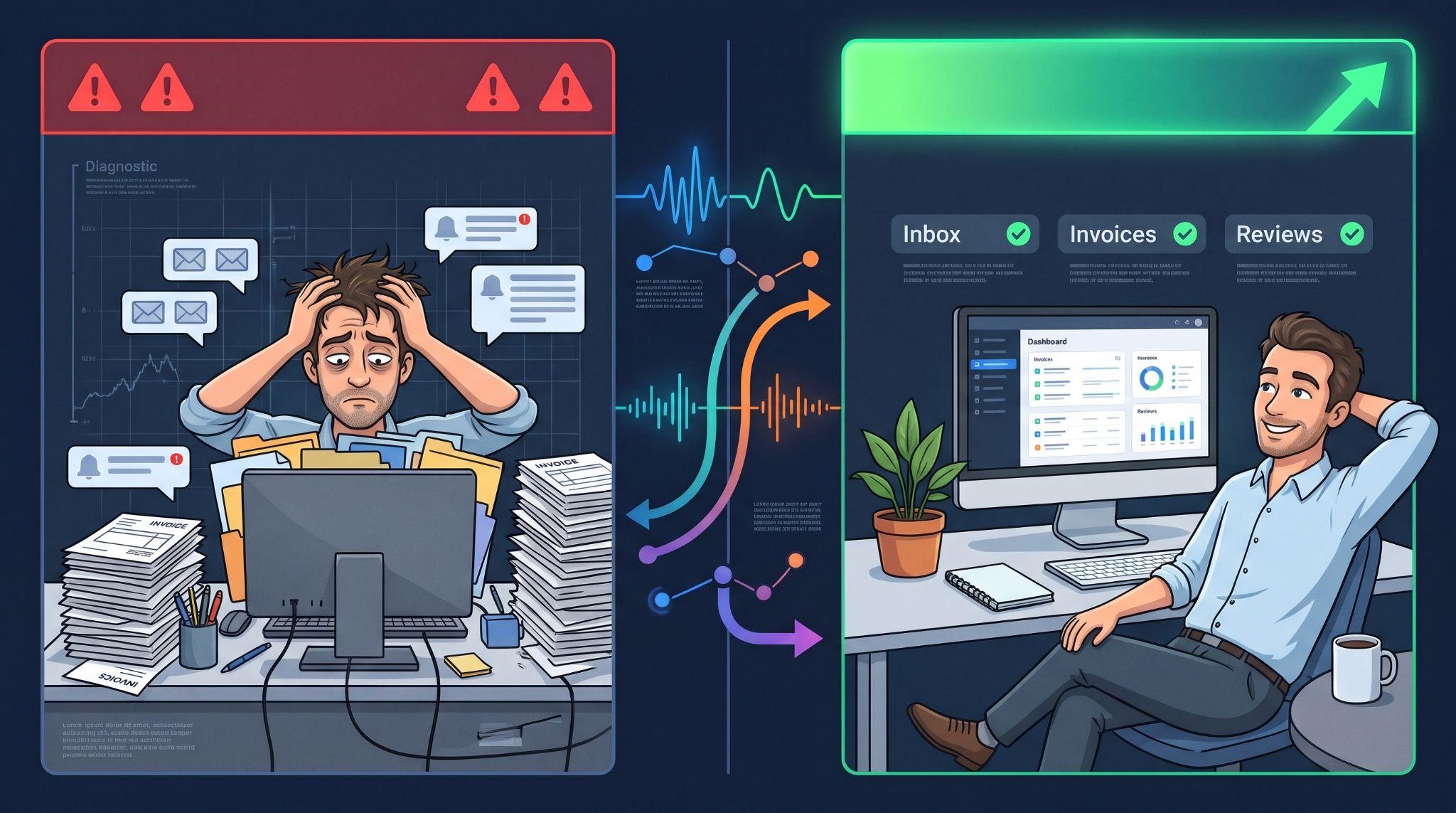
Example 2: Prozex Pilot (All-in-One Business Platform)
The product: Prozex Pilot is an all-in-one platform that unifies customer messaging, automates follow-ups, and simplifies invoicing for small business owners.
The challenge: A feature-heavy platform can easily feel overwhelming.
How the video tells the story:
Style: Character animation, voiceover, and sound design
Why it works for AI software: Following one character through one ordinary day is one of the best ways to make complex, multi-feature AI platforms feel simple.
According to the case study, Prozex Pilot users saved 35% of their time on admin. Read the full Prozex Pilot case study.
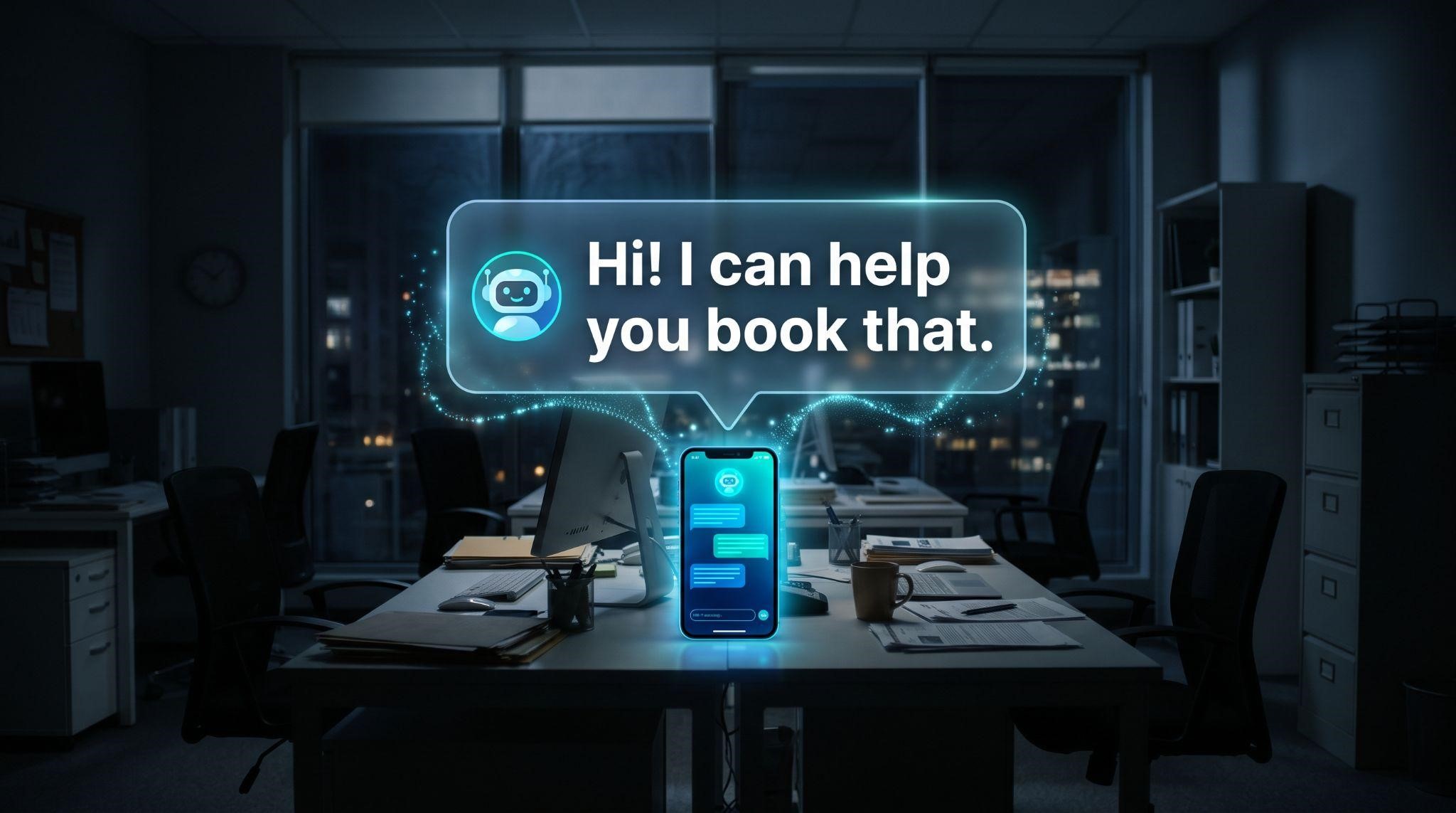
Example 3: The AI Employee Explainer
The concept: One of our ready-made white-label explainer videos introduces clients to their new 24/7 AI teammate.
How it tells the story:
Why it works: Personifying AI as a helpful team member makes it instantly understandable and far less intimidating.
Best for: GHL SaaS platforms selling AI Employee features like AI receptionists and conversational AI.
10 AI Software Explainer Video Concepts You Can Use
Now let’s look at 10 proven example concepts you can adapt for your own AI product. Each includes a sample hook, how to show it, and why it works.
Concept 1: The After-Hours Call
Sample hook: “It’s 8 PM. Your office is closed. And your phone is ringing.”
How to show it: A dark office, a ringing phone, then the AI answering, chatting naturally, and booking an appointment that appears on the calendar.
Why it works: Every business owner has missed an after-hours call. The pain is instant and universal.
Best for: AI receptionists and Voice AI tools.
Concept 2: A Day in the Life With AI
Sample hook: “Meet Sarah. She runs a busy med spa, and her day never slows down.”
How to show it: Follow one character through a full day as the AI quietly handles DMs, calls, reviews, and follow-ups in the background.
Why it works: Viewers see their own day reflected, and multiple AI features feel connected rather than overwhelming.
Best for: All-in-one AI platforms and AI Employee bundles.
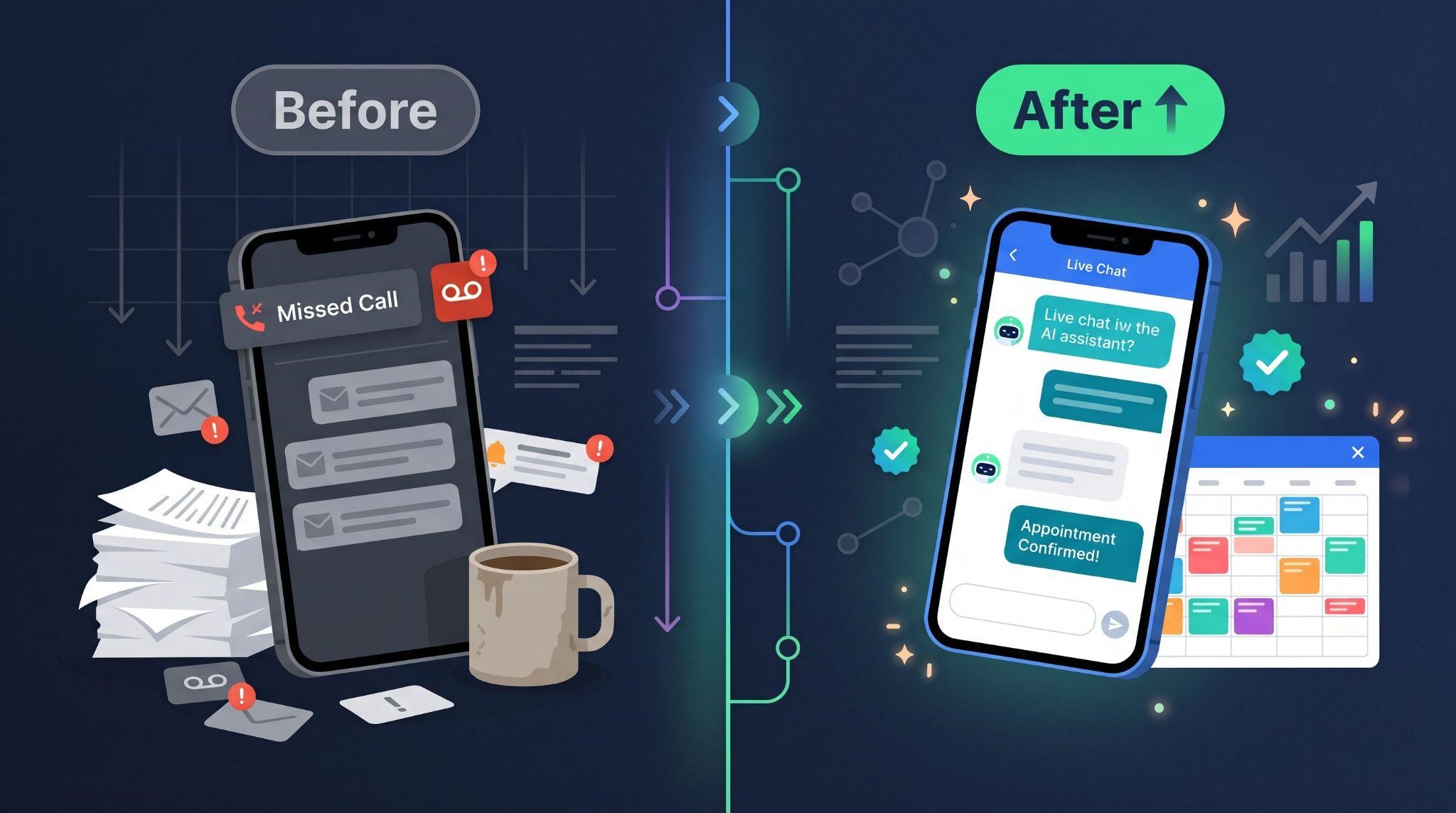
Concept 3: Before vs. After
Sample hook: “Here’s what happens to your leads today. And here’s what happens with [Your Brand].”
How to show it: A split screen. On the left, missed calls, unread DMs, and lost leads in grey tones. On the right, instant AI replies and booked appointments in brand colors.
Why it works: The value is obvious in a single glance.
Best for: Any AI product that replaces a manual process.
Concept 4: The Competitor Down the Street
Sample hook: “While you’re busy with customers, the business down the street is replying to your leads.”
How to show it: Two businesses side by side. One misses messages, while the other replies instantly with AI and wins the customer.
Why it works: Like the Starvolt example, contrast makes the cost of inaction feel urgent and personal.
Best for: Speed-to-lead AI tools and conversational AI.
Concept 5: Meet Your AI Teammate
Sample hook: “Say hello to the newest member of your team. They work 24/7 and never take a day off.”
How to show it: A friendly AI character with a name tag joins the team, then handles tasks alongside human staff.
Why it works: Turning AI into a character makes it approachable and easy to remember.
Best for: AI Employee products and AI assistants.
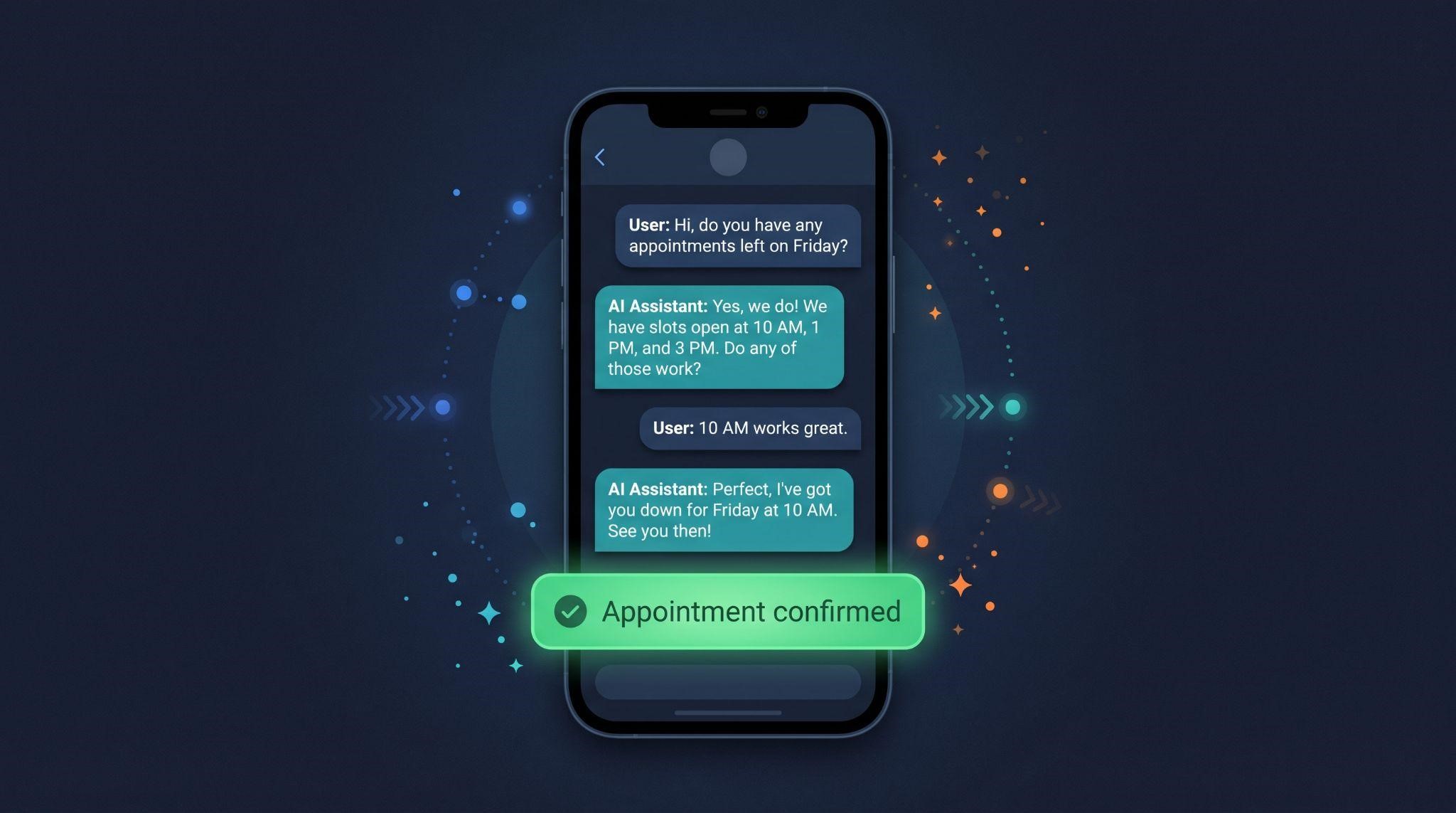
Concept 6: The Chat Replay
Sample hook: “Watch what happens when a new lead sends a message at midnight.”
How to show it: A phone screen where the conversation plays out message by message, ending with a confirmed booking.
Why it works: Viewers see exactly how natural the AI sounds, which tackles the “robotic” fear head-on.
Best for: Conversational AI, chatbots, and SMS assistants.
Concept 7: The Speed Race
Sample hook: “How fast do you reply to new leads? Let’s find out.”
How to show it: A stopwatch race between a manual reply (hours later) and an AI reply (seconds), with the AI winning the customer.
Why it works: Speed is easy to visualize, and fast responses are something every business wants.
Best for: Conversational AI and lead follow-up tools.
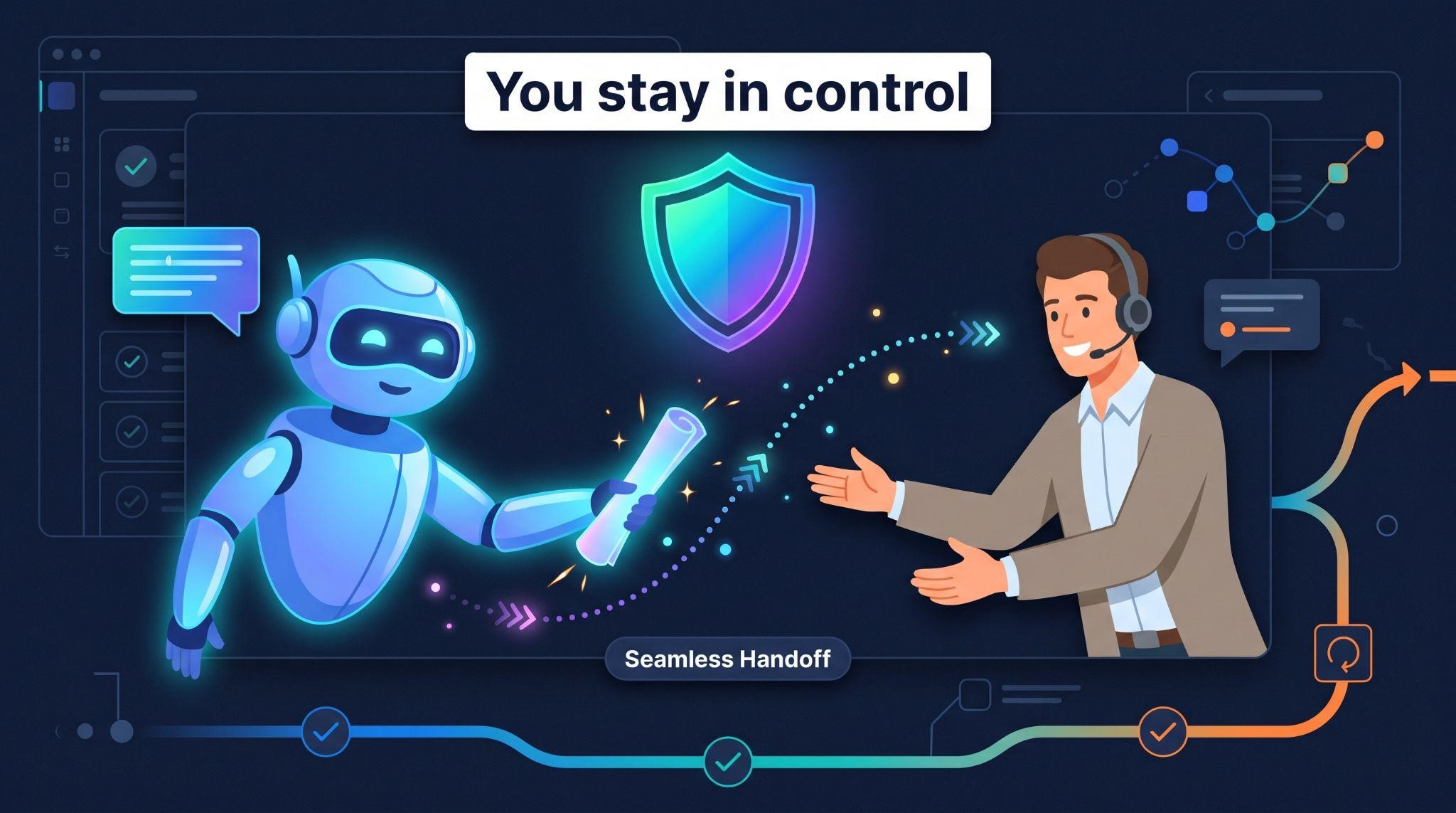
Concept 8: The Safety Net
Sample hook: “Worried AI might say the wrong thing to your customers? Here’s how it stays safe.”
How to show it: The AI answers a simple question, then smoothly hands a sensitive conversation to a human team member. The owner reviews conversations in the dashboard.
Why it works: It addresses the biggest AI fear directly, building trust that other explainers skip.
Best for: AI products selling to cautious or regulated industries like healthcare and legal.
Concept 9: The Numbers Story
Sample hook: “Last month, 47 calls went unanswered. Here’s what changed.”
How to show it: Simple animated stats showing what the AI handled: calls answered, messages replied to, and appointments booked.
Why it works: Data makes results concrete. Like Starvolt’s data-driven payoff, numbers turn promises into proof.
Best for: AI products with clear, measurable outcomes.
Tip: Only use real numbers you can stand behind. Made-up stats damage trust.
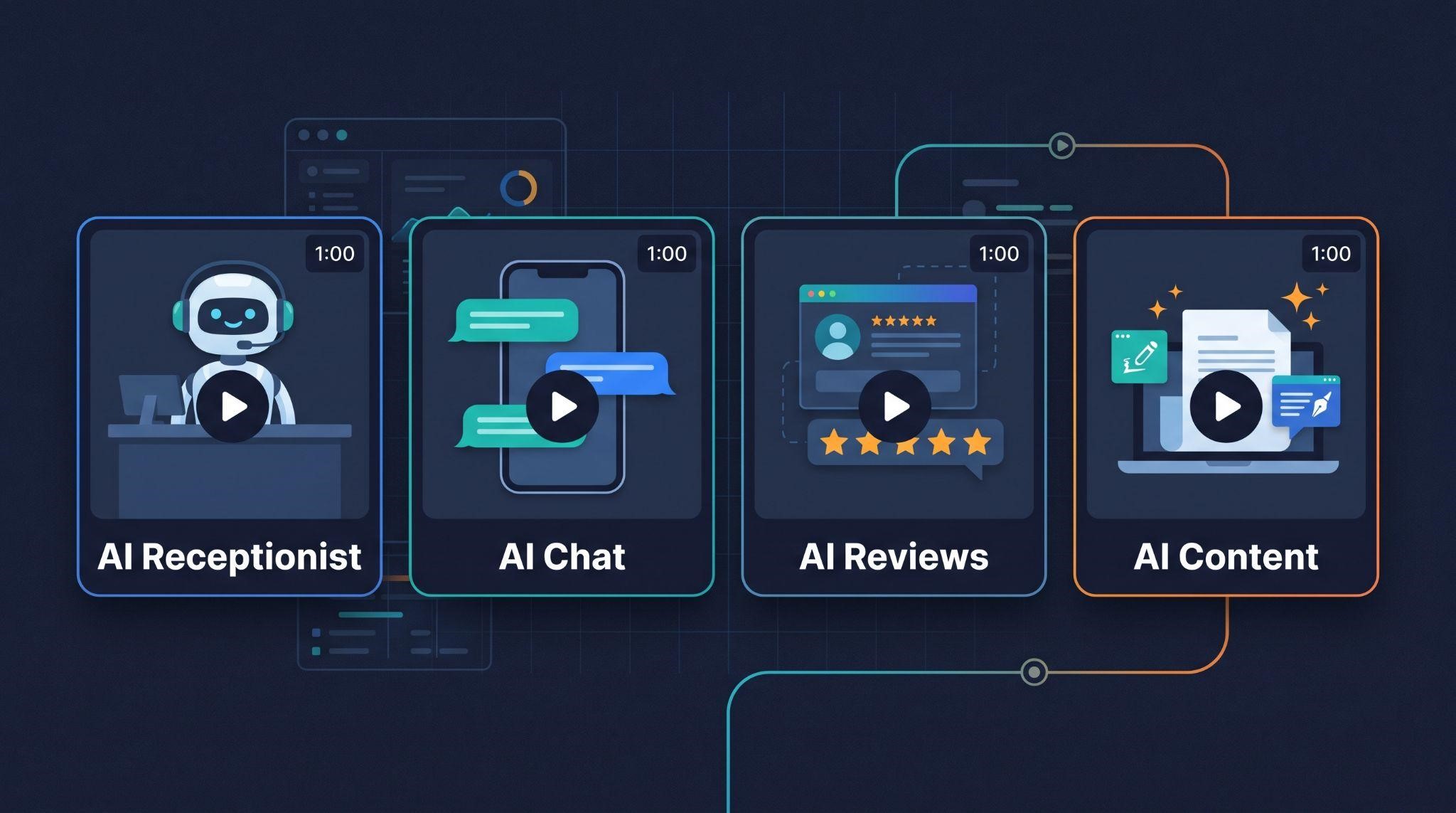
Concept 10: The Feature Spotlight Series
Sample hook: “One tool. One minute. Here’s how [AI feature] works.”
How to show it: A series of short videos, each focusing on a single AI tool, like the AI receptionist, chat AI, or review replies.
Why it works: Short, focused videos are easier to understand and perfect for onboarding, feature pages, and social media.
Best for: AI platforms with several distinct features. See our feature videos.
Quick Comparison: Which Example Fits Your Product?
| Concept | Main Emotion | Best Style | Best Funnel Stage |
|---|---|---|---|
| After-Hours Call | Relief | Motion graphics or character | Awareness |
| Day in the Life | Recognition | Character animation | Awareness |
| Before vs. After | Clarity | Split-screen motion graphics | Awareness and consideration |
| Competitor Down the Street | Urgency | Character or motion graphics | Awareness |
| Meet Your AI Teammate | Friendliness | Character animation | Awareness |
| Chat Replay | Trust | UI and phone animation | Consideration |
| Speed Race | Excitement | Motion graphics | Awareness |
| Safety Net | Reassurance | UI plus character | Consideration and decision |
| Numbers Story | Confidence | Data visualization | Decision |
| Feature Spotlight Series | Understanding | UI motion graphics | Onboarding and upsell |
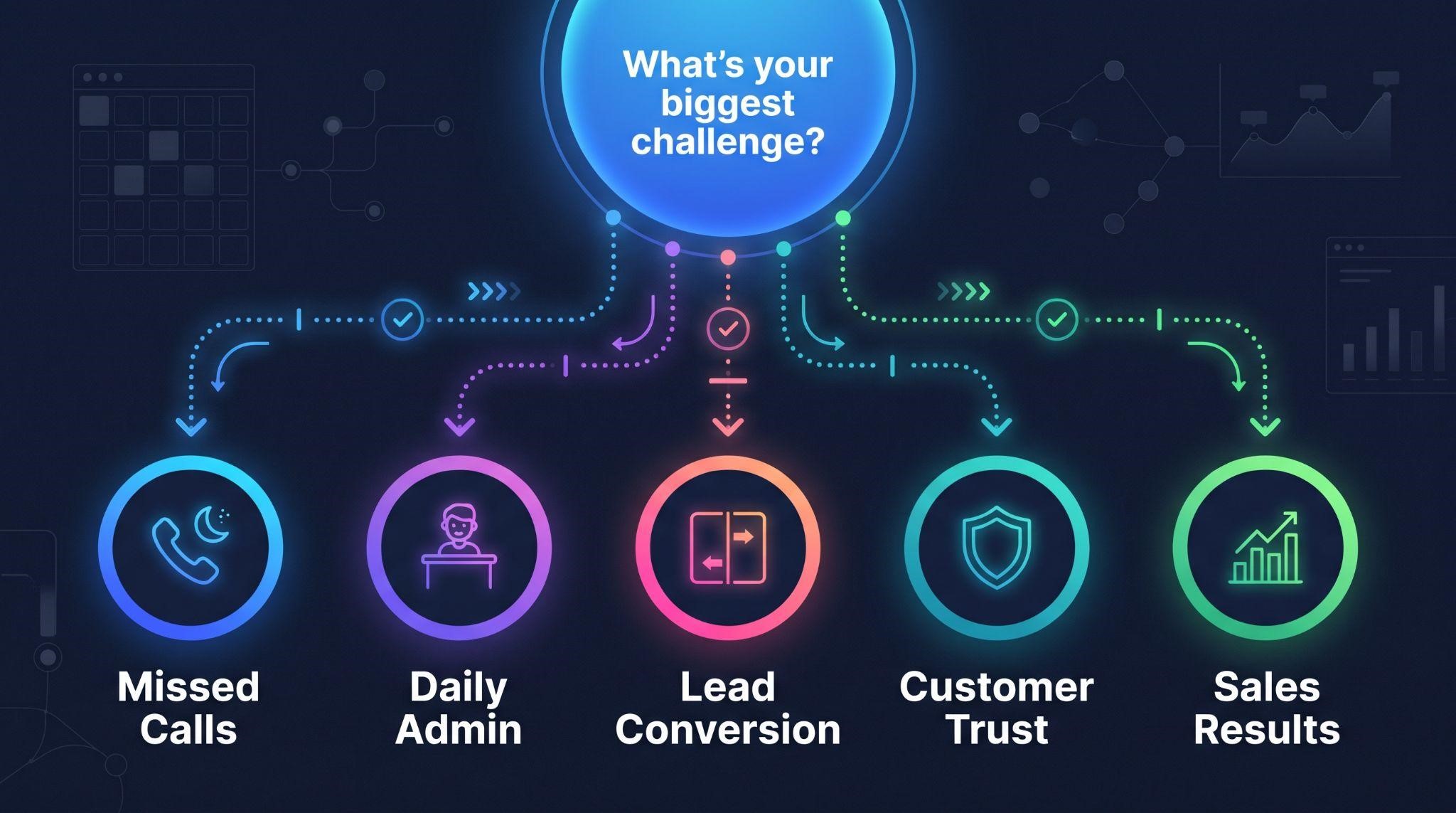
How to Choose the Right Concept
| If your biggest challenge is... | Start with this concept |
|---|---|
| Buyers don’t see the problem | Competitor Down the Street or Before vs. After |
| Buyers don’t understand what the AI does | Chat Replay or Meet Your AI Teammate |
| Buyers don’t trust AI | Safety Net |
| Your platform has many AI features | Day in the Life or Feature Spotlight Series |
| Your product solves missed calls | After-Hours Call |
| You need to prove results | Numbers Story |
You can also combine concepts. For example, a “Day in the Life” video can include a quick “Safety Net” moment, or a “Before vs. After” opening can lead into a “Chat Replay.”
What All Great Examples Have in Common
Looking across every example, the same patterns show up again and again:
Common Mistakes When Copying Examples
How to Turn an Example Into Your Own Video
Pick your concept based on your biggest sales challenge
Write your one-line message: “We help [who] [get what] without [pain].”
Draft a 60 to 90 second script using your chosen concept’s hook
Storyboard each scene with one clear action per scene
Produce it with on-brand visuals, voiceover, and sound
Want step-by-step guidance? Read our guides on how to explain an AI SaaS product with video and how to create a GHL explainer video.
Let GHL Explainer Create Your AI Software Explainer
At GHL Explainer, we create premium white-label videos built specifically for GoHighLevel SaaS businesses, including AI-powered platforms.
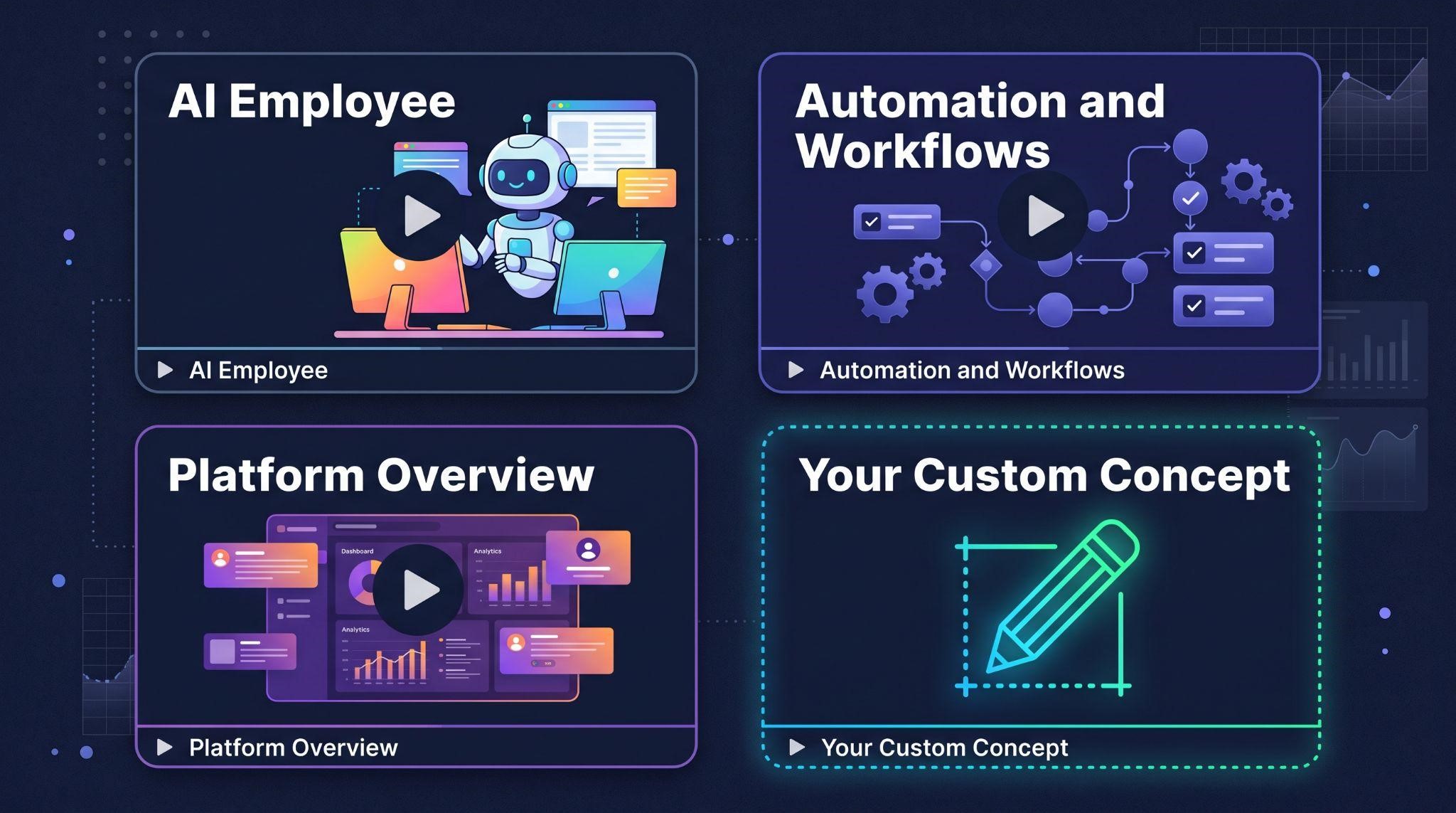
Our explainer videos turn your platform’s core value into a clear, compelling 60 to 90 second story. You can choose from ready-made structures:
Or get a fully custom explainer built around any of the concepts in this guide.
Here’s what’s included:
Need more than one video? Our Video Stacks bundle explainer, demo, feature, onboarding, and marketing videos at a lower cost than ordering each separately.
Quick Recap
Not sure which concept fits your AI product?
Book A Free Call and we’ll help you choose the right story for your explainer.
Frequently Asked Questions
What is an AI software explainer video?
It’s a short video, usually 60 to 90 seconds, that explains what an AI-powered product does and why it matters, using simple, visual storytelling.
What makes a good AI explainer video example?
It starts with a relatable problem, follows one clear story, shows the AI working, builds trust, and ends on a real outcome.
Which explainer style works best for AI software?
Character-led stories, before-and-after splits, and chat replays work especially well because they make invisible AI work visible.
How do I build trust in an AI explainer?
Include a moment showing human handover or owner control, and use natural, friendly AI conversations on screen.
Can I combine multiple concepts in one video?
Yes, but keep one main concept and add only one supporting moment so the story stays clear.
Should I include statistics in my explainer?
Only if they’re real and provable. Accurate data builds confidence, while made-up stats hurt credibility.
How long does a professional AI explainer take?
At GHL Explainer, most explainer videos are delivered in 5 to 7 days after you submit your branding.
Will GoHighLevel appear in my explainer?
No. Every GHL Explainer video is 100% white-labeled to your brand.
Skip the Loom. Talk to us.
Tell us what you're building. We'll tell you exactly which video it needs.
or write to hello@ghlexplainer.com