How to Explain an AI SaaS Product
With Video
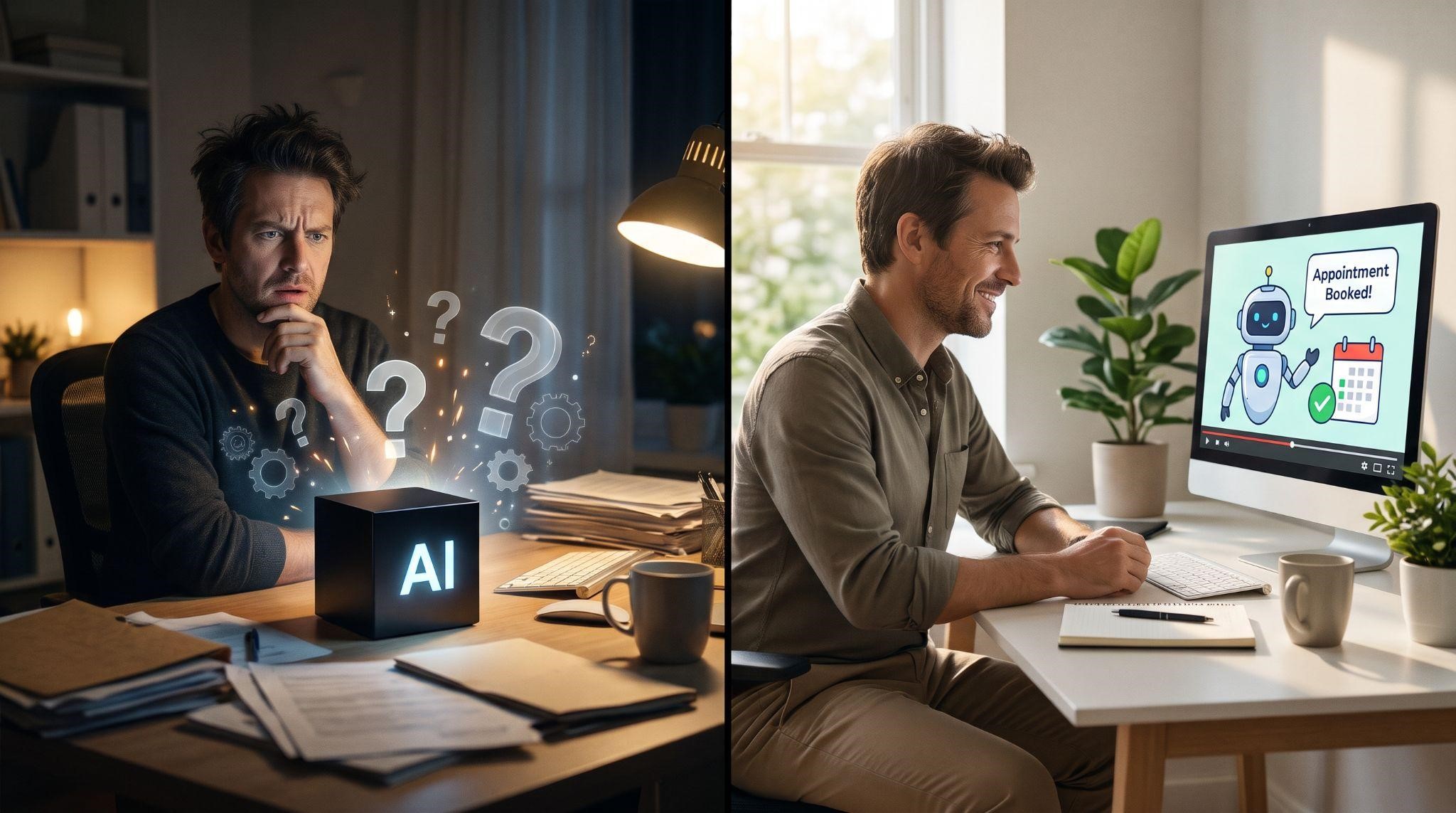
Explaining software is hard. Explaining AI software is harder.
With a normal tool, you can point at a button and say, "Click here, and this happens." But AI works behind the scenes. It reads, understands, decides, and replies, often in ways people can't see. So when you tell a business owner, "Our AI answers your leads 24/7," they're left wondering:
"What does that actually look like? Will it sound like a robot? What if it says something wrong?"
That's why so many AI SaaS products struggle to convert. The tech is impressive, but buyers can't picture it, and they don't fully trust it yet.
An AI SaaS explainer video solves both problems. It makes the invisible visible, turns abstract AI into a relatable story, and builds the trust buyers need before they sign up.
In this guide, you'll learn how to explain an AI SaaS product with video: the unique challenges of AI messaging, a proven script framework, visual techniques that make AI easy to understand, the words to use (and avoid), and how to build trust on screen.
Why AI Products Are So Hard to Explain
Before creating your video, it helps to understand what you're up against. AI SaaS products face challenges that regular software doesn't:
| Challenge | What Buyers Think | What Your Video Must Do |
|---|---|---|
| AI is invisible | "I can't picture what it actually does." | Show the AI working in real scenarios |
| Hype fatigue | "Everyone says they have AI now." | Focus on specific, practical outcomes |
| Fear of mistakes | "What if it says something wrong to my customers?" | Show guardrails and human handover |
| Fear of sounding robotic | "My customers will hate talking to a bot." | Show natural, friendly conversations |
| Technical jargon | "LLMs? Tokens? I don't get it." | Use plain, everyday language |
| Job replacement worries | "Will this replace my team?" | Position AI as a helper, not a replacement |
Every great AI SaaS explainer video addresses most, if not all, of these concerns in under 90 seconds.
What Is an AI SaaS Explainer Video?
An AI SaaS explainer video is a short video, usually 60 to 90 seconds, that explains what an AI-powered software product does, how it helps, and why it can be trusted, in simple, visual terms.
For GoHighLevel agencies and SaaS owners, this often means explaining features like:
- AI receptionists that answer calls and book appointments
- Conversational AI that replies to leads on SMS, chat, and social media
- AI review replies that keep online reputation strong
- AI content tools that write posts and emails
- AI-powered automation that follows up with leads automatically
The "See It, Trust It, Want It" Framework
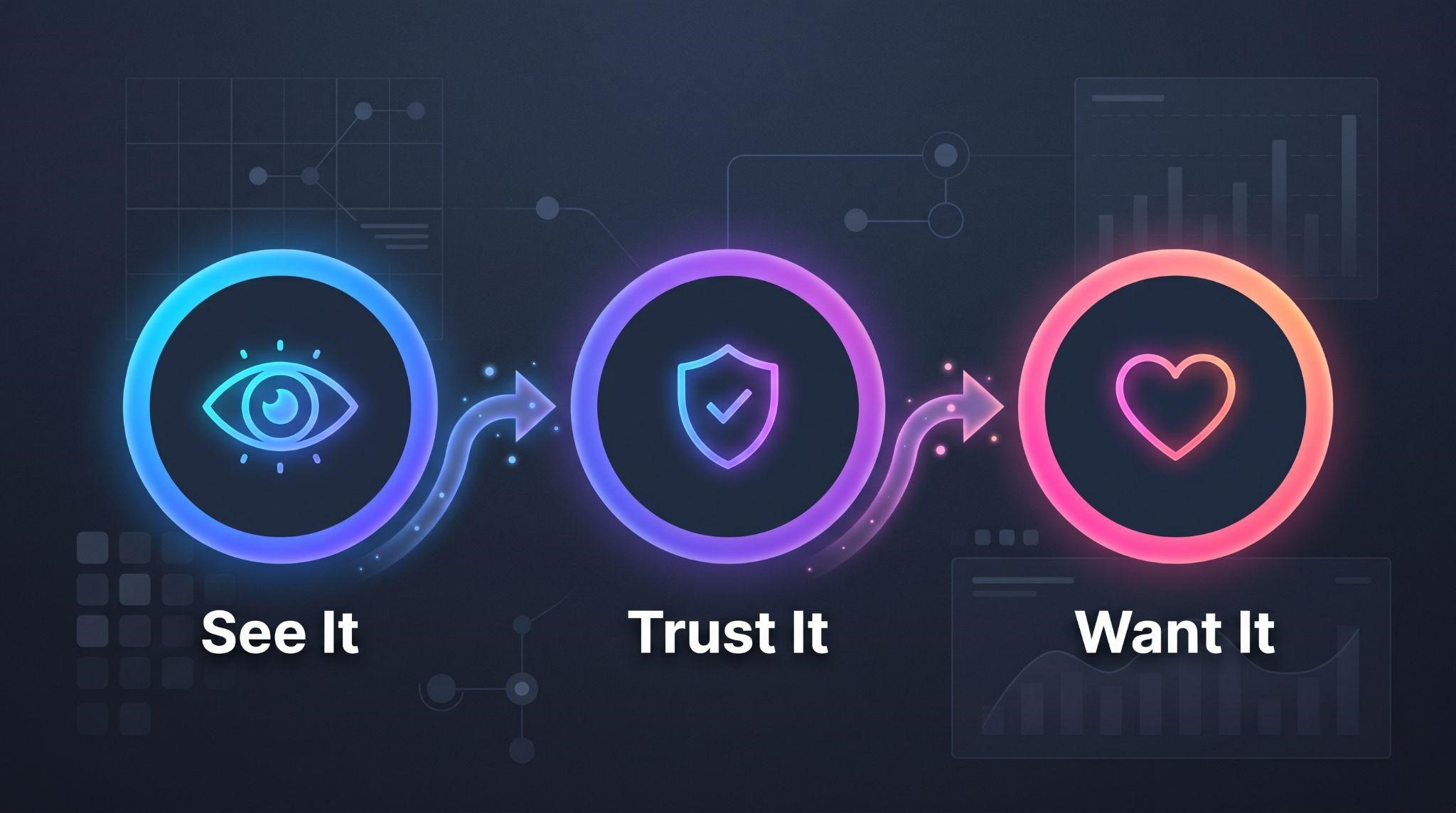
Explaining AI comes down to three jobs. Your video needs to help viewers:
See it: Understand what the AI actually does
Trust it: Feel confident it won't embarrass them or upset customers
Want it: Picture the results in their own business
Most AI explainers only focus on the first job. The best ones nail all three.
Step 1: Start With a Human Problem, Not the AI
The biggest mistake in AI marketing is leading with the technology. "Powered by advanced AI" means nothing to a busy dentist or roofer.
Start instead with a problem they feel every day:
- "It's 8 PM, and a new patient just called. Nobody's there to answer."
- "Your team is with clients, and three Instagram DMs are waiting for a reply."
- "You know you should reply to every review, but there's never time."
When viewers recognize their own frustration, they lean in. Only then do you introduce the AI as the solution.
Step 2: Give the AI a Role, Not a Spec Sheet
People don't relate to "natural language processing." They relate to people and roles.
That's why many successful AI products describe their AI as a teammate:
| Instead of Saying... | Try Saying... |
|---|---|
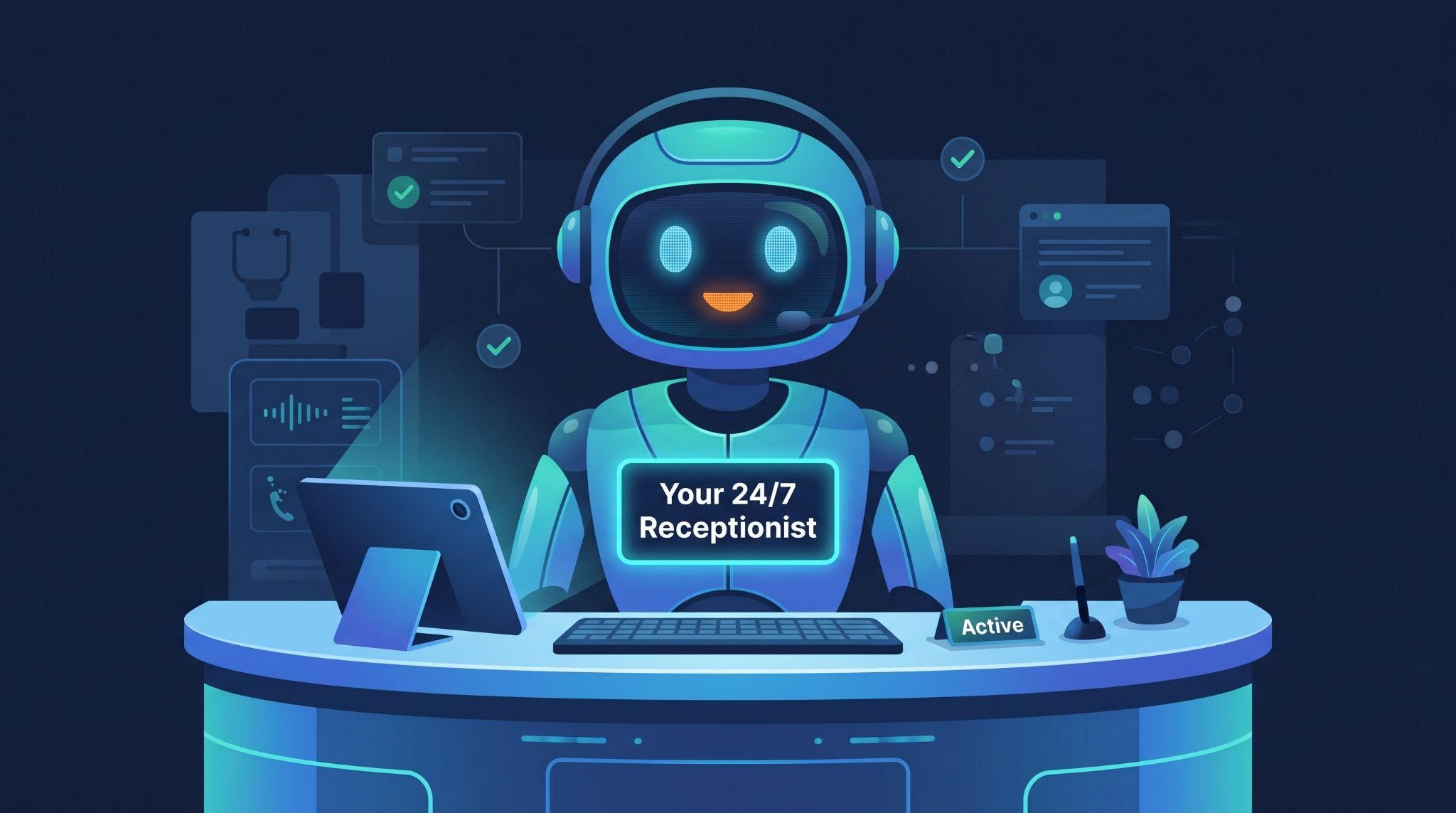
| "AI-powered voice agent" | "Your 24/7 receptionist" |
| "LLM-based chatbot" | "An assistant that replies to every lead in seconds" |
| "Automated review response engine" | "A helper that thanks every customer for their review" |
| "Generative AI content module" | "A writer who drafts your posts for you" |
Giving the AI a clear role helps viewers instantly understand where it fits in their business. Some brands even give their AI a name and a friendly avatar, which makes it feel approachable.
Step 3: Show the AI Working, Step by Step
This is the heart of your video. Instead of describing what the AI does, show it happening.
The most effective way is a simple, real scenario:
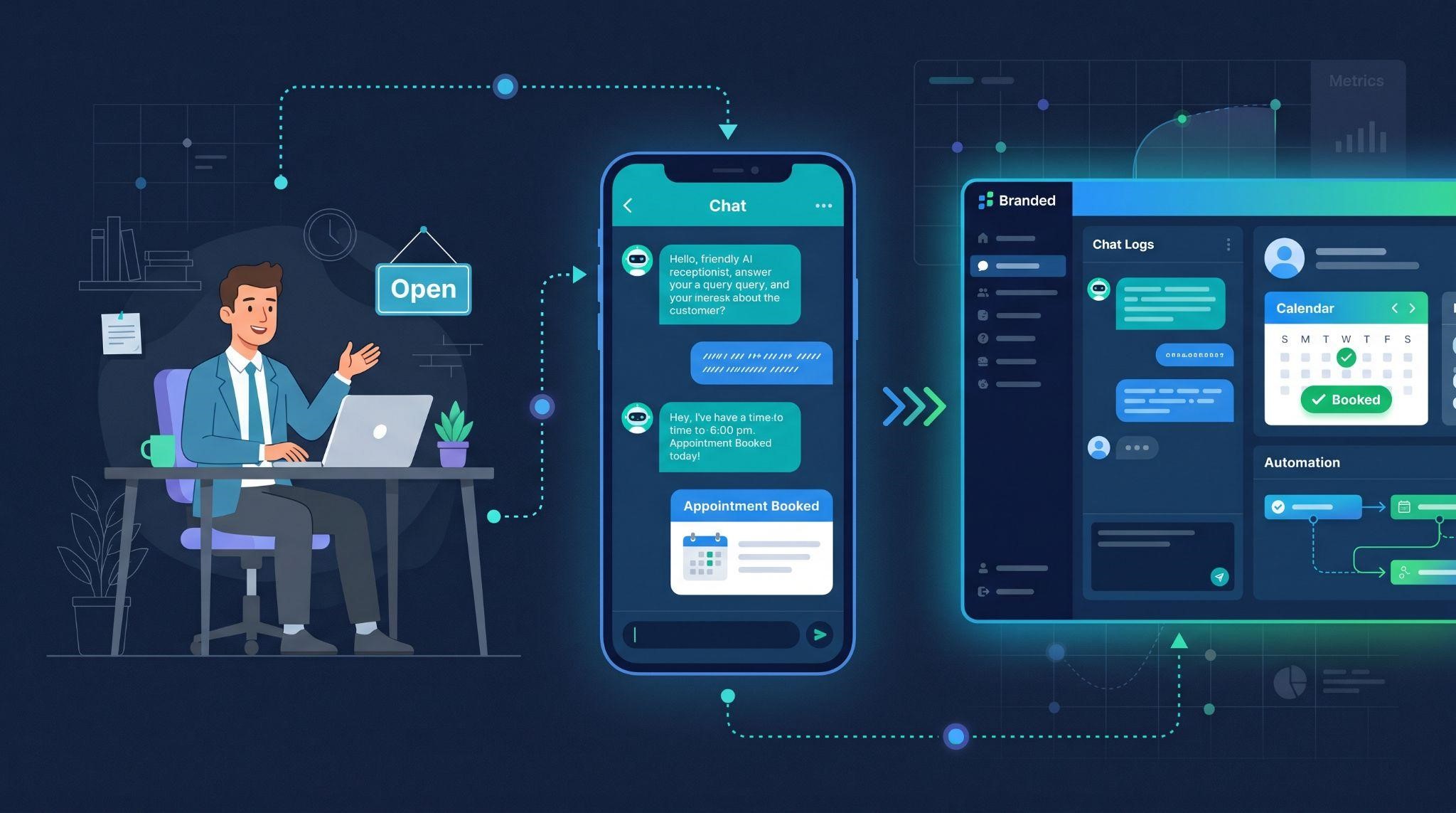
A trigger happens: A lead texts, calls, or sends a DM
The AI responds: A friendly, natural reply appears
The AI takes action: It answers a question or offers appointment times
The result appears: An appointment lands on the calendar
Visual Techniques That Make AI Easy to Understand
| Technique | How It Works | Why It Helps |
|---|---|---|
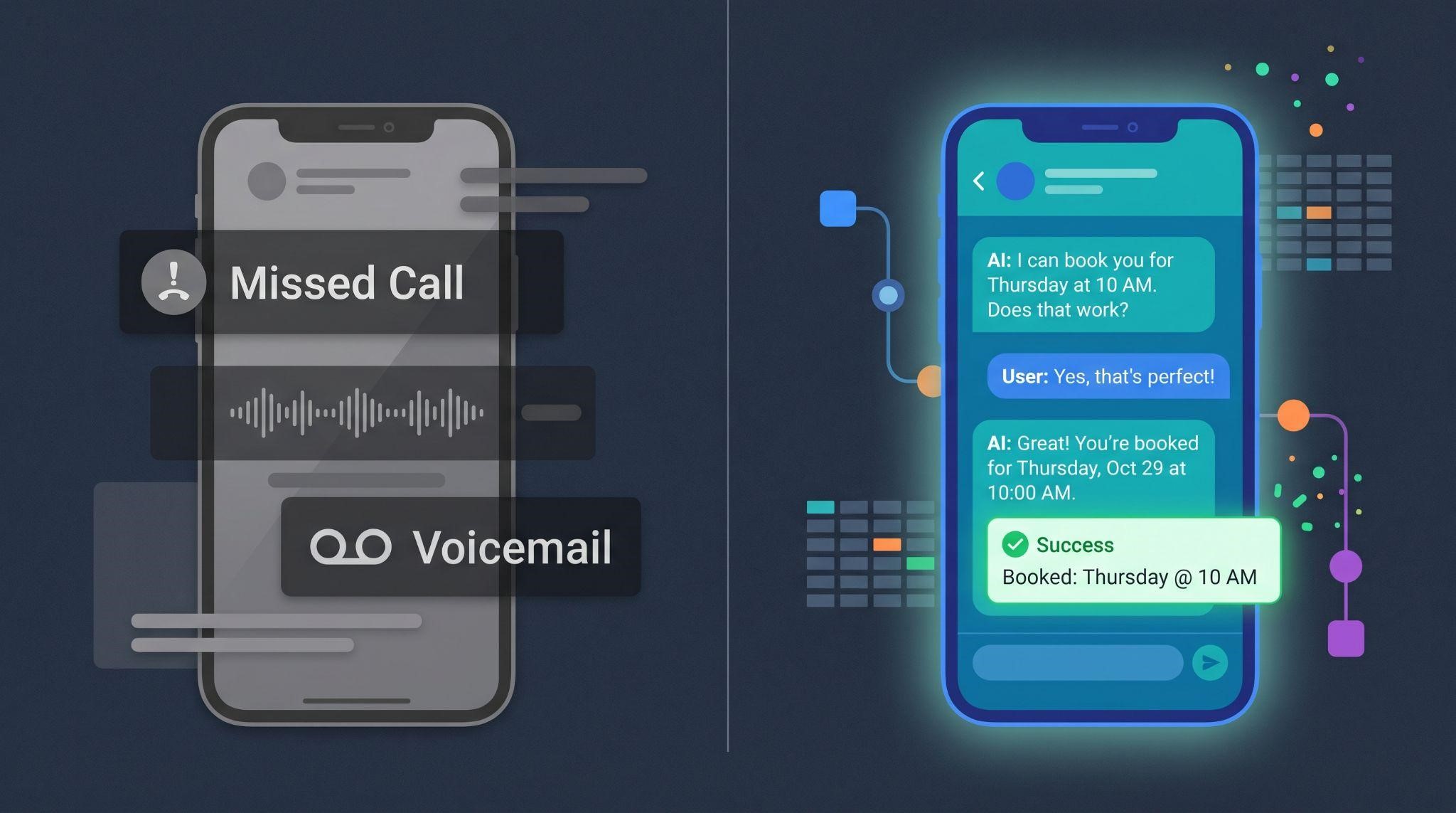
| Chat bubbles on a phone | Show the actual conversation appearing message by message | Viewers see exactly how natural the AI sounds |
| Before-and-after split screen | Left: missed call, voicemail. Right: AI answers and books | Instantly shows the value |
| Timeline or clock | Show AI working at 7 AM, 9 PM, and on weekends | Makes "24/7" feel real |
| Cause-and-effect animation | Message arrives, AI replies, calendar fills | Shows how one action leads to a result |
| Dashboard close-ups | Zoom into the inbox or calendar after the AI acts | Proves the work is tracked and visible |
| Subtle "thinking" animation | A short glow or pulse before the AI replies | Hints at intelligence without jargon |
One rule matters more than any other: one clear action per scene. AI is already complex. Your visuals shouldn't be.
Step 4: Build Trust On Screen
Trust is the make-or-break factor for AI products. If viewers walk away nervous, they won't buy, no matter how impressive the tech looks.
Here are the trust signals worth including:
Show the Human Safety Net
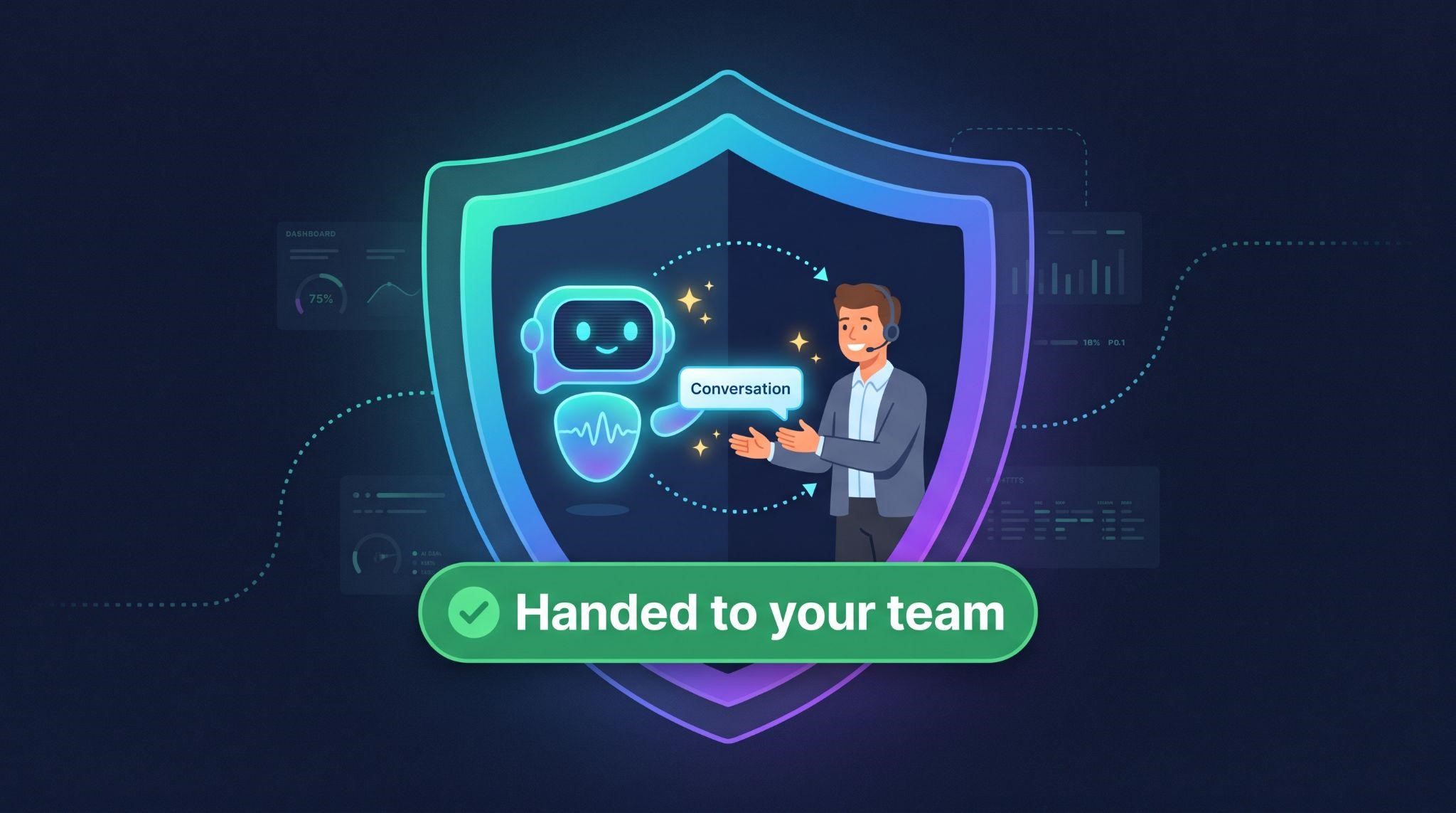
Show a moment where the AI hands a conversation to a real person, like when a customer has a complaint or asks to speak with someone. This one scene can calm a huge amount of hesitation.
Show Control
Show that the business owner stays in charge: they can review conversations, adjust answers, or switch AI on and off.
Show It Learning From the Business
Show the AI being "trained" on the business's own information, such as services, hours, and FAQs. This helps viewers understand that answers come from their business, not from thin air.
Show Natural Conversations
Use realistic, friendly messages. If the on-screen AI sounds stiff, viewers assume the real one will too.
Be Honest
Avoid promises like "never makes mistakes" or "replaces your whole team." Overpromising makes AI products feel less credible, not more.
| Trust Concern | Scene to Include |
|---|---|
| "What if it gets something wrong?" | The AI answering from the business's own info, plus a quick review screen |
| "What if a customer is upset?" | A smooth handoff to a human team member |
| "Will it sound robotic?" | A warm, natural conversation on screen |
| "Will I lose control?" | The owner reviewing and adjusting the AI from the dashboard |
Step 5: Paint the Result
Once viewers understand the AI and trust it, show them what life looks like afterward. Focus on outcomes they care about:
- More booked appointments from calls and messages that used to be missed
- Faster responses to every lead, day or night
- Less time on repetitive tasks like answering the same questions
- A calmer team that can focus on customers in front of them
- Better online reputation with every review answered
Show these as simple visual moments: a full calendar, a relaxed owner, a happy customer, or a review with a thoughtful reply.
Step 6: End With One Clear Next Step
Finish with a single, clear call to action. For AI products, softer CTAs often work well because buyers want to see more before committing:
- "Book your free demo"
- "See it answer a call"
- "Start your free trial"
- "Watch the full walkthrough"
Pick one. Too many choices weaken the ending.
A Proven Script Structure for AI SaaS Explainers
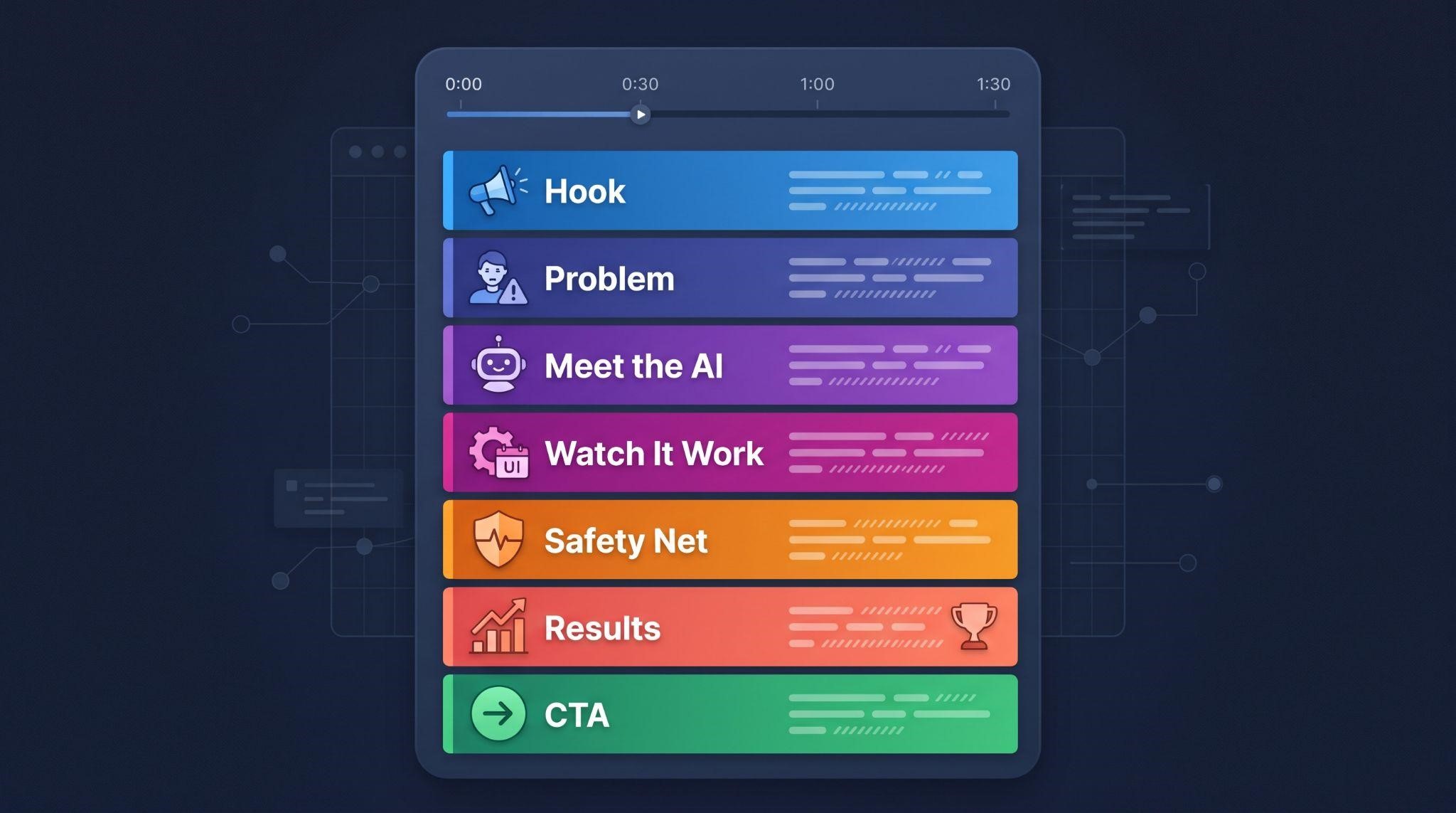
Here's a 90-second structure built specifically for AI products:
| Section | Time | Goal |
|---|---|---|
| Hook | 0:00 to 0:08 | A relatable moment that grabs attention |
| Problem | 0:08 to 0:20 | Show the pain the business feels |
| Meet the AI | 0:20 to 0:30 | Introduce the AI as a helpful teammate |
| Watch it work | 0:30 to 0:55 | Show a real scenario, step by step |
| Safety net | 0:55 to 1:05 | Show human handover and owner control |
| Results | 1:05 to 1:20 | Paint the outcome |
| Call to action | 1:20 to 1:30 | One clear next step |
Sample Script: AI Front Desk for Local Businesses
Hook: It's 7:45 PM. Your office is closed. And your phone is ringing.
Problem: For most local businesses, after-hours calls go to voicemail. Messages pile up on Instagram and text. And by morning, many of those leads have already booked somewhere else.
Meet the AI: Meet your new AI front desk from [Your Brand]. It's like a friendly receptionist who never takes a day off.
Watch it work: When someone calls or messages, your AI front desk replies in seconds. It answers questions about your services and hours, using your business's own information. Then it offers available times and books the appointment straight into your calendar.
Safety net: And if a customer needs a real person, it hands the conversation to your team right away. You can see every conversation and adjust answers any time.
Results: So you capture more leads, book more appointments, and your team gets more time for the customers in front of them.
CTA: Ready to meet your AI front desk? Book your free demo with [Your Brand] today.
Notice what's not in the script: jargon, technical terms, or unrealistic promises. And never any mention of GoHighLevel.
Words to Use and Words to Avoid
Language makes or breaks AI explainers. Here's a quick cheat sheet:
| Avoid | Use Instead |
|---|---|
| Large language model | Smart assistant |
| Natural language processing | Understands messages like a person |
| Autonomous agent | Works on its own, with you in control |
| Tokens, prompts, models | (Leave out entirely) |
| Revolutionary, game-changing | Specific outcomes like "books appointments 24/7" |
| Replaces your staff | Helps your team, covers the gaps |
| Never makes mistakes | Answers from your business info, hands off when needed |
If your grandmother couldn't understand a sentence in your script, rewrite it.
Choosing the Right Visual Style for AI
| Style | Best For | Watch Out For |
|---|---|---|
| UI motion graphics | Showing the AI inside your branded dashboard | Keep screens simple and uncluttered |
| Character animation | Showing relatable business owners and customers | Keep characters consistent with your brand |
| Chat and phone animations | Showing conversations clearly | Make messages readable at mobile size |
| Abstract AI visuals | Brief "smart" moments, like a glow or pulse | Don't overuse sci-fi visuals that feel cold |
| Mixed style | Combining characters, UI, and conversations | Keep transitions smooth |
For most GHL AI products, a mix of characters, chat animations, and branded UI works best. It feels human, shows the product, and keeps things easy to follow.
Common Mistakes in AI SaaS Explainer Videos
- Leading with technology: Start with the problem, not "powered by AI"
- Too much jargon: Plain language builds trust
- Cold, robotic visuals: Keep it warm, human, and friendly
- Showing too many AI features: Focus on one main use case per video
- Ignoring trust: Always show human handover and owner control
- Overpromising: Avoid "flawless" or "replaces your team"
- No real scenario: Viewers need to see a concrete example
- Leftover GoHighLevel branding: Everything should be your brand
Beyond the Explainer: Building an AI Video Toolkit
An explainer video creates interest. But AI products often need a few more videos to fully convert and keep customers:
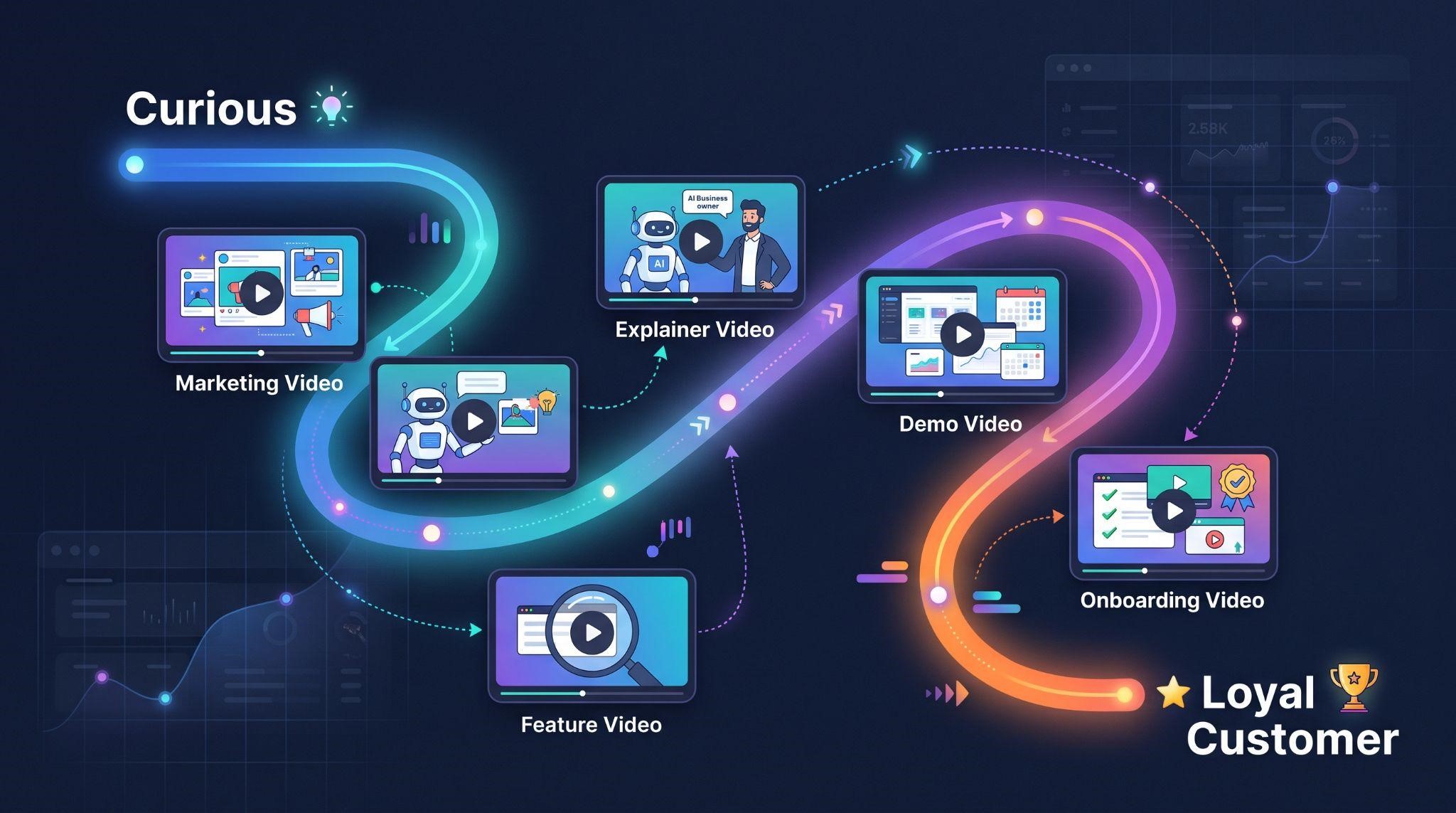
| Video Type | Job in the AI Journey |
|---|---|
| Explainer video | Helps prospects understand and want your AI |
| Feature videos | Explain individual AI tools, like the AI receptionist or chat AI |
| Demo videos | Show the AI working inside the real dashboard |
| Onboarding videos | Help new customers set up and switch on AI features |
| Marketing videos | Short ads that promote your AI offer on social media |
Together, these videos guide buyers from "What is this?" to "I can't run my business without it."
Let GHL Explainer Create Your AI SaaS Explainer Video
At GHL Explainer, we create premium white-label videos made specifically for GoHighLevel SaaS businesses, including AI-powered platforms.
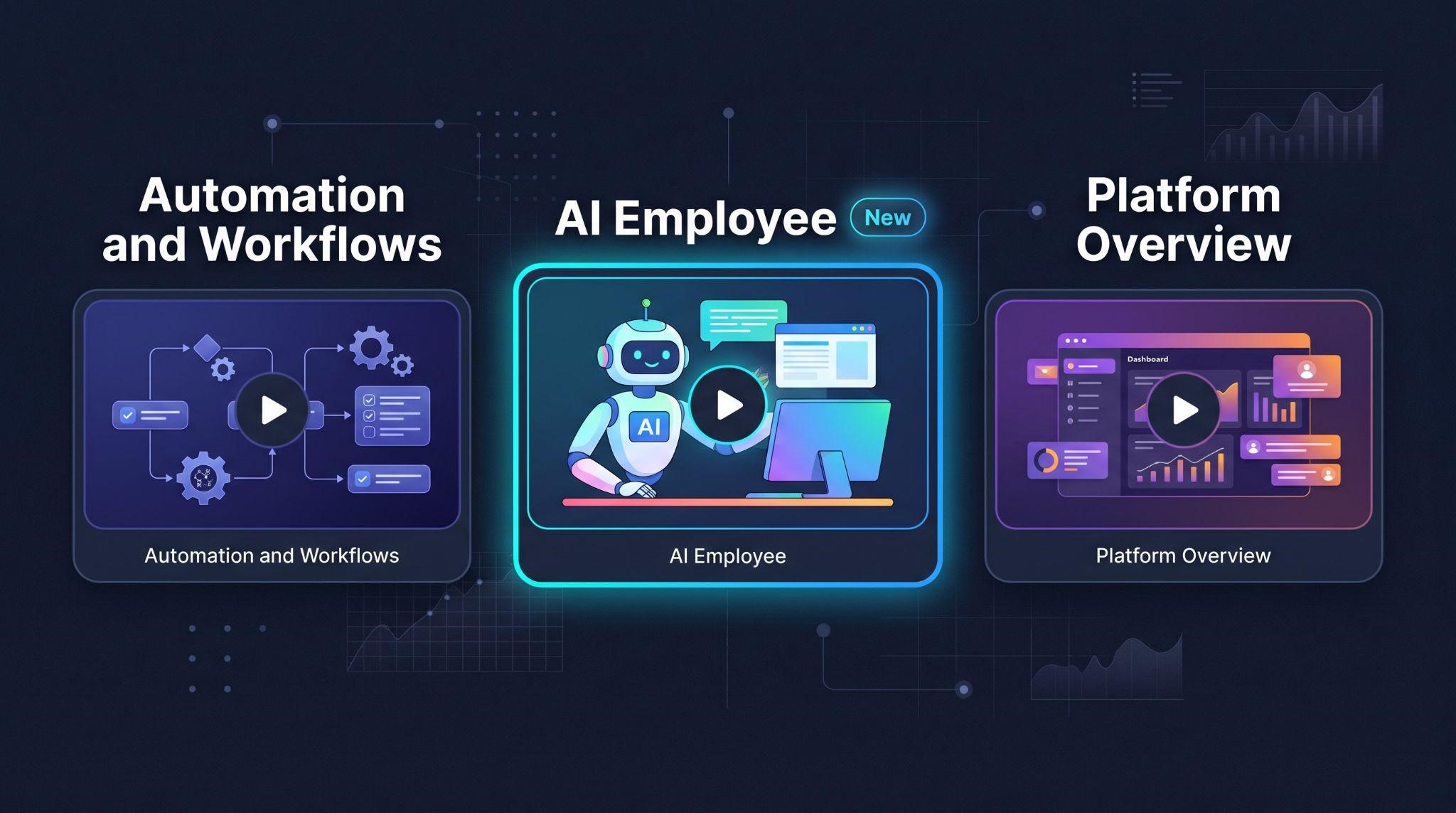
Our white-label explainer videos turn your platform's value into a clear, compelling 60 to 90 second story. You can choose from ready-made structures designed for GHL SaaS founders, including:
- AI Employee: Shows your clients their new 24/7 AI teammate handling calls, messages, follow-ups, and content
- Automation and Workflows: Helps prospects imagine growth on autopilot as your platform nurtures leads and triggers follow-ups
- All-in-One Platform Overview: The complete story of what your SaaS does, including CRM, automation, and communication
Don't see your exact AI use case? We'll script a fully custom explainer built around your platform.
Here's what's included:
- 100% white-labeled: Your logo, colors, dashboard theme, and voice, with GoHighLevel never named or shown
- Everything handled: Script, voiceover, animation, and delivery
- GHL-fluent team: We already understand AI Employee features, workflows, and snapshots
- Fast delivery: Most explainer videos arrive in 5 to 7 days
- Unlimited revisions until it matches your brief
- Full commercial rights to use it anywhere
See real examples in our explainer case studies for Starvolt and Prozex Pilot.
Need a full AI video toolkit? Our Video Stacks bundle explainer, demo, onboarding, feature, and marketing videos at a lower cost than ordering each separately.
Quick Checklist: Explaining an AI SaaS Product With Video
Ready to turn your AI features into a story buyers instantly understand and trust? Book A Free Call and we'll help you choose the right explainer for your platform.
Book A Free CallFrequently Asked Questions
What is an AI SaaS explainer video?
It's a short video that explains what an AI-powered software product does, how it helps, and why it can be trusted, in simple visual terms.
How long should an AI SaaS explainer video be?
Most work best at 60 to 90 seconds.
Why is AI harder to explain than regular software?
AI works behind the scenes, so buyers can't easily picture it, and many worry about mistakes, robotic responses, or losing control.
How do I build trust in an AI explainer video?
Show the AI using the business's own information, include a human handover moment, and show the owner staying in control.
Should I use technical terms like LLM in my video?
Usually no. Plain language like "smart assistant" or "replies like a person" is easier for most buyers to understand.
What visuals work best for explaining AI?
Chat bubble animations, before-and-after split screens, and cause-and-effect scenes showing the AI taking action.
Does GHL Explainer have a ready-made AI explainer?
Yes. Our AI Employee explainer shows your clients their 24/7 AI teammate, fully branded to your platform.
Will GoHighLevel appear in my explainer video?
No. Every GHL Explainer video is 100% white-labeled to your brand.
Skip the Loom. Talk to us.
Tell us what you're building. We'll tell you exactly which video it needs.
or write to hello@ghlexplainer.com