How to Sell a GoHighLevel
AI Receptionist to Clients
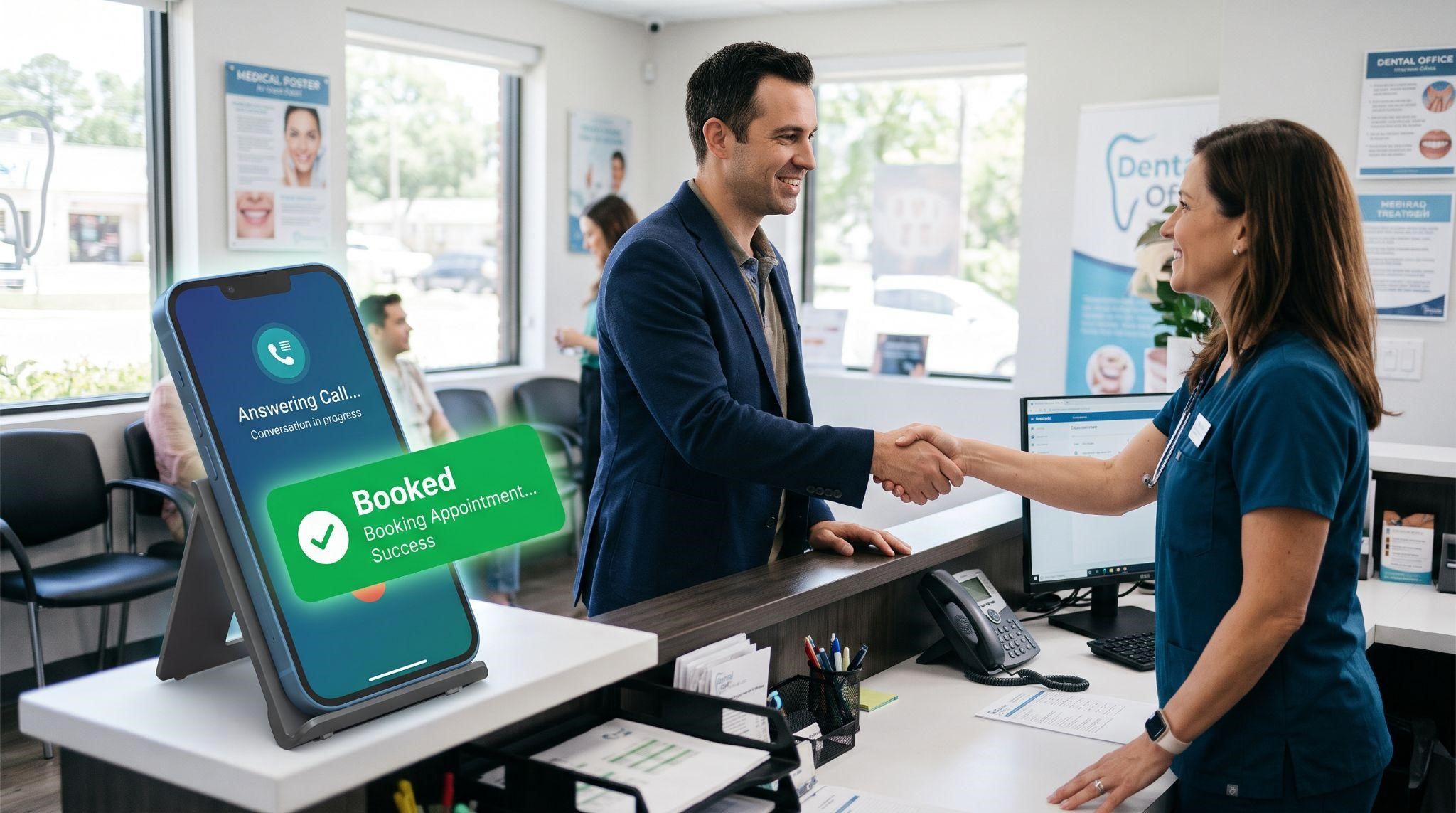
Of all the AI tools inside your platform, the AI receptionist might be the easiest one to sell.
Why? Because every local business owner already understands the problem. They know calls go unanswered when they're busy, after hours, or on weekends. They know some of those callers never call back. And they know each missed call could have been a paying customer.
You don't have to convince them the problem exists. You just have to show them a better way.
In this guide, you'll learn exactly how to sell a GoHighLevel AI receptionist to clients: which niches to target, how to package and price your offer, how to find and pitch prospects, how to run a demo that wins them over, how to handle AI-specific objections, and how to prove value so clients stay for the long run.
New to the AI receptionist itself? Start with our GoHighLevel AI Receptionist complete guide to learn how it works, then come back here to learn how to sell it.
Why the AI Receptionist Is Such an Easy Sell
- Universal pain: Almost every service business misses calls
- Clear value: One recovered customer can cover the monthly cost
- Easy to demonstrate: Prospects can call it and hear it themselves
- Visible results: Booked appointments and answered calls are easy to measure
- Strong retention: Once a business relies on it, they rarely want to go back
- Natural upsell path: It opens the door to chat AI, reviews, and automation
For agencies running a white-label SaaS, it's also a great entry product. Many clients who start with an AI receptionist later upgrade to your full platform.
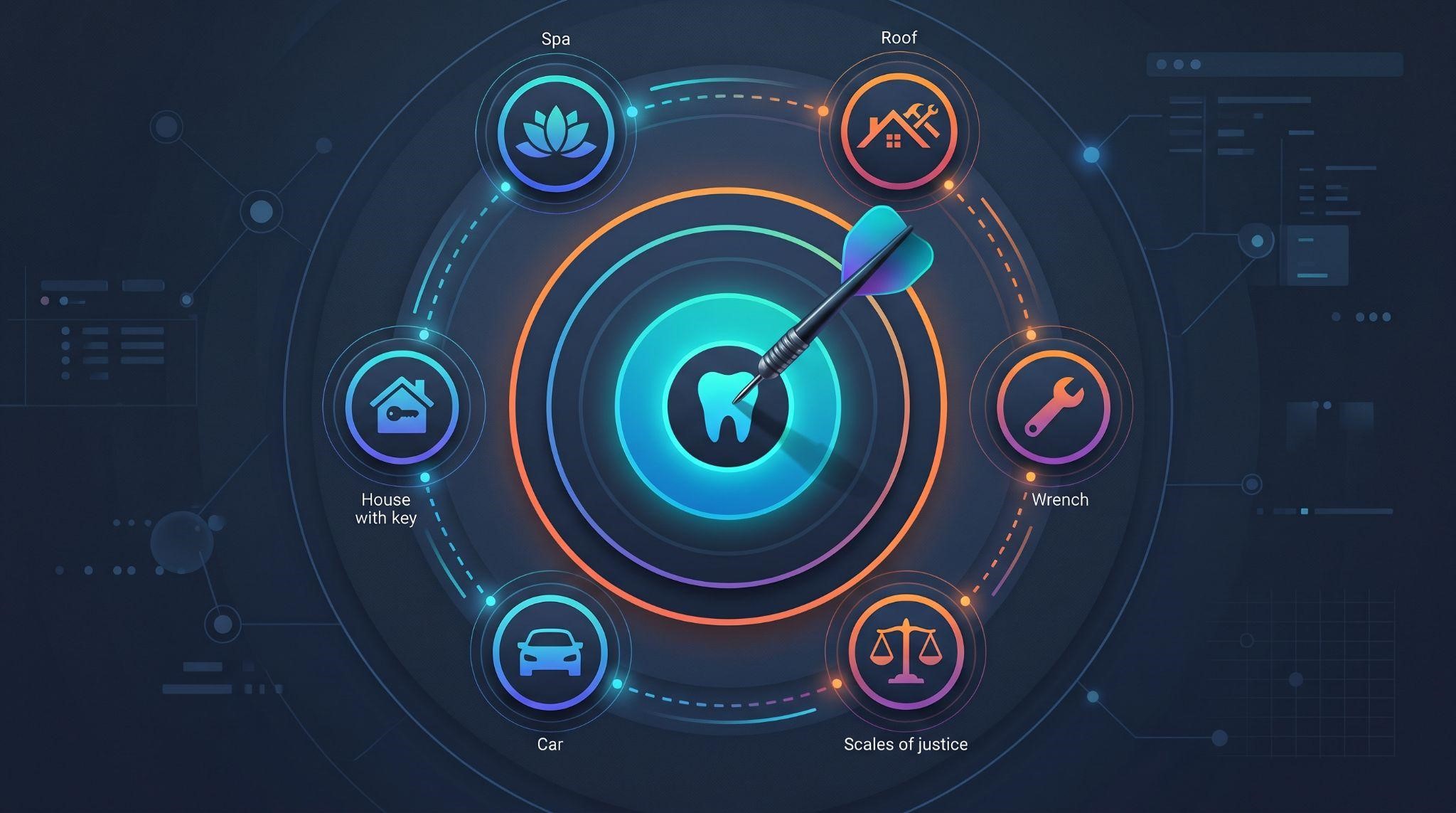
Step 1: Pick the Right Niches
Not every business is a great fit. The best prospects share three traits: they rely on phone calls, they often can't answer, and each customer is worth a meaningful amount.
| Niche | Why They Miss Calls | Your Hook |
|---|---|---|
| Dental clinics | Front desk is busy with patients | "Never miss a new patient call again." |
| Med spas | Staff are with clients all day | "Book consultations while you're with clients." |
| Roofing and HVAC | Owners are on job sites | "Capture emergency jobs, even from the roof." |
| Plumbers and electricians | Constantly on calls in the field | "Answer every urgent call, day or night." |
| Law firms | Attorneys are in meetings or court | "Never lose a new case to voicemail." |
| Auto repair shops | Teams are in the garage | "Book repairs without stopping work." |
| Real estate agents | Agents are at showings | "Respond to every buyer, even mid-showing." |
Tip: Start With One Niche
Selling to "everyone" makes your pitch generic. Choosing one niche lets you use their language, build a niche-specific demo, and become the go-to expert. Once you've landed a few clients, add a second niche.
Step 2: Package Your Offer
Clients don't buy "Voice AI." They buy outcomes: "Never miss a call" or "Book appointments 24/7." Package your AI receptionist around those outcomes.
Here's an example structure:
| Package | What's Included | Best For |
|---|---|---|
| After-Hours Receptionist | AI answers calls outside business hours, books appointments, sends follow-up texts | Businesses that are well-staffed during the day |
| Full-Time Receptionist | AI answers overflow calls during the day and all calls after hours | Busy offices with frequent missed calls |
| AI Front Desk | AI receptionist plus AI chat replies on SMS and social media | Businesses with lots of calls and messages |
| Done-for-You AI Front Desk | Everything above, plus setup, script writing, monthly tuning, and reports | Owners who want zero hands-on work |
This is an example structure only. Set your own pricing based on your costs, market, and the value you deliver.
Pricing Tips
- Charge a setup fee: Building the knowledge base, scripts, and workflows takes real work
- Add a monthly fee: Ongoing value deserves ongoing pricing
- Account for usage costs: AI calls have costs, so build them into your pricing
- Anchor to value, not cost: Compare your fee to the value of one recovered customer, not to software prices
- Make the middle tier the best value: Most buyers pick the middle option
Step 3: Show Them the Cost of Missed Calls
Before talking about features, help prospects see what missed calls are costing them. A simple calculation does the job:
| Question | Example Answer |
|---|---|
| How many calls do you miss each week? | 10 |
| How many missed calls per month? | About 40 |
| What percentage might be new customers? | 30% (about 12 people) |
| What's an average customer worth? | $400 |
| Potential lost revenue per month | About $4,800 |
This is an illustrative example. Use the prospect's own numbers for a real conversation.
When the prospect fills in their own numbers, your price suddenly looks small compared to what they're losing.
Step 4: Find and Pitch Prospects
The "Missed Call Test"
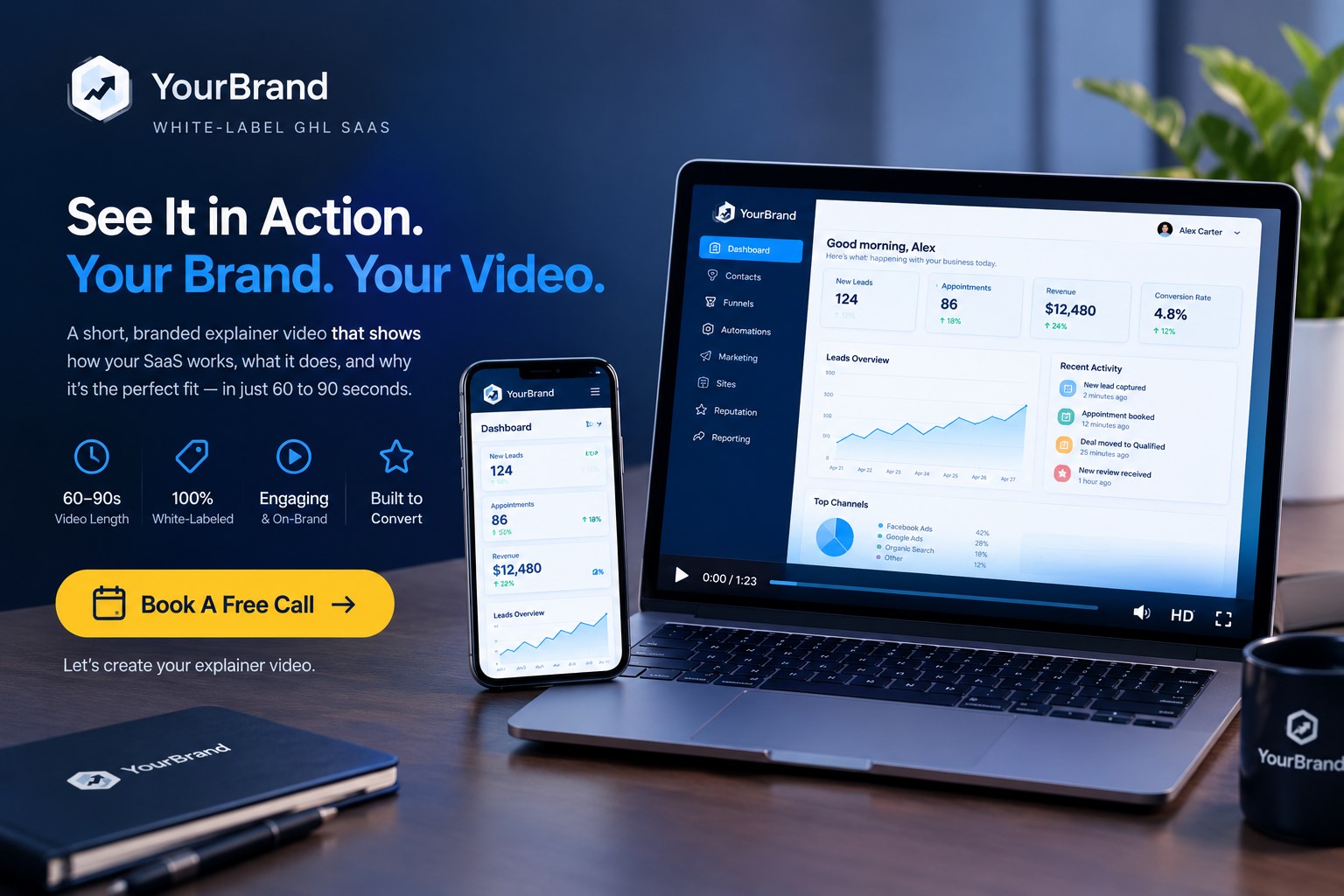
Here's one of the most effective ways to start a conversation: call the business yourself during a busy time or after hours. If nobody answers, you've just experienced their problem firsthand, and you have a perfect opening line.
"Hi [Name], I tried calling your office yesterday evening and it went to voicemail. I'm guessing that happens to new customers too. I help [niche] businesses answer every call with an AI receptionist that books appointments 24/7. Would you be open to hearing how it works?"
Keep it honest and respectful. The goal is to show a real problem, not to trick anyone.
Cold Email Template
Subject: Missed calls at [Business Name]?
Hi [Name],
Quick question: what happens when someone calls [Business Name] after hours or while your team is busy?
For most [niche] businesses, those calls go to voicemail, and many callers book with a competitor instead.
We set up AI receptionists that answer every call, answer common questions, and book appointments straight into your calendar, 24/7.
Here's a 60-second video showing how it works: [video link]
Worth a quick chat?
[Your Name]
Social Media DM Template
"Hey [Name], love what you're doing at [Business]. Quick question: do you ever miss calls while you're with clients? I help [niche] businesses capture those calls with an AI receptionist. Happy to send a short video if you're curious."
Where to Find Prospects
- Google Maps searches in your niche and city
- Businesses running ads (they're paying for calls they might be missing)
- Local business groups and networking events
- Your existing clients who don't have AI yet
- Referral partners like web designers, accountants, and consultants
Step 5: Let Them Hear It
This is your secret weapon. Unlike most software, an AI receptionist can be experienced in seconds.
Build a Niche Demo Line
Set up a demo AI receptionist for your target niche, like "Bright Smile Dental," with a realistic knowledge base. Then during your pitch, say:
"Want to hear it for yourself? Call this number and try to book a cleaning."
When a prospect hears a natural voice answer their questions and book an appointment, it often sells itself.
Structure Your Demo Call
| Time | Section | Goal |
|---|---|---|
| 0 to 5 min | Discovery | Learn how they handle calls today and what they miss |
| 5 to 10 min | Lost revenue math | Show the cost of missed calls using their numbers |
| 10 to 18 min | Live call demo | Let them call the AI and hear it in action |
| 18 to 23 min | Show the dashboard | Show call logs, transcripts, and booked appointments |
| 23 to 30 min | Recommend a package and next step | Close or start a pilot |
Use Video Before and After the Call
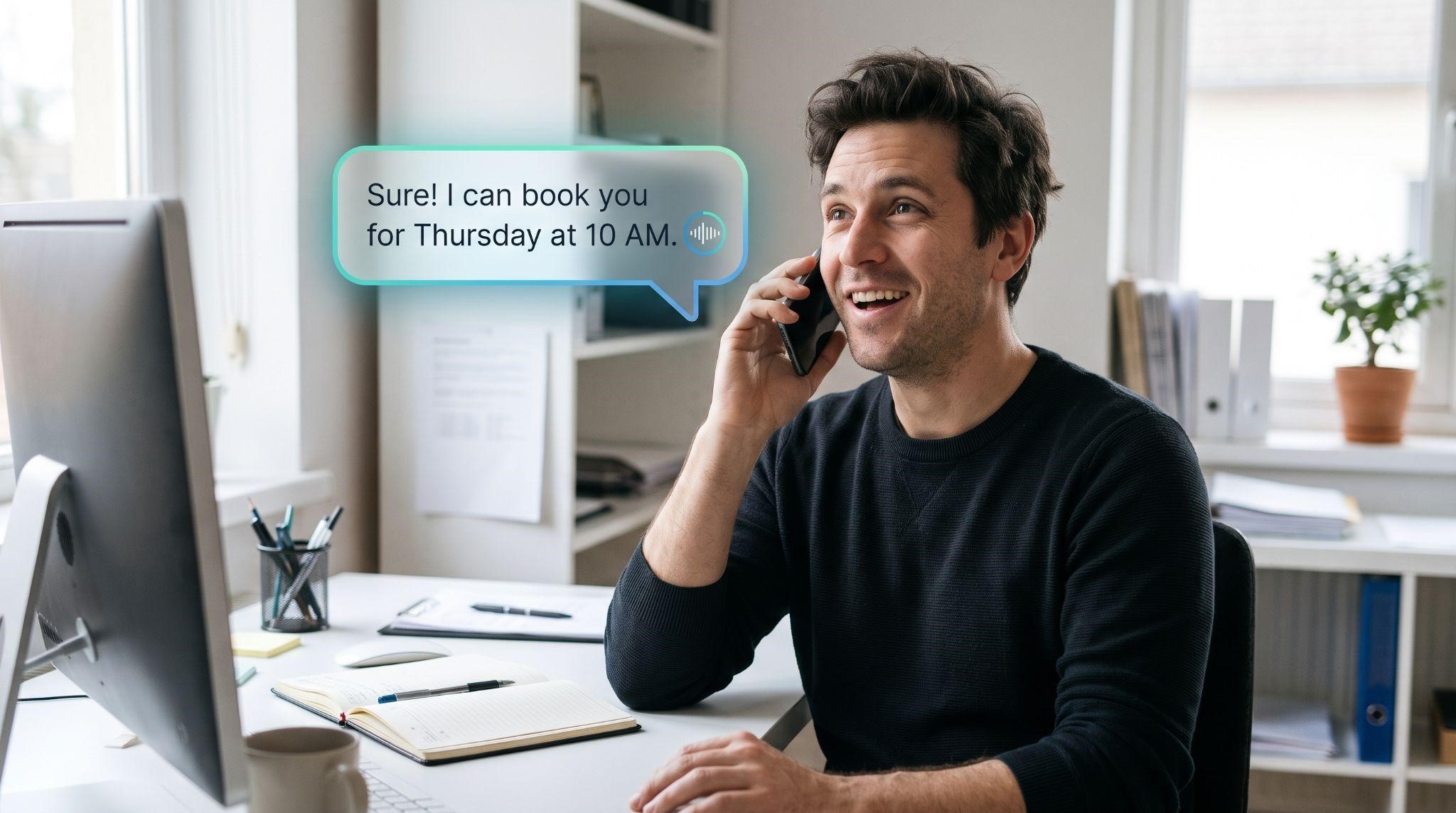
A short video showing the AI receptionist in action helps prospects understand it before the call, and lets them share it with partners afterward. It's especially useful when the decision-maker wasn't on the call.
Step 6: Handle AI-Specific Objections
AI receptionists come with their own set of worries. Be ready for these:
| Objection | How to Respond |
|---|---|
| "It'll sound robotic." | "Let's test that. Call the demo line now and tell me what you think." |
| "My customers want a real person." | "They will get one when it matters. Urgent or complex calls transfer to your team instantly." |
| "What if it says something wrong?" | "It only uses the information we give it, and we review conversations every week, especially in the first month." |
| "I already have a receptionist." | "Great. This isn't a replacement. It covers overflow, lunch breaks, after hours, and weekends." |
| "It's too expensive." | "Based on your numbers, missed calls may be costing you thousands a month. How many new customers would it take to cover this?" |
| "I'm worried about privacy." | "Fair concern. We'll set it up carefully and follow the rules that apply to your business and location." |
| "I'll think about it." | "Of course. What would you need to see to feel confident? We could start with a short pilot." |
Stay calm, don't oversell, and always bring the conversation back to the prospect's own numbers.
Step 7: Offer a Low-Risk Pilot
If a prospect is interested but hesitant, a pilot can tip them over the edge.
Example Pilot Offer
"Let's start with an after-hours pilot for 14 days. Your AI receptionist will answer every call outside business hours. At the end, we'll review how many calls it answered and how many appointments it booked. If you love it, we keep it running."
Make the Pilot a Success
- Start small: After-hours only is low risk and easy to measure
- Set clear goals: Calls answered, appointments booked, and caller satisfaction
- Check in mid-way: Share early wins to build excitement
- Review results together: Make the decision obvious with real numbers
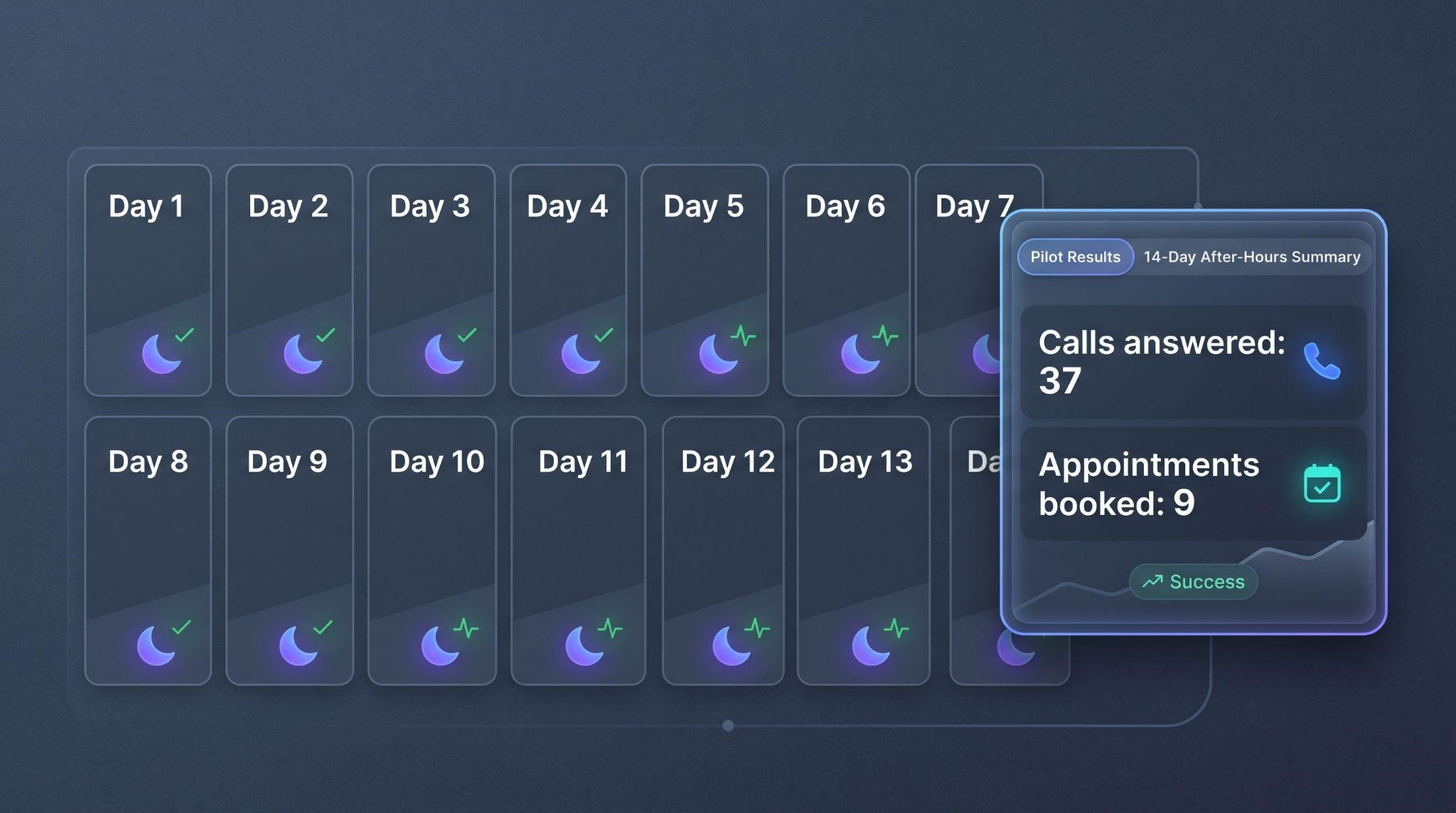
Example figures shown are illustrative only.
Step 8: Launch It the Right Way
Once the client says yes, a smooth launch protects your reputation. Use this checklist:
Step 9: Prove Value Every Month
The sale doesn't end at signup. Clients stay when they can see results.
Send a Simple Monthly Report
| Metric | What It Shows |
|---|---|
| Calls answered by AI | Calls that would have been missed |
| After-hours calls handled | Value delivered outside business hours |
| Appointments booked | Direct revenue impact |
| Calls transferred to staff | Situations that needed a human |
| Common caller questions | Ideas to improve the knowledge base or website |
Grow the Account
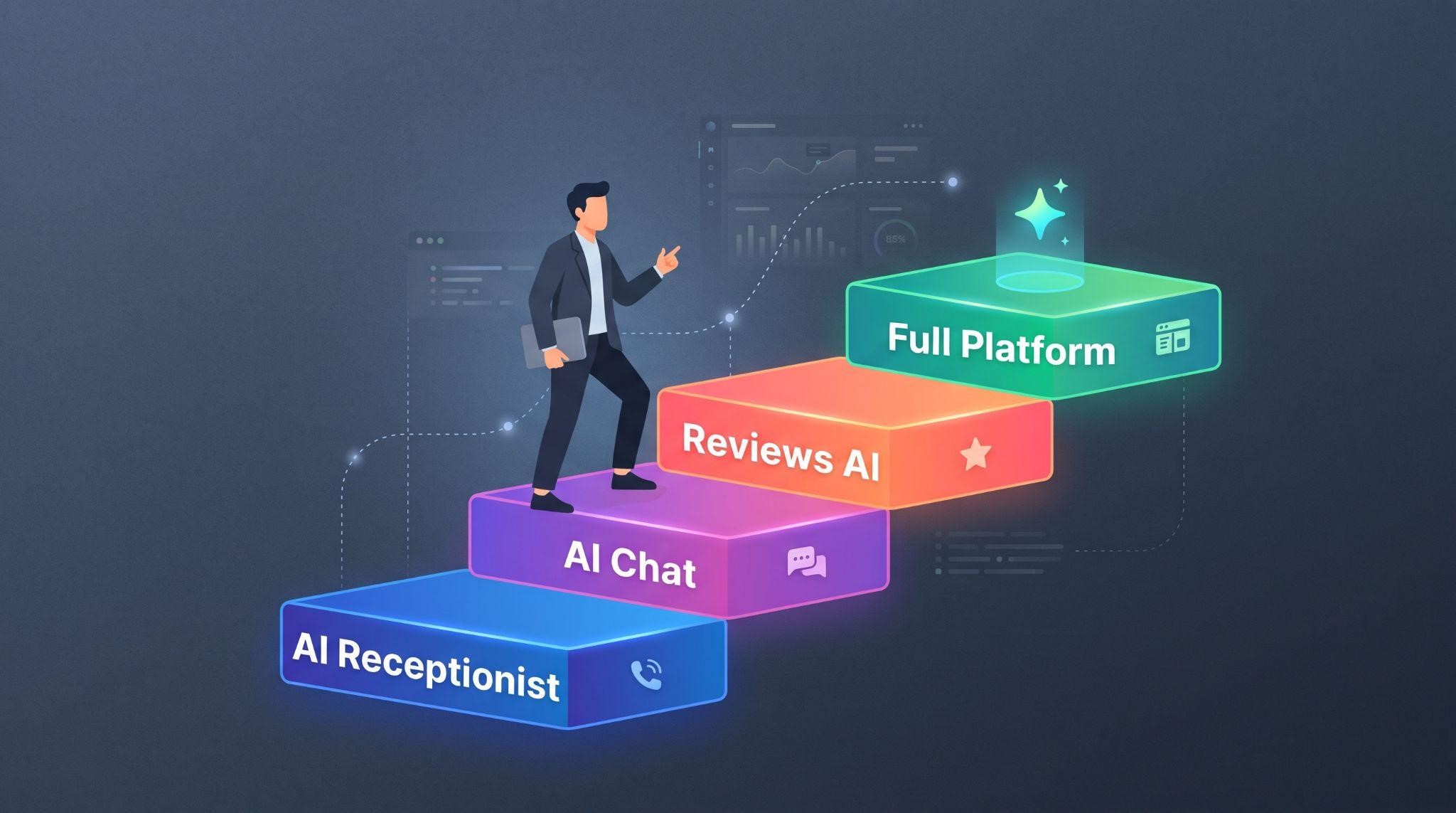
Once the AI receptionist is proving its worth, it's natural to suggest the next step:
- Conversational AI for instant replies to texts and social messages
- Reviews AI for replying to every review
- Missed call text back as an extra safety net
- Your full white-label platform for CRM, calendar, and automation
Common Mistakes When Selling AI Receptionists
- Pitching features instead of outcomes: Talk about booked appointments, not voice engines
- Overpromising: Don't claim it will never make mistakes or fully replace staff
- Skipping the demo line: Hearing it is far more convincing than describing it
- No human handoff: Clients need to know a person is always available
- Weak knowledge base: A poor first impression can sink a new account
- No reporting: If clients don't see results, they won't renew
- Targeting every niche at once: Focus wins
Use Video to Sell Your AI Receptionist Faster
Here's the truth about selling AI: people need to see it before they trust it. That's why video is one of the most powerful tools in your sales process, from first outreach to final onboarding.
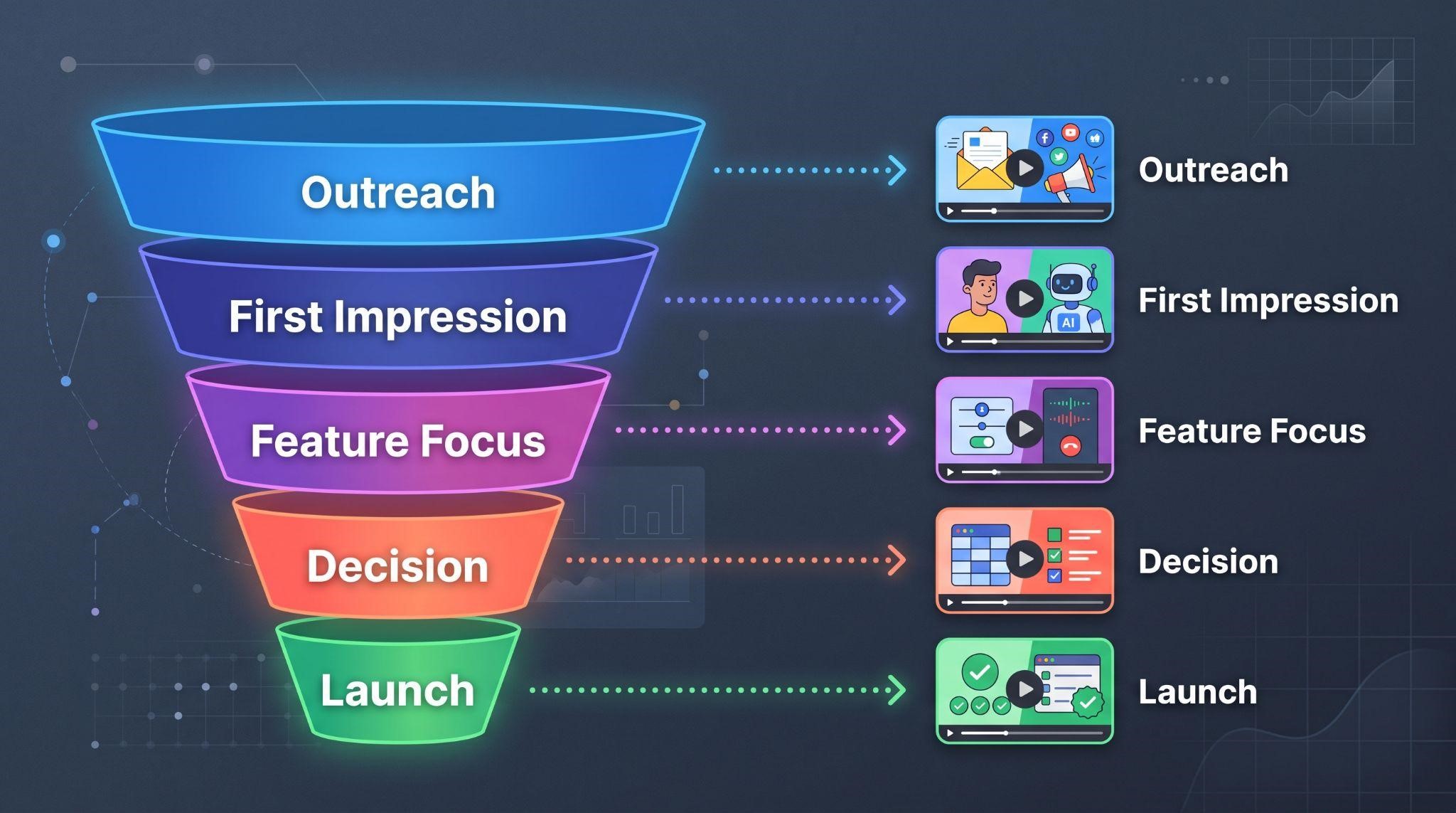
At GHL Explainer, we create premium white-label videos made specifically for GoHighLevel SaaS businesses and agencies. Here's how our videos support every stage of selling an AI receptionist:
| Sales Stage | Video Type | How It Helps |
|---|---|---|
| Outreach | Marketing videos | Short, scroll-stopping clips that grab attention in emails, DMs, and ads |
| First impression | AI Employee explainer | A ready-made explainer showing prospects their new 24/7 AI teammate |
| Feature focus | Feature videos | A short video focused only on the AI receptionist |
| Decision | Demo videos | Full walkthroughs showing call logs, booking, and the dashboard |
| Launch | Onboarding videos | Step-by-step setup guidance for new clients |
Every video is:
- 100% white-labeled: Your logo, colors, dashboard theme, and voice, with GoHighLevel never named or shown
- Made by a GHL-fluent team: We already understand Voice AI, workflows, and snapshots
- Delivered fast: Most single videos arrive in 3 to 7 days
- Backed by unlimited revisions until it matches your brief
- Yours to use anywhere with full commercial rights
Want a complete sales video kit for your AI offer? Our Video Stacks bundle explainer, demo, feature, onboarding, and marketing videos at a lower cost than ordering each separately.
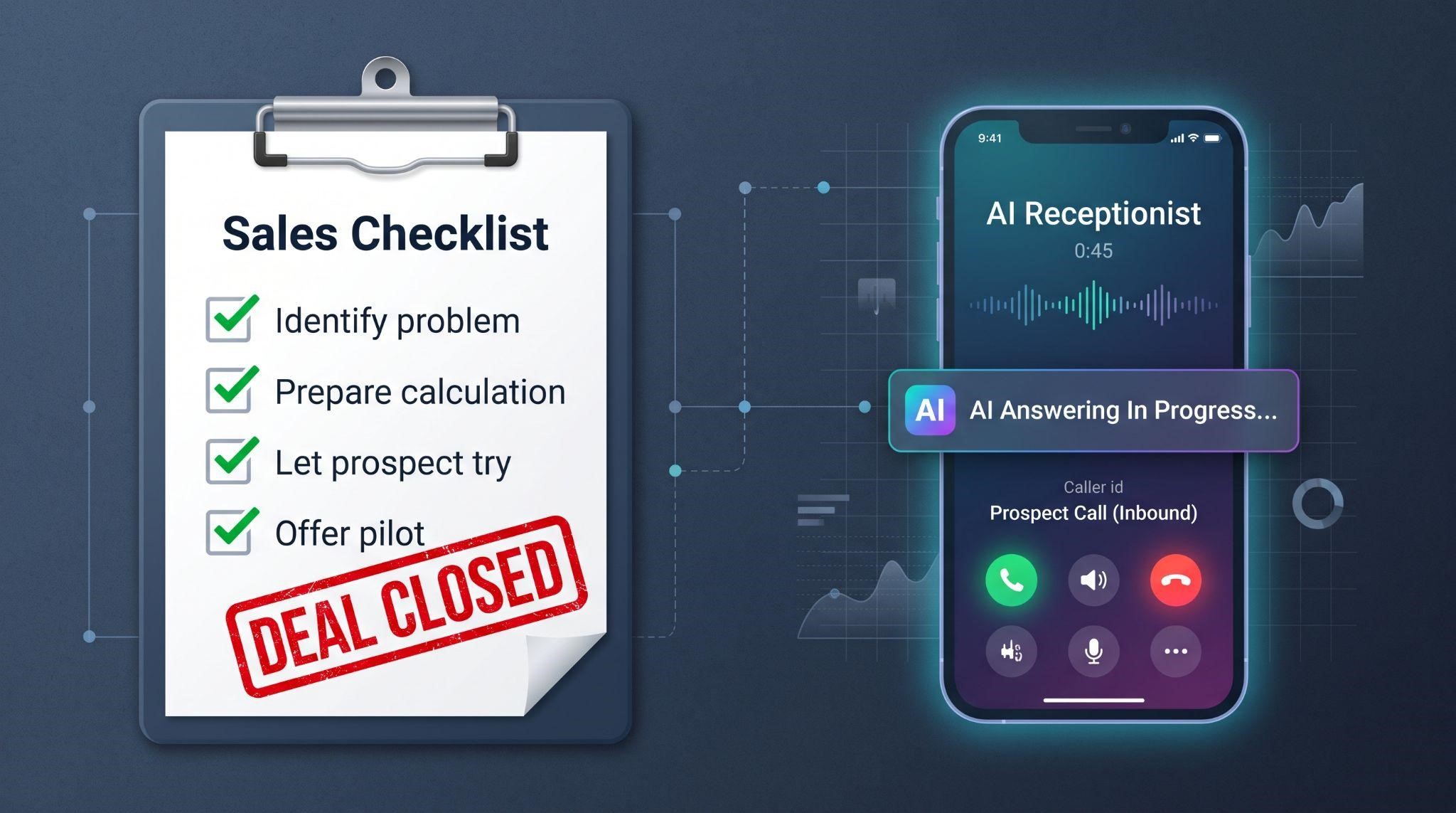
Quick Sales Checklist
Ready to sell more AI receptionist packages with videos that do the explaining for you? Book A Free Call and we'll help you build the right sales video kit.
Book A Free CallFrequently Asked Questions
Which businesses are easiest to sell an AI receptionist to?
Businesses that rely on phone calls and often can't answer, like dental clinics, med spas, home services, law firms, and auto repair shops.
How should I price an AI receptionist?
Most agencies charge a setup fee plus a monthly fee, priced around the value of recovered customers rather than software cost. Always factor in usage costs.
What's the best way to demo an AI receptionist?
Set up a niche demo line and let prospects call it themselves. Hearing it in action is far more convincing than describing it.
How do I handle the "it'll sound robotic" objection?
Invite the prospect to call the demo line right then, and explain that complex calls always transfer to a real person.
Should I offer a free trial?
A short after-hours pilot works well. It's low risk for the client and gives you real numbers to show.
How do I keep AI receptionist clients from canceling?
Send monthly reports showing calls answered and appointments booked, and keep improving the knowledge base.
Can video really help sell an AI receptionist?
Yes. A short video lets prospects see the AI in action before and after sales calls, and makes it easy to share with decision-makers.
Will GHL Explainer videos mention GoHighLevel?
No. Every video is 100% white-labeled to your brand.
Skip the Loom. Talk to us.
Tell us what you're building. We'll tell you exactly which video it needs.
or write to hello@ghlexplainer.com