How to Make a
GHL Demo Video
Let's be real. You don't have a video team, a recording studio, or a week to spare. You have a white-label GHL platform, a few prospects asking "Can I see it?", and maybe a free afternoon.
Good news: that's enough to get started.
This guide is a practical, beginner-friendly game plan for how to make a GHL demo video without overthinking it. You'll get a time-boxed workflow, a fill-in-the-blank script template, a list of free and low-cost tools, fixes for the most common problems, and ideas for turning one demo into a whole set of sales assets.
And if you'd rather skip the work entirely, we'll show you that option too.
First, Choose Your Demo Format
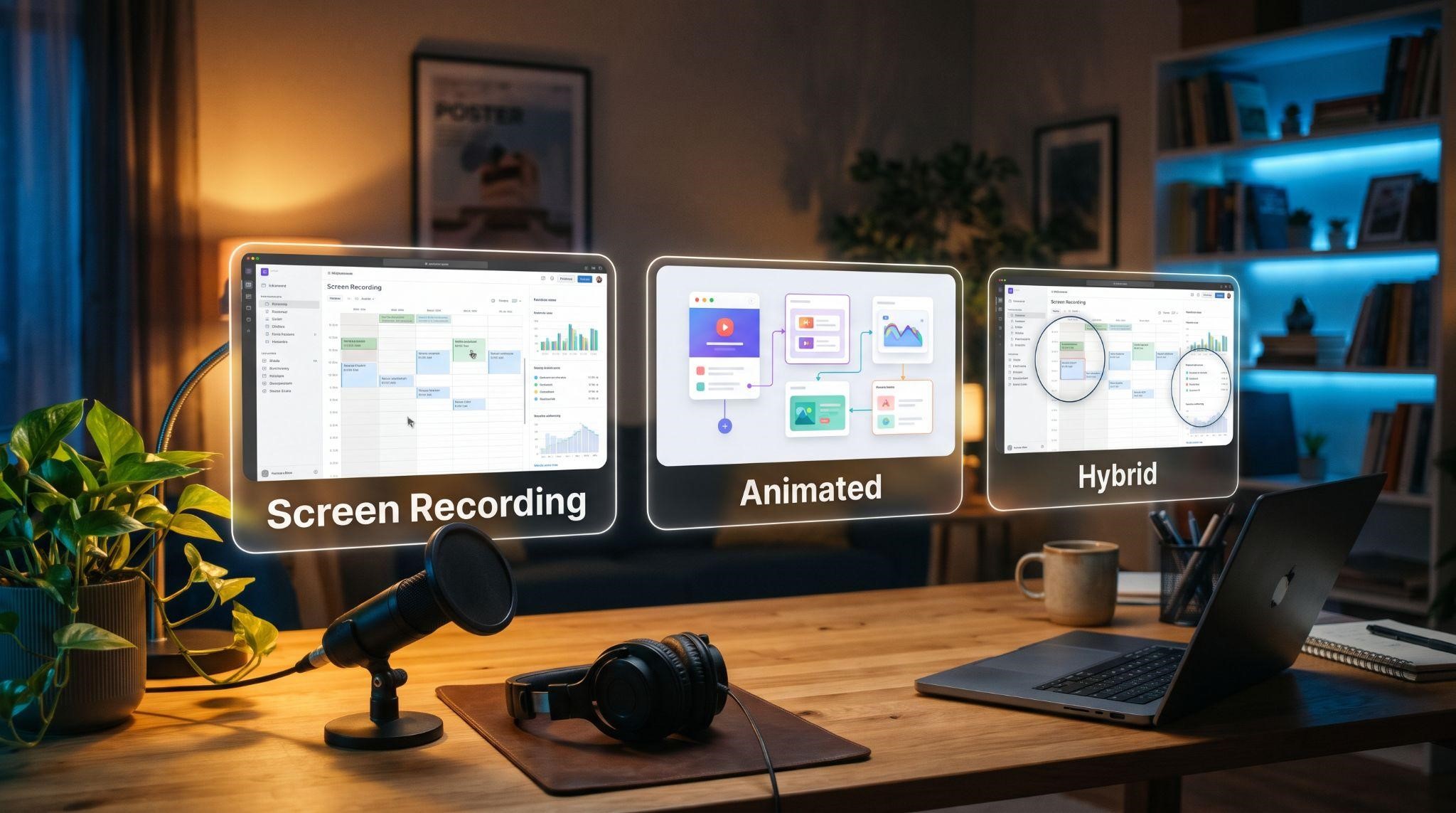
Not every demo has to be a screen recording with your voice over it. There are three common formats, and picking the right one upfront saves a lot of time.
| Format | What It Looks Like | Effort | Best For |
|---|---|---|---|
| Screen recording | Real dashboard clicks with voiceover | Low to medium | Quick outreach demos, early-stage SaaS |
| Animated demo | Motion graphics recreating your dashboard | High (usually done by pros) | Websites, ads, premium positioning |
| Hybrid | Real recordings with animated zooms, labels, and callouts | Medium to high | Sales pages and replacing live calls |
If you're making your first GHL demo video yourself, start with a screen recording. It's the fastest way to get something useful into prospects' hands. You can always upgrade to a polished hybrid or animated version later.
The One-Afternoon Game Plan
Here's how to break the work into five focused blocks. Times are rough guides for a short 2 to 3 minute demo.
| Block | Task | Rough Time |
|---|---|---|
| 1. Plan | Pick your audience, goal, and 3 to 5 features | 30 minutes |
| 2. Prep | Clean up branding and add realistic demo data | 60 minutes |
| 3. Script | Fill in the script template and do a read-through | 30 minutes |
| 4. Record | Capture screen clips and voiceover | 60 minutes |
| 5. Edit | Trim, zoom, caption, and export | 60 to 90 minutes |
These estimates are for a simple screen-recorded demo. More polished or longer demos take considerably more time.
Let's walk through each block.
Block 1: Plan (30 Minutes)
Grab a notepad and answer three quick questions:
- Who's watching? Pick one type of buyer, like med spa owners, roofers, or real estate agents.
- What should they do after watching? Book a call, start a trial, or reply to your email. Choose one.
- What 3 to 5 features matter most to them? Pick features that solve real problems, like:
- Leads flowing into a pipeline automatically
- Missed calls turning into text conversations
- All messages in one inbox
- Customers booking appointments online
- Review requests going out after every job
Write each feature next to the benefit it delivers. That list becomes the backbone of your video.
Block 2: Prep Your Platform (60 Minutes)
This step is the difference between "amateur" and "professional." Do it carefully.
Make It 100% Your Brand
Before recording, check every screen you'll show for leftover default branding. Look at your logo, favicon, colors, custom domain, menu names, email sender names, and any support widgets. Prospects should only ever see your brand.
Fill It With Believable Data
An empty dashboard looks like an unfinished product. Create a dedicated demo sub-account and add:
- 15 to 20 contacts with realistic names for your niche
- A pipeline with deals at different stages
- A few conversations in the inbox
- Appointments spread across the calendar
- Some reviews with replies
Quick tip: keep this demo account permanently. It saves hours every time you update your video or create a new version.
Block 3: Script It (30 Minutes)
Here's a simple fill-in-the-blank template you can copy. Just replace the brackets.
Hook (0:00 to 0:10)
"What if [result your buyer wants],
without [their biggest headache]?"
Problem (0:10 to 0:25)
"Most [type of business] lose [leads /
time / bookings] because [common
problem]."
Solution (0:25 to 0:35)
"That's why we built [Your Brand], one
place to [main promise]."
Feature 1 (0:35 to 1:05)
"Watch this. When [trigger happens],
[Your Brand] automatically [action].
That means [benefit]."
Feature 2 (1:05 to 1:35)
"Here's [feature]. Instead of [old way],
you can [new way], so [benefit]."
Feature 3 (1:35 to 2:10)
"And with [feature], [result]. No more
[pain point]."
Wrap-Up and CTA (2:10 to 2:30)
"[Your Brand] helps you [main promise].
[Book a call / Start your trial] today
and see it in action."
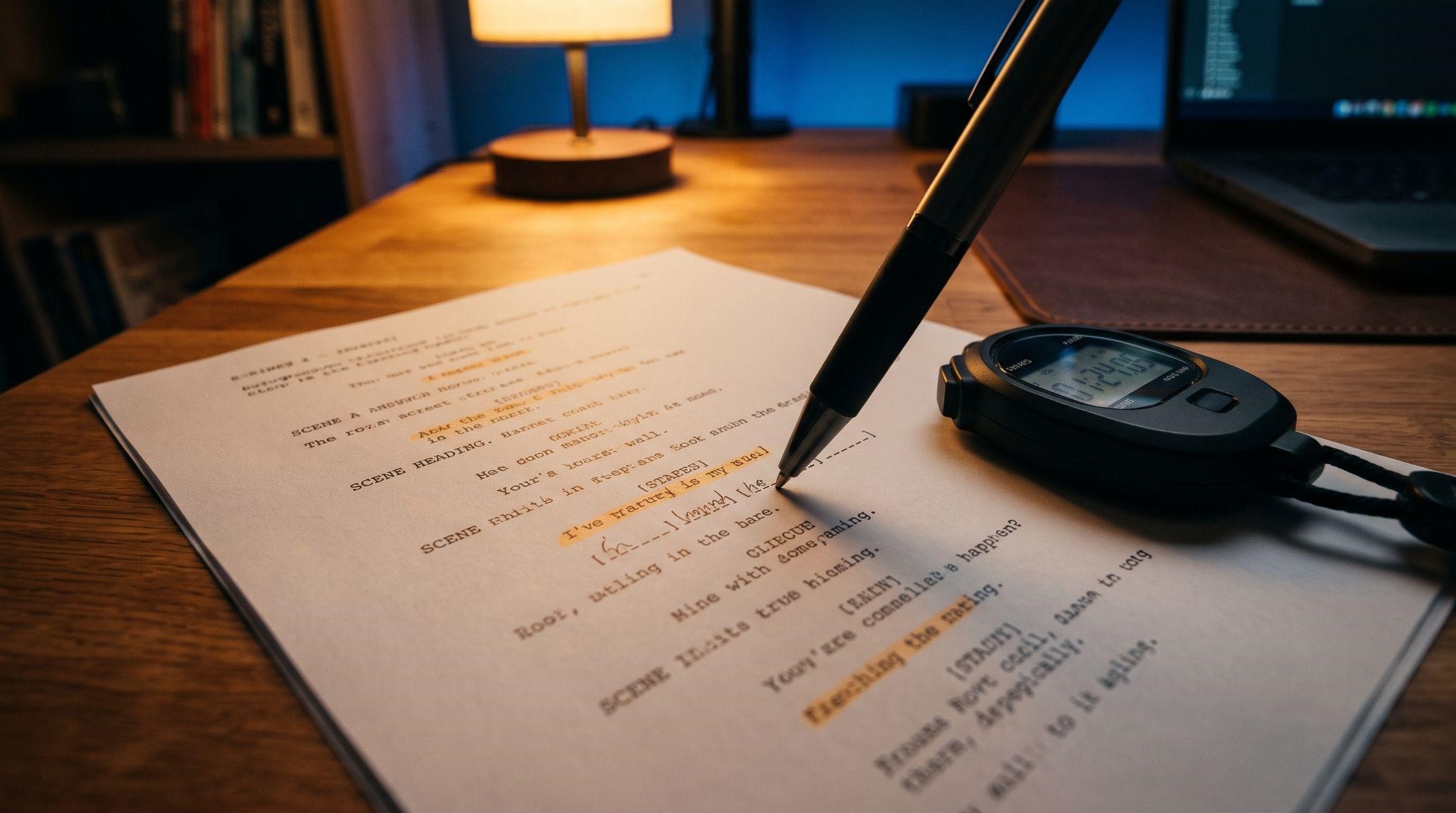
Read it out loud once and time it. If it runs long, cut words, not features you've already promised.
For more examples and timing tips, see our GHL demo video script guide .
Block 4: Record (60 Minutes)
Free and Low-Cost Tools
You don't need expensive software to make your first GHL demo video:
| Task | Free or Low-Cost Options |
|---|---|
| Screen recording | OBS Studio, Loom, built-in screen recorders (Mac and Windows) |
| Voice recording | Audacity, your editing software's built-in recorder |
| Editing | DaVinci Resolve, CapCut, Descript, Camtasia |
| Captions | Auto-captions in CapCut or Descript |
| AI voiceover (optional) | AI voice tools that turn your script into narration |
Quick Recording Checklist
- Close all other tabs and apps
- Turn on "Do Not Disturb"
- Use a clean browser profile with no bookmarks bar
- Zoom your browser slightly so text is easy to read
- Record in at least 1080p
- Move your mouse slowly and pause on each screen
Record in Short Clips
Instead of one long take, record each feature as its own clip. If you make a mistake, you only redo 30 seconds instead of the whole demo.
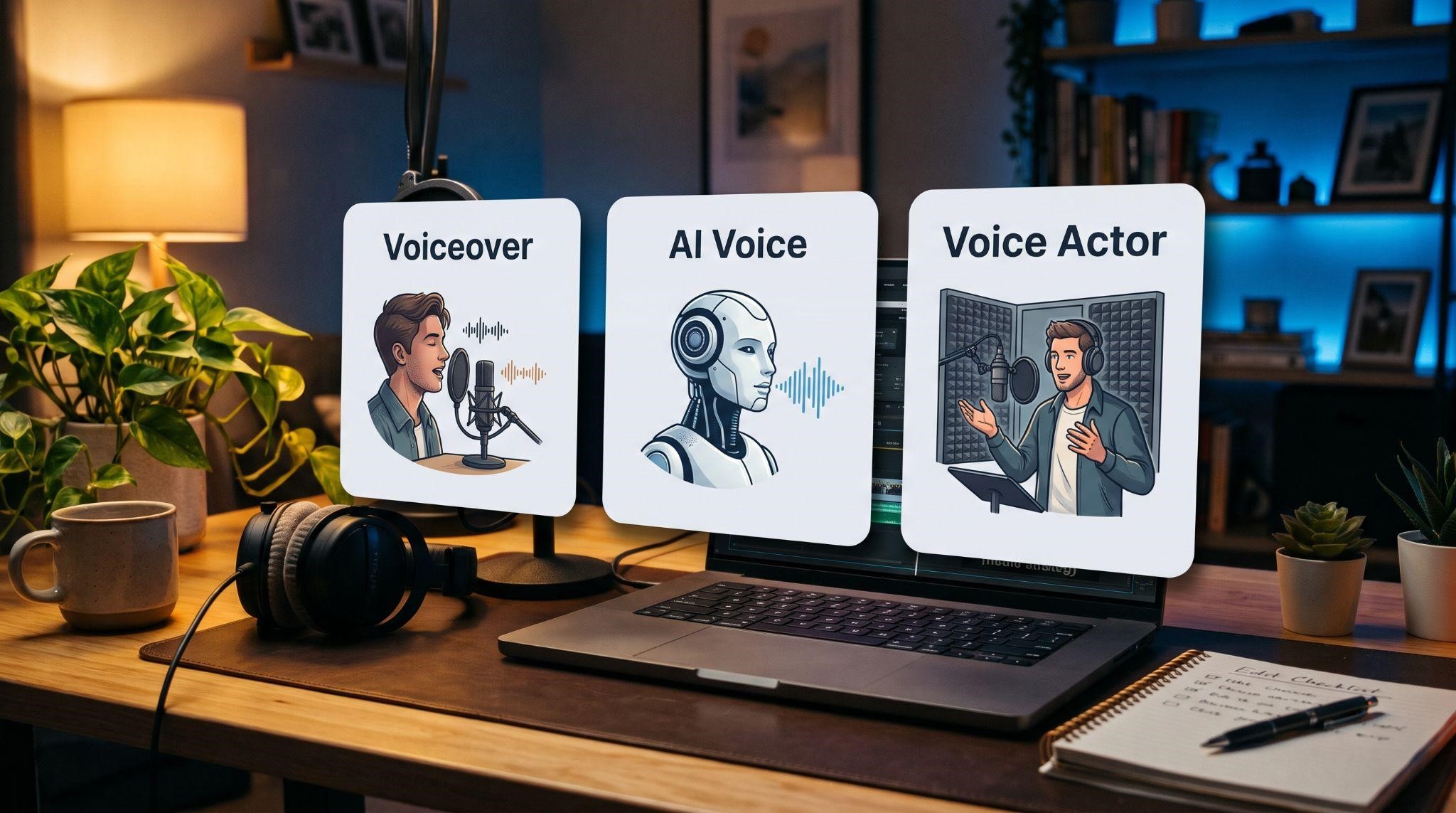
Voice: Yours, AI, or Pro?
| Option | Pros | Cons |
|---|---|---|
| Your own voice | Personal, free, authentic | Takes practice to sound confident |
| AI voiceover | Fast, consistent, easy to update | Can sound flat if not chosen carefully |
| Professional voice artist | Most polished and persuasive | Costs more and takes longer |
Whichever you choose, record your voiceover separately from your screen. It's far easier to get both right that way.
Block 5: Edit (60 to 90 Minutes)
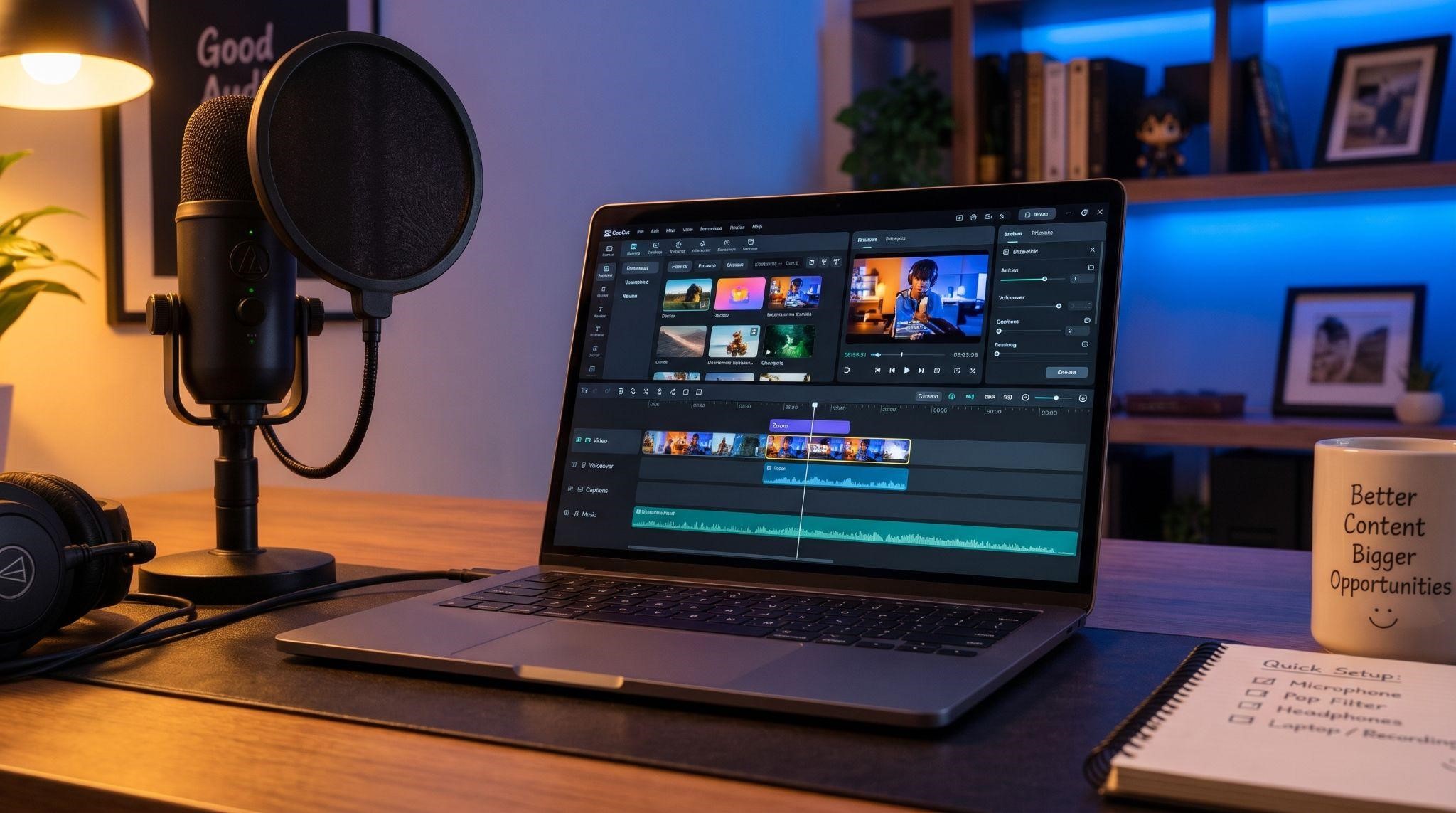
You don't need advanced editing skills. Focus on five simple upgrades:
- Trim the dead time: Cut loading screens, pauses, and mistakes
- Add zooms: Zoom in on the button or area you're talking about
- Highlight the cursor: Help viewers follow along
- Add captions: Many people watch with the sound off
- End with a CTA screen: Show your logo, one action, and a link
Optional extras like soft background music and short text labels ("Auto text-back," "Booked in seconds") add polish without much extra work.
Export Settings
- Resolution: 1080p or higher
- Format: MP4
- Aspect ratio: 16:9 for websites and email, plus a vertical 9:16 cut for social if needed
Common Problems and Quick Fixes
Even simple demos run into issues. Here's how to solve the most common ones:
| Problem | Quick Fix |
|---|---|
| The video feels too long | Cut to 3 features and remove repeated explanations |
| Text is too small to read | Zoom your browser before recording or add zooms in editing |
| Default branding shows up | Re-check white-label settings and re-record those clips |
| Audio sounds echoey | Record in a smaller room with soft furniture or curtains |
| Voice sounds rushed | Slow down and record in short sections |
| Mouse movements look jumpy | Move slower and use cursor smoothing in your editor |
| Dashboard looks empty | Add more realistic demo data before recording |
| Viewers drop off early | Make your hook stronger and show a result in the first 10 seconds |
Turn One Demo Into Five Sales Assets
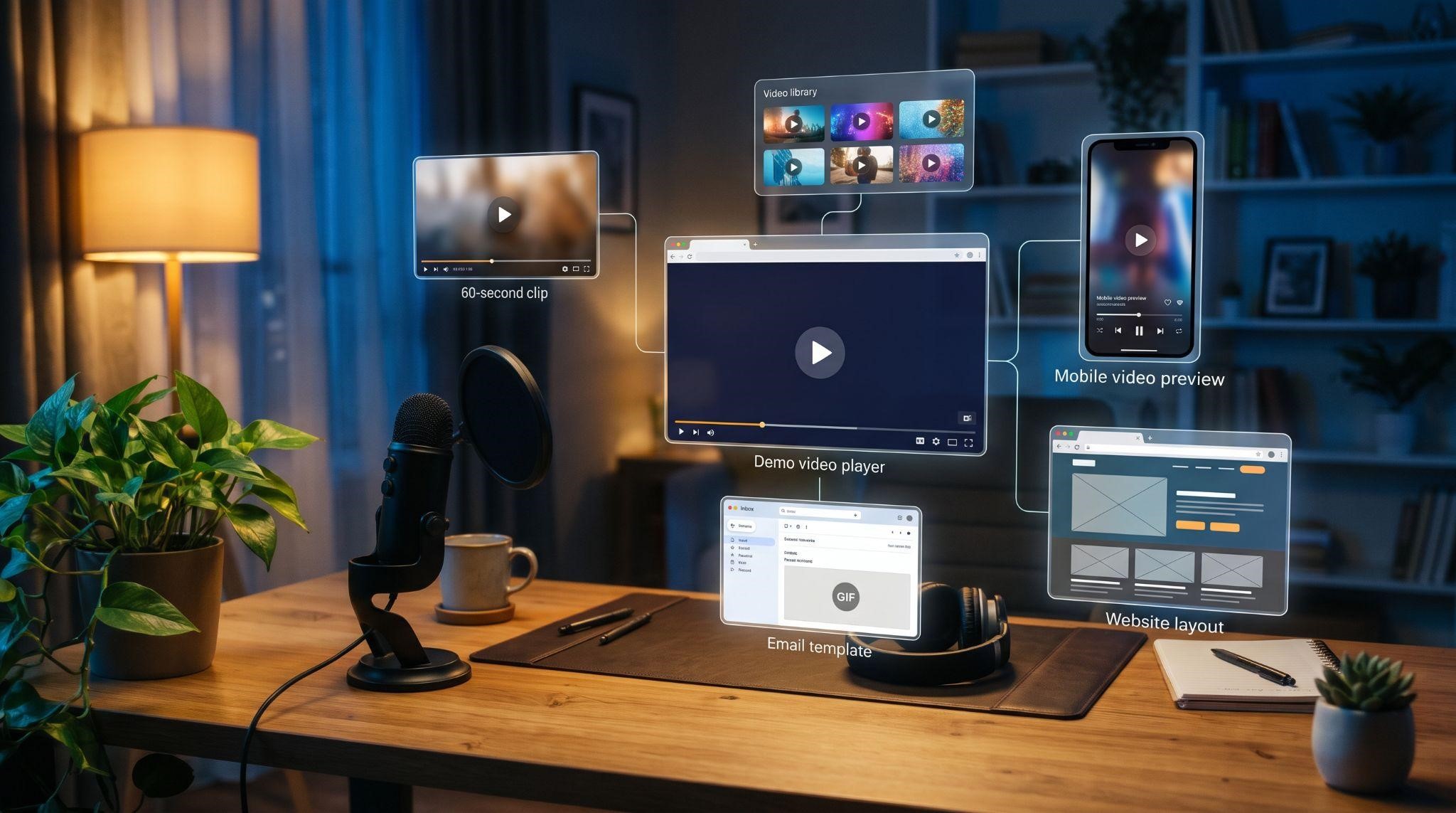
Once your demo is done, don't let it sit in one place. Repurpose it:
| Asset | How to Create It | Where to Use It |
|---|---|---|
| Full demo | Your finished 2 to 4 minute video | Website, pricing page, sales follow-ups |
| 60-second cut | Hook plus your strongest feature | Cold emails and DMs |
| Feature clips | One short clip per feature | Help docs, onboarding, social posts |
| Vertical teaser | 15 to 30 second 9:16 version | Instagram, TikTok, Facebook Reels |
| Thumbnail GIF | A 3-second animated preview | Emails to boost clicks |
One afternoon of work, five ways to use it. That's a strong return on your time.
When DIY Isn't the Best Choice
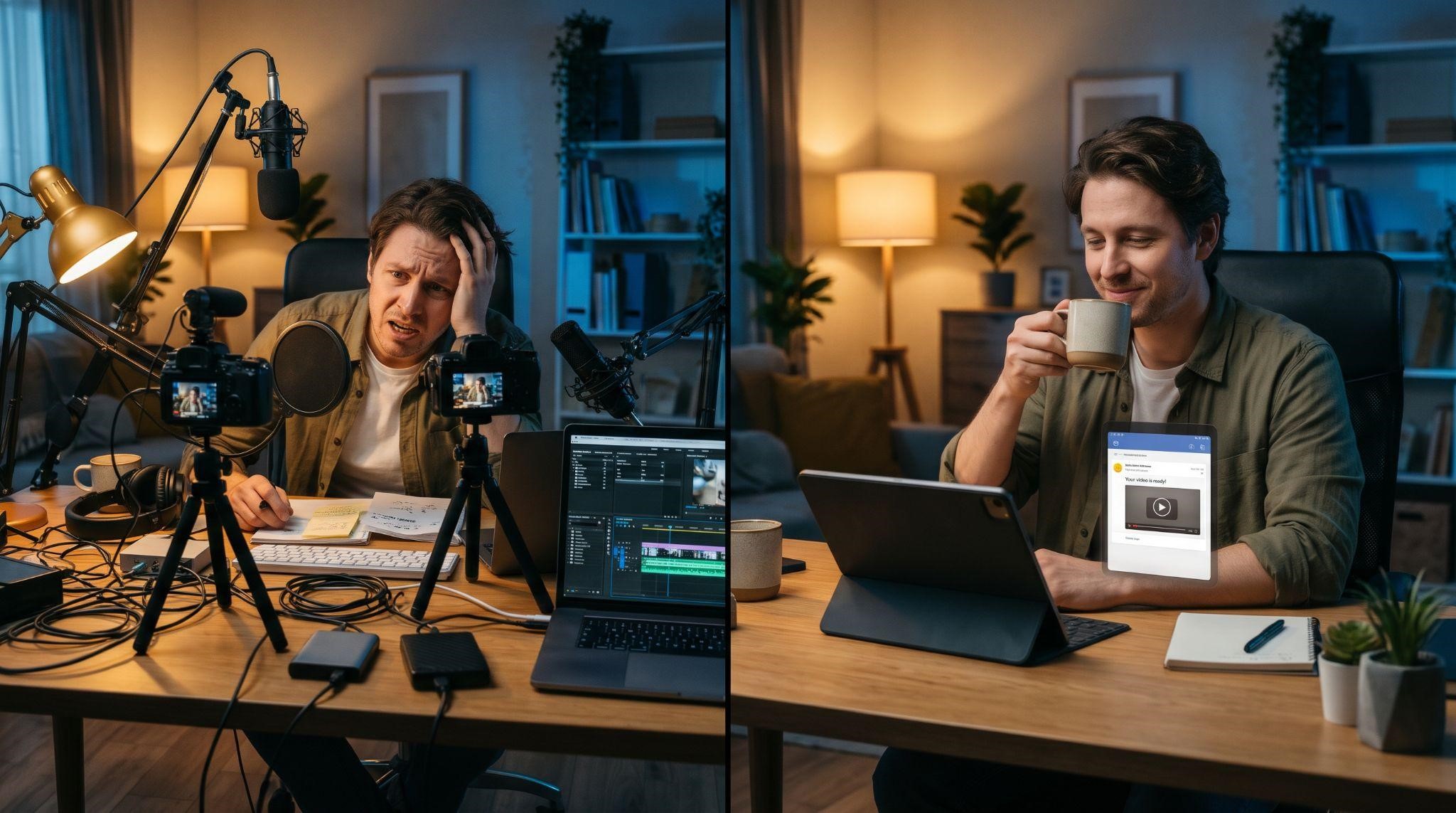
Making your own demo is a great way to start. But it's worth knowing when it makes sense to bring in professionals:
- You're spending more time editing than selling
- Your demo looks "homemade" next to competitors
- You need animated, ad-ready, or website-quality video
- You want multiple versions for different niches
- You need it done fast without sacrificing quality
Think of it this way: your time has a value. If a professional demo helps you close even one or two extra clients, it often pays for itself quickly.
Let GHL Explainer Make It for You
At GHL Explainer , we create premium white-label videos built specifically for GoHighLevel SaaS businesses. Our goal is simple: help you sell your platform 24/7 without recording another demo yourself.
Here's how it works:
- Choose your video: Pick the demo or video type that fits your funnel
- Submit your branding: Logo, colors, dashboard theme, voiceover style, and niche, in under 10 minutes
- Receive your video: Fully branded and ready to use, with most single videos delivered in 3 to 7 days
What makes us different:
- GHL-fluent from day one: We already know pipelines, workflows, and snapshots
- 100% white-labeled: GoHighLevel is never mentioned or shown
- In-house production: Script, storyboard, animation, voiceover, and editing
- Unlimited revisions until it matches your brief
- Full commercial rights to use your video anywhere
- Fixed, upfront pricing with no surprise costs
Want to see the results in action? Read how we created a demo video for Paybridge , or explore our full range of demo videos .
And if you need more than one video, our Video Stacks bundle demo, explainer, onboarding, feature, and marketing videos together for less than ordering each one separately.
Quick Recap
- Choose your format: Screen recording, animated, or hybrid
- Plan: One audience, one goal, 3 to 5 features
- Prep: Fully white-label your demo account and add realistic data
- Script: Use the fill-in-the-blank template
- Record: Short clips, slow mouse, separate voiceover
- Edit: Trim, zoom, highlight, caption, and add a CTA
- Repurpose: Turn one demo into five sales assets
Want a GHL demo video without spending your afternoon editing? Book A Free Call and we'll tell you exactly which video your platform needs.
Book A Free CallFrequently Asked Questions
How long does it take to make a GHL demo video?
A simple screen-recorded demo can be made in an afternoon. More polished, animated, or longer demos take longer.
What's the easiest way to make a GHL demo video?
Start with a screen recording, a short script, and free editing tools, then upgrade later.
Can I use AI voiceover for my demo?
Yes. AI voice tools can turn your script into narration quickly, but choose a natural-sounding voice.
How long should my GHL demo video be?
Two to four minutes works well for most uses. A 60-second cut is great for cold outreach.
What free tools can I use?
OBS Studio for recording, Audacity for audio, and DaVinci Resolve or CapCut for editing are popular free options.
How do I hide GoHighLevel branding?
Set your logo, colors, custom domain, and menu labels before recording, then check every screen carefully.
Should I make one demo or several?
Start with one. Then create shorter cuts and niche-specific versions once it's working.
Can GHL Explainer make my demo video for me?
Yes. We create fully white-labeled demo videos, with most single videos delivered in 3 to 7 days.
Skip the Loom. Talk to us.
Tell us what you're building. We'll tell you exactly which video it needs.
or write to hello@ghlexplainer.com