How to Do a GoHighLevel SaaS Demo
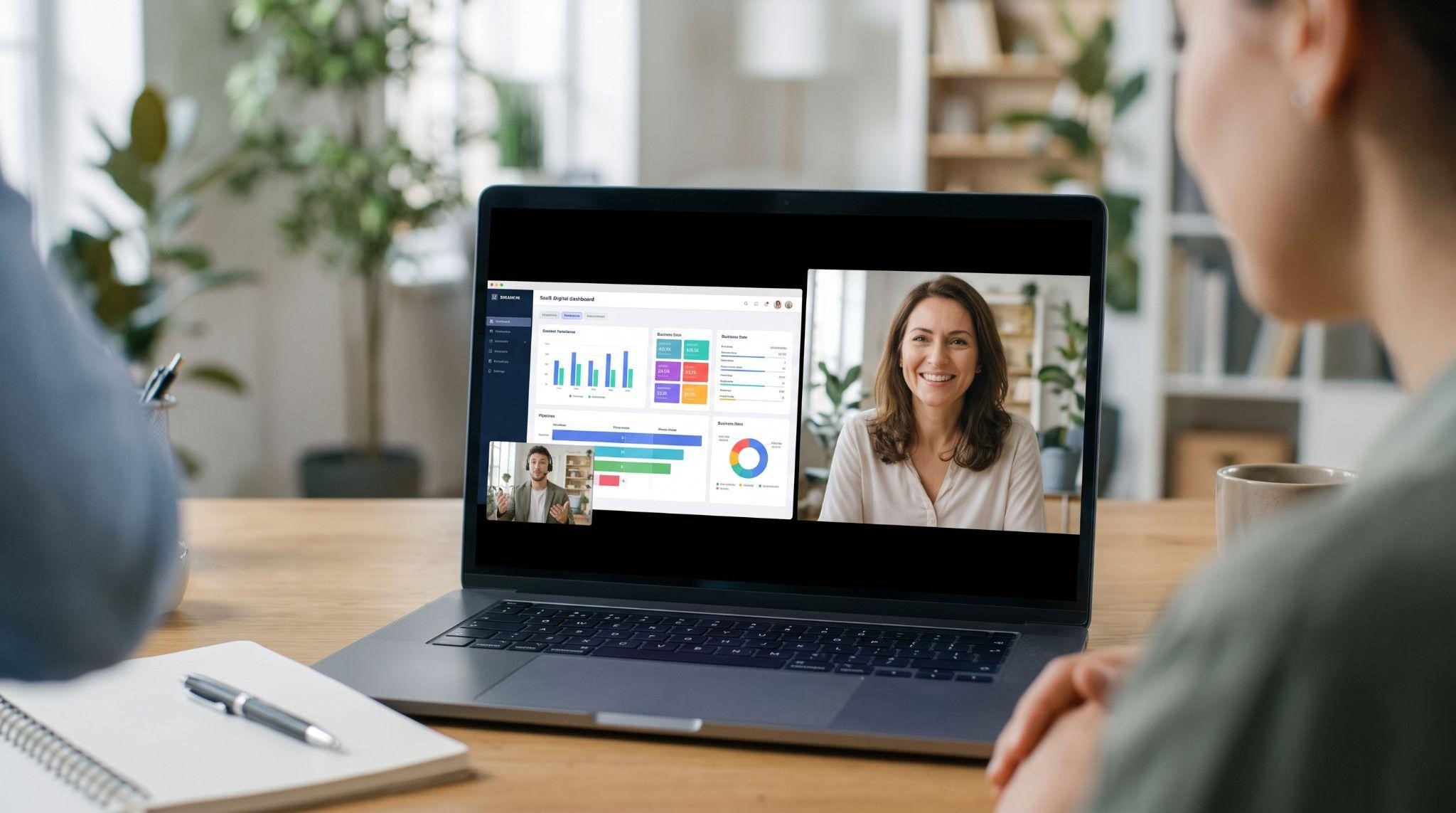
You’ve got a prospect on the calendar. They’re interested. They’ve agreed to give you 30 minutes. Now it’s your turn to show them why your platform is the right choice.
This is the moment where many GHL SaaS deals are won or lost.
Too many demos turn into a long, feature-by-feature tour. The prospect nods politely, says “Let me think about it,” and disappears. Meanwhile, a great demo feels like a conversation about their business, with your platform as the obvious answer.
In this guide, you’ll learn exactly how to do a GoHighLevel SaaS demo that closes: how to prepare, what to ask, how to structure the walkthrough, how to handle objections, how to close, and how to follow up. We’ll also show you how demo videos can do a lot of the heavy lifting before and after the call.
What Is a GoHighLevel SaaS Demo?
A GoHighLevel SaaS demo is a walkthrough of your white-label platform, shown to a potential customer to help them understand how it solves their problems.
It usually happens in one of two ways:
| Demo Type | How It Works | Best For |
|---|---|---|
| Live demo | You share your screen on a call and walk the prospect through the platform | Qualified leads, high-value deals, custom needs |
| Recorded demo video | A pre-made, branded video prospects watch on their own time | Outreach, websites, pre-call education, follow-ups |
The smartest agencies use both. A recorded demo warms prospects up, and the live demo closes them. This guide focuses mainly on running a great live demo, with tips on where video fits in.
Why Most SaaS Demos Fail
Before we get into the how, let’s look at what usually goes wrong:
- No discovery: Jumping straight into features without understanding the prospect’s needs
- Feature dumping: Showing every menu item instead of solving real problems
- Generic examples: Using data that doesn’t match the prospect’s industry
- Talking too much: The prospect barely says a word
- Technical hiccups: Slow loading, wrong account, or leftover default branding
- No clear next step: The call ends with “I’ll think about it”
The good news? Every one of these is easy to fix with the right process.
Step 1: Prepare Before the Call
The best demos are won before the call even starts.
Research the Prospect
Spend 10 minutes learning about their business:
- What industry are they in?
- How many locations or team members do they have?
- How do they get leads today?
- What does their website, Google profile, and social presence look like?
- How many reviews do they have, and how quickly do they reply?
You’ll often spot problems before they even mention them, like slow review replies or no online booking.
Send a Short Pre-Call Questionnaire
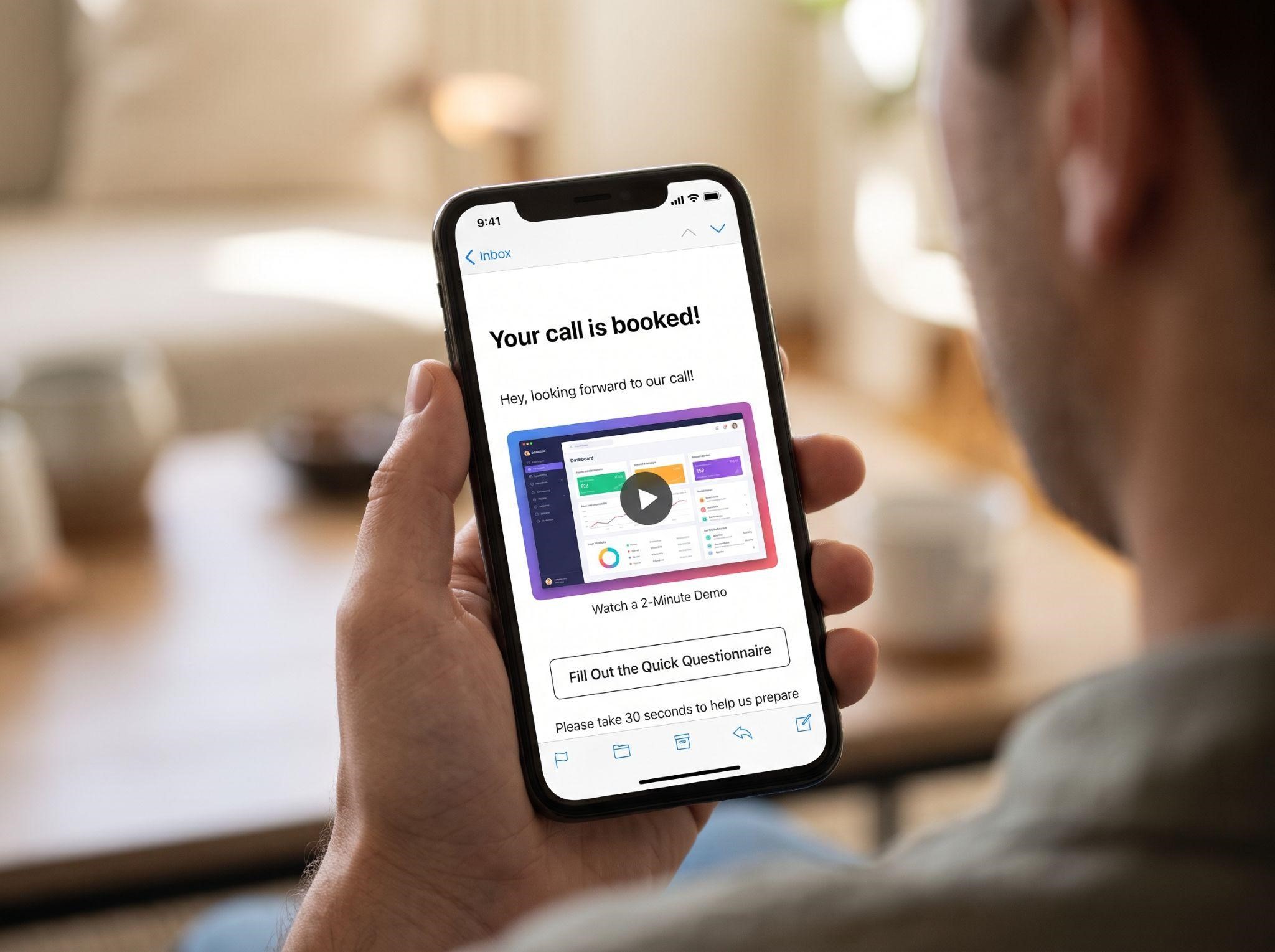
Ask 3 to 5 quick questions in your booking form or confirmation email, such as:
- What’s your biggest challenge with leads right now?
- What tools are you currently using?
- What would make this call a success for you?
Send a Pre-Call Demo Video
Here’s a powerful move: send a short demo video before the call. When prospects arrive already understanding the basics, your live demo can focus on their specific questions instead of explaining the fundamentals. Calls get shorter, and prospects arrive more ready to buy.
Step 2: Prepare Your Demo Account
Nothing kills credibility faster than a messy demo environment. Before every call:
- Use a dedicated demo sub-account, never a real client’s account
- Check your white-label branding: logo, colors, custom domain, and menu names
- Fill it with realistic data that matches the prospect’s niche
- Pre-load the screens you’ll show in separate browser tabs
- Test your internet, audio, and screen share 5 minutes before the call
- Close notifications and unrelated tabs
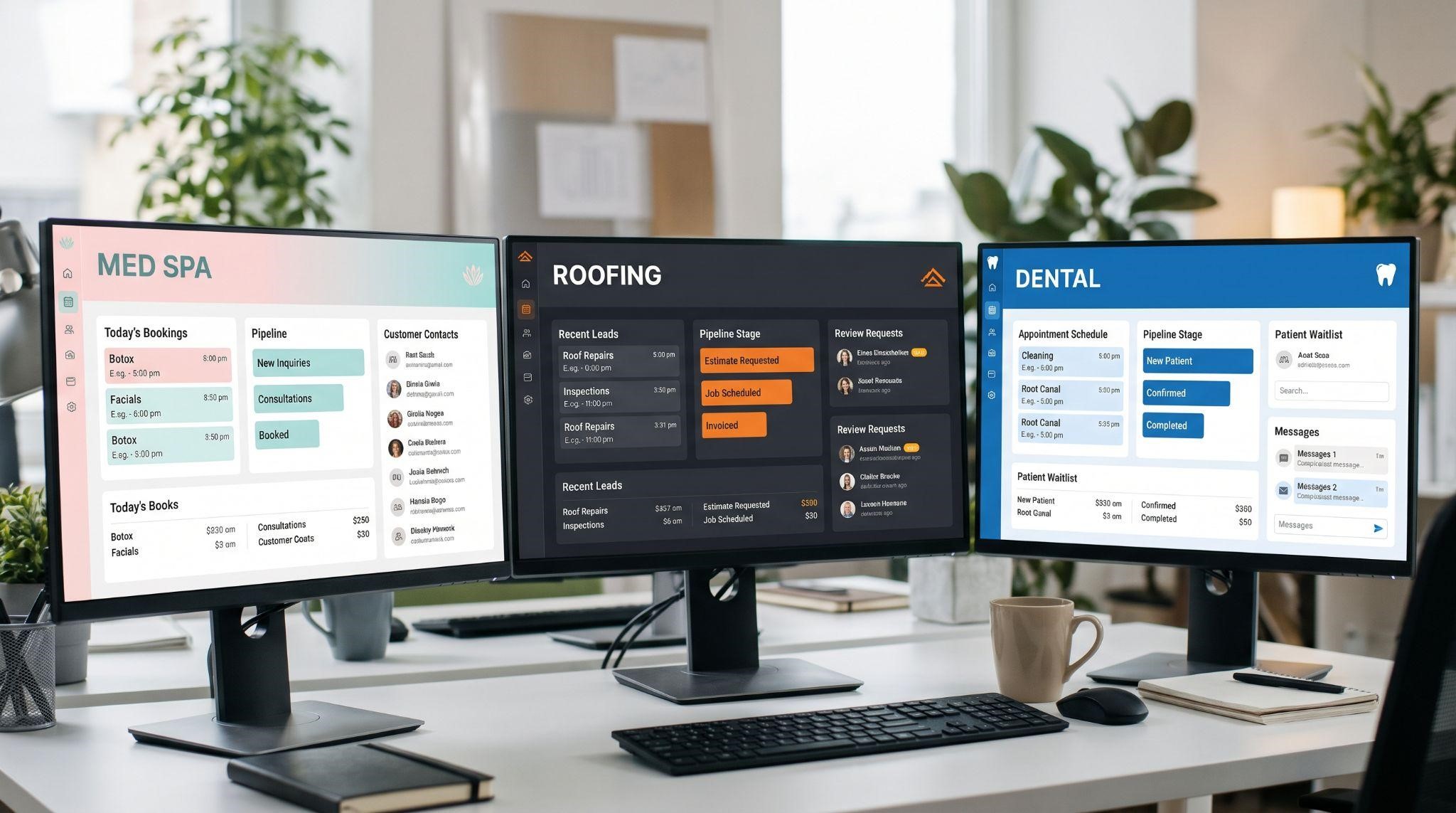
Build Niche-Specific Demo Accounts
If you sell to several industries, create one demo account per niche. A med spa owner should see treatment bookings and before-and-after reviews. A roofer should see estimate requests and storm-season follow-ups. It instantly makes the demo feel tailored.
Step 3: Structure Your Demo Call
A clear structure keeps you in control and keeps the prospect engaged. Here’s a proven layout for a 30-minute call:
| Time | Section | Goal |
|---|---|---|
| 0 to 3 min | Welcome and agenda | Build rapport and set expectations |
| 3 to 10 min | Discovery | Understand their problems and goals |
| 10 to 20 min | Tailored walkthrough | Show how your platform solves their problems |
| 20 to 25 min | Questions and objections | Address concerns openly |
| 25 to 30 min | Pricing and next steps | Make a clear recommendation and close |
Notice that discovery comes before the walkthrough. That’s the secret to a demo that feels personal.
Open With a Clear Agenda
Start with something like:
“Thanks for making time today. Here’s what I’d suggest: first, I’ll ask a few questions about your business. Then I’ll show you the parts of the platform that fit what you need. We’ll leave time for questions, and at the end we can decide if it makes sense to move forward. Sound good?”
This sets expectations, shows you respect their time, and quietly signals that a decision will be part of the conversation.
Step 4: Run Great Discovery
Discovery is where you learn what matters to the prospect. Spend more time listening than talking.
Questions to Ask
| Area | Example Questions |
|---|---|
| Leads | “Where do most of your leads come from?” “How quickly do you usually respond?” |
| Missed opportunities | “How many calls or messages do you think you miss each week?” |
| Tools | “What software are you using right now? What do you like or dislike about it?” |
| Team | “Who handles follow-ups and bookings?” |
| Reviews | “How do you currently ask customers for reviews?” |
| Goals | “If we worked together, what would success look like in 90 days?” |
Write down their exact words. You’ll use them throughout the demo.
Find the Top 3 Pains
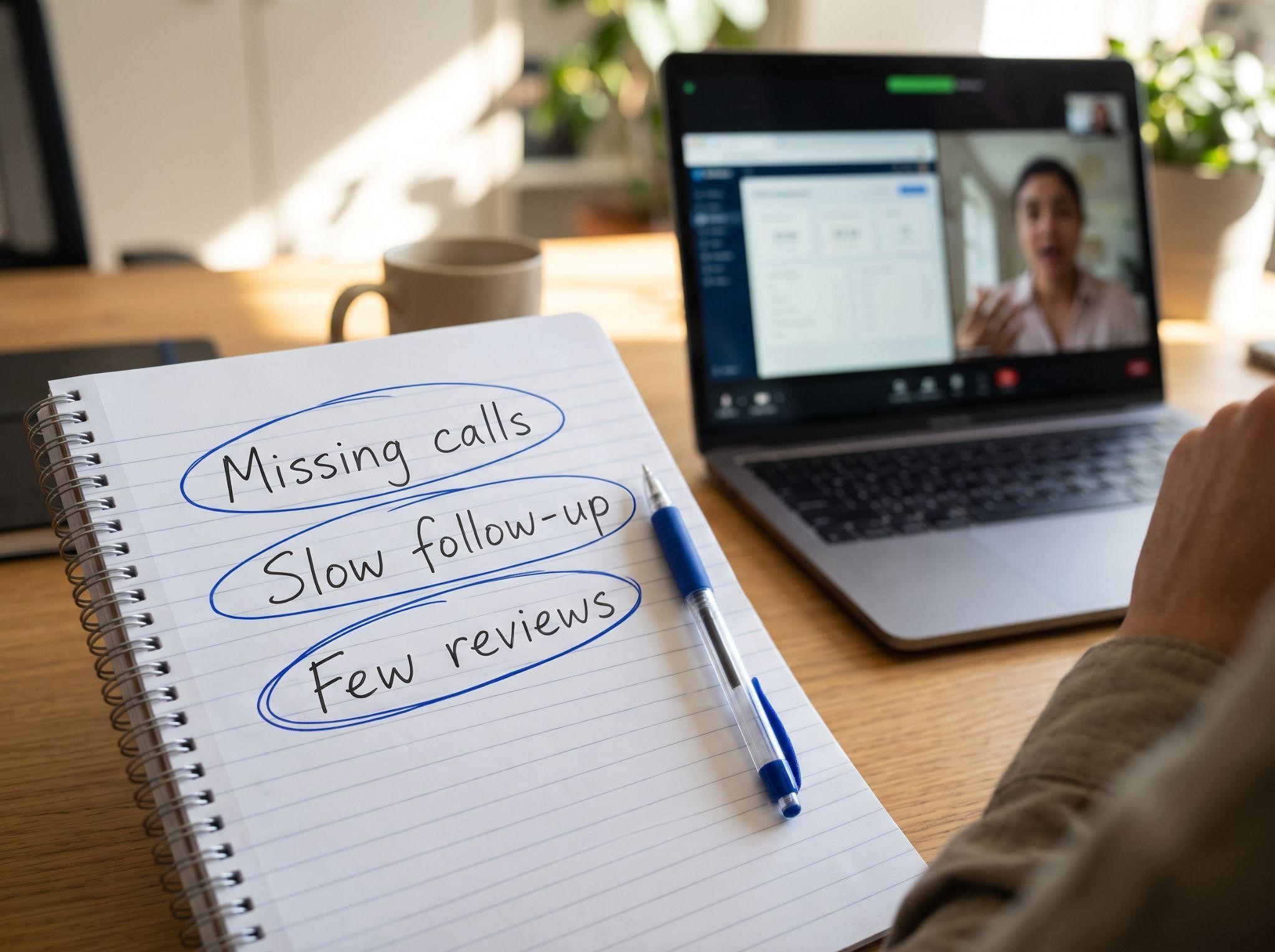
By the end of discovery, you should know the three biggest problems your platform can solve for them. Those three problems become your demo agenda.
Step 5: Deliver a Tailored Walkthrough
Now it’s time to show the platform. But here’s the rule: only show features that solve the problems they just told you about.
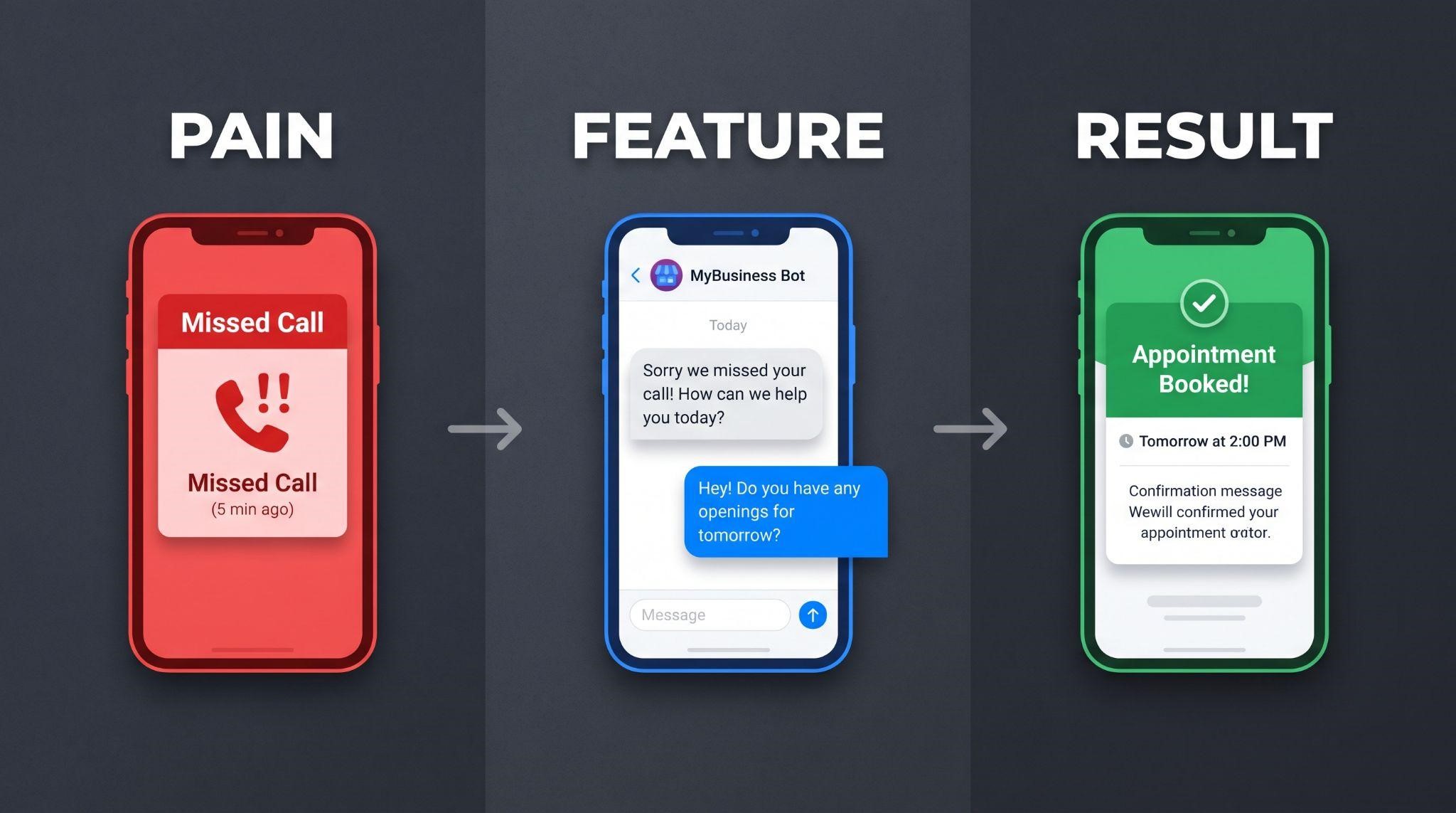
Use the “Pain, Feature, Result” Method
For each problem, follow this simple pattern:
- Repeat the pain in their words: “You mentioned you miss a lot of calls while you’re on job sites.”
- Show the feature: “Watch what happens when a call goes unanswered.”
- Connect it to a result: “So instead of losing that lead, they get a text in seconds, and you can reply from your phone.”
Then pause and ask: “Can you see that working for your business?”
Example Walkthrough Flow
| Their Pain | Feature to Show | Result to Highlight |
|---|---|---|
| “We miss calls” | Missed call text back | Recover leads automatically |
| “Follow-up falls through the cracks” | Workflow automation | Every lead gets followed up |
| “Messages are everywhere” | Unified inbox | One place for every conversation |
| “Booking takes too long” | Online calendar | Customers book themselves 24/7 |
| “We don’t get enough reviews” | Reputation management | Review requests go out automatically |
| “We can’t answer after hours” | AI tools | Leads get instant replies anytime |
Tips for a Smooth Walkthrough
- Go slower than feels natural: Prospects are seeing it for the first time
- Use their business name in examples when possible
- Ask questions along the way instead of talking nonstop
- Skip anything they didn’t mention, even if it’s impressive
- Show the mobile app if they’re often away from a desk
- Never say “GoHighLevel”: Only use your platform’s brand name
Step 6: Handle Objections With Confidence
Objections aren’t rejection. They’re questions the prospect needs answered before saying yes.
| Common Objection | How to Respond |
|---|---|
| “It looks complicated.” | “That’s fair. That’s why we handle the setup and give you short training videos for each feature.” |
| “We already use another tool.” | “What do you like about it? Let’s compare how many separate tools this could replace.” |
| “It’s too expensive.” | “Let’s look at it differently. What’s one new customer worth to you? If this recovers even a few missed leads a month, how does that compare?” |
| “I need to think about it.” | “Of course. What specifically would you like to think through? Maybe I can help answer it now.” |
| “I need to talk to my partner.” | “Makes sense. Would it help if I sent a short video they can watch, or we book a quick call together?” |
| “Will my team actually use it?” | “Great question. We include onboarding and feature videos so your team learns each tool quickly.” |
The key is to listen fully, acknowledge the concern, and respond with something specific to their business.
Step 7: Close With a Clear Next Step
Never end a demo without a clear next step. Recap what you heard, connect it to your solution, and make a recommendation:
“Based on what you shared, missed calls, slow follow-ups, and not enough reviews are the biggest issues. Our Growth plan covers all three. We can have you set up within a week. Would you like to get started?”
Possible Next Steps
- Sign up today with a checkout or onboarding link
- Start a guided trial with a scheduled check-in
- Book a follow-up call with other decision-makers
- Send a proposal with a clear deadline
If they’re not ready to decide, book the next meeting before the call ends. “Let’s touch base next week” rarely happens. A calendar invite usually does.
Step 8: Follow Up the Right Way
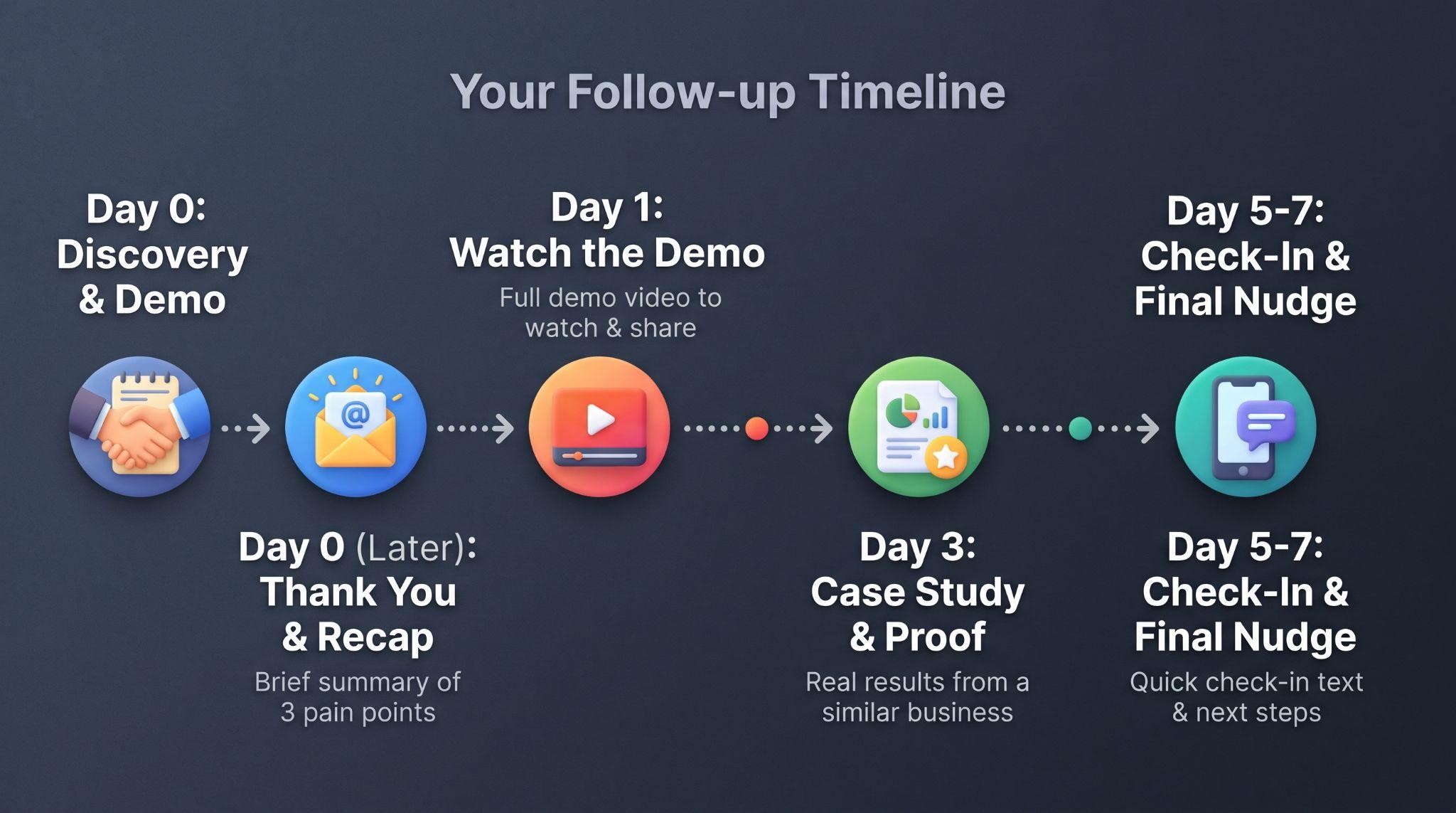
Many deals are won in the follow-up. Here’s a simple sequence:
| When | What to Send |
|---|---|
| Within 1 hour | Thank-you email with a short recap of their 3 pains and your recommendation |
| Same day | A demo video they can rewatch or share with their team |
| Day 2 | A relevant case study or result from a similar business |
| Day 4 | A short check-in: “Any questions come up after our call?” |
| Day 7 | A final nudge with a clear deadline or offer |
Even better, automate this follow-up inside your own platform. It proves your workflows work, and it makes sure no prospect slips through the cracks.
Live Demo vs. Demo Video: Use Both
Here’s how live demos and demo videos work best together:
| Live Demo | Demo Video | |
|---|---|---|
| Personalization | Fully tailored to each prospect | Tailored by niche or sales stage |
| Availability | Limited to your calendar | Available 24/7 |
| Your time | 30 to 60 minutes per prospect | Zero once created |
| Consistency | Varies by day and presenter | Same strong pitch every time |
| Best use | Closing qualified, high-value leads | Outreach, pre-call education, follow-ups |
| Sharing | Hard to share with other decision-makers | Easy to forward and rewatch |
The winning formula looks like this:
- Demo video warms up cold leads and filters out poor fits
- Live demo focuses on the prospect’s specific needs
- Demo video goes out again after the call for partners and team members
This way, you spend your live demo time only with prospects who are already interested and informed.
Common Demo Mistakes to Avoid
- Skipping discovery: You can’t tailor what you don’t understand
- Showing every feature: More features often mean more confusion
- Using generic data: Match the demo account to their niche
- Letting default branding slip through: Prospects should only see your brand
- Talking for 25 minutes straight: Ask questions and pause often
- Ignoring objections: Unanswered concerns turn into “maybe later”
- Ending without a next step: Always book the next action
- Slow follow-up: Interest fades quickly after the call
Quick Checklist: How to Do a GoHighLevel SaaS Demo
Let Your Demo Videos Do Half the Work
Live demos are powerful, but they’re also time-consuming. If you’re running several demo calls a week, a professionally made demo video can save you hours and help prospects arrive more ready to buy.
At GHL Explainer, we create premium white-label videos made specifically for GoHighLevel SaaS businesses. Our demo videos give prospects a full walkthrough of your platform, so they understand how it works before your call, or even skip the call and buy directly.
Here’s what you get:
- 100% white-labeled: Your logo, colors, dashboard theme, and voice, with GoHighLevel never named or shown
- GHL-fluent from day one: No need to explain pipelines, workflows, or snapshots
- Sales-stage demos: Videos built around your real objections and buying triggers
- Fast delivery: Most single videos arrive in 3 to 7 days
- Unlimited revisions until it matches your brief
- Full commercial rights to use it in emails, websites, and sales calls
Need more than a demo? Our Video Stacks bundle demo, explainer, onboarding, feature, and marketing videos into one package at a lower cost than ordering each separately.
Want to see what’s possible? Check out how we helped Paybridge with their demo video.
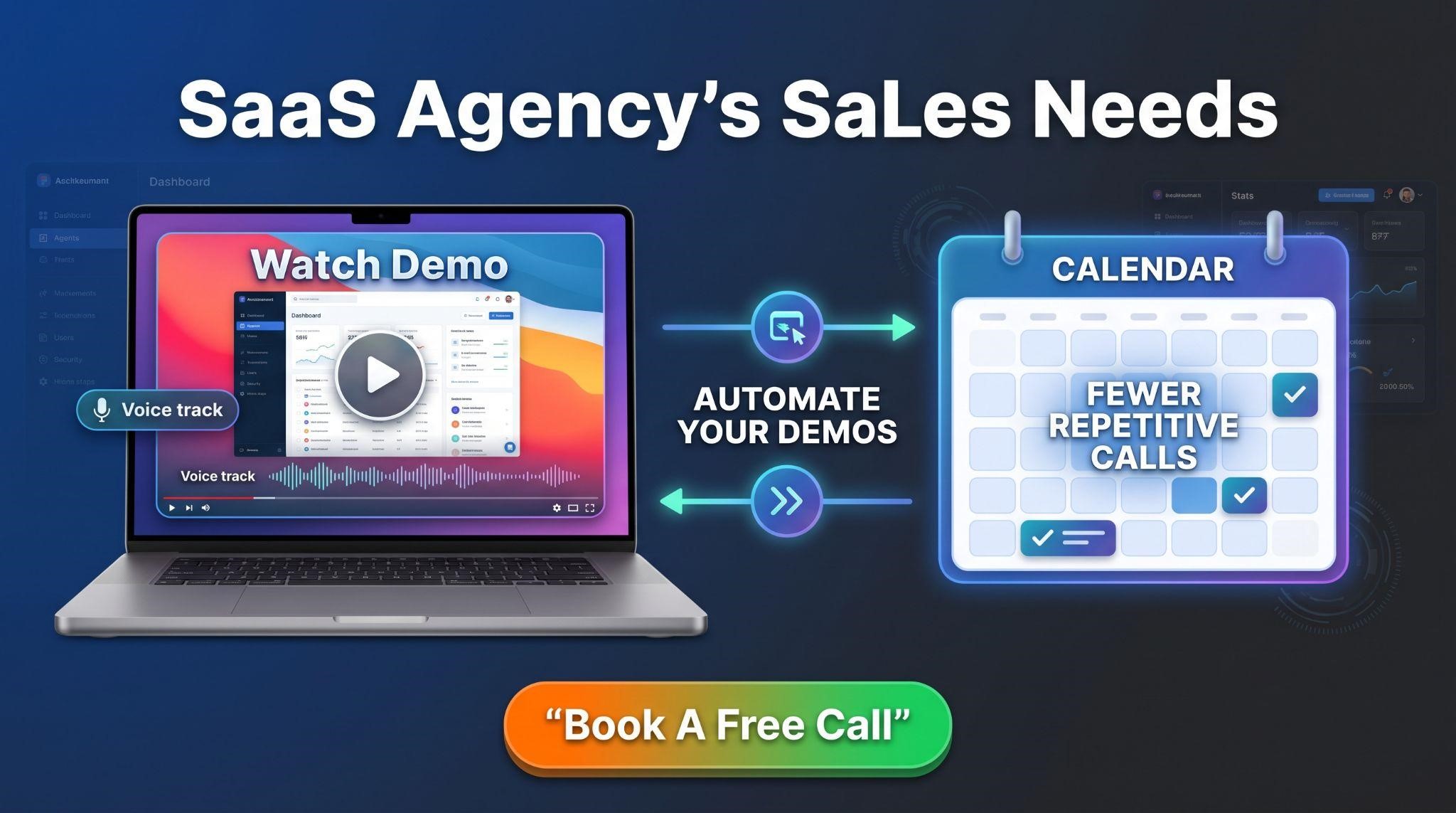
Want to spend less time on repetitive demo calls and more time closing? Book A Free Call and we’ll help you figure out which demo video your sales process needs.
Frequently Asked Questions
How long should a GoHighLevel SaaS demo be?
Around 30 minutes works well for most live demos, including discovery, walkthrough, questions, and next steps.
What should I show in a SaaS demo?
Only the features that solve the prospect’s biggest problems, usually three to five.
Should I use a real client’s account for demos?
No. Always use a dedicated demo sub-account with realistic sample data.
How do I make my demo feel personalized?
Run discovery first, use niche-specific demo data, and repeat the prospect’s own words when showing features.
What if the prospect says “I need to think about it”?
Ask what specifically they want to think through, answer what you can, and book a follow-up before ending the call.
Should I send a demo video before or after the call?
Both. A video before the call educates prospects, and a video after the call helps them share it with partners.
Can a demo video replace a live demo?
For many prospects, yes. For high-value or complex deals, a live demo is still useful for answering specific questions.
Can GHL Explainer make a white-label demo video for my SaaS?
Yes. We create fully branded demo videos, with most single videos delivered in 3 to 7 days.
Skip the Loom. Talk to us.
Tell us what you're building. We'll tell you exactly which video it needs.
or write to hello@ghlexplainer.com