How to Create a
GoHighLevel Demo Video
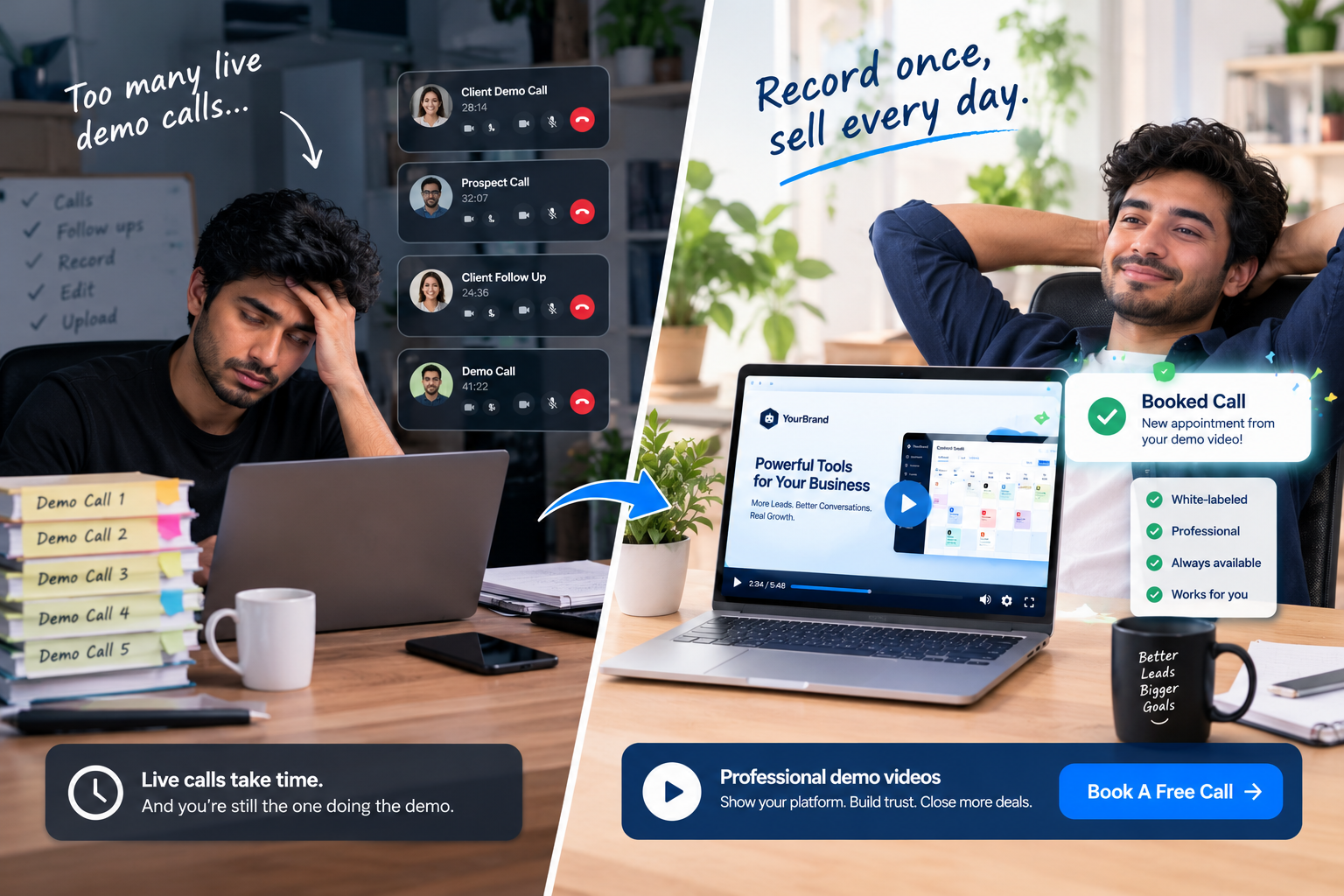
You've built your white-label platform. You've set up the snapshots, polished the dashboard, and priced your plans. Now prospects keep asking the same question: "Can I see how it works?"
So you jump on another live demo call. Then another. Then you try recording a quick Loom, only to notice the GoHighLevel logo in the corner, a messy test contact named "asdf," and a moment where you say "um, let me find that tab" three times.
Sound familiar?
A well-made demo video fixes all of this. It shows your platform at its best, answers questions before prospects ask them, and sells for you around the clock. In this guide, you'll learn exactly how to create a GoHighLevel demo video from start to finish: planning, white-labeling, scripting, recording, voiceover, editing, and publishing. We'll also cover when it makes more sense to hand the job to a professional team.
What Makes a Great GoHighLevel Demo Video?
Before hitting record, it helps to know what "great" looks like. The best demo videos share a few things in common:
- Fully white-labeled: Your logo, colors, and domain, with no trace of GoHighLevel
- Focused: They show the features your buyer cares about, not every menu item
- Story-driven: They follow a clear flow from problem to solution to result
- Polished: Smooth zooms, clean audio, and no awkward pauses
- Action-oriented: They end with one clear next step
Keep these in mind as you go through each step below.
Step 1: Define Your Goal and Audience
Start with two simple questions:
Who is this demo for? A med spa owner and a roofing contractor care about very different things. The more specific your audience, the more convincing your demo.
Where will it be used? The answer shapes the length and depth of your video.
| Where It's Used | Ideal Length | Focus |
|---|---|---|
| Cold outreach and first-touch emails | 2 to 3 minutes | Core value, quick wins |
| Website and landing pages | 2 to 4 minutes | Key features and outcomes |
| Replacing a live sales call | 5 to 7 minutes | Full feature-by-feature walkthrough |
| Specific sales stages | 3 to 5 minutes | Objections and buying triggers |
Choose one primary use for your first video. You can always create more versions later.
Step 2: Pick Your Hero Features
This is where most DIY demos go wrong. They try to show everything. The result is a long, confusing tour that loses viewers halfway through.
Instead, pick 3 to 5 hero features that solve your buyer's biggest problems. For a typical local business audience, strong options include:
- CRM and pipelines: Show leads moving from "New" to "Booked"
- Missed call text back: Show a missed call turning into a conversation
- Unified inbox: Show SMS, email, and social messages in one place
- Calendar booking: Show a customer booking an appointment
- Reputation management: Show review requests and replies
- AI tools: Show an AI assistant answering a lead instantly
Each feature should connect to an outcome: more leads, fewer missed calls, less admin, or more reviews.
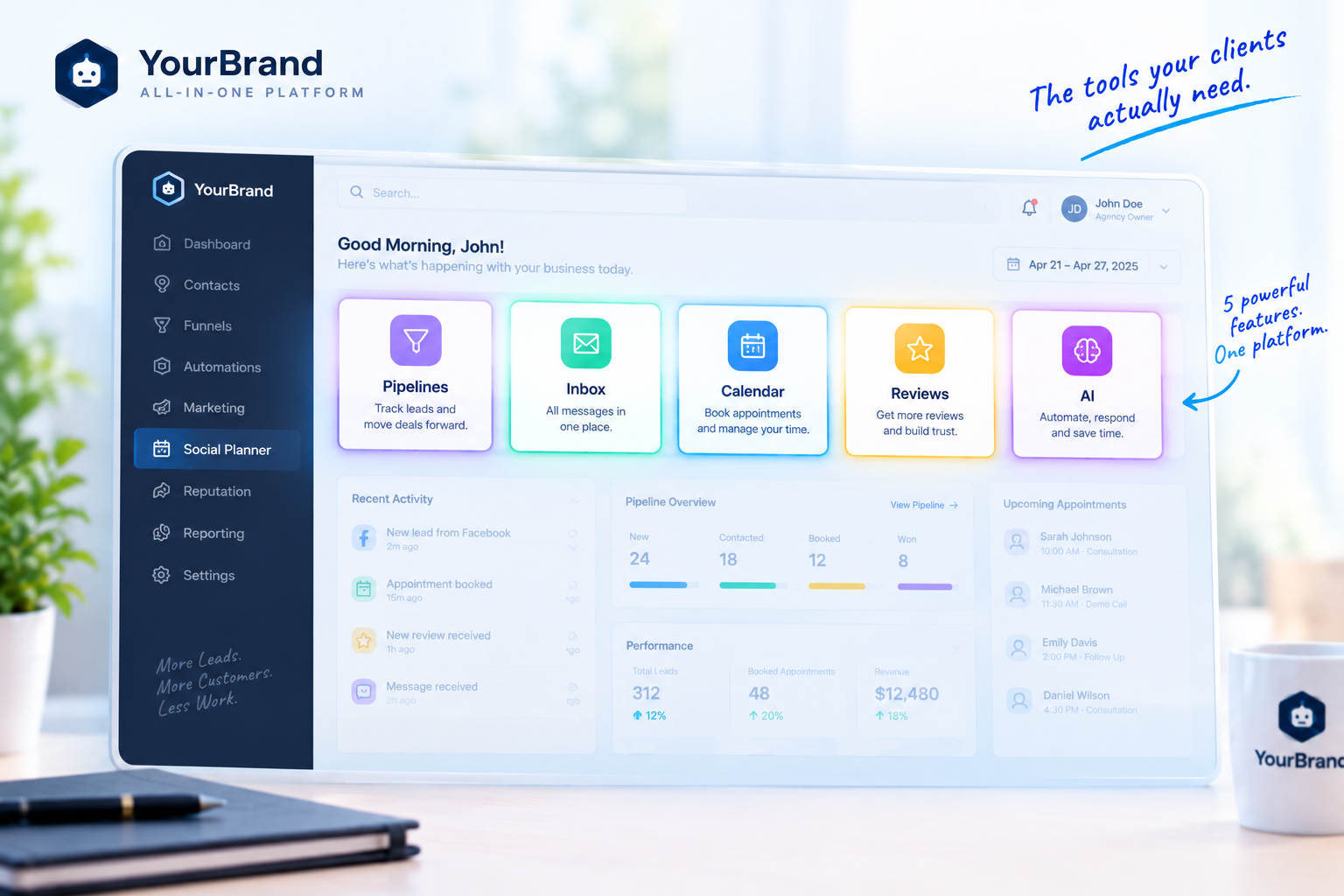
Step 3: White-Label Your Demo Account
Your prospects should only ever see your brand. Before recording, go through this checklist carefully:
| White-Label Item | What to Check |
|---|---|
| Logo and favicon | Your logo appears in the dashboard and browser tab |
| Brand colors and theme | Dashboard colors match your brand |
| Custom domain | The URL shows your domain, not a default address |
| Menu labels | Custom names for menus and features match your terminology |
| Email and SMS senders | Messages show your brand name |
| Help links and support widgets | No default support pop-ups or links appear |
| Browser tabs and bookmarks | Hide anything unrelated or personal |
Do a "trace hunt" before recording. Click through every screen you plan to show and look for any leftover default branding, logos, or terminology. It's much easier to fix now than to edit out later.
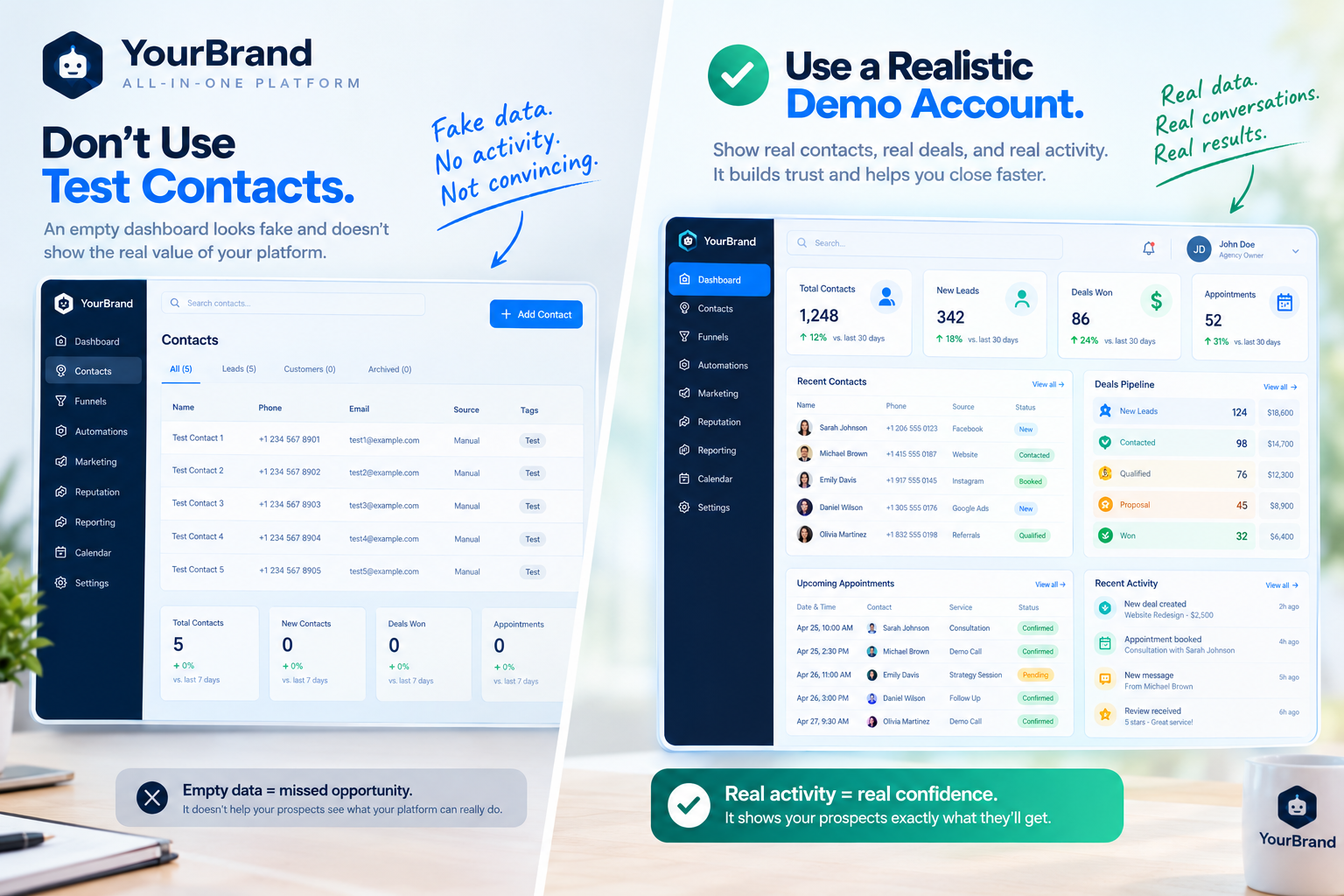
Step 4: Build a Realistic Demo Account
Nothing kills a demo faster than an empty dashboard or contacts named "Test 1" and "John Doe."
Create a dedicated demo sub-account and fill it with realistic data:
- Contacts with believable names, sources, and tags
- Pipeline opportunities at different stages with realistic deal values
- Conversations across SMS, email, and social channels
- Booked appointments spread across the calendar
- Reviews with ratings and replies
- Workflows with clear, readable names
Match the data to your target niche. If you're selling to dentists, your contacts should be booking cleanings and consultations, not "Website Project #3."
Step 5: Write Your Script
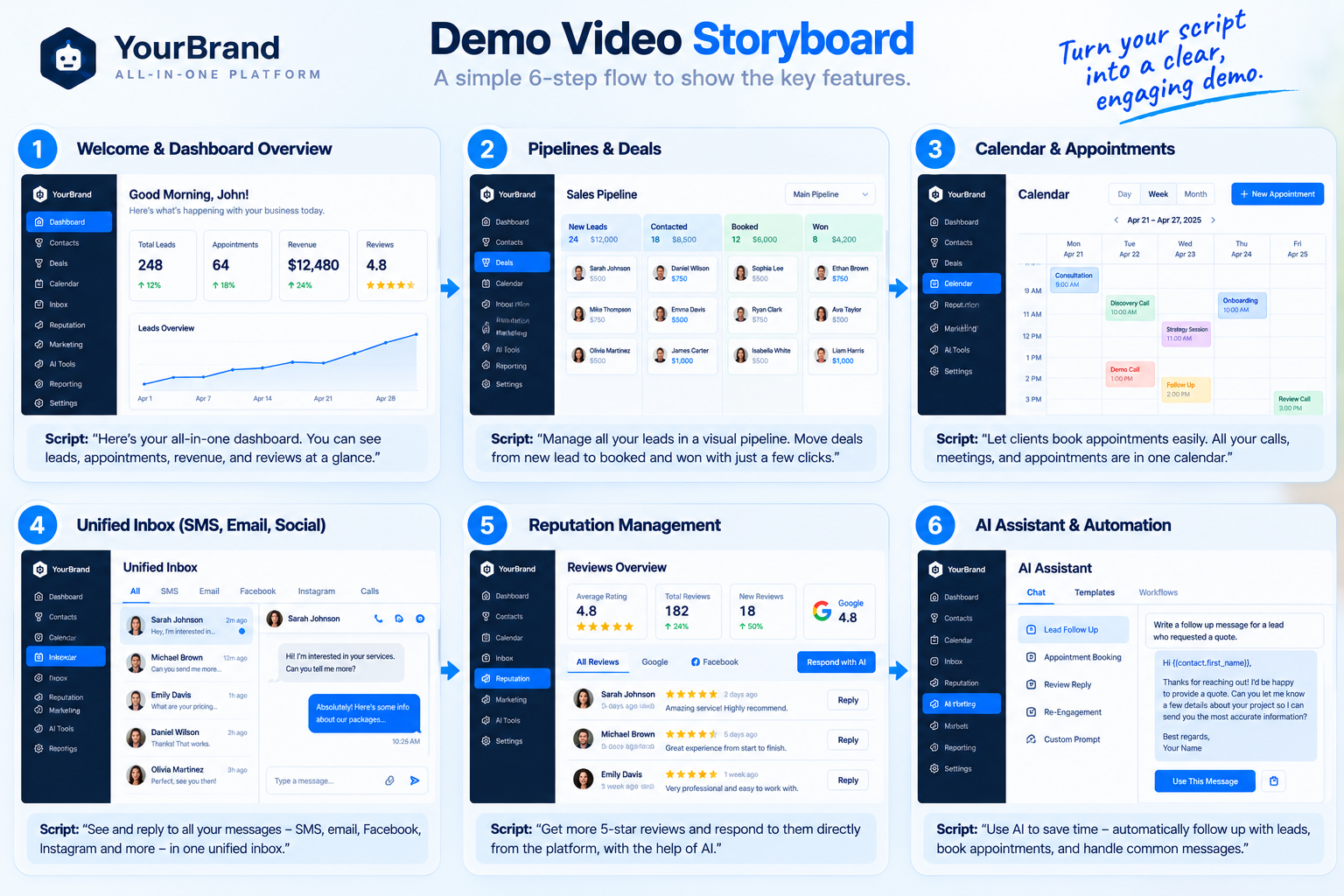
Never wing it. A clear script keeps your video short, focused, and confident. A simple structure works best:
| Section | What to Cover |
|---|---|
| Hook | The result your viewer wants, in the first 10 seconds |
| Problem | The pain they feel today |
| Solution | Introduce your platform by your brand name |
| Walkthrough | Your hero features, each tied to a benefit |
| Proof | Results, time saved, or social proof |
| Call to action | One clear next step |
A few quick scripting tips:
- Write how you talk, not how you write
- Keep sentences short for easy voiceover
- For every feature, show what happens, then explain why it matters
- Never mention GoHighLevel, only your brand name
- Read it out loud and time it before recording
Want a deeper dive with sample lines and timing? Read our GoHighLevel demo video script guide .
Step 6: Plan Your Shot List
Before recording, map out every click. A shot list is simply a list of the screens and actions you'll show, in order:
- Dashboard overview
- New lead arrives in the pipeline
- Missed call triggers an automatic text
- Reply appears in the unified inbox
- Lead books an appointment on the calendar
- Review request goes out after the appointment
Matching your shot list to your script means fewer retakes and a smoother final video.
Step 7: Set Up Your Recording Environment
A few technical settings make a big difference in quality.
Screen Settings
- Record in at least 1080p, ideally higher if your setup allows
- Use a clean browser profile with no extensions, bookmarks, or notifications
- Zoom the browser slightly so text is easy to read on smaller screens
- Close other tabs and apps to avoid pop-ups
- Turn on "Do Not Disturb" on your computer
Tools You Can Use
| Purpose | Example Tools |
|---|---|
| Screen recording | OBS Studio, Camtasia, Screen Studio, Loom |
| Voiceover recording | Audacity, Adobe Audition, a good USB microphone |
| Editing | Camtasia, Descript, Adobe Premiere Pro, DaVinci Resolve |
| Captions | Descript, built-in auto-caption tools |
Pick tools you're comfortable with. Fancy software won't save a poorly planned demo, but a simple tool with a great plan can produce a strong result.
Step 8: Record the Screen (Slowly)
Here's a pro tip: record your screen and your voiceover separately. It's much easier to get clean footage when you're not trying to talk and click at the same time.
While recording:
- Move your mouse slowly and deliberately
- Pause briefly on each screen so you have room to edit
- Follow your shot list exactly
- Record each section as a separate clip so mistakes are easy to redo
- Avoid scrolling quickly since it's hard to follow on video
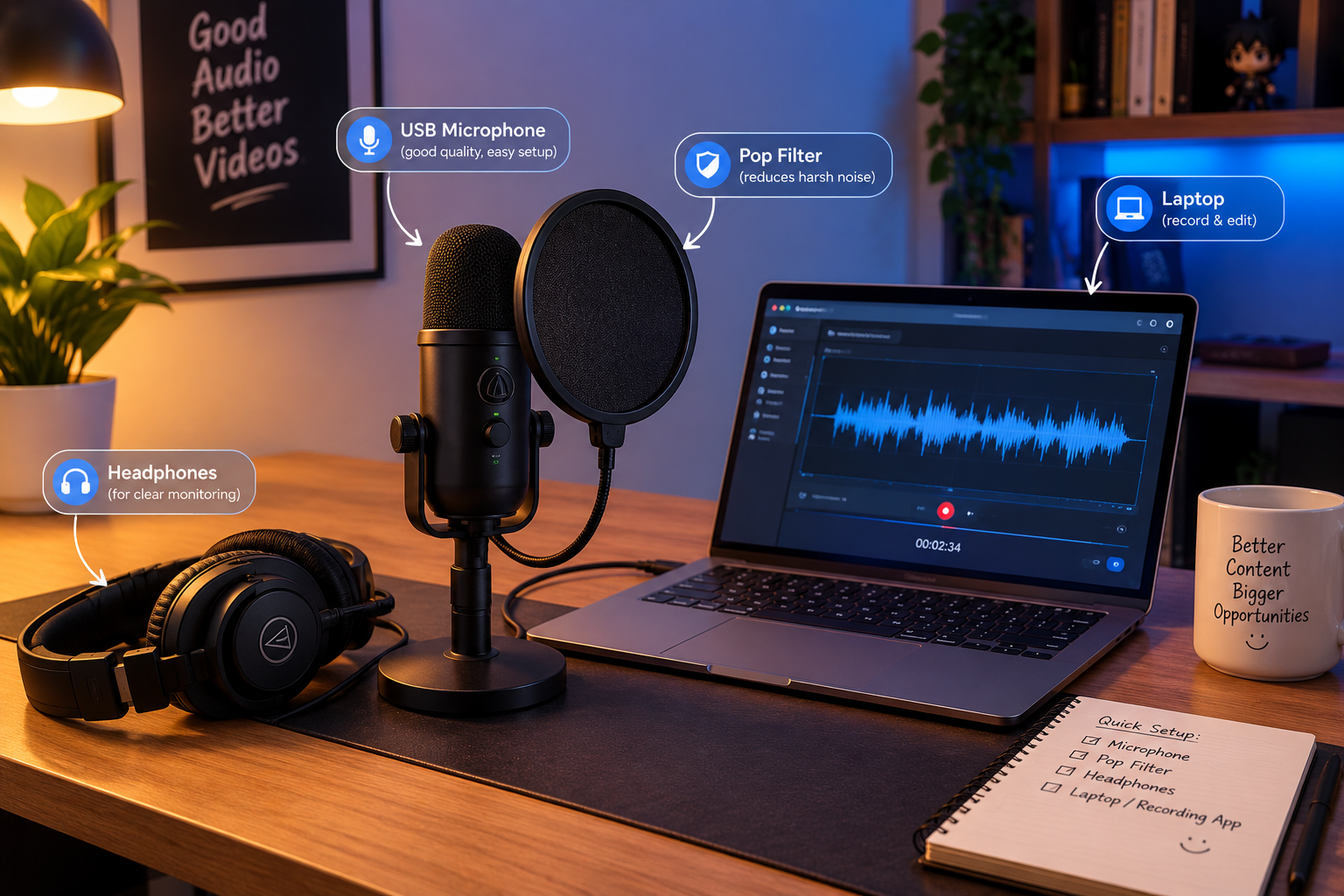
Step 9: Record a Clear Voiceover
Audio quality matters more than most people think. Viewers will tolerate average visuals far longer than bad audio.
- Use a decent microphone rather than your laptop's built-in mic
- Record in a quiet room with soft surfaces to reduce echo
- Speak a little slower than normal and smile while you talk
- Record in short sections so you can redo lines easily
- Remove background noise in editing
If you're not comfortable with your own voice, a professional voiceover artist can make a huge difference in how polished your demo feels.
Step 10: Edit for Clarity and Polish
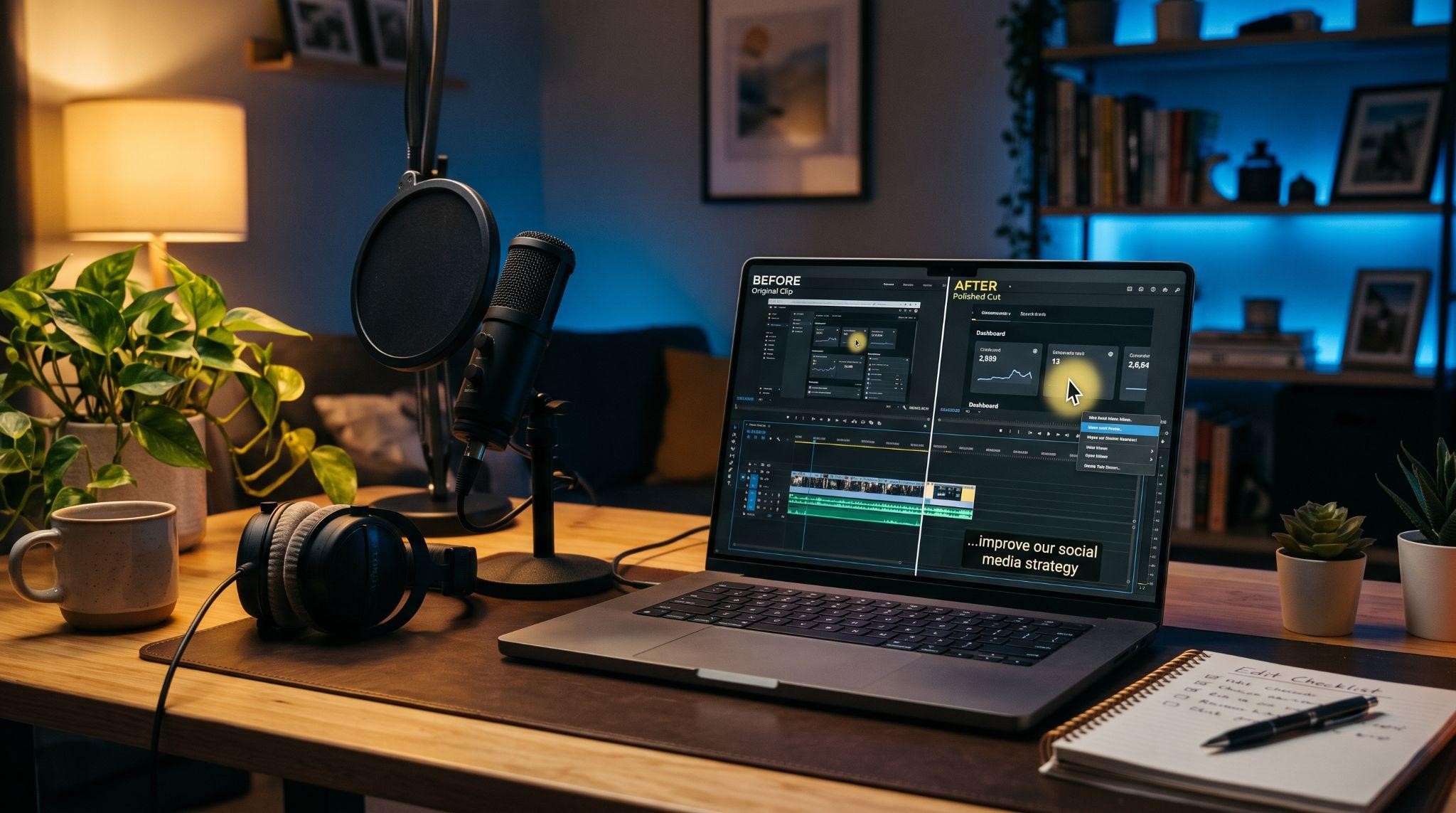
Editing is where a basic screen recording turns into a professional demo. Focus on:
- Smooth zooms: Zoom in on the exact button or feature being discussed
- Cursor highlights: Help viewers follow every click
- Trim dead time: Cut loading screens and pauses
- Captions: Many people watch with the sound off
- Branded intro and outro: Short, clean, and on-brand
- Light background music: Low volume, never distracting
- Callout labels: Short text overlays that reinforce key benefits
Finally, end on a clear call-to-action screen, such as "Book a call," "Start your trial," or "Choose your plan."
Step 11: Review and Test
Before publishing, watch your demo like a prospect would. Better yet, ask someone outside your team to watch it.
Check for:
- Any leftover GoHighLevel branding, URLs, or terminology
- Typos in on-screen text or captions
- Audio and video staying in sync
- A clear, single call to action
- A length that still feels engaging all the way through
Step 12: Publish and Put It to Work
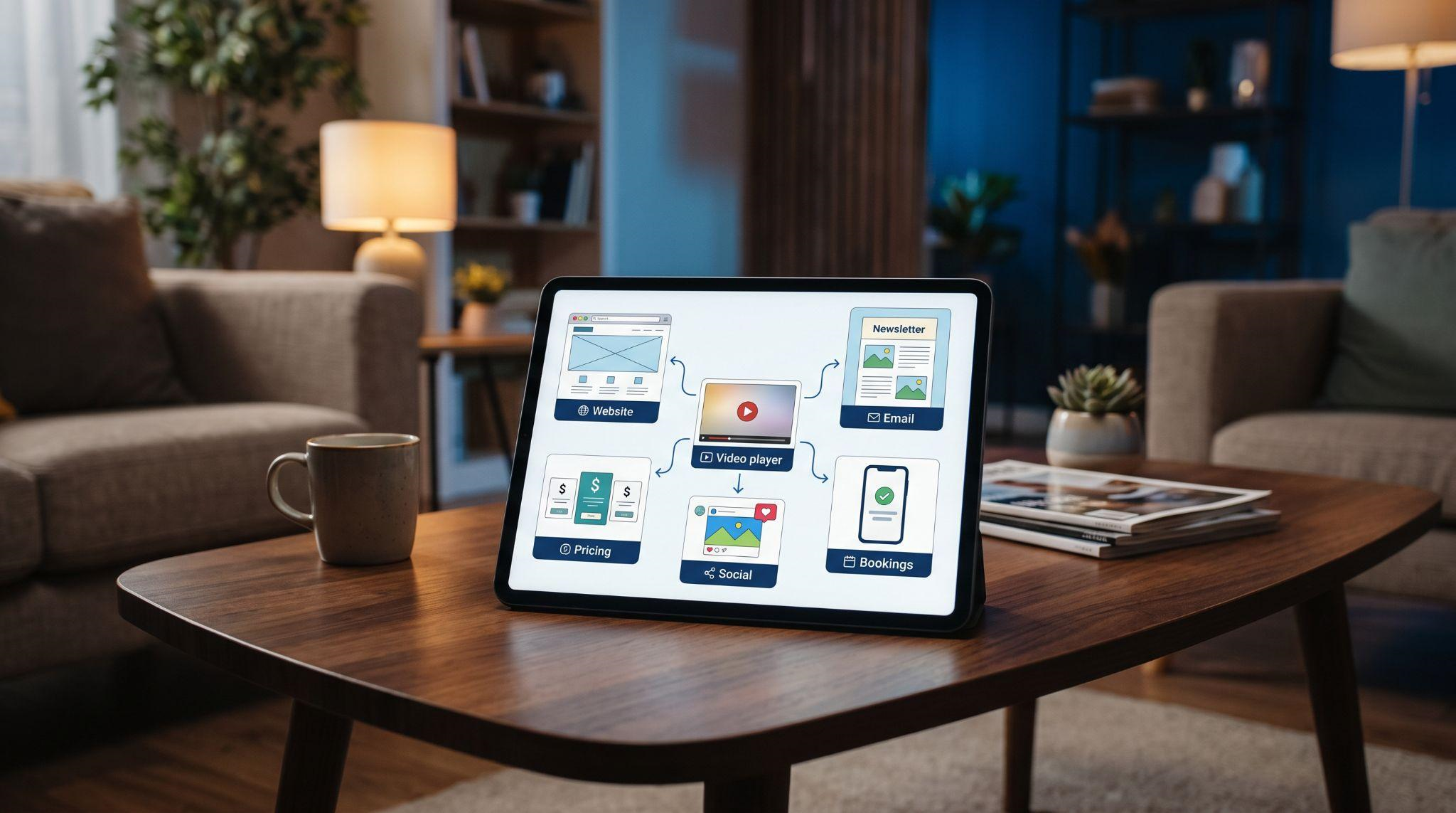
A demo video only works if people see it. Use it everywhere:
| Where to Use It | How It Helps |
|---|---|
| Homepage and landing pages | Explains your platform before visitors leave |
| Pricing page | Builds confidence right before purchase |
| Cold outreach emails | Gets attention without a long pitch |
| Sales follow-ups | Re-engages prospects who went quiet |
| Booking confirmation pages | Pre-educates prospects before sales calls |
| Social media and ads | Shows your platform in action |
Then track the results. Watch video completion rates, booked calls, and sign-ups to see what's working and where viewers drop off.
Common Mistakes to Avoid
- Showing GoHighLevel branding: Even one leftover logo can confuse prospects
- Using an empty demo account: Realistic data builds trust
- Showing every feature: Focus beats a full tour
- Talking and clicking at the same time: Record voiceover separately
- Rushing through screens: Give viewers time to understand
- Ending without a clear CTA: Always tell viewers what to do next
- Never updating the video: Refresh it when your platform or branding changes
DIY vs. Professional: Which Is Right for You?
Creating your own demo video is absolutely possible. But it's worth being honest about what it takes.
| DIY Demo Video | Professional Demo Video | |
|---|---|---|
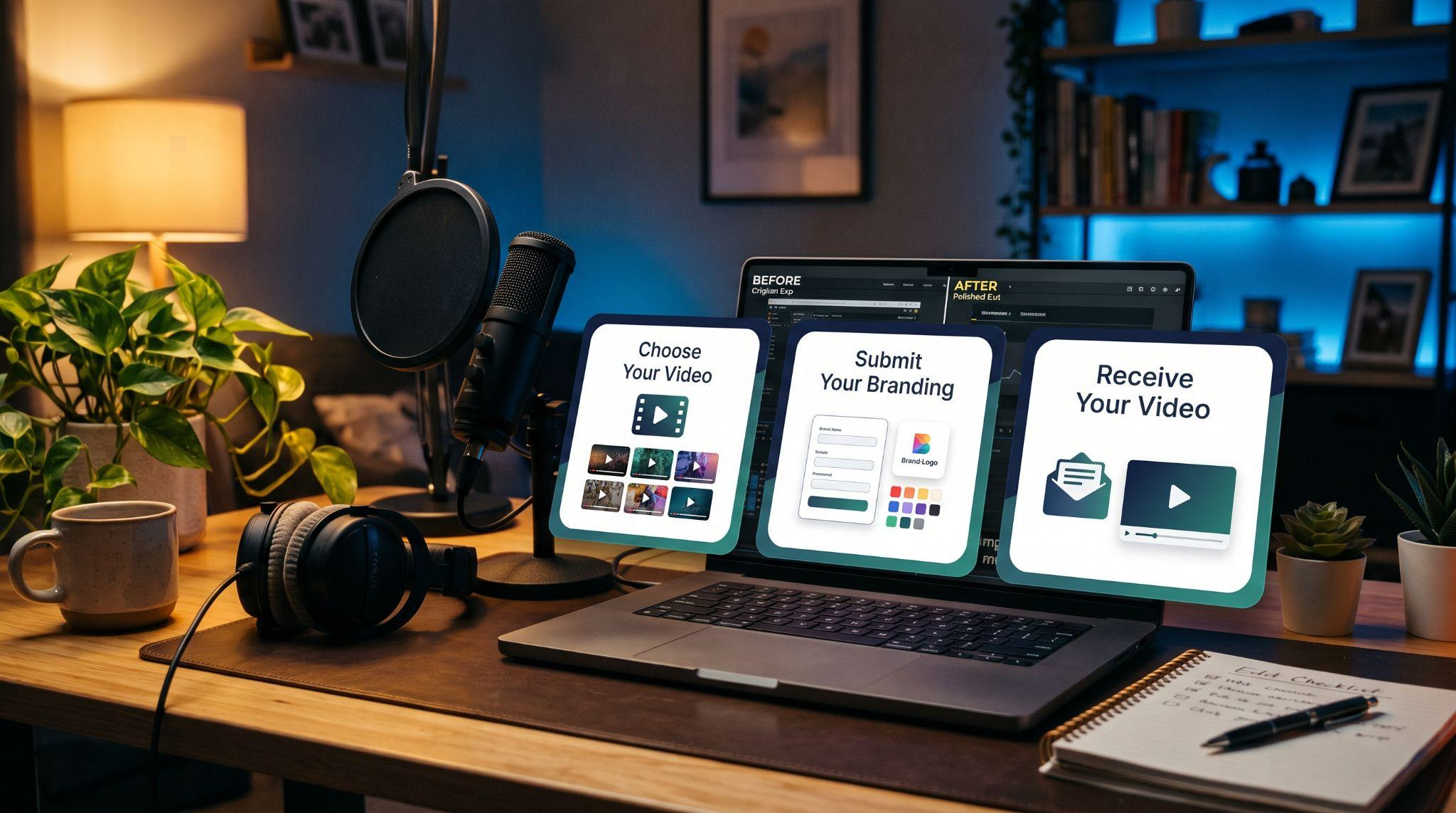
| Your time | Many hours across planning, recording, and editing | About 10 minutes to submit your branding |
| Tools needed | Recording, audio, and editing software | None |
| Skills needed | Scripting, recording, voiceover, and editing | None |
| White-label quality | Depends on how carefully you check | Every trace removed for you |
| Production polish | Varies | Smooth zooms, professional voiceover, clean edits |
| Best for | Tight budgets and teams with video skills | Agencies that want to focus on selling |
If you have the time, tools, and skills, DIY can work well. If you'd rather spend those hours closing deals and serving clients, a professional team is usually the faster route.
Let Us Create Your GoHighLevel Demo Video
At GHL Explainer , we create premium white-label videos for GoHighLevel SaaS businesses, so you never have to record another demo yourself.
Our demo videos give prospects a full walkthrough of your platform, built to replace your Loom and your live demo calls. Here's what you get:
- 100% white-labeled: Your logo, colors, dashboard theme, and voice, with GoHighLevel never named or shown
- GHL-fluent from day one: No need to explain pipelines, workflows, or snapshots
- Professional production: Script, voiceover, smooth zooms, and final edit, all handled in-house
- Fast delivery: Most single videos arrive in 3 to 7 days
- Unlimited revisions until it matches your brief
- Full commercial rights to use it anywhere
Need more than a demo? Our Video Stacks bundle explainer, demo, onboarding, feature, and marketing videos into one package at a lower cost than ordering each separately. See all options on our Video Stack page .
Quick Checklist: Creating a GoHighLevel Demo Video
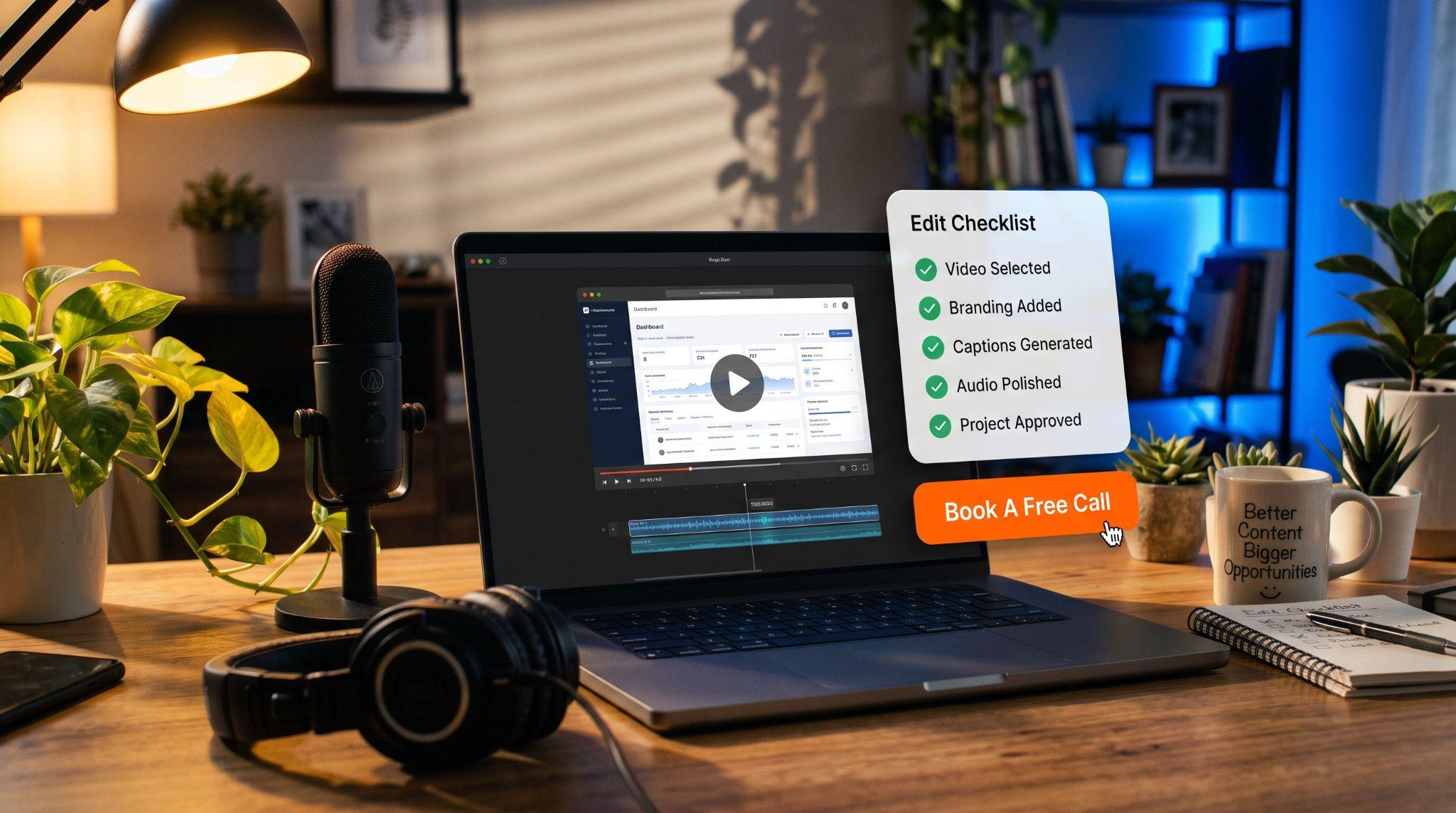
Not sure whether to DIY or hand it off? Book A Free Call , and we'll help you figure out exactly which video your platform needs.
Book A Free CallFrequently Asked Questions
How long should a GoHighLevel demo video be?
Most work best at 2 to 4 minutes. Full walkthroughs designed to replace sales calls can run 5 to 7 minutes.
What software do I need to create a demo video?
You'll need a screen recorder, a microphone, and video editing software. Popular options include OBS Studio, Camtasia, and Descript.
How do I remove GoHighLevel branding from my demo?
Set up your logo, colors, custom domain, and menu labels before recording, then check every screen for leftover branding.
Should I record voiceover and screen at the same time?
It's usually easier to record them separately. It leads to cleaner footage and clearer audio.
What features should I show in my demo?
Pick 3 to 5 features that solve your buyer's biggest problems, such as pipelines, inbox, calendar, reviews, or AI tools.
Can I use one demo video for every niche?
You can, but niche-specific demos usually convert better because they speak directly to one audience.
How long does a professional demo video take?
At GHL Explainer, most single videos are delivered in 3 to 7 days after you submit your branding.
Will GoHighLevel appear in a professionally made demo?
No. Every GHL Explainer video is 100% white-labeled, and GoHighLevel is never mentioned.
Skip the Loom. Talk to us.
Tell us what you're building. We'll tell you exactly which video it needs.
or write to hello@ghlexplainer.com