How to Create a GHL Onboarding Video
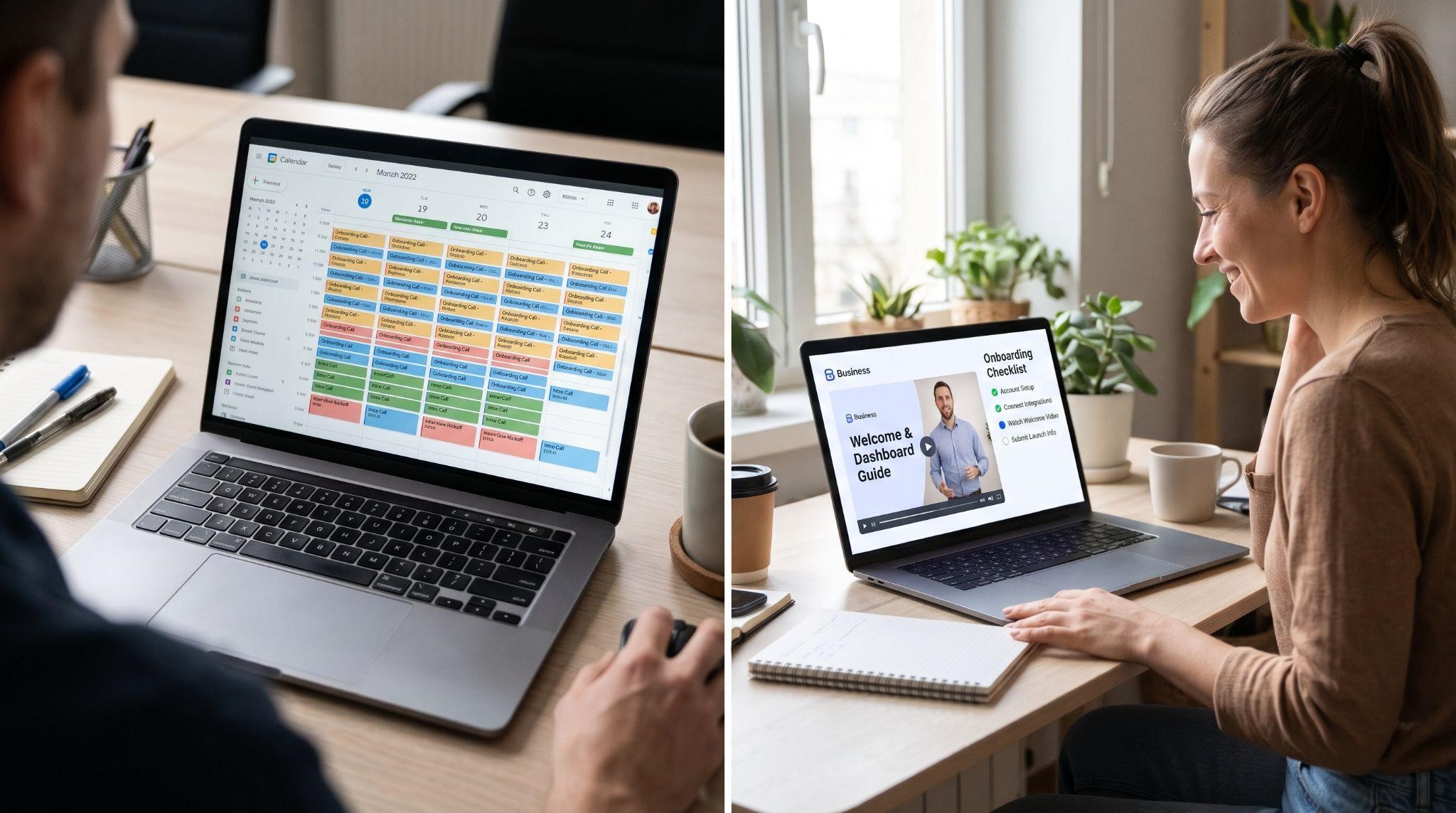
You just closed a new client. They’re excited, they’ve paid, and they’re ready to go. Then the messages start:
“How do I connect my domain?” “Where do I verify my phone number?” “How do I link my calendar?” “Can we hop on a quick call?”
Multiply that by every new signup, and onboarding quickly becomes the biggest time drain in your business. Worse, clients who get stuck during setup often never see the value of your platform, and they cancel before they ever get started.
A well-built onboarding video series changes all of that. It walks every client through setup step by step, in your brand and voice, without you needing to be on a call.
In this guide, you’ll learn exactly how to create a GHL onboarding video, or better yet, a full onboarding series. We’ll cover how to map the client journey, which modules to include, how to script and record each lesson, where to deliver them, and how to measure results.
What Is a GHL Onboarding Video?
A GHL onboarding video is a short, step-by-step lesson that teaches a new client how to set up and start using your white-label GoHighLevel platform.
Usually, it’s not just one video. The best results come from an onboarding series: a set of short, focused lessons that guide clients from signup to their first real win, such as their first booked appointment or first automated follow-up.
Every lesson should be fully branded to you, so clients see your platform as your software, not a reseller tool.
Why Onboarding Videos Matter So Much
Onboarding is the moment that decides whether a client sticks around. When clients get stuck setting up, they often stop using the platform and cancel soon after.
Onboarding videos help in several ways:
- Faster activation: Clients get set up and see results sooner
- Fewer setup calls: You stop repeating the same instructions every week
- Fewer support tickets: Common questions are answered before they’re asked
- Lower churn: Clients who use the platform are far less likely to leave
- Easy to scale: Ten new clients or a hundred, the videos do the work
- Consistent experience: Every client gets the same clear, high-quality guidance
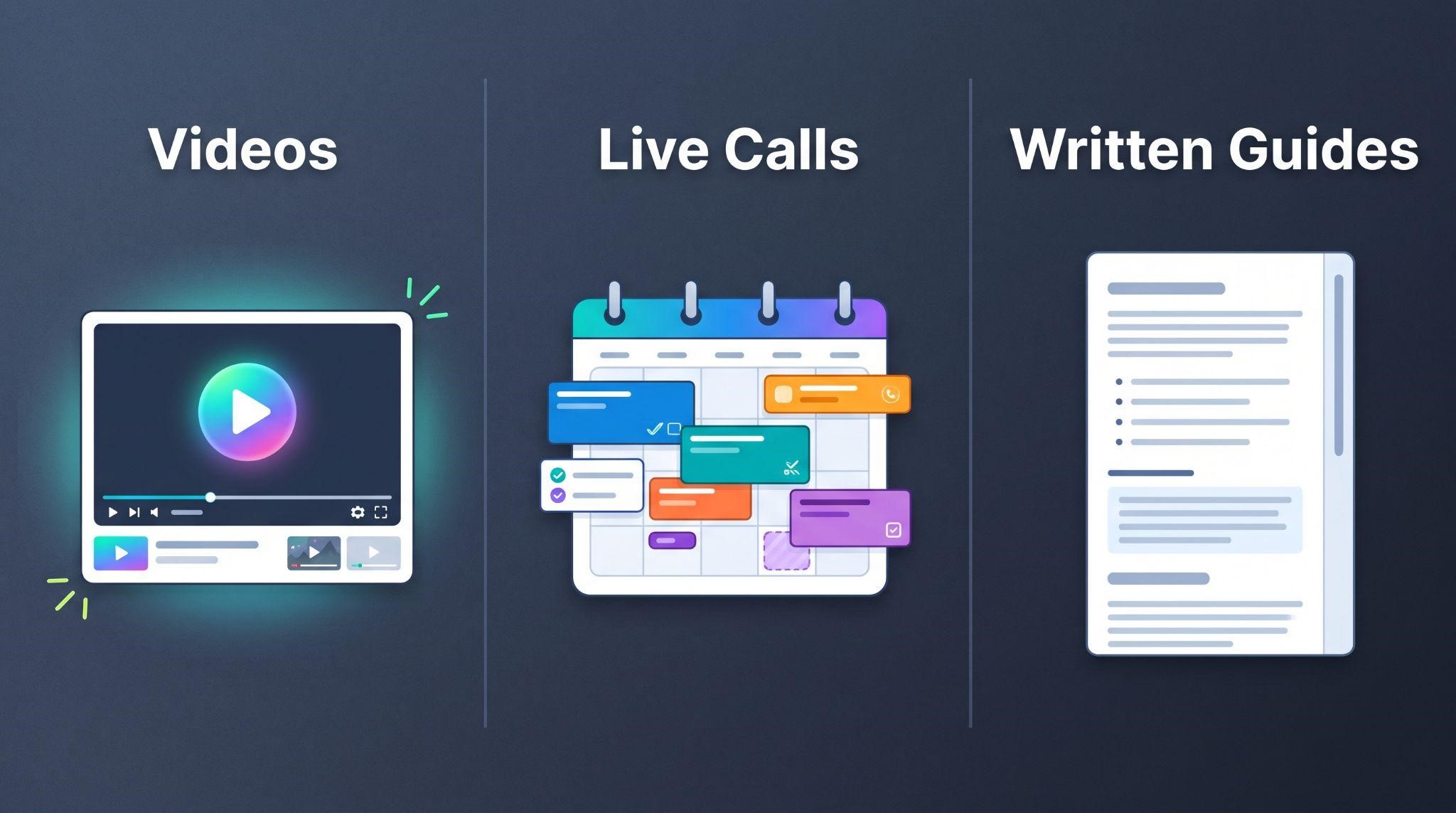
Video vs. Live Calls vs. Written Guides
| Onboarding Videos | Live Onboarding Calls | Written Setup Guides | |
|---|---|---|---|
| Your time per client | Near zero once created | Hours per client | Low, but support questions pile up |
| Scalability | Unlimited | Limited by your calendar | Limited by client patience |
| Client experience | Watch anytime, rewatch as needed | Easy to forget after the call | Long text feels overwhelming |
| Consistency | Same every time | Varies by person and day | Depends on how up to date it is |
| Best for | Most onboarding steps | Complex or high-value accounts | Quick reference and troubleshooting |
The smartest approach is usually a mix: videos for the core journey, a short written guide for reference, and live calls only for high-value or complex clients.
Step 1: Map Your Client’s Onboarding Journey
Before creating a single video, map the path from signup to first success.
Ask yourself:
- What is the client’s “first win”? For example, their first booked appointment, first review request, or first automated follow-up.
- What must they set up to get there? Domain, phone number, calendar, and so on.
- Where do clients usually get stuck? Check past support tickets and onboarding calls for patterns.
- What can wait until later? Advanced features don’t belong in week one.
Then list every step in order. That list becomes your onboarding curriculum.
Aim for a Fast First Win
The goal is to get clients to a meaningful result in their first few days. The quicker they see value, the more likely they are to stay.
Step 2: Choose Your Onboarding Modules
Most GHL SaaS platforms need a similar set of onboarding lessons. Here’s a typical curriculum you can adapt:
| Module | What It Covers | Priority |
|---|---|---|
| 1. Welcome and platform tour | Logging in, the dashboard, and where everything lives | Essential |
| 2. Account and business profile | Adding business details, logo, and team members | Essential |
| 3. Custom domain setup | Connecting a domain for websites, funnels, and email | Essential |
| 4. Phone number and SMS setup | Getting a number and completing texting registration | Essential |
| 5. Connecting the calendar | Syncing calendars and setting availability | Essential |
| 6. Importing contacts | Uploading an existing customer list | Essential |
| 7. Using the unified inbox | Replying to messages from one place | Important |
| 8. Pipelines and leads | Tracking leads through sales stages | Important |
| 9. Turning on key automations | Activating snapshot workflows like missed call text back | Important |
| 10. Reviews and the mobile app | Requesting reviews and managing everything on the go | Nice to have early |
If you use a custom snapshot, tailor the modules around your exact setup, menus, pipeline stages, and terminology.
Step 3: Keep Each Lesson Short and Focused
One of the biggest mistakes is cramming everything into a single 45-minute video. Nobody finishes it.
Instead, follow the one lesson, one task rule. Each video should teach a single step, and most lessons work best at around 2 to 4 minutes.
Short, modular lessons have big advantages:
- Clients can find exactly the step they need
- They’re easier to finish
- You can update one lesson without redoing the whole series
- Each one can be embedded exactly where it’s needed
Step 4: Use a Simple Lesson Structure
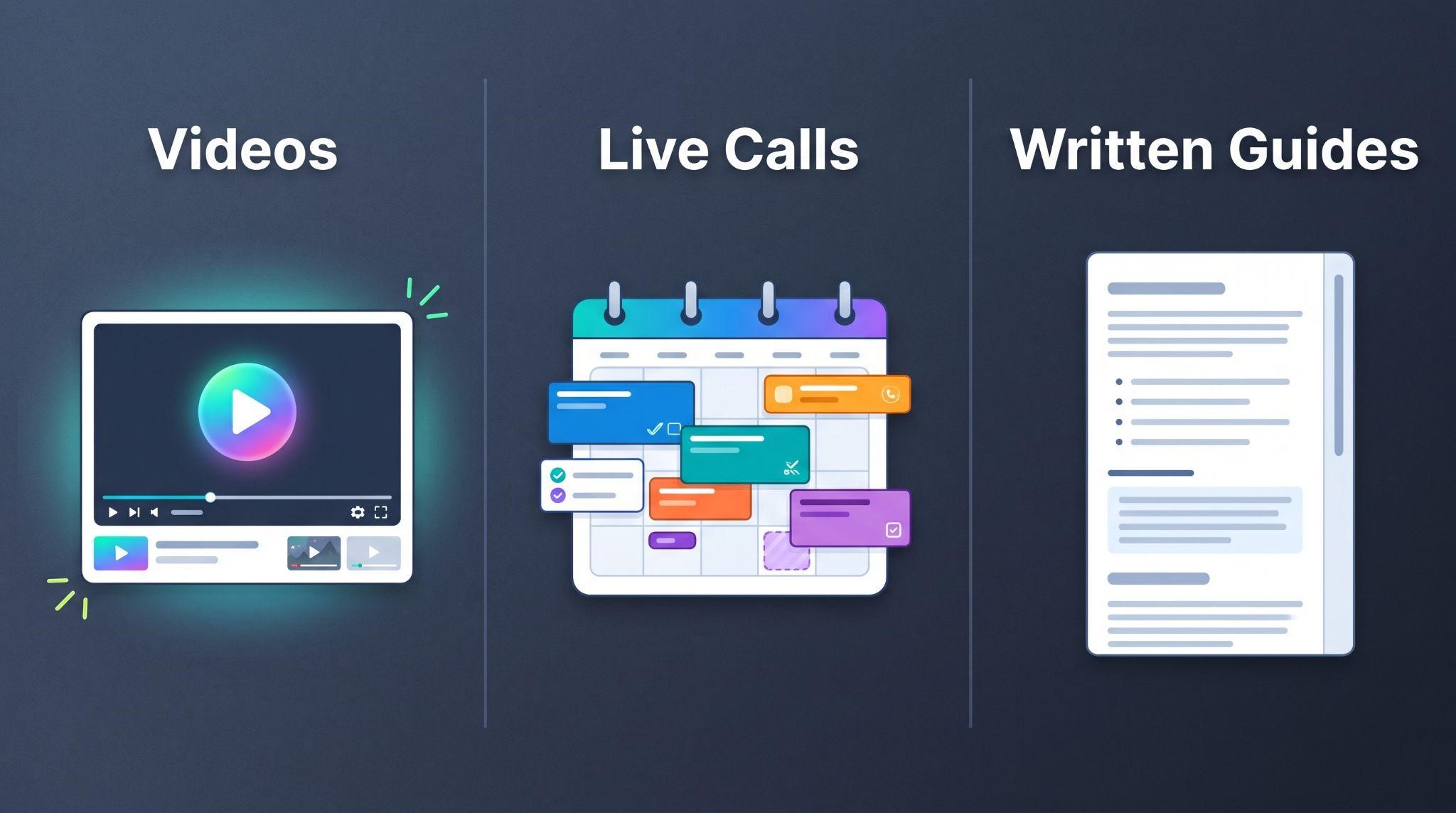
Every onboarding lesson can follow the same simple pattern:
| Section | What to Say | Rough Time |
|---|---|---|
| 1. Goal | “In this video, you’ll connect your calendar so clients can book online.” | 10 seconds |
| 2. Why it matters | “This lets customers book 24/7 and get automatic reminders.” | 10 to 15 seconds |
| 3. Step-by-step | Walk through each click, slowly and clearly | 1.5 to 3 minutes |
| 4. Check it worked | “You’ll know it’s working when you see this green confirmation.” | 15 seconds |
| 5. Next step | “Next, let’s import your contacts.” | 10 seconds |
This consistency makes your series feel professional, and clients quickly learn what to expect.
Sample Lesson Script: Connecting the Calendar
Goal: “In this lesson, you’ll connect your calendar so customers can book appointments with you online.”
Why it matters: “Once it’s connected, people can book any time, and they’ll get automatic reminders, so fewer no-shows.”
Steps: “First, click Settings in the left menu. Next, select Calendars. Click Connect and choose your calendar account. Sign in and approve access. Now set your available days and hours.”
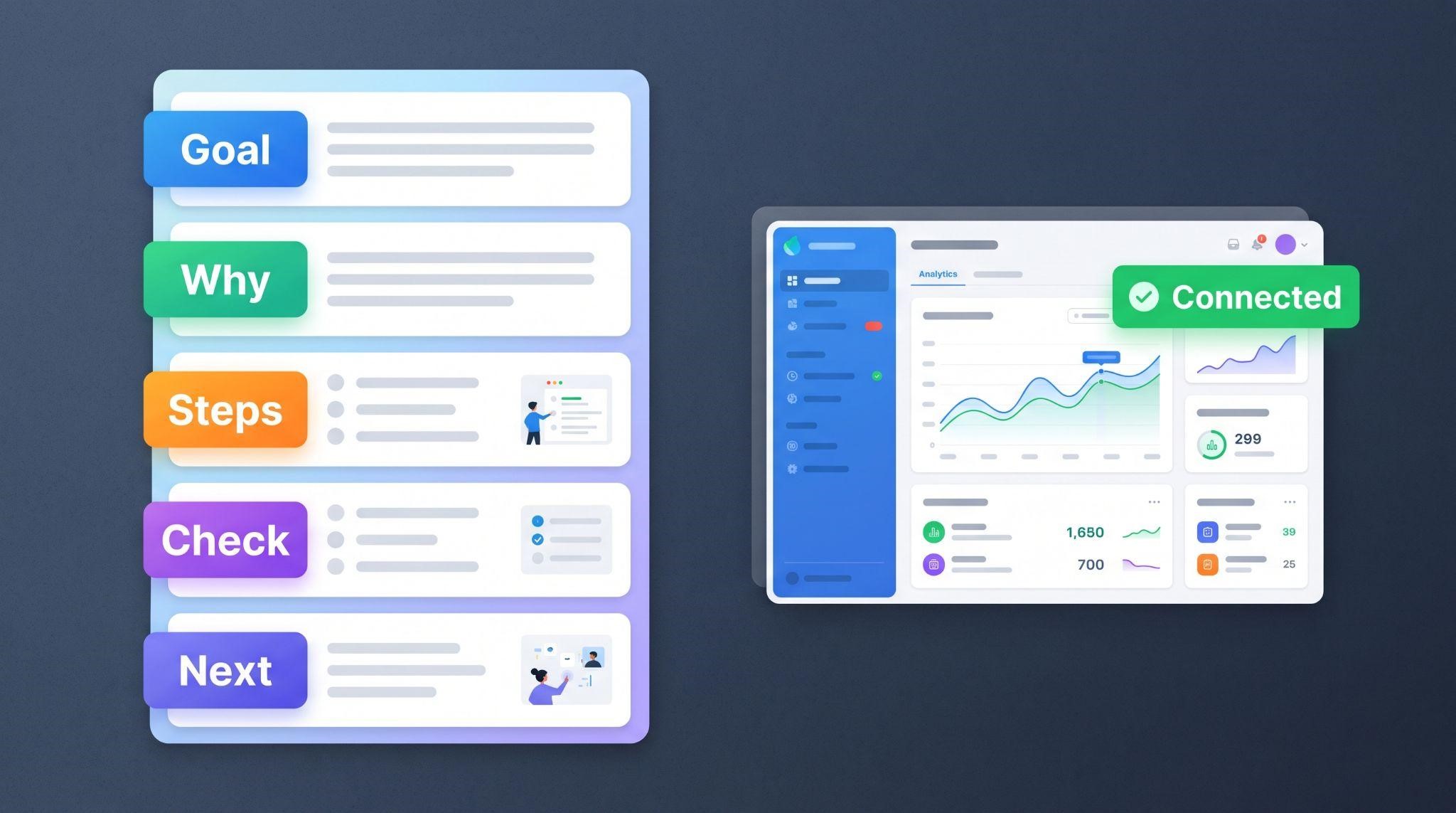
Check: “When it’s connected, you’ll see your calendar listed with a green Connected label.”
Next step: “Great job. In the next lesson, we’ll import your existing contacts.”
Adjust menu names and steps to match your exact platform and terminology.
Step 5: Prepare a Clean, Branded Demo Account
Clients should see exactly what their own dashboard will look like. Before recording:
- Use a fresh sub-account that matches what new clients receive
- Apply your snapshot so menus, pipelines, and workflows match
- Check white-label branding: logo, colors, custom domain, and menu names
- Remove test data that might confuse clients
- Use your own terminology consistently in menus and narration
If anything on screen doesn’t match what clients see, they’ll get confused fast. Accuracy matters more here than in any other type of video.
Step 6: Record Clearly and Slowly
Onboarding videos are for non-technical users. Slow down more than feels natural.
Recording Tips
- Record in at least 1080p with your browser zoomed so text is readable
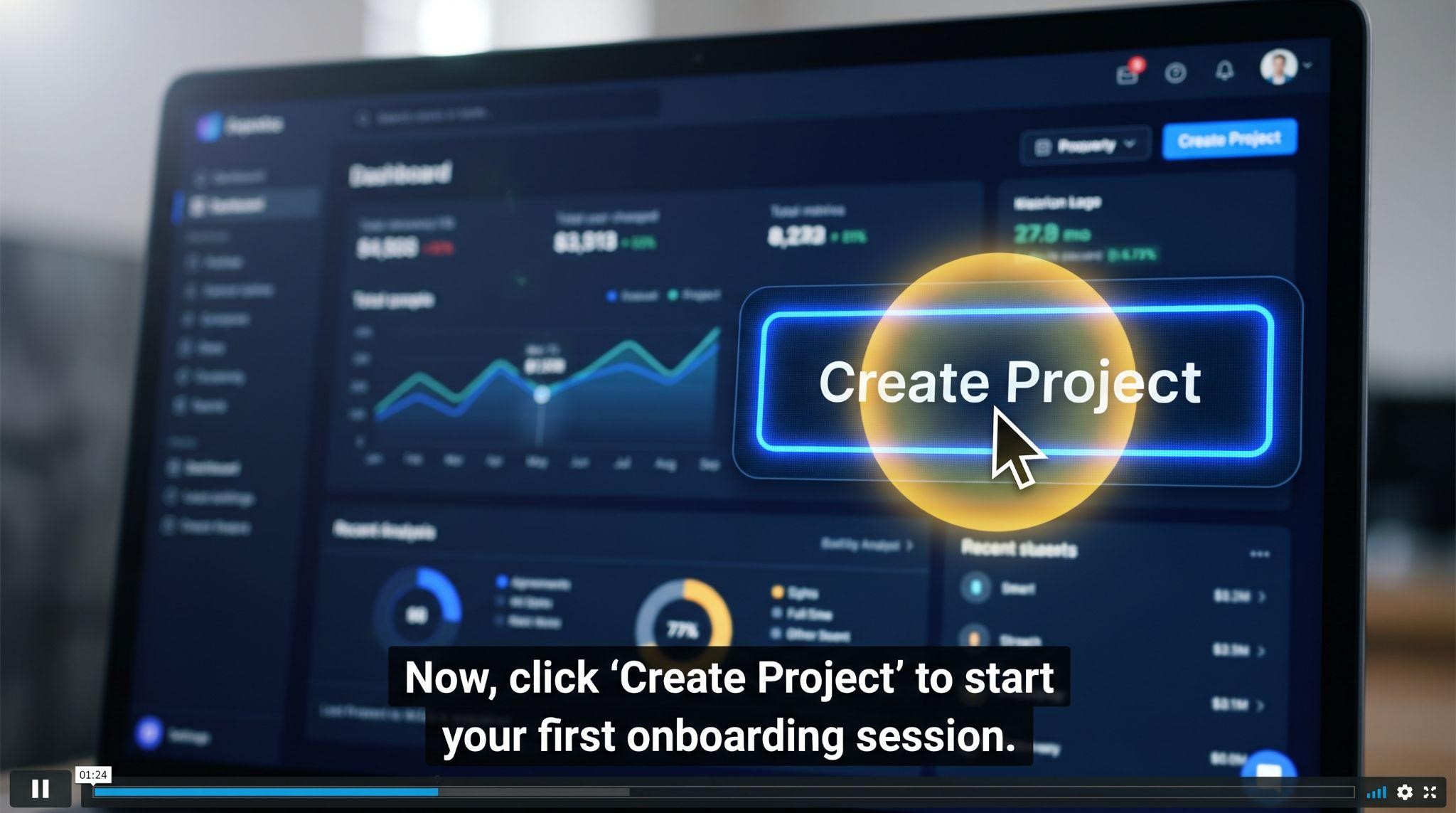
- Move your mouse slowly and pause before every click
- Zoom in on small buttons and form fields
- Highlight the cursor so viewers can follow along
- Show every click, even ones that feel obvious to you
- Record each lesson separately for easier updates
Voiceover or Captions?
| Option | Best For |
|---|---|
| Voiceover with captions | Most lessons, especially longer or more complex steps |
| Silent animation with captions | Very short steps, in-app tooltips, and users watching on mute |
| Voiceover only | Not recommended, since many people watch without sound |
Whatever you choose, always include captions. Clients often watch onboarding videos at work or in busy places.
Step 7: Edit for Clarity
Editing onboarding videos isn’t about flashy effects. It’s about making every step easy to follow.
- Trim loading screens and pauses
- Add zooms on buttons, fields, and confirmation messages
- Use on-screen labels like “Step 1,” “Step 2,” and so on
- Add arrows or highlights for small or hard-to-find elements
- Include a branded intro and outro, kept very short
- End with a “Next lesson” screen to keep momentum
Step 8: Deliver Videos Where Clients Need Them
Even the best onboarding videos fail if clients can’t find them. Put them right where clients are working:
| Delivery Spot | How It Helps |
|---|---|
| Welcome email | Gives clients a clear starting point right after signup |
| Membership or course area | Organizes the full series in one place |
| Custom menu link in the dashboard | Keeps lessons one click away |
| Onboarding checklist | Pairs each task with its matching video |
| Help center or knowledge base | Supports clients who need a refresher |
| Support replies | Lets your team answer common questions with a link |
Automate an Onboarding Email Sequence
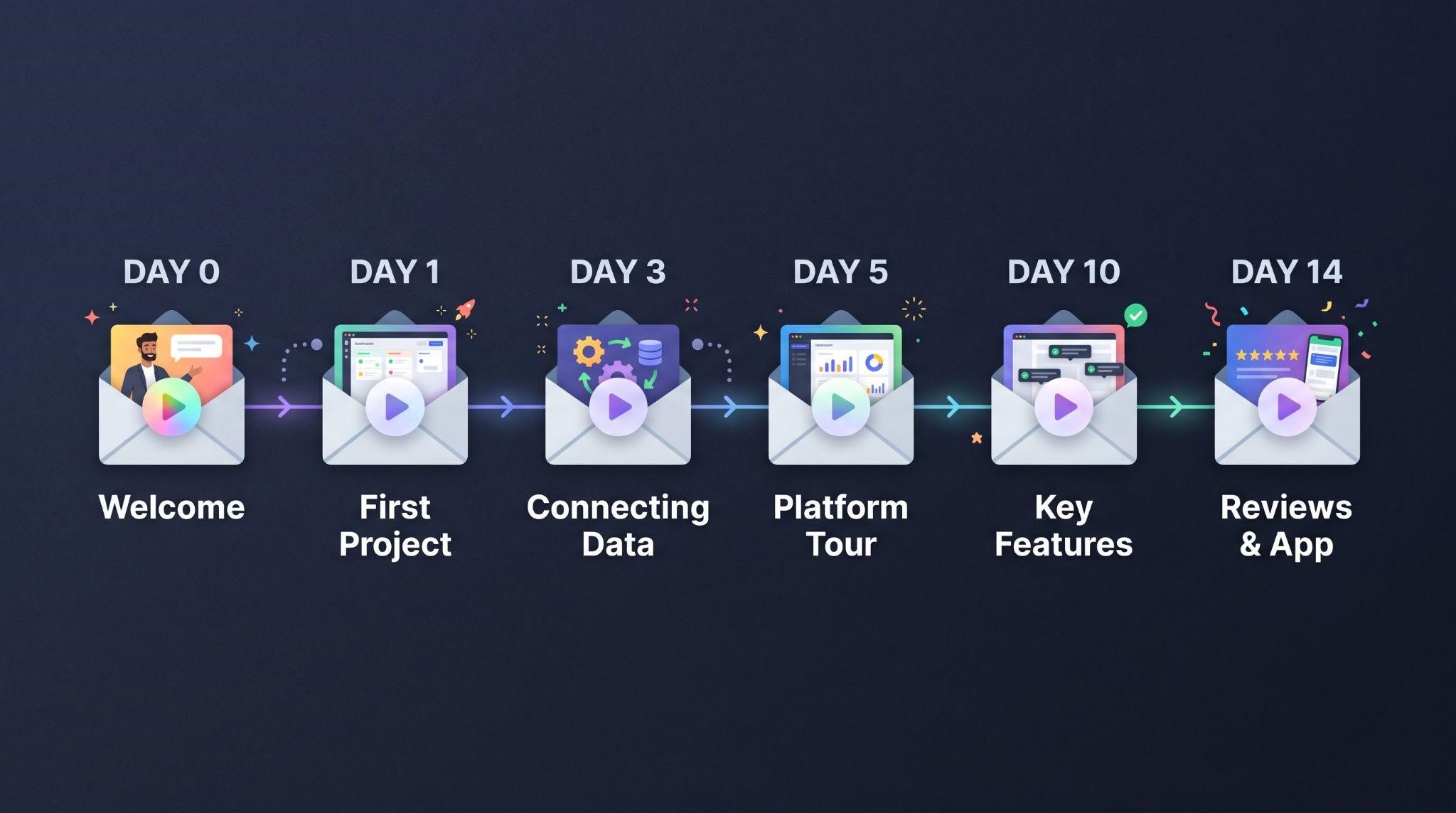
Use your own platform’s workflows to send the right lesson at the right time:
| When | What to Send |
|---|---|
| Day 0 | Welcome email with the platform tour video |
| Day 1 | Domain and phone setup lessons |
| Day 2 | Calendar and contacts lessons |
| Day 4 | Inbox and pipeline lessons |
| Day 7 | Automation activation lesson and a “How’s it going?” check-in |
| Day 14 | Reviews and mobile app lessons, plus a success check |
Even better, use tags to track which lessons each client has completed and send reminders only to those who haven’t finished setup.
Learn how to build sequences like this in our GoHighLevel workflow automation guide.
Step 9: Measure What’s Working
Track a few simple numbers to see whether your onboarding series is doing its job:
| Metric | What It Tells You |
|---|---|
| Video completion rate | Whether lessons are clear and the right length |
| Setup completion rate | How many clients finish the essential steps |
| Time to first win | How quickly clients start seeing value |
| Onboarding calls booked | Whether videos are reducing call demand |
| Support tickets in the first 30 days | Which steps still cause confusion |
| Early churn rate | Whether onboarding improvements are keeping clients |
If many clients drop off at the same lesson, that’s your signal to simplify or re-record it.
Step 10: Keep Your Series Up to Date
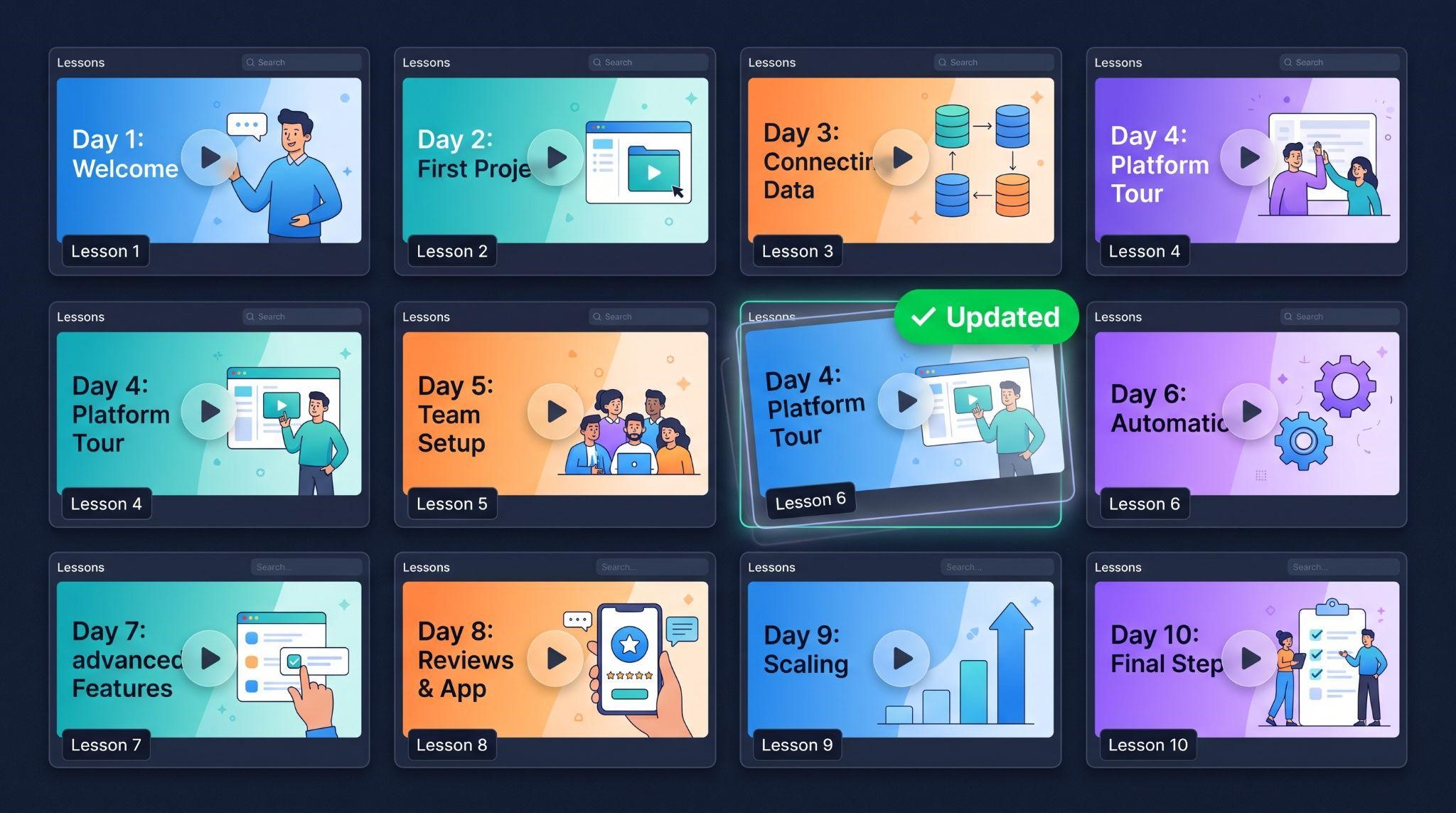
Platforms change. Menus move, buttons get renamed, and new features appear. Outdated onboarding videos confuse clients and create more support tickets.
- Review your series every few months
- Update individual lessons instead of redoing the whole series
- Add new lessons when you launch new features or snapshots
- Ask clients for feedback on confusing steps
This is another reason modular, short lessons are so valuable. Updating one 3-minute video is easy. Re-recording a 45-minute walkthrough is not.
Common Mistakes to Avoid
- One giant video: Break it into short, focused lessons
- Skipping “obvious” steps: What’s obvious to you isn’t obvious to new users
- Mismatched screens: Your recording must match what clients actually see
- Leftover GoHighLevel branding: Clients should only see your brand
- No captions: Many clients watch on mute
- Hiding the videos: Put them in emails, menus, and checklists
- Never updating: Outdated videos create confusion and support tickets
- Teaching advanced features too early: Focus on the first win first
Who Benefits Most From Onboarding Videos?
| Business Type | Why It Matters |
|---|---|
| GHL SaaS owners | Scale signups without scaling setup calls |
| Agencies with many sub-accounts | Give every client the same high-quality start |
| Niche-specific platforms | Tailor setup to industry-specific snapshots |
| Small teams | Free up founder and support time |
| Fast-growing platforms | Keep onboarding quality high as volume increases |
DIY vs. Professional Onboarding Videos
| DIY Onboarding Series | Professional Onboarding Series | |
|---|---|---|
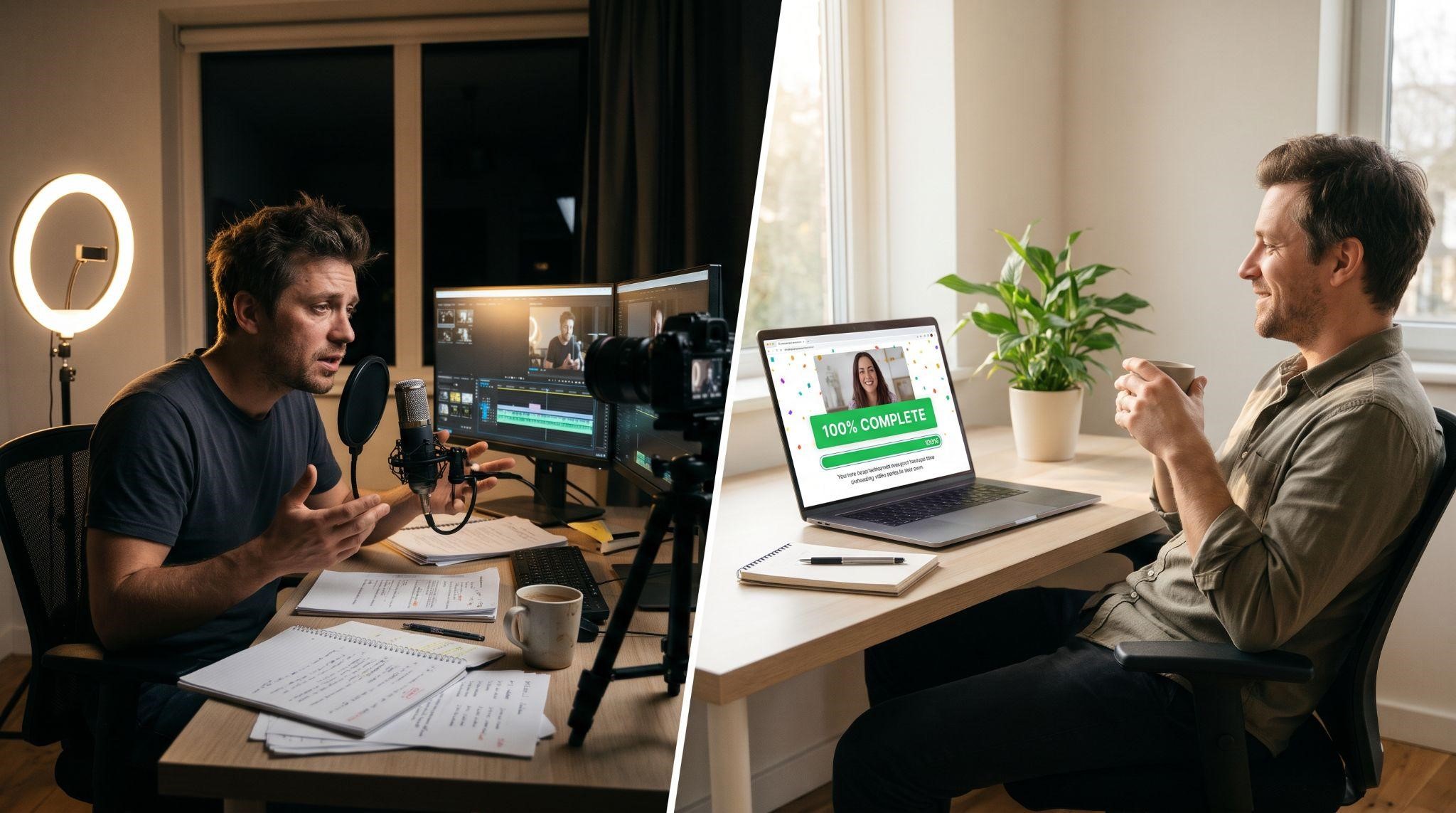
| Your time | Many hours to plan, record, and edit every lesson | Share your snapshot and branding, then review |
| Accuracy | Depends on careful recording and checking | Scripted around your exact snapshot and menus |
| Visual quality | Basic screen recordings | Polished, branded motion animation |
| Consistency | Can vary lesson to lesson | Same branding and style across the series |
| White-labeling | You check every screen manually | GoHighLevel names and URLs fully masked |
| Best for | Very early-stage platforms | SaaS owners ready to scale onboarding |
Let GHL Explainer Build Your Onboarding Series
At GHL Explainer, we create premium white-label videos made specifically for GoHighLevel SaaS businesses. Our onboarding videos are structured video series that walk clients through your platform step by step, in your brand, your voice, and your style.
You can choose from:
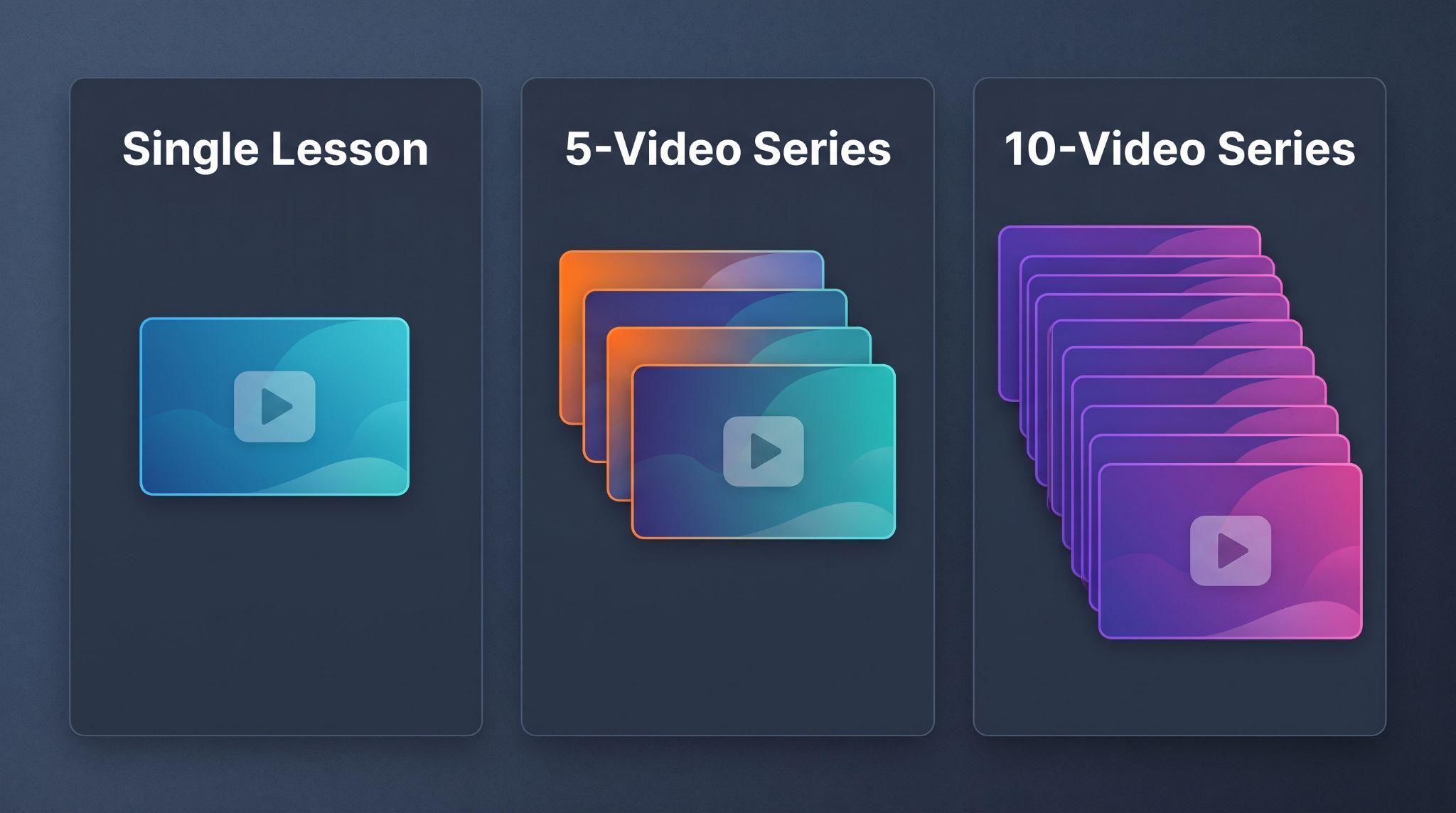
- Single onboarding video: One step of your onboarding journey, fully branded
- 5-video series: Your core onboarding journey, from signup to first win
- 10-video series: Full step-by-step coverage across your platform
- Custom onboarding series: A fully scripted curriculum built around your proprietary snapshot
Here’s what makes our onboarding videos different:
- Built around your snapshot: Scripted to your exact pipeline stages, tags, menus, and setup steps
- Covers the tricky steps: Custom domains, phone number verification, calendar connection, and snapshot activation
- 100% white-labeled: GoHighLevel is never named, and default URLs and logos are masked
- Short, modular lessons: Each lesson stays focused, making updates fast and affordable
- Ready to embed: In your membership area, welcome emails, or activation checklists
- Unlimited revisions so every button and step is accurate
- Full commercial rights to use them anywhere
Want onboarding plus everything else? Our Video Stacks bundle onboarding, explainer, demo, feature, and marketing videos into one package at a lower cost than ordering each separately.
Quick Checklist: How to Create a GHL Onboarding Video Series
Ready to onboard every client without hopping on another setup call? Book A Free Call and we’ll help you plan the right onboarding series for your platform.
Frequently Asked Questions
What is a GHL onboarding video?
It’s a short, branded lesson that teaches new clients how to set up and use your white-label GoHighLevel platform.
How long should each onboarding video be?
Most lessons work best at around 2 to 4 minutes, with one task per video.
How many onboarding videos do I need?
Many platforms start with 5 core lessons, then expand to 10 or more as they cover additional features.
What should my first onboarding video cover?
A welcome and platform tour, showing clients where everything is and what they’ll set up next.
Where should I put onboarding videos?
In welcome emails, a membership or course area, dashboard menu links, onboarding checklists, and your help center.
Should onboarding videos have voiceover?
Most do, but always include captions. Very short steps can work well as silent animations with captions.
Can onboarding videos match my custom snapshot?
Yes. Professionally made videos can be scripted around your exact snapshot, menus, and pipeline stages.
Will GoHighLevel appear in my onboarding videos?
Not with GHL Explainer. GoHighLevel is never named, and default URLs and logos are fully masked.
Skip the Loom. Talk to us.
Tell us what you're building. We'll tell you exactly which video it needs.
or write to hello@ghlexplainer.com