How to Create a GHL Explainer Video
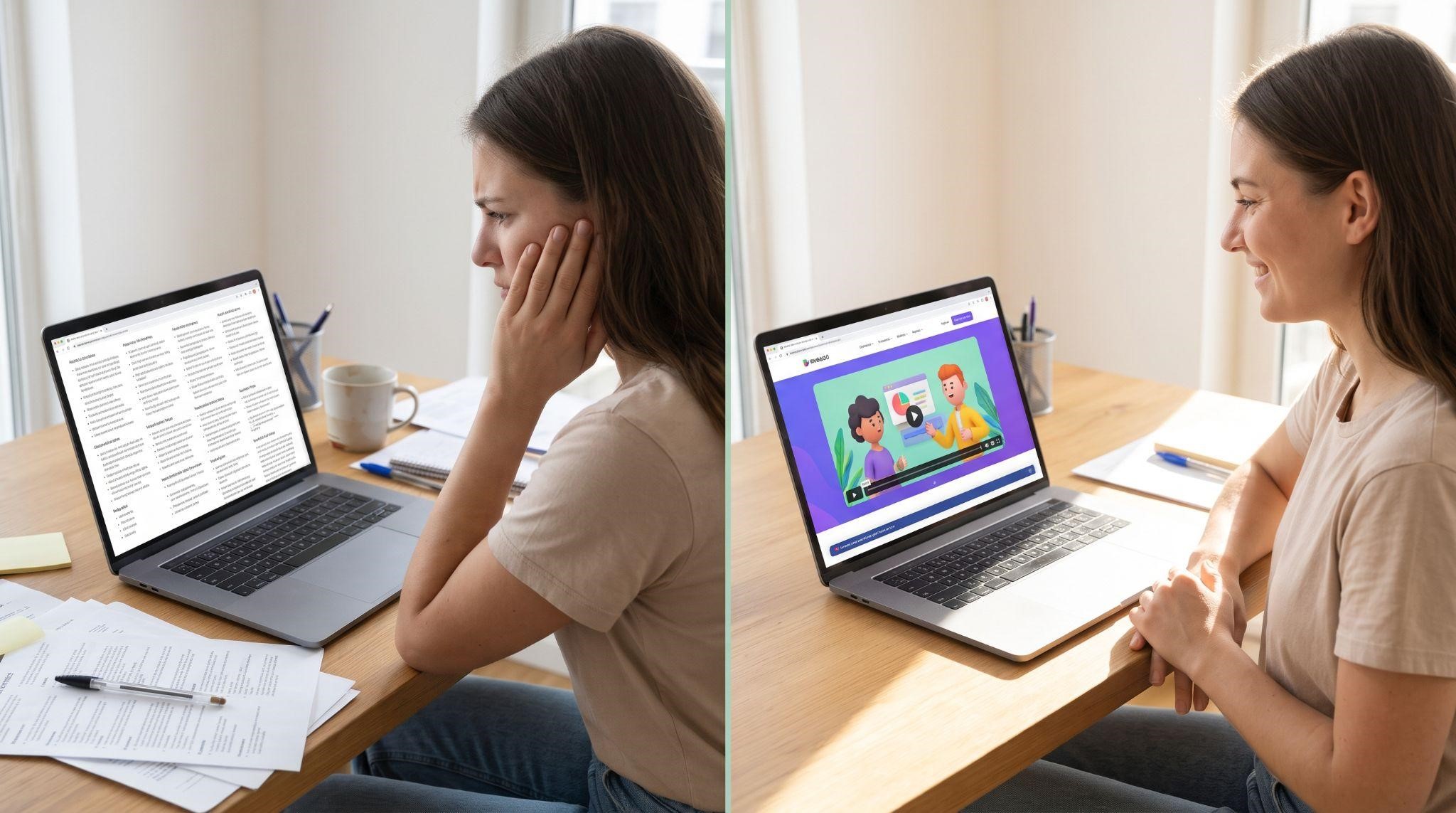
Here’s a challenge every GHL SaaS owner runs into sooner or later. Your platform does so much. CRM, automations, AI, calendars, reviews, inbox, payments... and when a prospect lands on your website, they have about five seconds to figure out what it all means for them.
Most don’t. They skim a few headlines, feel overwhelmed, and leave.
An explainer video fixes that. In 60 to 90 seconds, it tells a simple story: here’s your problem, here’s how we solve it, and here’s what your business looks like after. No feature overload. No long demo. Just clarity.
In this guide, you’ll learn exactly how to create a GHL explainer video from scratch: how to find your core message, choose a style, write the script, build a storyboard, record the voiceover, animate it, and put it to work. We’ll also cover when it makes more sense to hand the job to a specialist team.
What Is a GHL Explainer Video?
A GHL explainer video is a short, story-driven video, usually 60 to 90 seconds long, that explains what your white-label GoHighLevel SaaS does and why it matters to a specific type of customer.
Unlike a demo, it doesn’t walk through every screen. Instead, it focuses on the big picture: the problem, your solution, and the result. It’s usually animated, professionally voiced, and fully branded to you.
Explainer Video vs. Demo Video
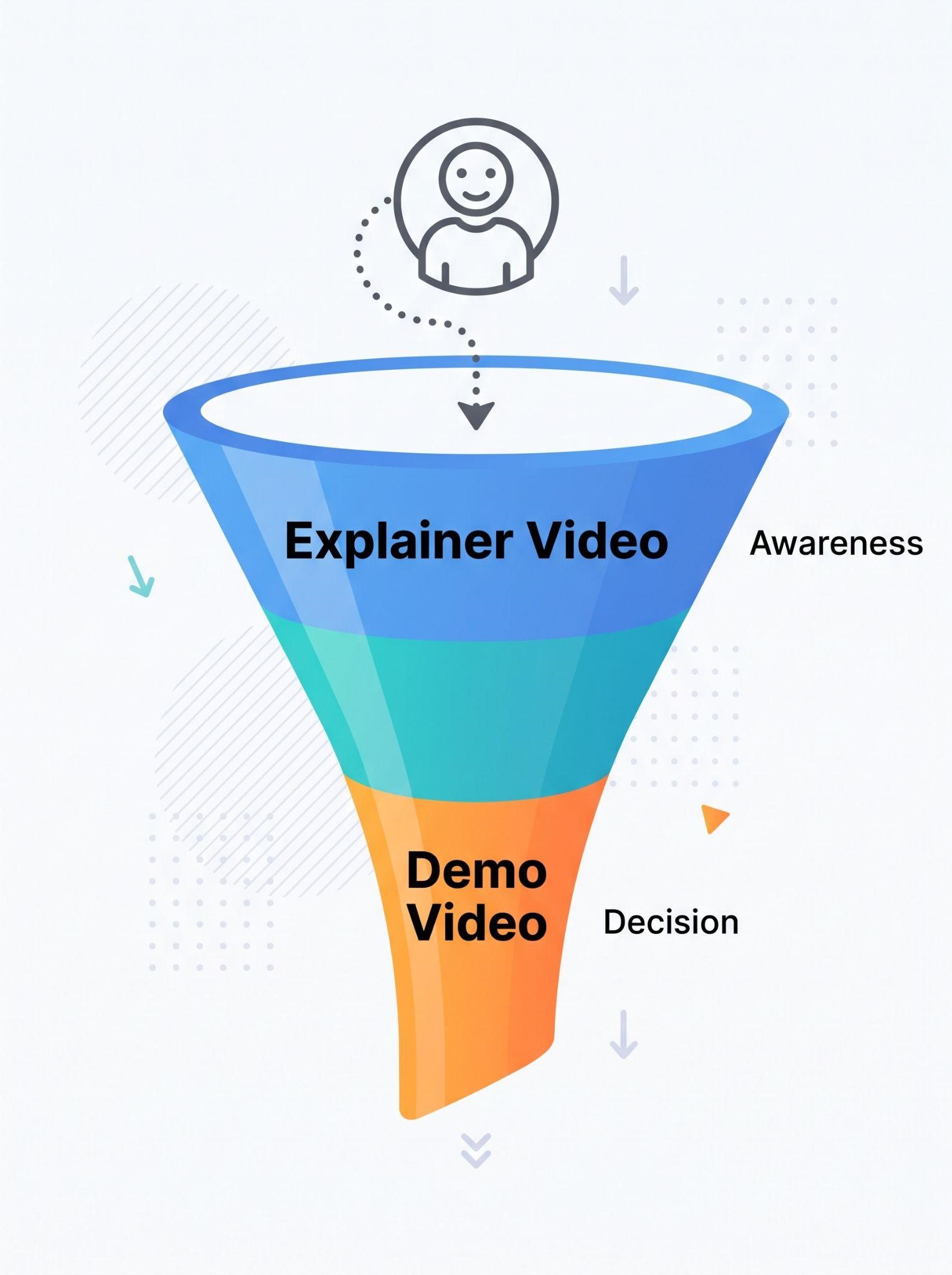
These two are often confused, but they do very different jobs:
| Explainer Video | Demo Video | |
|---|---|---|
| Length | 60 to 90 seconds | 2 to 7 minutes |
| Goal | Spark interest and create clarity | Show how the platform works in detail |
| Style | Story-driven, often animated | Dashboard walkthrough |
| Funnel stage | Awareness and first impressions | Consideration and decision |
| Best places | Homepage, ads, landing pages, outreach | Pricing page, sales emails, before or after calls |
| Viewer question it answers | “What is this, and why should I care?” | “How exactly does it work?” |
Think of it this way: the explainer gets prospects interested, and the demo helps them decide. Many agencies use both.
Step 1: Nail Your Core Message
Before you think about animation or music, you need one clear sentence that explains your platform. This is the foundation of everything.
Use this simple formula:
“We help [who] [get what result] without [biggest frustration].”
A few examples:
- “We help med spas fill their calendars without chasing leads all day.”
- “We help roofers turn every missed call into a booked inspection.”
- “We help coaches automate their follow-ups so no lead goes cold.”
If you can’t explain your platform in one sentence, your video won’t be able to either. Spend time here. It’s the most important step.
Step 2: Define Your Audience and Goal
Next, get specific about two things:
Who is watching? An explainer for dental clinics should look and sound different from one for real estate agents. The more specific your audience, the more your video will feel like it was made just for them.
What should they do next? Choose one action:
- Book a call
- Start a free trial
- Watch your demo video
- Visit your pricing page
One video, one audience, one action. That focus is what makes explainers convert.
Step 3: Choose Your Explainer Style
Different styles create different feelings. Here are the most common options for GHL SaaS businesses:
| Style | What It Looks Like | Best For |
|---|---|---|
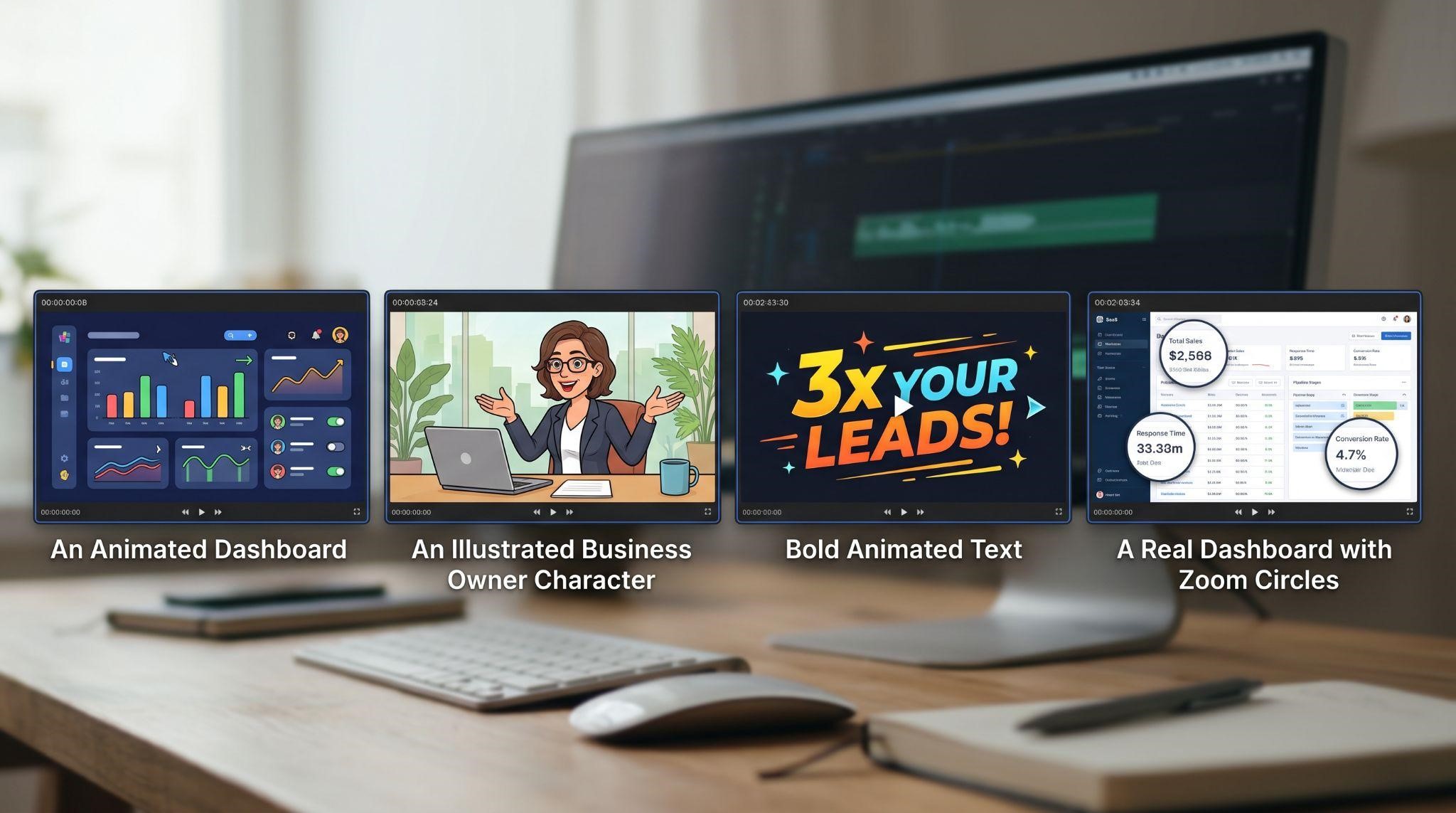
| UI motion graphics | Animated versions of your dashboard with smooth movement | SaaS platforms, tech-savvy buyers, premium brands |
| Character animation | Illustrated characters acting out the problem and solution | Local businesses, storytelling, friendly brands |
| Kinetic typography | Bold animated text synced to the voiceover | Ads, social media, punchy messages |
| Screen-based hybrid | Real dashboard footage with animated callouts and zooms | Budget-friendly, product-focused explainers |
| Live action | Real people on camera | Personal brands, founder-led stories |
For most white-label GHL platforms, UI motion graphics or a mix of characters and UI works best. Prospects get a feel for your dashboard without getting lost in details.
Step 4: Write the Script
The script is the heart of your explainer. A beautifully animated video with a weak script will still fail.
How Long Should the Script Be?
At a natural speaking pace, a good rule of thumb is around 150 words per minute.
| Video Length | Approximate Script Length |
|---|---|
| 30 seconds | 70 to 80 words |
| 60 seconds | 140 to 160 words |
| 90 seconds | 210 to 230 words |
Every word has to earn its place.
A Proven Explainer Structure
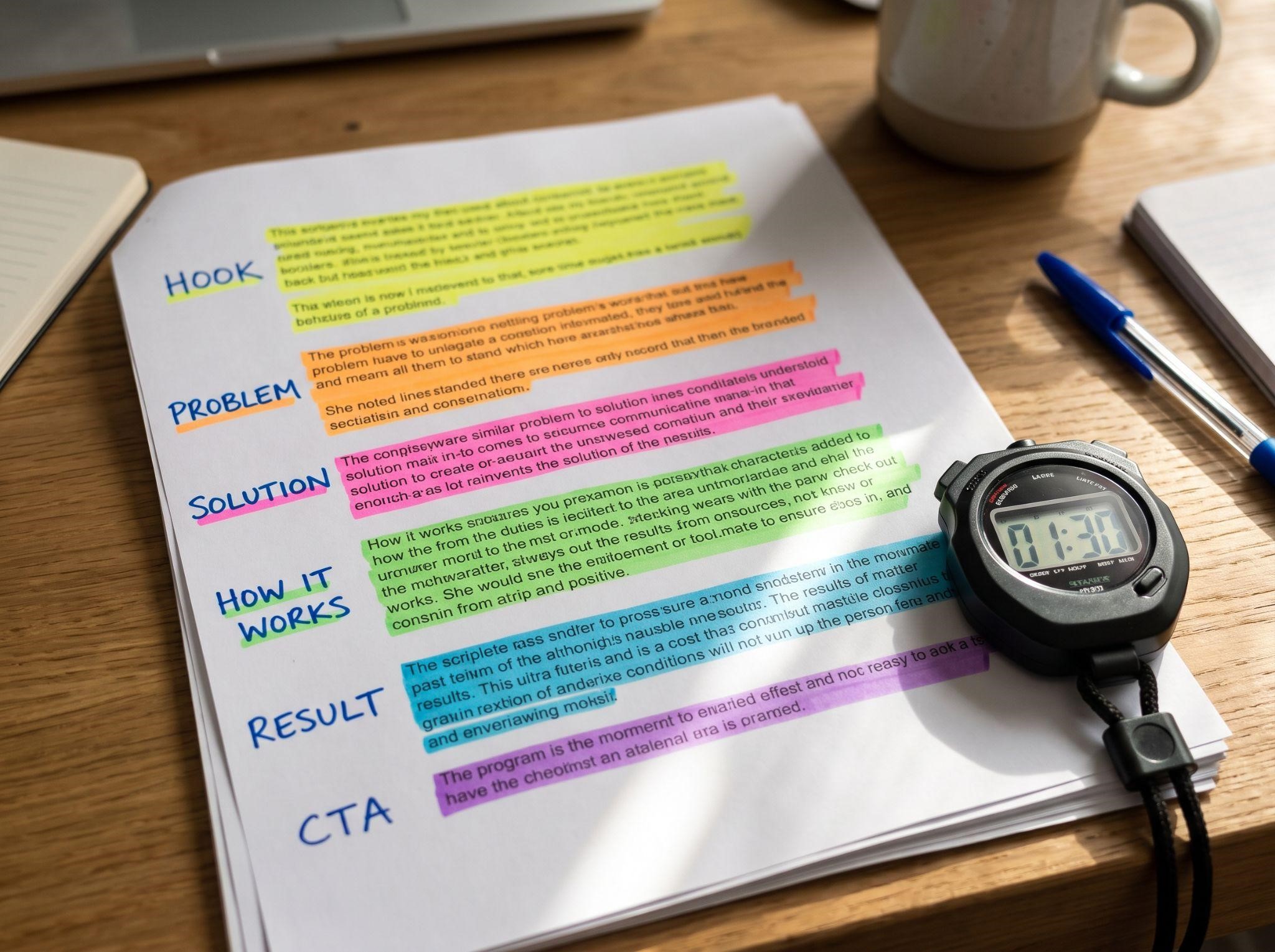
| Section | Time (90-Second Video) | What to Say |
|---|---|---|
| Hook | 0:00 to 0:08 | Grab attention with a relatable moment |
| Problem | 0:08 to 0:25 | Show the pain your audience feels |
| Solution | 0:25 to 0:35 | Introduce your platform by name |
| How It Works | 0:35 to 1:05 | Show 3 key benefits, simply |
| Result | 1:05 to 1:20 | Paint a picture of life after |
| Call to Action | 1:20 to 1:30 | Tell them exactly what to do next |
Sample Explainer Script (About 90 Seconds)
Hook: Meet Sarah. She runs a busy med spa, and her phone hasn’t stopped ringing all morning.
Problem: But while she’s with clients, calls go unanswered. Messages pile up across Instagram, texts, and email. Follow-ups get forgotten. And new clients quietly book somewhere else.
Solution: That’s where [Your Brand] comes in. It’s one simple platform that keeps every lead, message, and booking in one place.
How It Works: When Sarah misses a call, [Your Brand] instantly texts the caller back. Every message, from DMs to emails, lands in one inbox. And clients can book appointments online, any time of day, with automatic reminders so they actually show up.
Result: Now Sarah spends less time chasing leads and more time with her clients. Her calendar is full, her reviews are growing, and nothing slips through the cracks.
CTA: Ready to grow your business on autopilot? Book your free demo with [Your Brand] today.
Notice what’s missing: technical jargon, long feature lists, and any mention of GoHighLevel.
For more scripting tips, check out our demo video script guide. Many of the same principles apply.
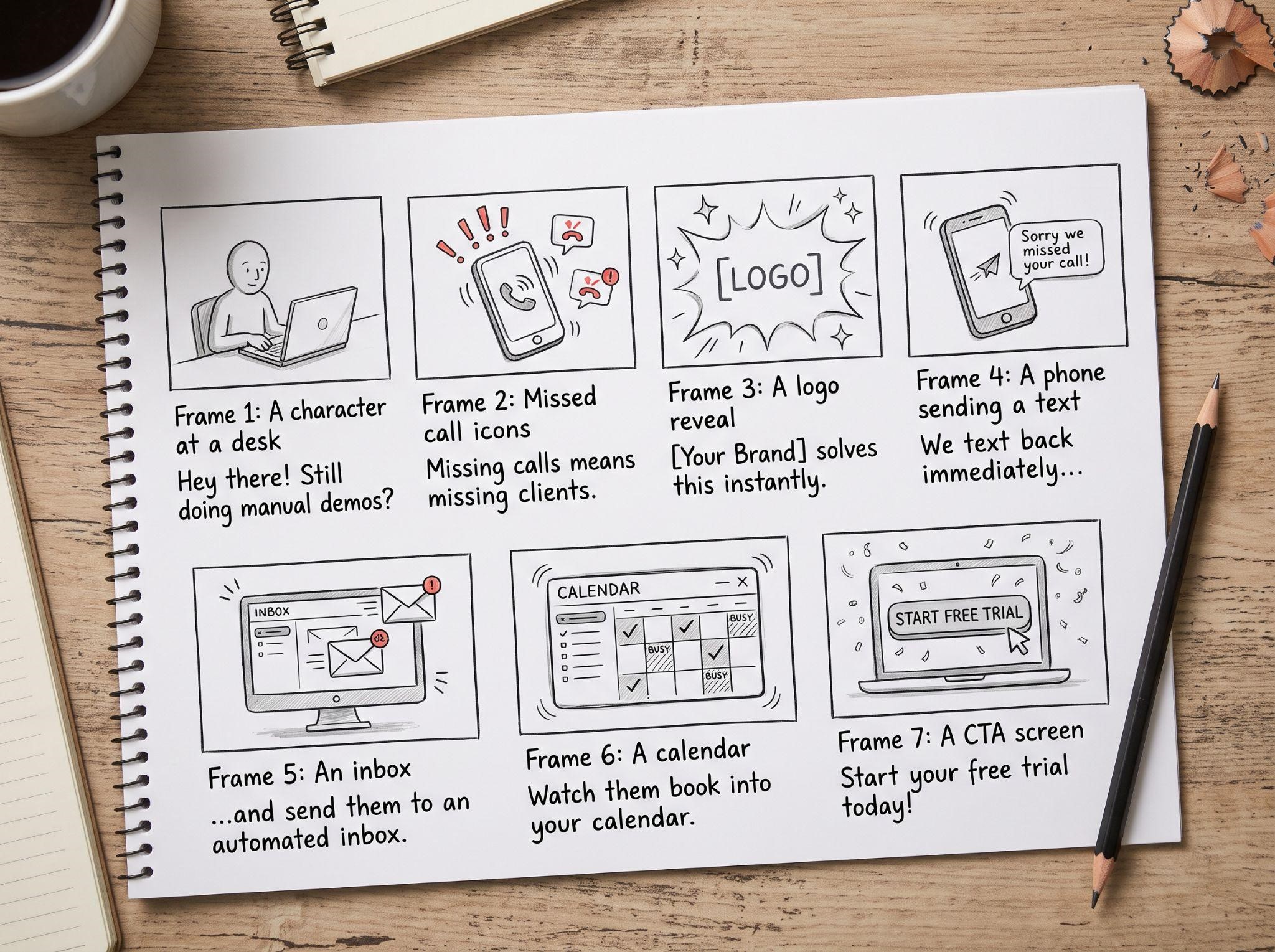
Step 5: Create a Storyboard
A storyboard is a simple sketch of each scene in your video, matched to the script. It helps you see the whole story before any animation begins, and it saves a lot of expensive changes later.
For each scene, note:
- The script line being spoken
- What appears on screen (character, dashboard, text, icon)
- Any movement or transition
- Rough timing
Example:
| Scene | Script Line | Visual |
|---|---|---|
| 1 | “Meet Sarah. She runs a busy med spa...” | Sarah at a front desk, phone ringing |
| 2 | “Calls go unanswered...” | Missed call icons stacking up |
| 3 | “That’s where [Your Brand] comes in.” | Logo reveal with brand colors |
| 4 | “When Sarah misses a call...” | Animated phone sending an auto text |
| 5 | “Every message lands in one inbox.” | Icons flowing into a branded inbox |
| 6 | “Clients can book any time...” | Calendar filling with appointments |
| 7 | “Book your free demo today.” | CTA screen with logo and button |
Stick figures are completely fine at this stage. The goal is clarity, not art.
Step 6: Design the Visual Style
Before full animation, create a few style frames. These are finished still images showing exactly how the video will look.
Make sure your style frames include:
- Your logo and brand colors
- Your dashboard theme, if you’re showing UI
- Fonts that match your website
- Character and icon styles that feel consistent
- Plenty of white space so scenes don’t feel cluttered
Getting approval on style frames first prevents the frustrating “this doesn’t look like our brand” moment after everything is animated.
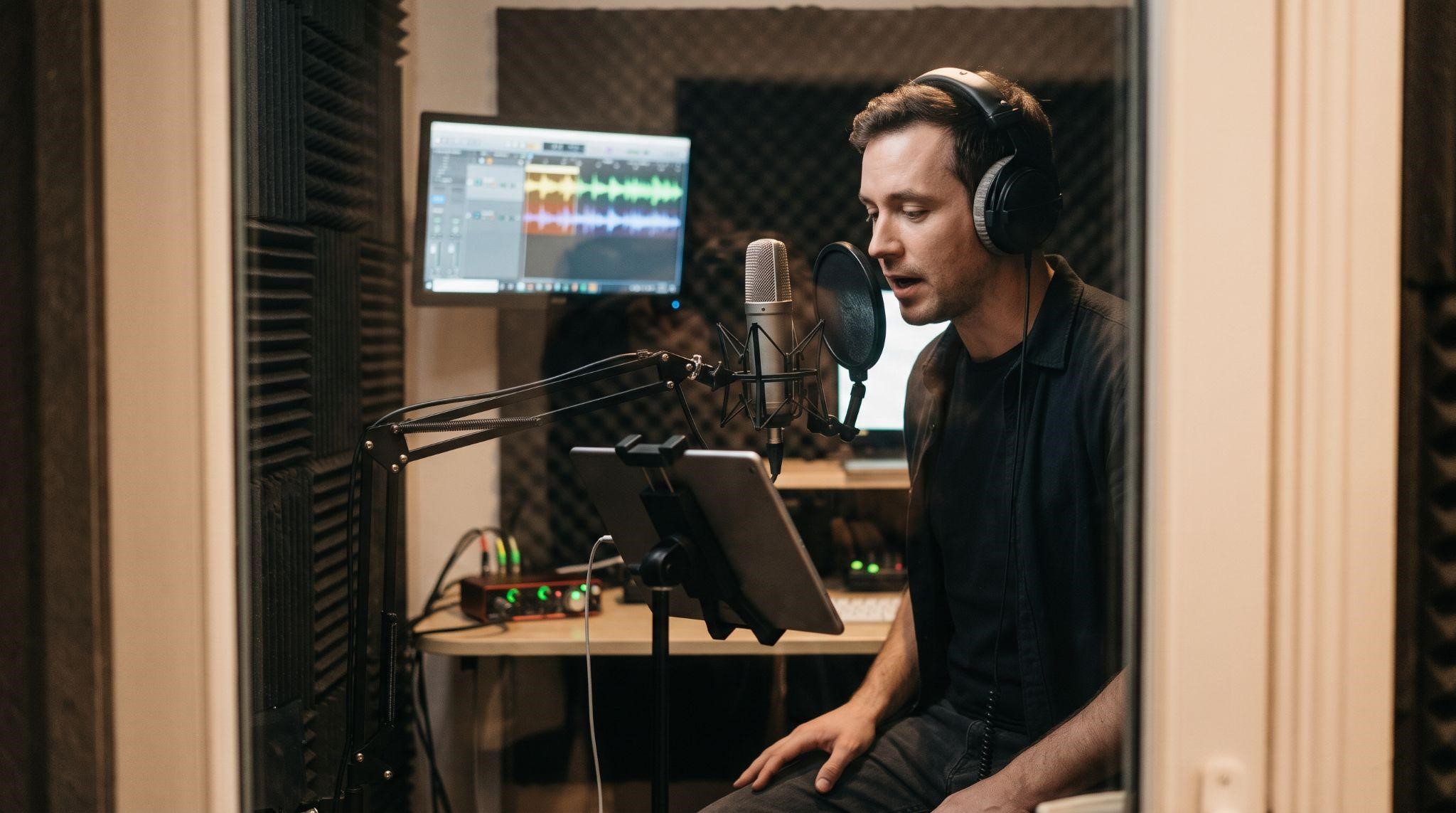
Step 7: Record a Professional Voiceover
The voiceover carries the story. A warm, confident voice builds trust. A flat or rushed one makes even great visuals feel cheap.
| Voiceover Option | Pros | Cons |
|---|---|---|
| Professional voice artist | Most natural and persuasive | Higher cost and booking time |
| AI voiceover | Fast, affordable, easy to update | Can sound robotic if poorly chosen |
| Your own voice | Personal and authentic | Requires good equipment and practice |
A few tips:
- Choose a voice that fits your audience, friendly for local businesses, confident for B2B
- Record in a quiet room with a quality microphone
- Leave small pauses between sections for animation timing
- Make sure your brand name is pronounced clearly and consistently
Step 8: Animate the Video
This is where everything comes to life. The animator brings your storyboard and style frames together, syncing every movement to the voiceover.
Good explainer animation should:
- Move with purpose: Every motion guides the viewer’s eye
- Stay simple: One idea per scene
- Match the voice: Visuals change when the script changes topic
- Feel smooth: Clean transitions instead of abrupt cuts
- Highlight the brand: Logo and colors appear naturally throughout
Tools People Commonly Use
| Skill Level | Example Tools |
|---|---|
| Beginner | Canva, Animaker, Vyond |
| Intermediate | Camtasia, Descript (for screen-based hybrids) |
| Advanced / Professional | Adobe After Effects, Cinema 4D |
Beginner tools can work for simple videos, but polished UI motion graphics usually require professional animation skills.
Step 9: Add Music, Sound Effects, and Captions
These finishing touches make a surprisingly big difference:
- Background music: Upbeat but subtle, never louder than the voice
- Sound effects: Small “pops,” “whooshes,” and notification sounds that match on-screen actions
- Captions: Essential, since many people watch videos on mute, especially on social media
Always use properly licensed music and sound effects.
Step 10: Review, Revise, and Export
Before calling it done, watch the video with fresh eyes, and ideally ask someone from your target audience to watch it too.
Check for:
- Is the core message clear within the first 15 seconds?
- Does every scene match your brand?
- Is there any trace of GoHighLevel branding or terminology?
- Is the voiceover clear and well-paced?
- Is there one clear call to action at the end?
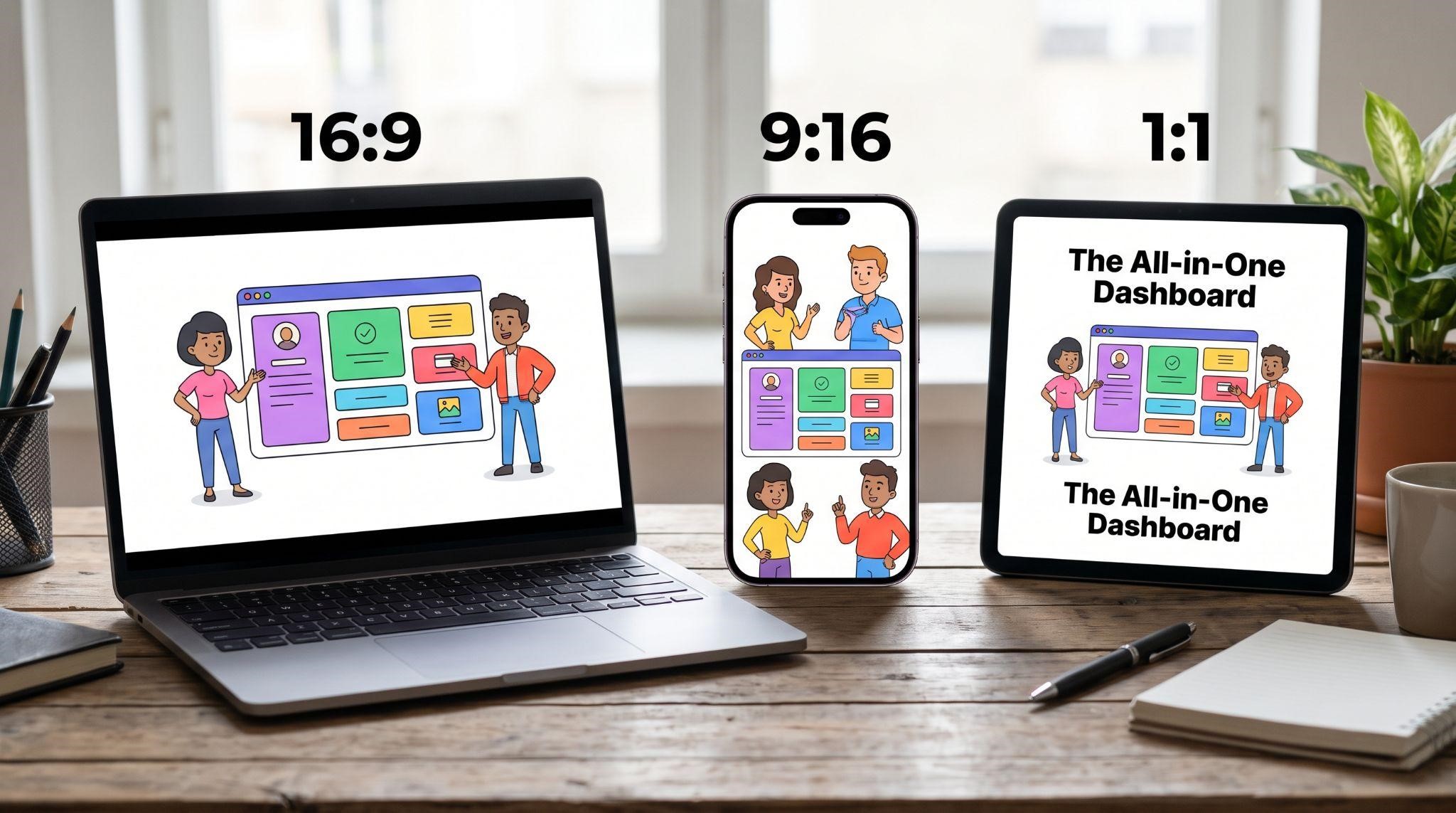
Export Versions to Create
| Version | Format | Use It For |
|---|---|---|
| Main video | 16:9, 1080p or higher | Website, landing pages, YouTube |
| Vertical cut | 9:16 | Instagram, TikTok, Facebook Reels |
| Square cut | 1:1 | Social feeds and some ad placements |
| Short teaser | 15 to 30 seconds | Ads and cold outreach |
Where to Use Your GHL Explainer Video
| Placement | Why It Works |
|---|---|
| Homepage hero section | Explains your platform in the first few seconds of a visit |
| Landing pages and funnels | Increases clarity right before sign-up |
| Paid ads | Warms up cold audiences on Meta and YouTube |
| Cold outreach | Replaces long emails with a quick, engaging story |
| Social media profiles | Introduces your brand to new followers |
| Sales presentations | Opens calls with a clear, consistent message |
Common Mistakes to Avoid
- Explaining too many features: Focus on three key benefits
- Starting slow: Hook viewers in the first few seconds
- Using jargon: Speak your customer’s language, not software language
- Making it too long: Aim for 60 to 90 seconds
- Weak or rushed voiceover: Audio quality shapes trust
- Off-brand visuals: Colors, fonts, and style should match your website
- Leaving GoHighLevel traces: Prospects should only see your brand
- No clear CTA: Always tell viewers what to do next
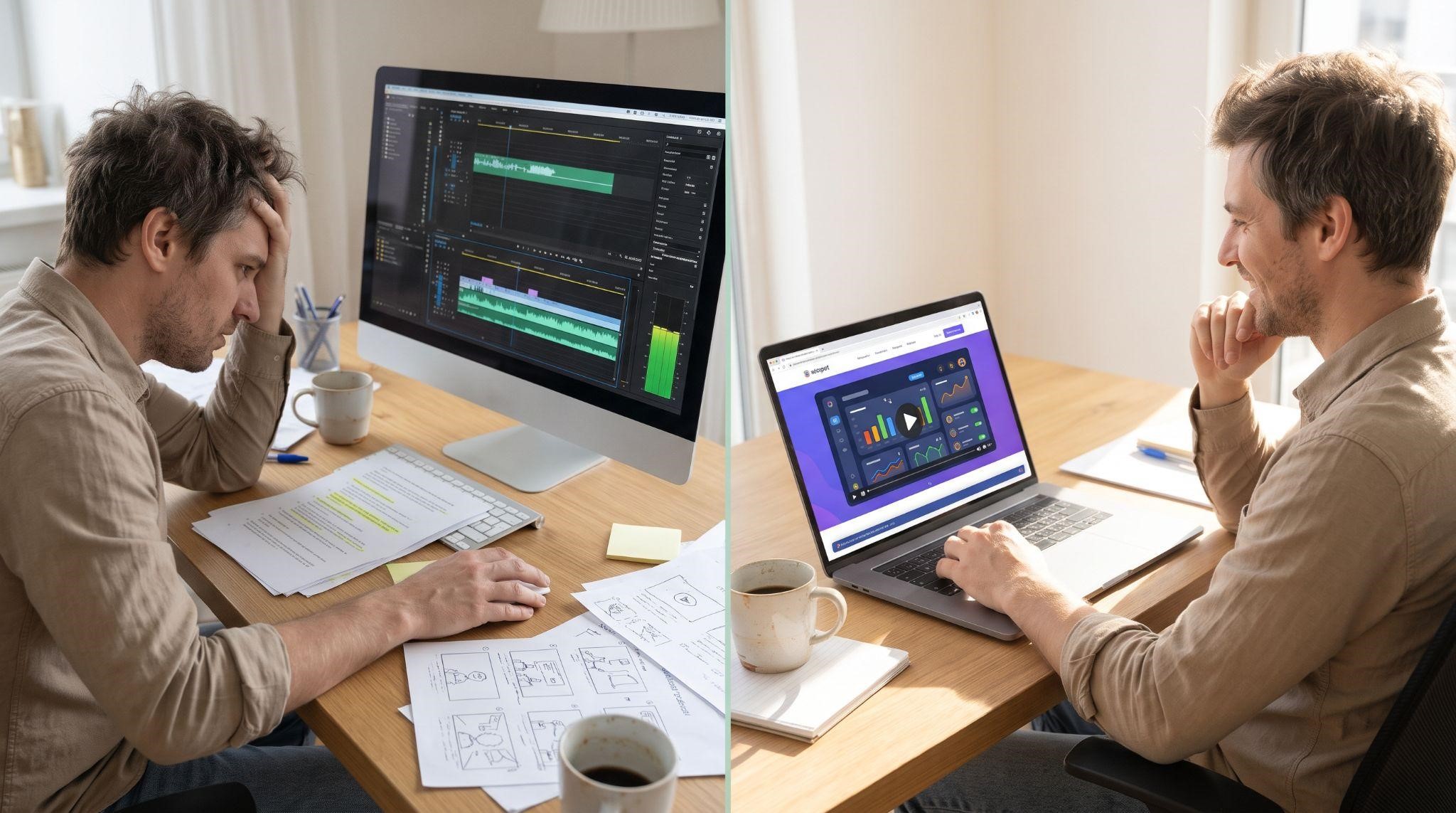
DIY vs. Professional Explainer Video
| DIY Explainer | Professional Explainer | |
|---|---|---|
| Time | Many hours or days across every step | About 10 minutes to submit your branding |
| Skills needed | Scriptwriting, design, voiceover, animation, editing | None |
| Visual quality | Depends on tools and experience | Polished, on-brand motion graphics |
| GHL knowledge | You explain the platform to yourself | Team already knows GoHighLevel inside out |
| White-labeling | You check every frame manually | Fully handled for you |
| Best for | Very tight budgets, simple messages | SaaS owners who want a premium first impression |
If you have animation skills and time to spare, DIY can work. But for most agencies, the hours spent learning animation are better spent selling.
Let GHL Explainer Create Your Explainer Video
At GHL Explainer, we create premium white-label videos built specifically for GoHighLevel SaaS businesses. Our explainer videos turn your platform’s core value into a clear, compelling 60 to 90 second story, built for your homepage, landing pages, and sales funnels.
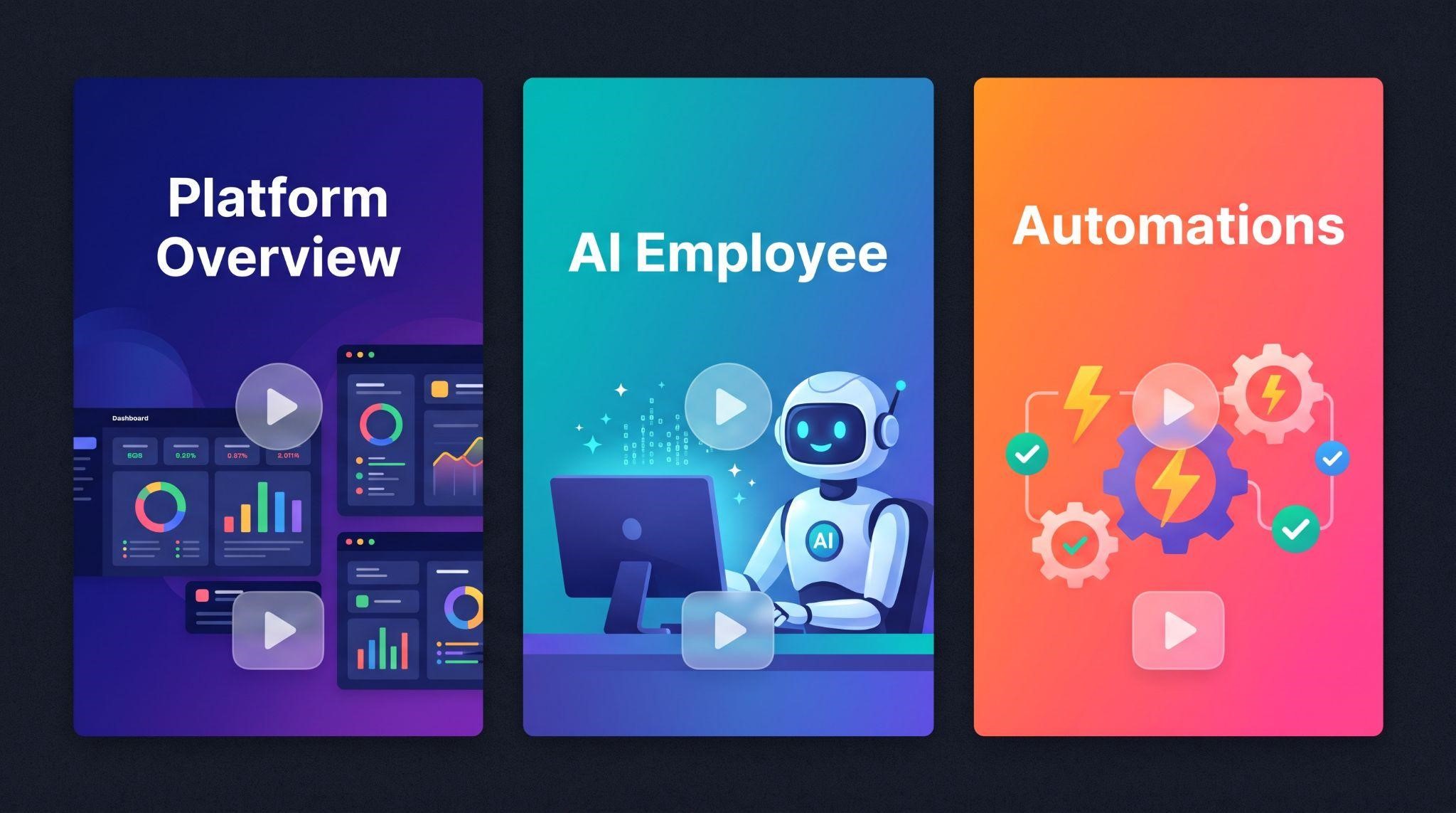
You can choose from ready-made explainer structures, including:
- All-in-One Platform Overview: The complete story of what your SaaS does
- AI Employee: How your platform’s AI handles calls, messages, and follow-ups
- Automation and Workflows: How your platform nurtures leads on autopilot
Or get a fully custom explainer scripted around your exact platform and niche.
Here’s what’s included:
- 100% white-labeled: Your logo, colors, dashboard theme, and voice, with GoHighLevel never named or shown
- Everything handled: Script, voiceover, animation, and delivery
- GHL-fluent team: No need to explain pipelines or workflows
- Fast delivery: Most explainer videos arrive in 5 to 7 days
- Unlimited revisions until it matches your brief
- Full commercial rights to use it anywhere
See real results in our explainer video case studies for Starvolt and Prozex Pilot.
Need more than one video? Our Video Stacks bundle explainer, demo, onboarding, feature, and marketing videos into one package at a lower cost than ordering each separately.
Quick Checklist: How to Create a GHL Explainer Video
Ready to explain your platform in a way prospects instantly understand? Book A Free Call and we’ll help you choose the right explainer for your SaaS.
Frequently Asked Questions
How long should a GHL explainer video be?
Most work best at 60 to 90 seconds, long enough to tell a clear story while holding attention.
What’s the difference between an explainer and a demo video?
An explainer tells a short story about the problem and solution, while a demo walks through how the platform works in detail.
How many words should an explainer script have?
Around 140 to 160 words for 60 seconds, or 210 to 230 words for 90 seconds.
What style is best for a GHL SaaS explainer?
UI motion graphics or a mix of characters and dashboard visuals work well for most white-label platforms.
Can I make an explainer video myself?
Yes, with tools like Canva or Vyond for simple videos, though polished motion graphics usually need professional skills.
Where should I put my explainer video?
Your homepage hero section, landing pages, paid ads, cold outreach, and social media profiles.
Will my explainer video mention GoHighLevel?
Not if it’s made by GHL Explainer. Every video is fully white-labeled to your brand.
How long does a professional explainer take?
At GHL Explainer, most explainer videos are delivered in 5 to 7 days after you submit your branding.
Skip the Loom. Talk to us.
Tell us what you're building. We'll tell you exactly which video it needs.
or write to hello@ghlexplainer.com