GoHighLevel Conversational AI:
How It Works
You've probably seen it in action. A lead sends a text at 10 PM, and within seconds, a friendly reply comes back, answers their question, and books them an appointment.
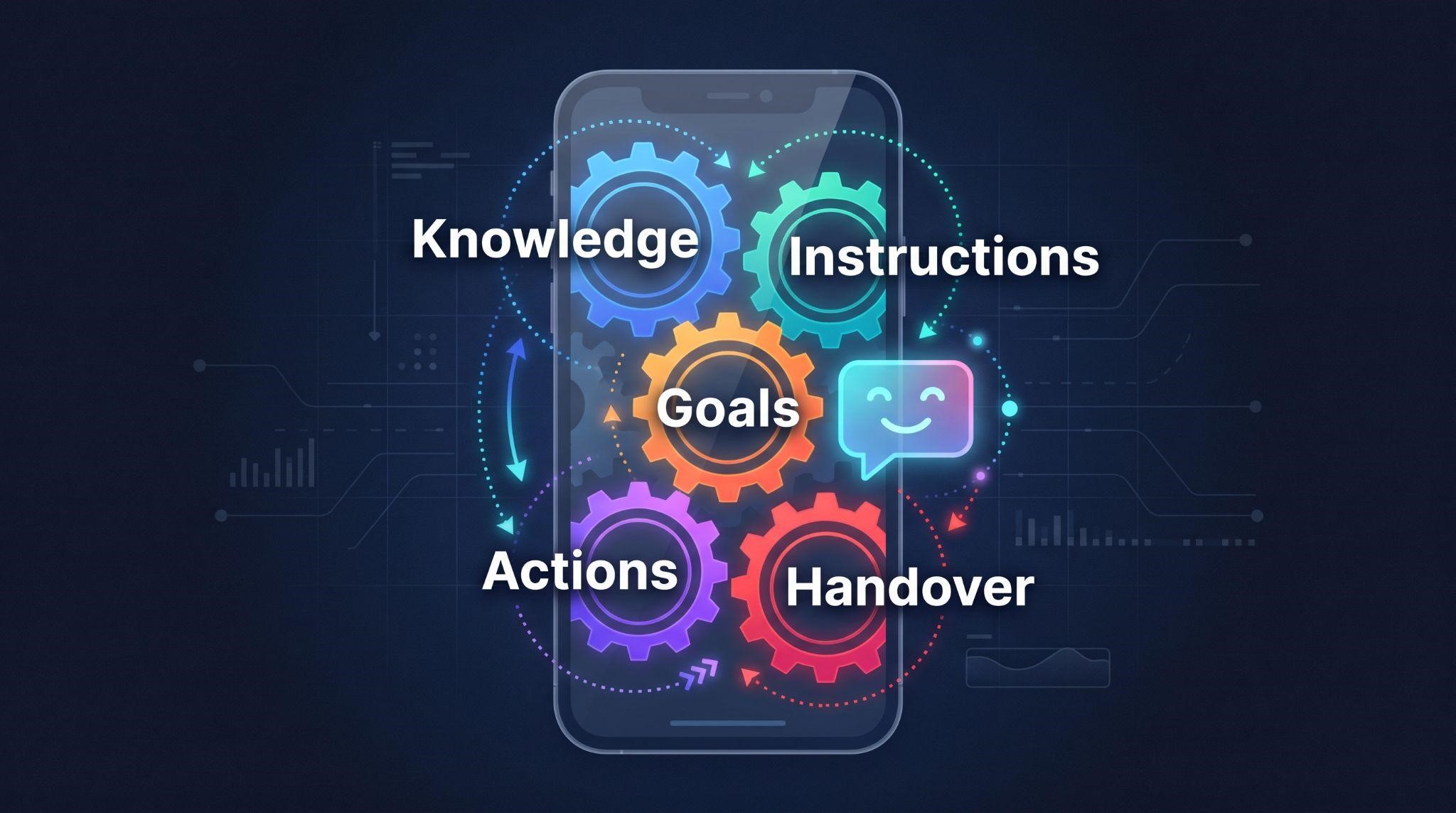
It feels a little like magic. But behind every good AI conversation is a simple system: a knowledge base that teaches the bot what to say, instructions that shape how it talks, goals that tell it what to achieve, actions that let it do things, and rules that decide when a human takes over.
Once you understand how GoHighLevel conversational AI works under the hood, you can build bots that sound more natural, make fewer mistakes, and book more appointments. You'll also be able to explain it to clients with confidence, which is half the battle when selling AI.
Just getting started? Read our beginner overview, GoHighLevel Conversational AI Explained , for channels, modes, and basic setup. This guide goes one level deeper.
The Big Picture: 6 Building Blocks
Every GoHighLevel conversational AI bot is built from the same core parts:
| Building Block | What It Does | Simple Way to Think About It |
|---|---|---|
| 1. The AI engine | Understands messages and writes replies | The brain |
| 2. The knowledge base | Stores facts about the business | The training manual |
| 3. Instructions | Define personality, tone, and rules | The job description |
| 4. Bot goals and actions | Tell the bot what to achieve and what it can do | The to-do list and tools |
| 5. Channels and modes | Decide where and how the bot replies | The phone lines and permissions |
| 6. Workflows and handover | Connect the bot to automations and humans | The teamwork |
Let's look at each one.
1. The AI Engine: The Brain
At its core, GoHighLevel's conversational AI is a chatbot powered by large language models that responds to inbound messages across SMS, Facebook Messenger, Instagram DM, and web chat, and can hand off to human agents when a conversation needs personal attention.
What makes it different from old-school chatbots is understanding. It doesn't need a customer to click a button or type an exact keyword. It reads the message the way a person would, figures out what they mean, and replies naturally.
But here's the important part: the engine only knows what you teach it. On its own, it doesn't know your client's prices, hours, or services. That's where the knowledge base comes in.
2. The Knowledge Base: The Training Manual
The knowledge base is the single biggest factor in how well a bot performs. A great knowledge base creates a helpful assistant. A weak one creates a frustrating experience.
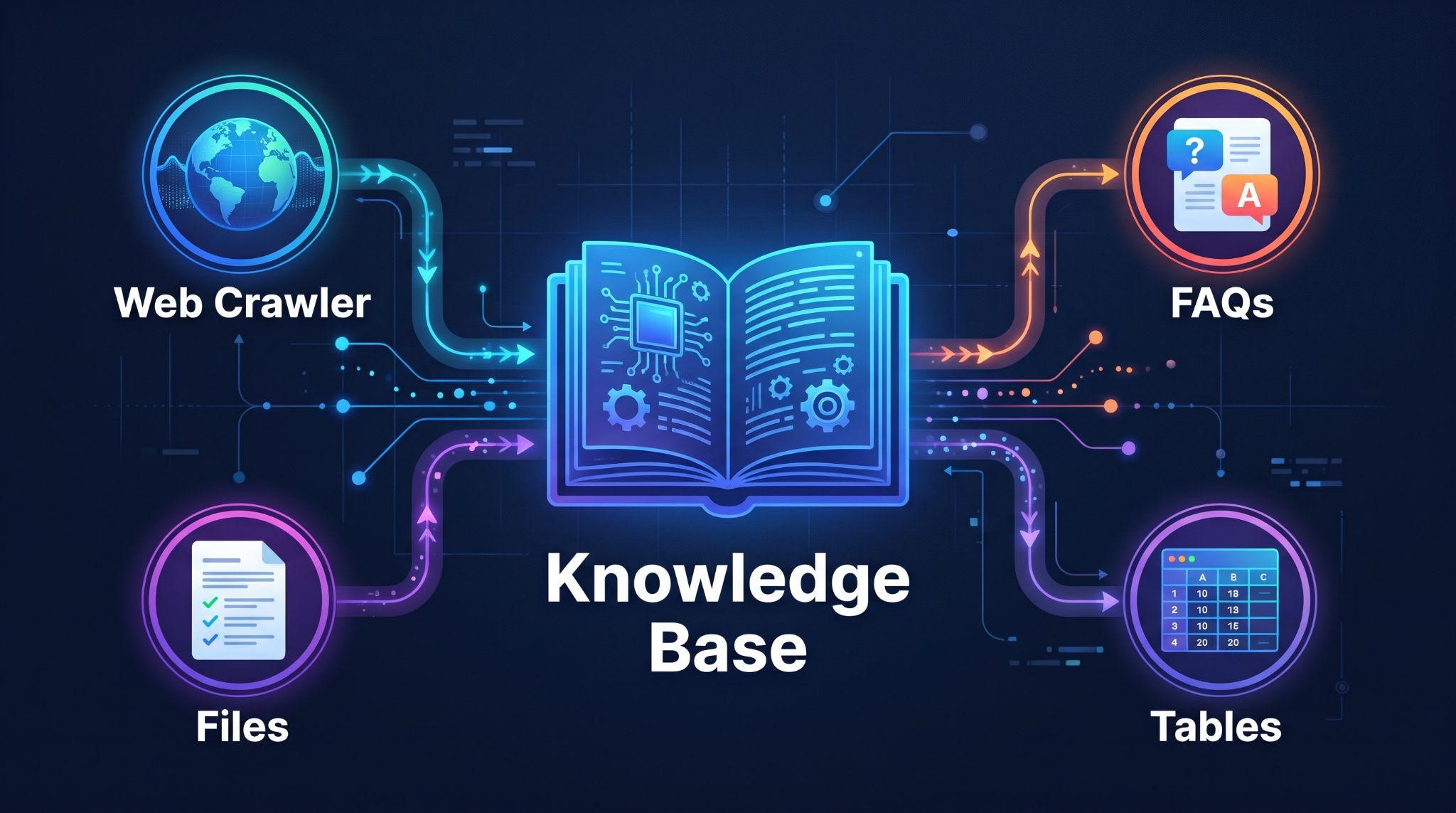
GoHighLevel knowledge bases typically combine four types of content: web crawlers, FAQs, tables, and file uploads.
| Source | How It Works | Best For |
|---|---|---|
| Web crawler | Pulls content from website pages automatically | Services, about info, policies |
| FAQs | Question-and-answer pairs you write | Common questions and precise answers |
| Tables | Structured data like price lists or service menus | Pricing, packages, locations |
| File uploads | Documents such as guides or policies | Detailed information not on the website |
How the Web Crawler Works
You give the crawler your website URLs, and once it finishes crawling a page, it shows as trained. When the website changes, the crawler can refresh that content during its next update, so the bot stays current.
Why FAQs Matter So Much
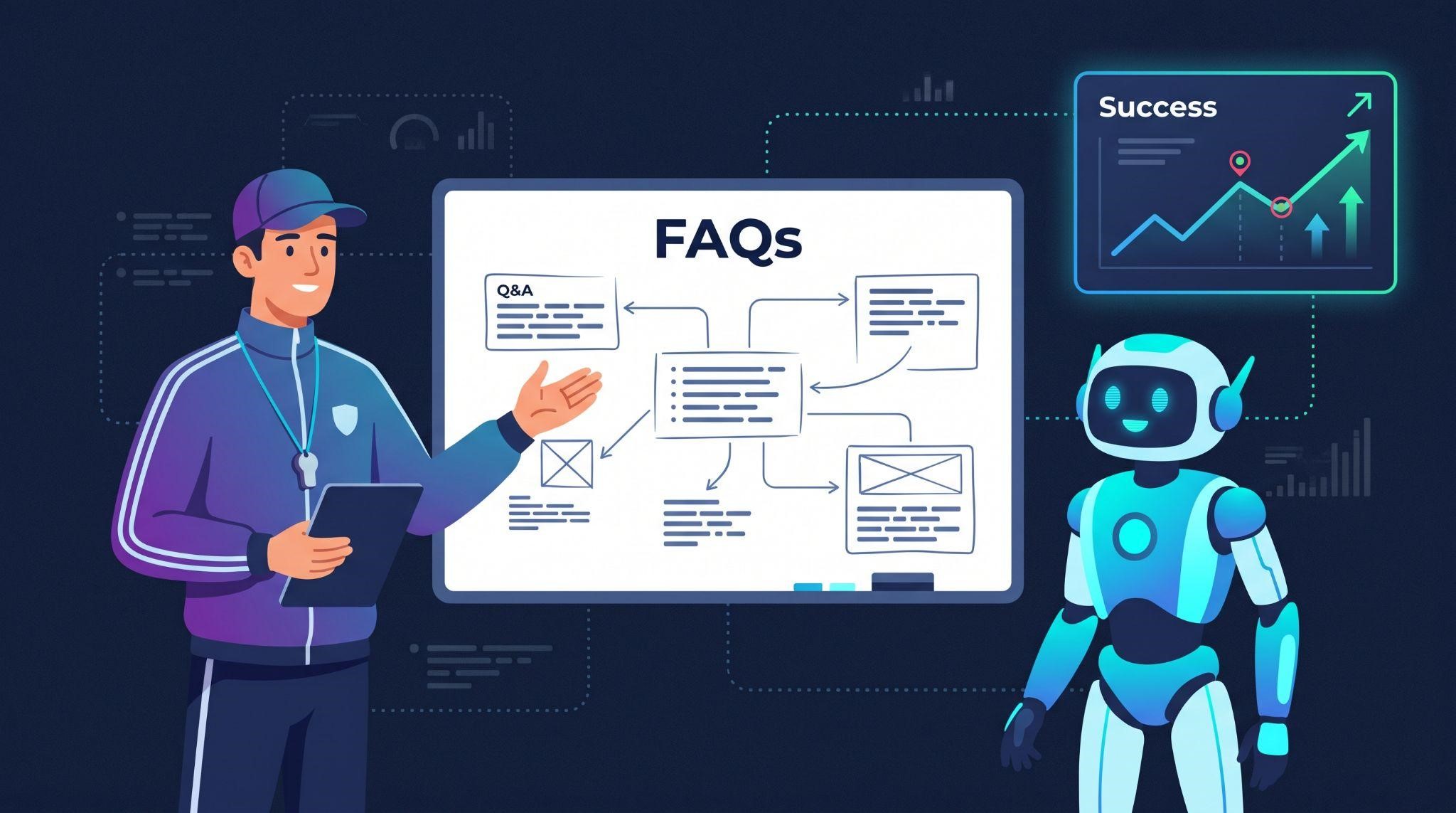
Websites are often written for marketing, not answering questions. FAQs fill the gaps with clear, direct answers like:
- "Do you offer payment plans?"
- "How long does a consultation take?"
- "Do you take walk-ins?"
- "Is parking available?"
A great tip: review real customer messages, support emails, and call notes to find the questions people actually ask, then turn them into FAQs.
3. Instructions: The Job Description
If the knowledge base is what the bot knows, instructions are how it behaves. This is where you shape the bot's personality and rules.
Strong instructions usually cover:
- Identity: The bot's name and the business it represents
- Tone: Friendly, professional, casual, or formal
- Main goal: Booking appointments, qualifying leads, or answering questions
- Rules: What it should and shouldn't do
- Boundaries: Topics it must avoid or hand to a human
- Honesty: What to say when it doesn't know an answer
Example Instructions
"You are Mia, the friendly assistant for Glow Med Spa. Keep replies short and warm, like a helpful front desk team member. Your main goal is to book free consultations. Only answer using approved business information. If you don't know something, say so and offer to connect them with the team. Never give medical advice. If someone has a complaint or medical concern, hand the conversation to a human."
One instruction worth including in every bot: tell it to answer only from approved business information and to say so when it doesn't know. It's one of the simplest ways to prevent made-up answers.
4. Bot Goals and Actions: The To-Do List and Tools
This is where conversational AI goes from "chatbot" to "assistant." Bots don't just talk. They can take actions.
When you set up a bot, you can give it goals, whether it's the chat assistant on a website or the Voice AI that picks up calls. The AI is designed to gather the information needed to reach that goal, and it can transfer to a human when someone asks.
Common Bot Goals and Actions
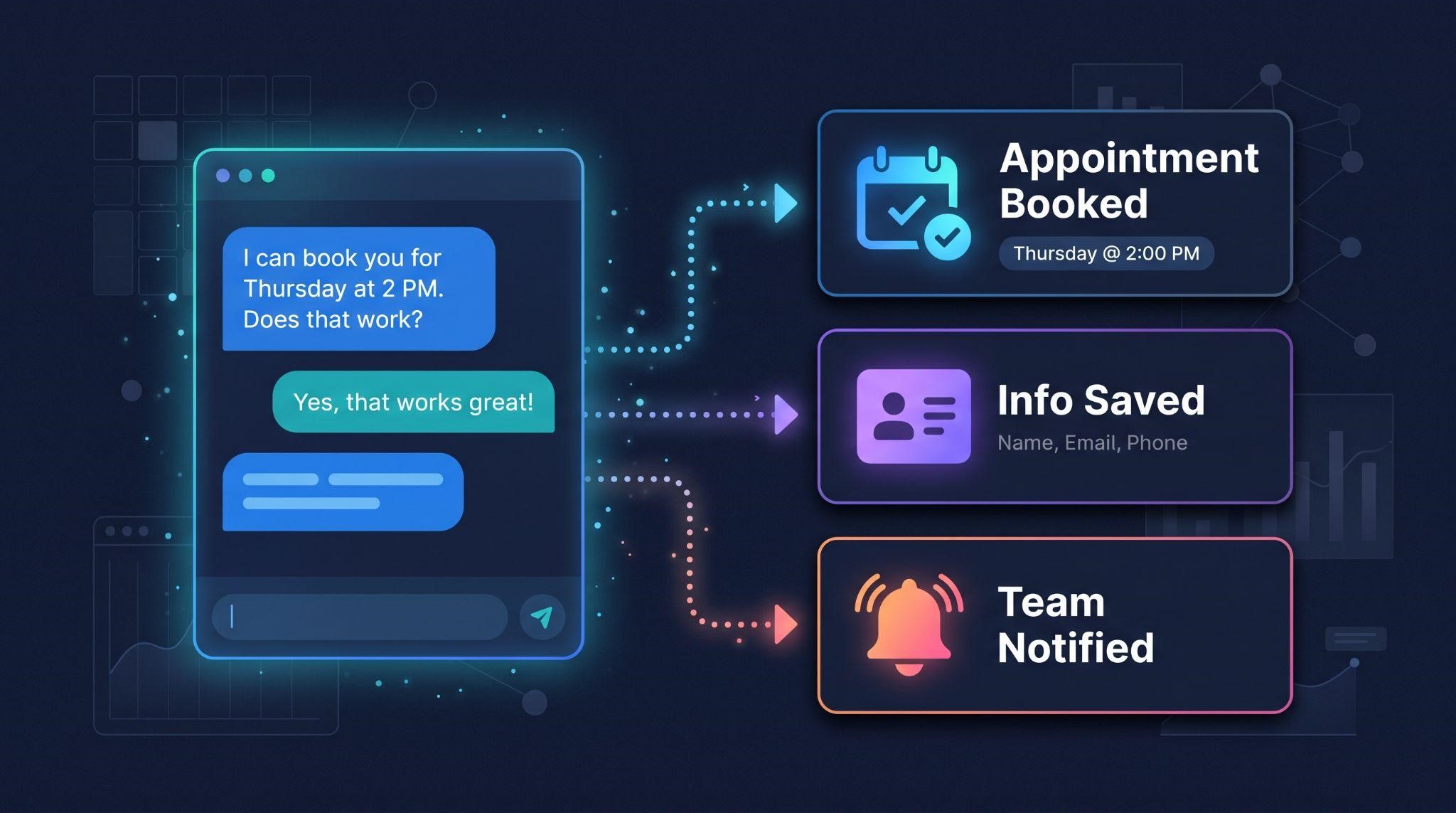
| Goal or Action | What the Bot Does | Example |
|---|---|---|
| Book appointment | Checks the calendar and books a time | "I can book you for Thursday at 2 PM. Does that work?" |
| Collect information | Asks for details and saves them to the contact | Name, email, service needed, budget |
| Trigger a workflow | Starts an automation when a condition is met | Tag a hot lead and notify the sales team |
| Human handover | Stops replying and passes the chat to a person | A customer asks to speak with someone |
A Clever Trick: Notify Without Stopping
Sometimes you want the team to know about a conversation without the bot going quiet. One documented approach is using a "Trigger a Workflow" action in Bot Goals that starts a workflow with only internal steps, such as a staff notification, a task, and a tag.
That way, the bot keeps helping the customer while the team gets an alert.
5. Channels and Modes: Where and How It Replies
The bot can work across multiple messaging channels, including SMS, web chat, Facebook Messenger, Instagram, and WhatsApp, depending on what's connected.
It also has different response modes:
| Mode | What Happens |
|---|---|
| Off | The bot doesn't reply |
| Suggestive | The bot drafts replies for a team member to review and send |
| Auto-Pilot | The bot replies automatically |
A smart rollout is to start on one channel, like web chat, monitor conversations for about two weeks while refining the knowledge base, and expand to more channels once it performs consistently.
For a deeper breakdown of channels and modes, see our conversational AI overview .
6. Workflows and Handover: The Teamwork
This is the part most people overlook, and it's where the best setups really shine. Conversational AI doesn't work in isolation. It connects to workflows and to your team.
Using the Bot Inside Workflows
You can add the Conversation AI Bot as a step inside a workflow and control when it stops replying, for example when a human team member replies in the same conversation.
There's also a workflow action that can start or stop the bot for a specific conversation. It supports stop keywords like "STOP," "AGENT," or "HUMAN" that shut the bot off immediately, plus optional keywords to switch it back on.
How Human Handover Works
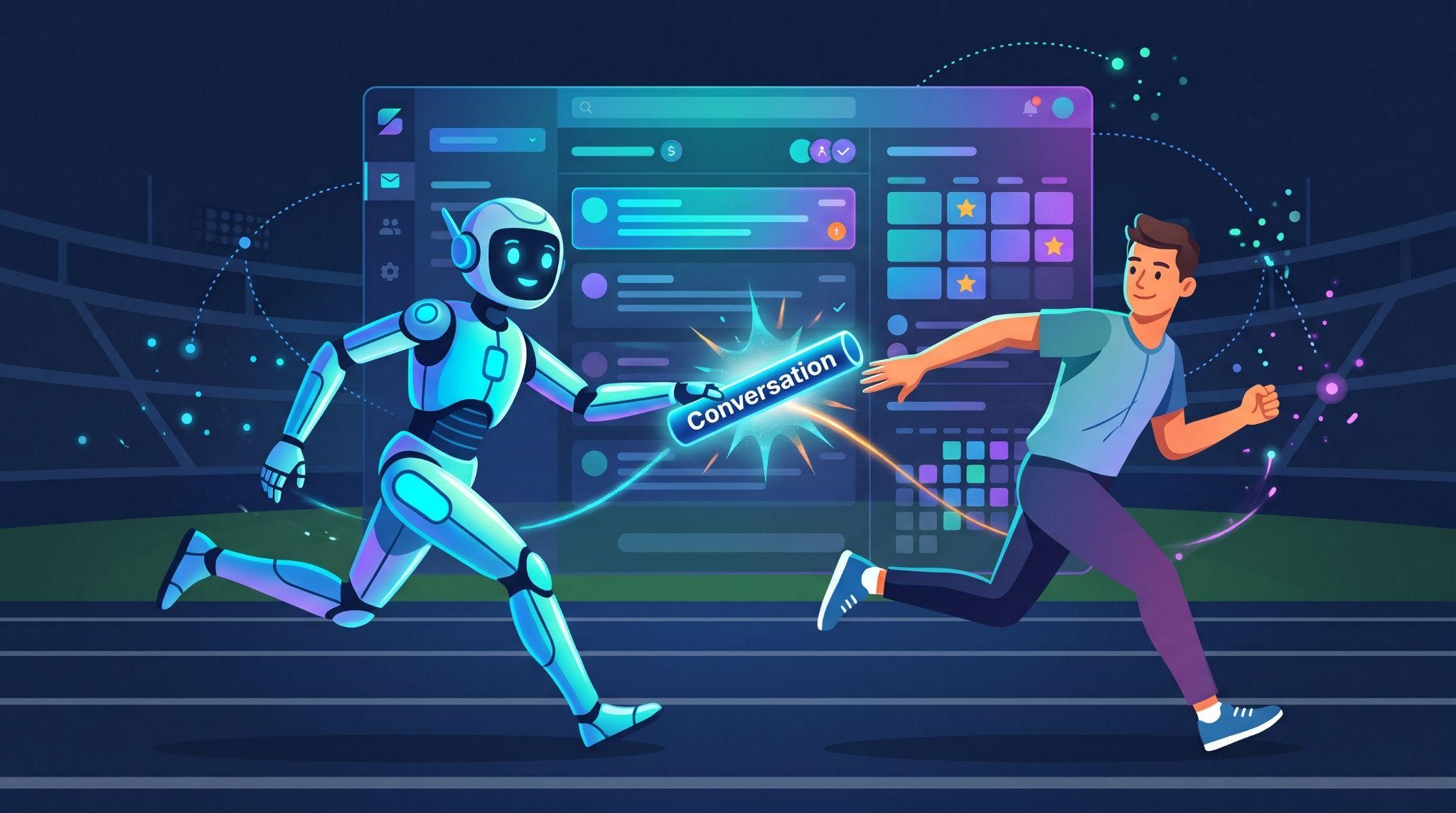
The Human Handover action stops the AI from replying and transfers the conversation to a team member. When setting up transfers, it's usually best to enable the option that stops the bot after the transfer, so the AI doesn't keep sending messages once a person has taken over.
Watch Out for This
Be careful about adding outgoing messages to a contact inside the same workflow. Some setups warn that a workflow message can count as a reply and put the bot to sleep. Always test your workflows to make sure the bot behaves as expected.
Putting It All Together: The Journey of One Message
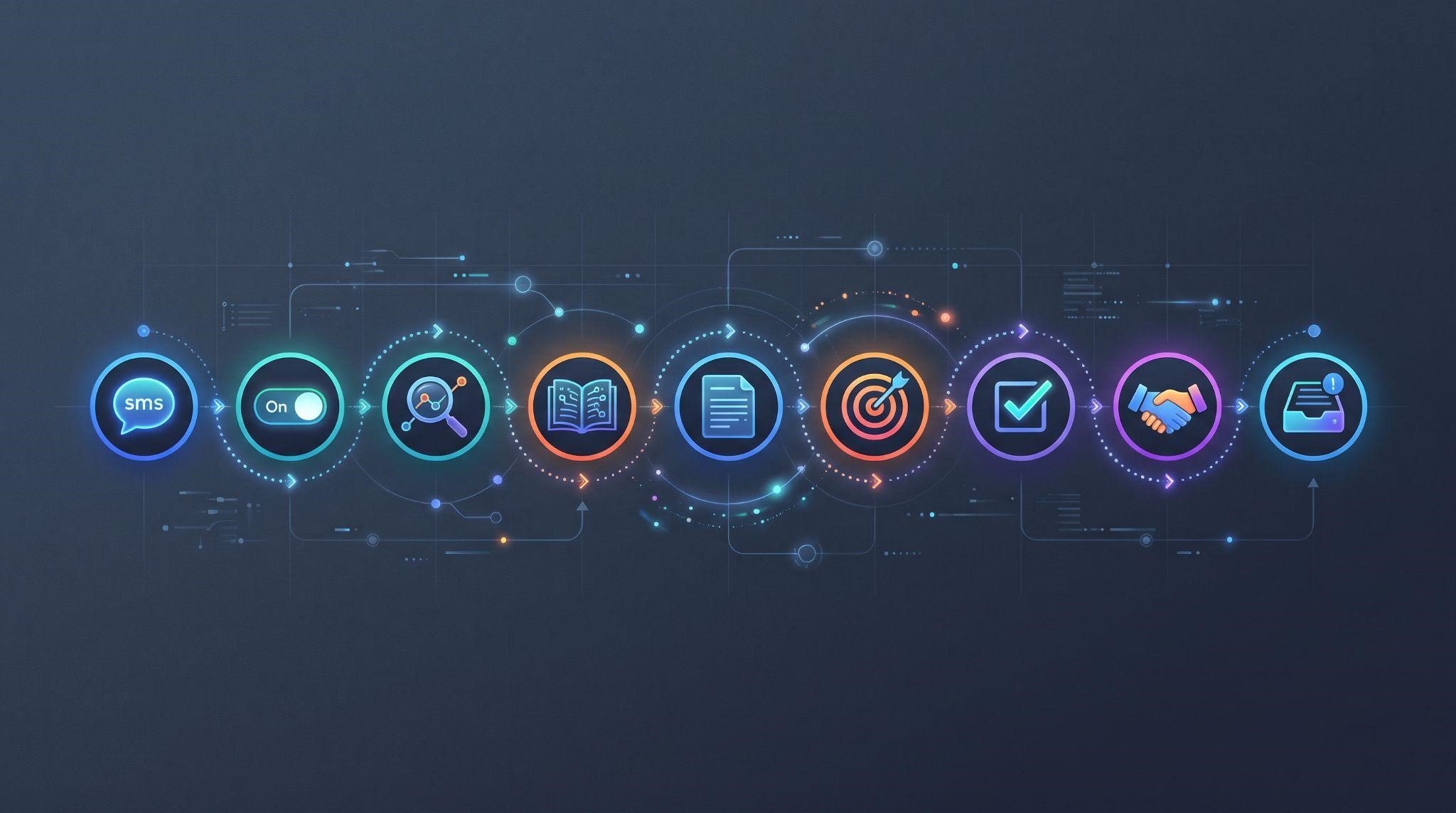
Here's what happens, step by step, when a lead sends a message:
| Step | What Happens Behind the Scenes |
|---|---|
| 1. Message arrives | A lead texts, chats, or DMs the business |
| 2. Bot checks its status | Is the bot on for this channel and conversation? Which mode is it in? |
| 3. AI reads the message | It works out what the person is asking or wants |
| 4. AI checks the knowledge base | It finds relevant facts like prices, hours, or services |
| 5. AI follows its instructions | It shapes the reply using the right tone and rules |
| 6. AI works toward its goal | It asks a qualifying question or offers appointment times |
| 7. Action is taken | It books the appointment, saves details, or triggers a workflow |
| 8. Handover if needed | If the conversation needs a person, the bot steps back and alerts the team |
| 9. Everything is logged | The conversation appears in the unified inbox and contact record |
All of this can happen in seconds, day or night.
How to Train a Better Bot
Now that you know how it works, here's how to make it work well :
Build a Strong Knowledge Base
- Crawl the main website pages
- Add 20 to 30 FAQs from real customer questions
- Use tables for prices, packages, and locations
- Upload policies and detailed guides as files
Anticipate Questions and Objections
Think like a customer. What would someone ask before booking? What would make them hesitate? Add clear answers for both.
Write Clear, Specific Instructions
Vague instructions lead to vague answers. Be specific about tone, goals, and boundaries.
Set One Main Goal Per Bot
A bot trying to do everything usually does nothing well. Focus each bot on one primary outcome.
Start in Suggestive Mode
Review drafts, fix mistakes, and improve the knowledge base before switching to Auto-Pilot.
Review and Improve Monthly
Review the knowledge base monthly by adding new FAQs from real conversations, refreshing crawled content when the website changes, and updating tables with new information.
Instruction Templates by Industry
Here are short starting points you can adapt for different niches:
| Industry | Sample Instruction Snippet |
|---|---|
| Dental clinic | "Help patients book cleanings and consultations. Answer questions about services and insurance using approved info only. Send dental emergencies to the team immediately." |
| Roofing company | "Help homeowners book free roof inspections. Ask for the address and type of issue. Transfer storm-damage emergencies to the team." |
| Real estate agent | "Qualify buyers by asking about budget, area, and timeline. Book showings. Hand off serious buyers to the agent." |
| Gym or studio | "Answer membership and class questions. Book free trial classes. Keep replies upbeat and motivating." |
| Law firm | "Collect basic inquiry details and book consultations. Never give legal advice. Transfer urgent matters to staff." |
Measuring Bot Performance
Track these numbers to see how well the bot is working:
| Metric | What It Tells You |
|---|---|
| Response time | How quickly leads get a reply |
| Conversations handled | How much work the bot is taking off the team |
| Appointments booked | Direct impact on revenue |
| Handoff rate | How often the bot needs a human |
| Unanswered questions | Gaps in the knowledge base |
| Customer satisfaction | How people feel about AI conversations |
Pay special attention to handoff rate. If too many conversations get escalated to humans, the knowledge base likely needs work.
Troubleshooting Common Issues
| Problem | Likely Cause | Quick Fix |
|---|---|---|
| Bot isn't replying | Bot is off, mode is set to Off, or the channel isn't enabled | Check bot status, mode, and channel settings |
| Bot gives wrong answers | Thin or outdated knowledge base | Add FAQs and refresh crawled pages |
| Bot makes things up | Instructions don't limit it to approved info | Tell it to answer only from approved info and admit when it doesn't know |
| Bot stops after a workflow runs | A workflow message or action paused the bot | Review workflow steps and test again |
| Bot keeps replying after a human joins | Stop condition isn't set | Enable stopping the bot after handover or human reply |
| Replies sound robotic | Instructions are too formal or vague | Rewrite instructions in the business's natural voice |
| Bot doesn't book appointments | Calendar isn't connected or goal isn't set | Connect the calendar and set a booking goal |
The Real Challenge: Helping Clients Trust the Bot
Here's the truth for agencies. Even when your bot is set up perfectly, many clients hesitate to switch it on. They worry it will say something wrong, sound robotic, or upset customers. Some don't understand the difference between Suggestive and Auto-Pilot, or what happens when a human needs to step in.
When clients don't understand how it works, they don't trust it. And when they don't trust it, they don't use it.
The solution is helping them see how it works, in a way that's simple, visual, and reassuring. That's exactly what a short, clear video does better than any training call.

Explain Your Conversational AI With White-Label Videos
At GHL Explainer , we create premium white-label videos made specifically for GoHighLevel SaaS businesses. Our videos turn complex tools like conversational AI into clear, simple stories your clients and prospects instantly understand.
Here's how our videos help at every stage:
| Stage | Video Type | How It Helps |
|---|---|---|
| Selling AI | AI Employee explainer | A ready-made explainer showing your platform's AI handling messages, follow-ups, and more |
| Explaining the feature | Feature videos | A short animation focused on your conversational AI alone |
| Showing it in action | Demo videos | A full walkthrough of AI replies, booking, and handover inside your dashboard |
| Setting it up | Onboarding videos | Step-by-step guidance on knowledge bases, modes, and channels |
Every video is:
- 100% white-labeled: Your logo, colors, dashboard theme, and voice, with GoHighLevel never named or shown
- Made by a GHL-fluent team: We already understand bots, workflows, and snapshots
- Delivered fast: Most single videos arrive in 3 to 7 days
- Backed by unlimited revisions until it matches your brief
- Yours to use anywhere with full commercial rights
Need a full set? Our Video Stacks bundle explainer, demo, feature, onboarding, and marketing videos at a lower cost than ordering each separately.
Quick Recap
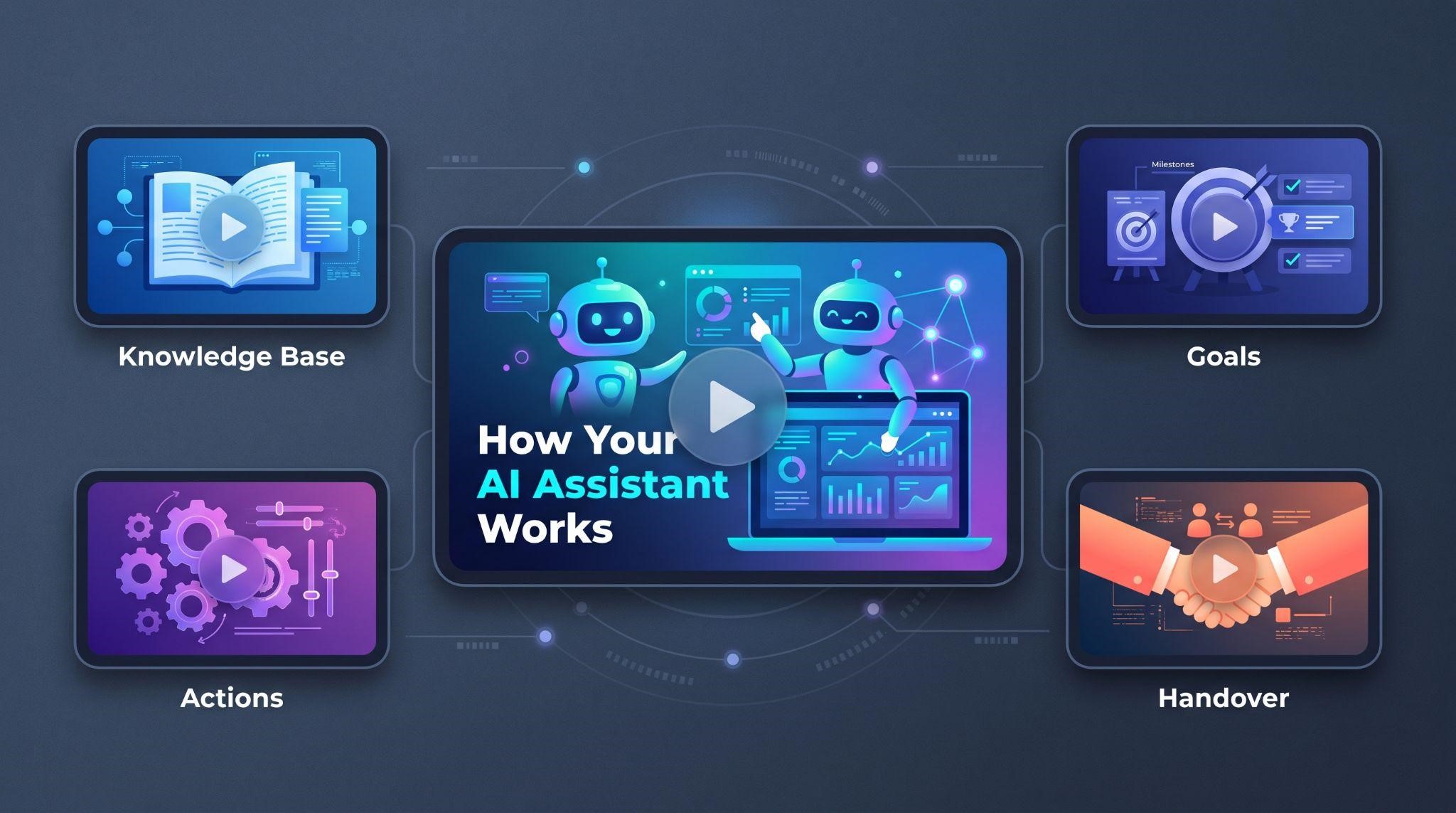
- The AI engine understands messages and writes replies
- The knowledge base teaches the bot about the business
- Instructions shape personality, tone, and rules
- Bot goals and actions let it book, collect info, and trigger workflows
- Channels and modes decide where and how it replies
- Workflows and handover connect the bot to automations and your team
Get these six pieces right, and your conversational AI becomes a reliable, revenue-generating assistant.
Ready to help clients understand, trust, and use their conversational AI? Book A Free Call and we'll help you choose the right videos for your platform.
Book A Free CallFrequently Asked Questions
How does GoHighLevel conversational AI work?
It uses an AI engine to understand messages, a knowledge base for business facts, instructions for tone and rules, and goals and actions to book appointments, collect info, or hand off to humans.
What is a knowledge base in GoHighLevel?
It's the information the bot uses to answer questions, built from website pages, FAQs, tables, and uploaded files.
How do I stop the bot from making things up?
Instruct it to answer only from approved business information and to say when it doesn't know.
Can the bot book appointments?
Yes. With a connected calendar and a booking goal, it can offer times and book directly.
How does human handover work?
A handover action stops the bot and passes the conversation to a team member. It's best to stop the bot after transfer to avoid overlapping replies.
Can customers stop the bot themselves?
Yes. Stop keywords like "AGENT" or "HUMAN" can turn off the bot for that conversation.
Why did my bot stop replying?
Common causes include the bot being off, the wrong mode, a disabled channel, or a workflow action pausing it.
Will GHL Explainer videos mention GoHighLevel?
No. Every video is 100% white-labeled to your brand.
Skip the Loom. Talk to us.
Tell us what you're building. We'll tell you exactly which video it needs.
or write to hello@ghlexplainer.com