GoHighLevel Missed Call Text Back Explained
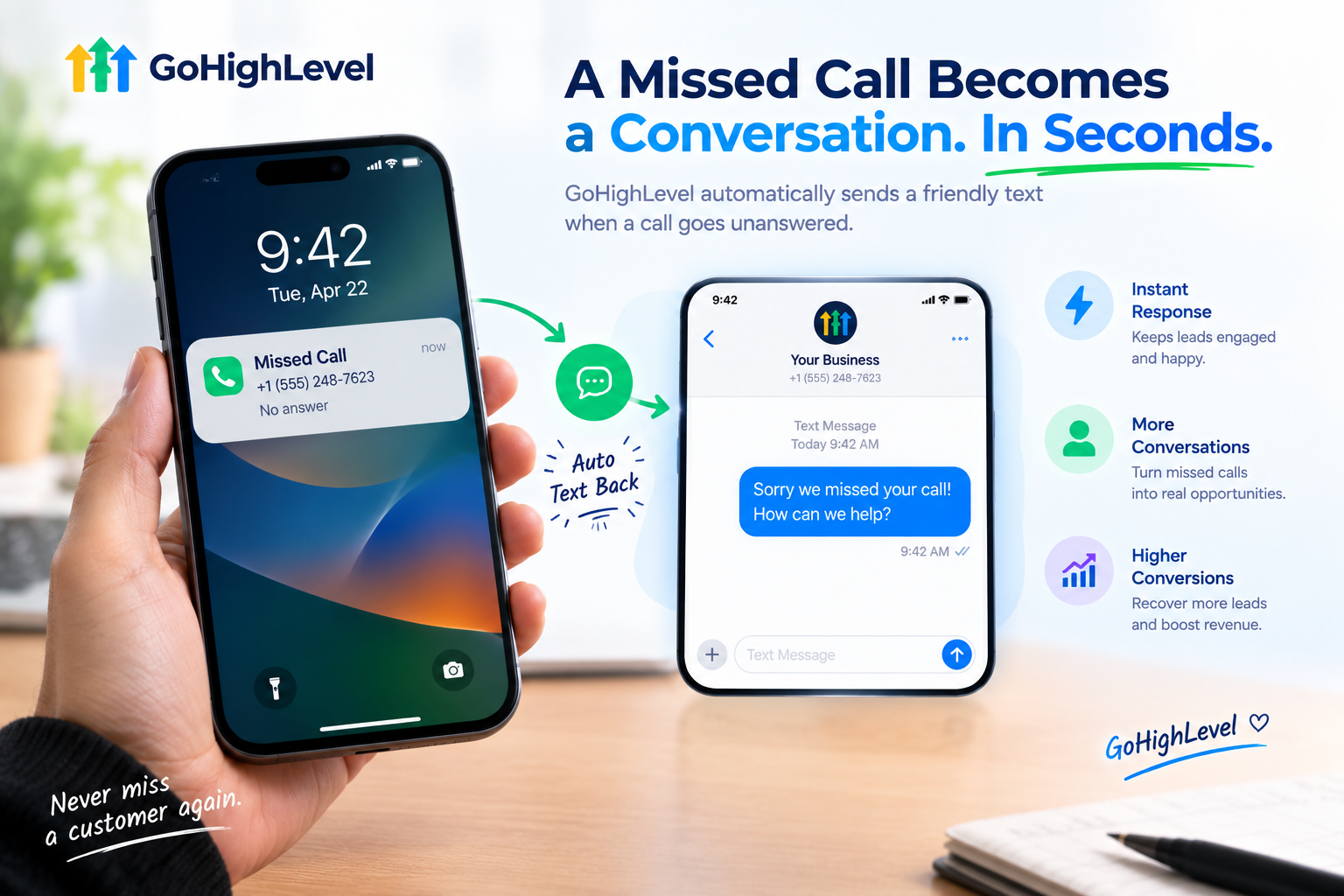
A customer calls a plumber about a leaking pipe. Nobody picks up. What do they do next?
They don’t leave a voicemail. They don’t wait. They call the next plumber on Google.
That’s the reality for most local businesses. Missed calls are missed customers, and many owners have no idea how many they lose each week. The GoHighLevel missed call text back feature fixes this with one simple move: when a call goes unanswered, the caller automatically gets a friendly text within seconds.
In this guide, we’ll explain how it works, why it matters so much, how to set it up, what to say in your messages, and how to help your clients get the most out of it.
What Is GoHighLevel Missed Call Text Back?
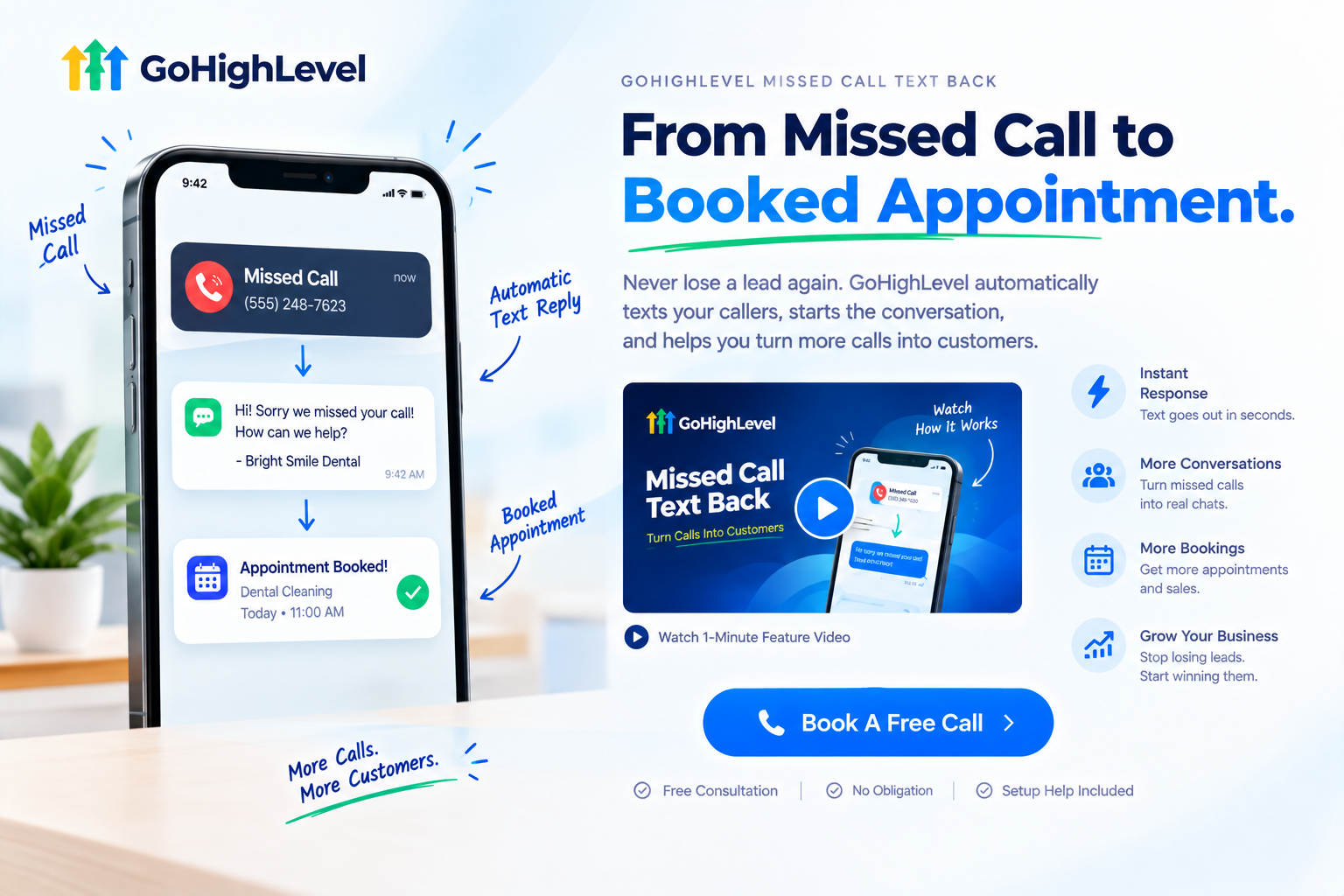
Missed call text back is an automation that sends an SMS to anyone whose call goes unanswered. Instead of hearing silence or a voicemail greeting, the caller gets a text like:
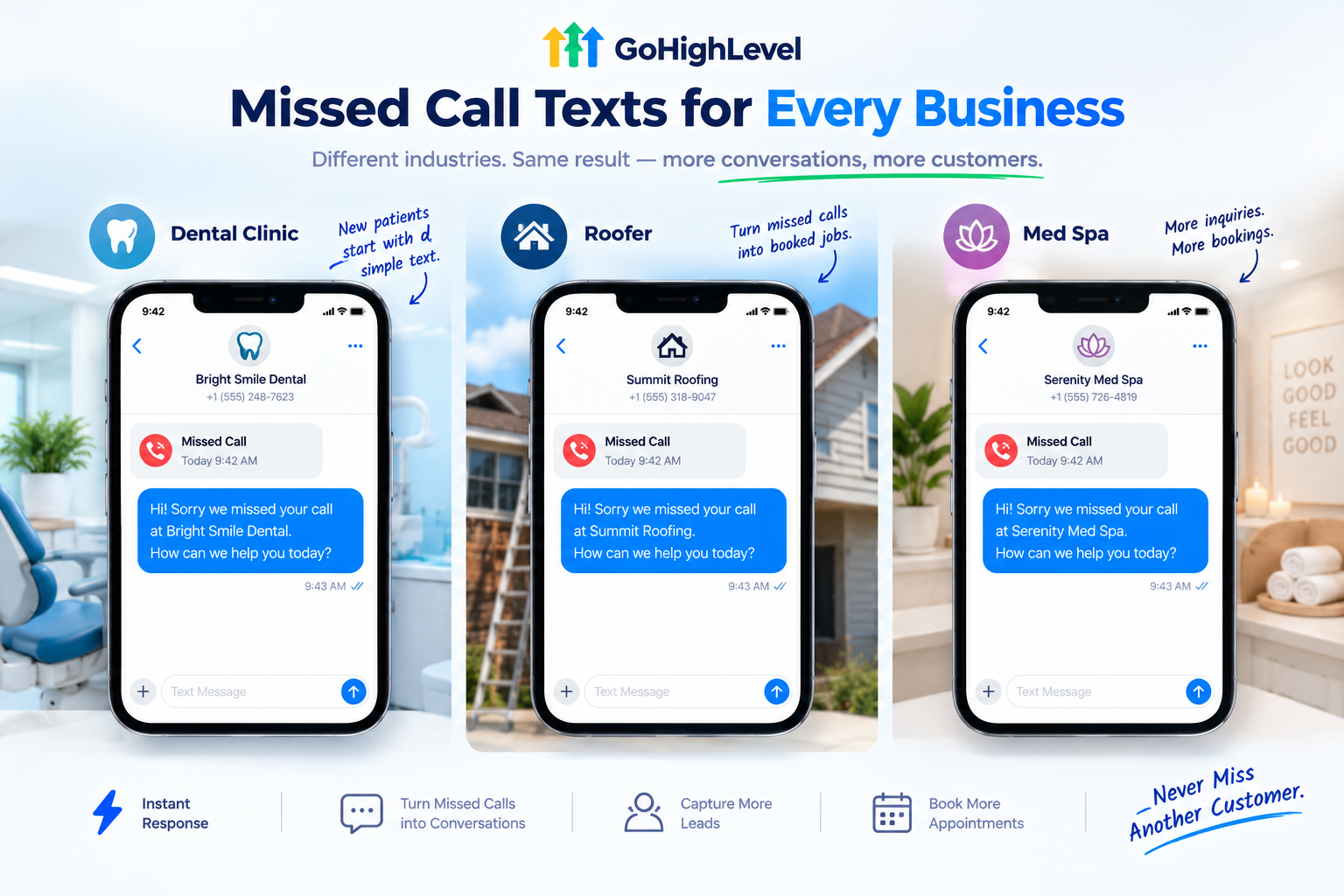
“Hi! Sorry we missed your call at Bright Smile Dental. How can we help you today?”
The caller can reply right away, and the conversation lands in the business’s unified inbox, linked to their contact record. A lost call becomes an open conversation.
It’s simple, but it’s one of the highest-impact automations in the entire platform. In fact, many GHL experts say that if you build only one automation, it should be missed-call text-back, because it recovers leads the business has already paid to attract.
Why Missed Calls Are So Expensive
Think about where those calls come from. Google Ads. Google Business Profile. Facebook ads. Referrals. Website visits. The business has already spent money and effort getting that phone to ring.
When nobody answers, all of that investment goes to waste. And it happens more than owners realize:
Most callers won’t leave a voicemail. They’ll simply try the next business.
How Much Can It Recover?
Results vary by business, but one industry source reports that missed-call text-back typically recovers 20 to 40 percent of otherwise lost calls.
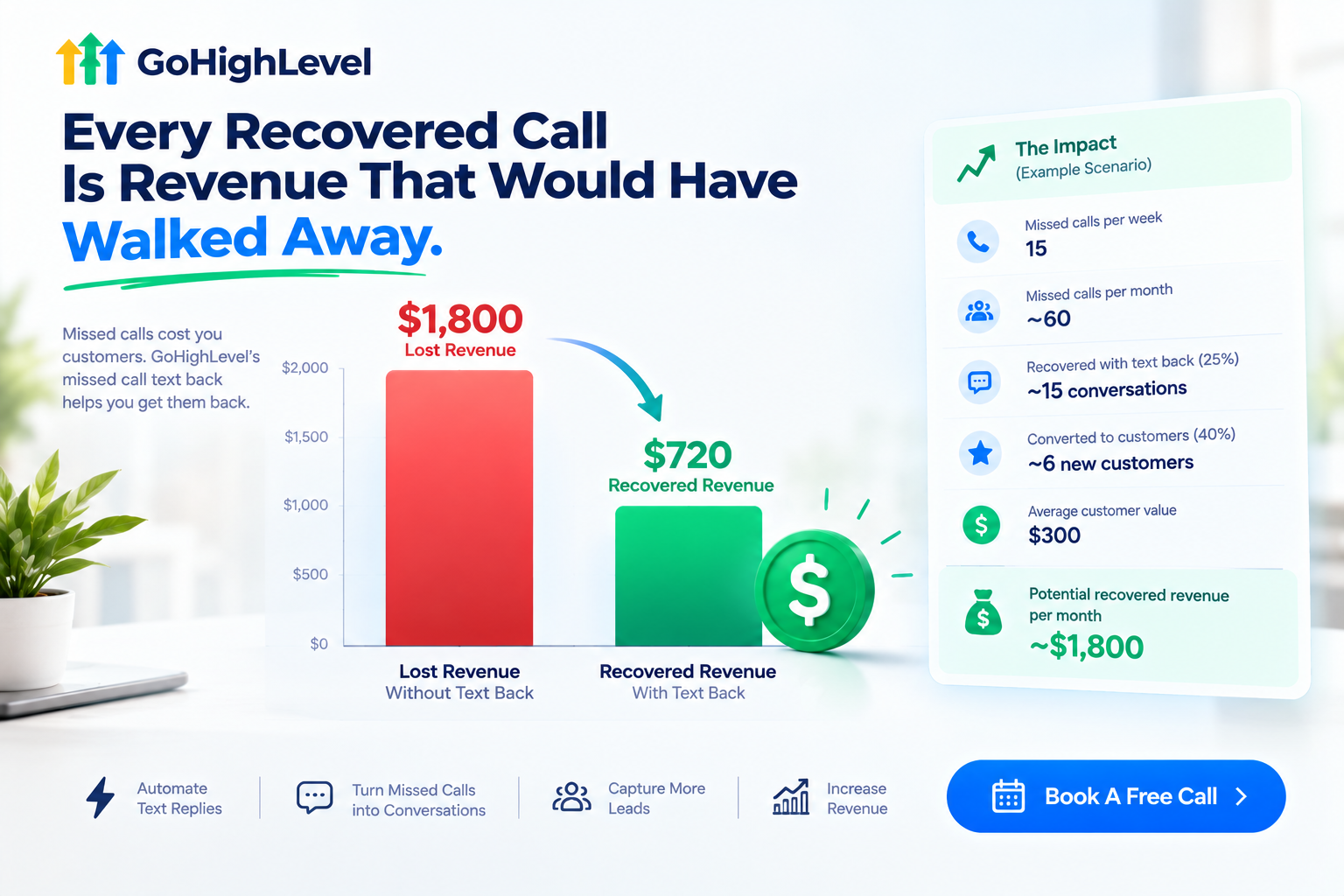
Here’s a simple illustration of what that could mean:
| Example Scenario | Numbers |
|---|---|
| Missed calls per week | 15 |
| Missed calls per month | About 60 |
| Recovered with text back (25%) | About 15 conversations |
| Converted to customers (40% of those) | About 6 new customers |
| Average customer value | $300 |
| Potential recovered revenue per month | About $1,800 |
This is an illustrative example only. Actual results depend on the business, industry, and follow-up process.
For many local businesses, that’s more than enough to pay for their entire software subscription several times over.
How It Works: Step by Step
Here’s what happens behind the scenes:
A customer calls the business phone number
Nobody answers , and the call is marked as missed
The automation triggers and waits a short moment
A text goes out to the caller with a friendly message
The caller replies , and the message appears in the unified inbox
The team (or AI) responds , answers questions, and books the appointment
The whole process takes seconds, and the caller feels acknowledged instead of ignored.
How to Set Up Missed Call Text Back
There are two common ways to set it up, depending on how much control you want.
Option 1: The Built-In Setting (Quick Start)
Many accounts include a simple missed call text back option within the phone number settings. You switch it on, write your message, and you’re done. It’s the fastest way to get started, though it offers less flexibility than a full workflow.
Settings and menu names can change, so check your current account for the exact location.
Option 2: A Custom Workflow (Recommended)
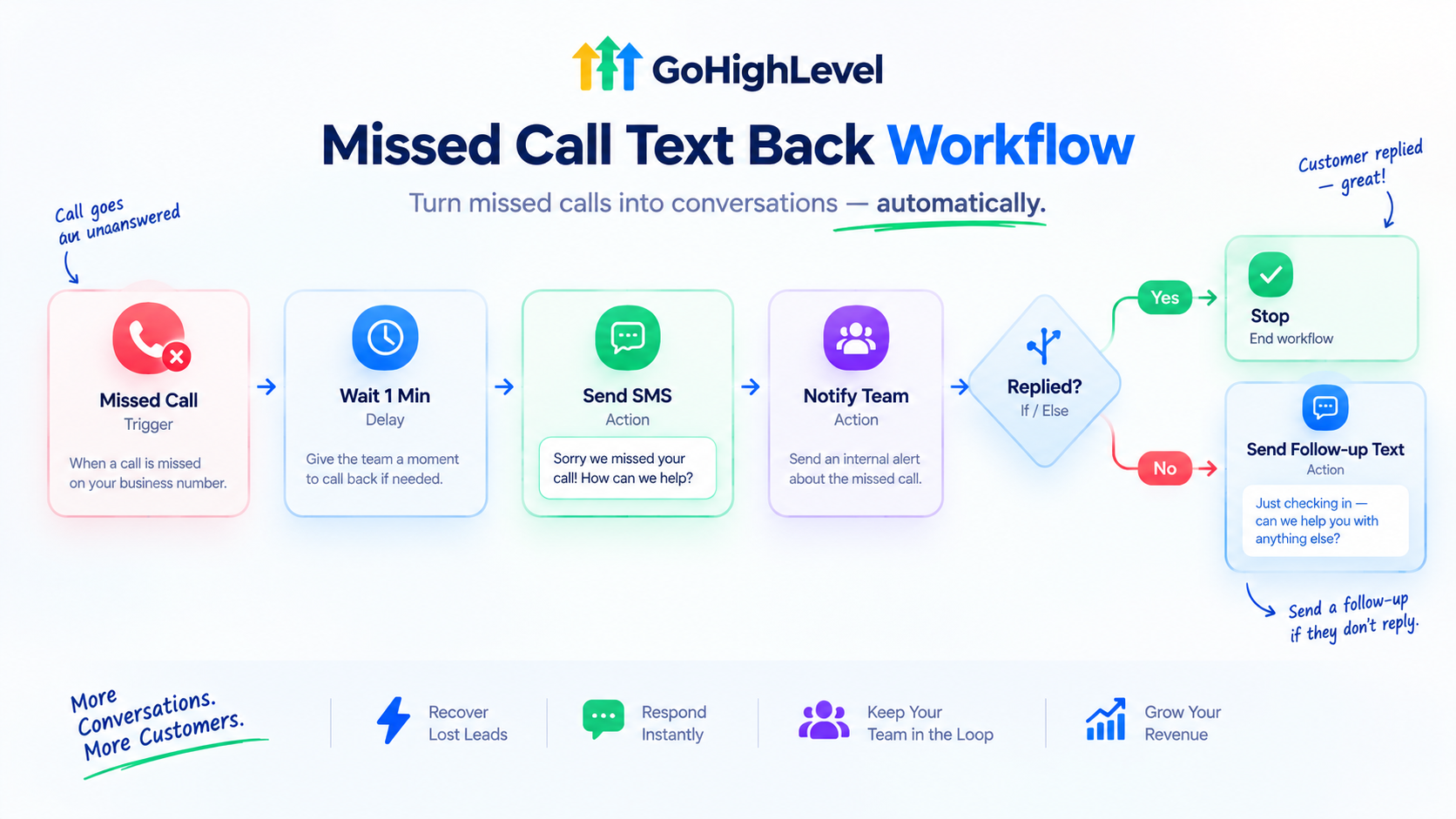
Building it as a workflow gives you much more control. A popular setup looks like this:
With a workflow, you can also add extra steps, like:
Want to learn more about building automations? Check out our GoHighLevel workflow automation guide .
Important: A2P 10DLC Registration
Here’s a step many people miss. In the US, businesses sending texts through local numbers need approved A2P 10DLC registration. Without it, SMS steps can silently fail, meaning the text never reaches the caller and nobody notices.
Before turning on missed call text back for a client, make sure:
It’s a small setup step that makes a huge difference.
Missed Call Text Back Message Templates
The best messages are short, friendly, and make it easy to reply. Here are templates you can adapt by industry:
| Industry | Sample Message |
|---|---|
| Dental clinic | “Hi! Sorry we missed your call at [Clinic Name]. Are you looking to book an appointment? Reply here and we’ll help.” |
| Med spa | “Thanks for calling [Spa Name]! We’re with a client right now. What treatment are you interested in?” |
| Roofing / HVAC | “Sorry we missed you at [Company]! Is this about a repair or a quote? Text us the details and we’ll get right back to you.” |
| Real estate | “Hi, this is [Agent Name]. Sorry I missed your call! Are you looking to buy, sell, or ask about a listing?” |
| Law firm | “Thank you for calling [Firm Name]. We’re unavailable right now. Briefly tell us how we can help and we’ll reach out shortly.” |
| Restaurant | “Thanks for calling [Restaurant]! Want to book a table or place an order? Reply here or use this link: [link]” |
After-Hours Version
“Thanks for calling [Business Name]! We’re closed right now, but we’ll get back to you first thing tomorrow. Want to book now? [Booking link]”
Taking It Further With AI
Missed call text back gets even more powerful when paired with GoHighLevel’s AI tools:
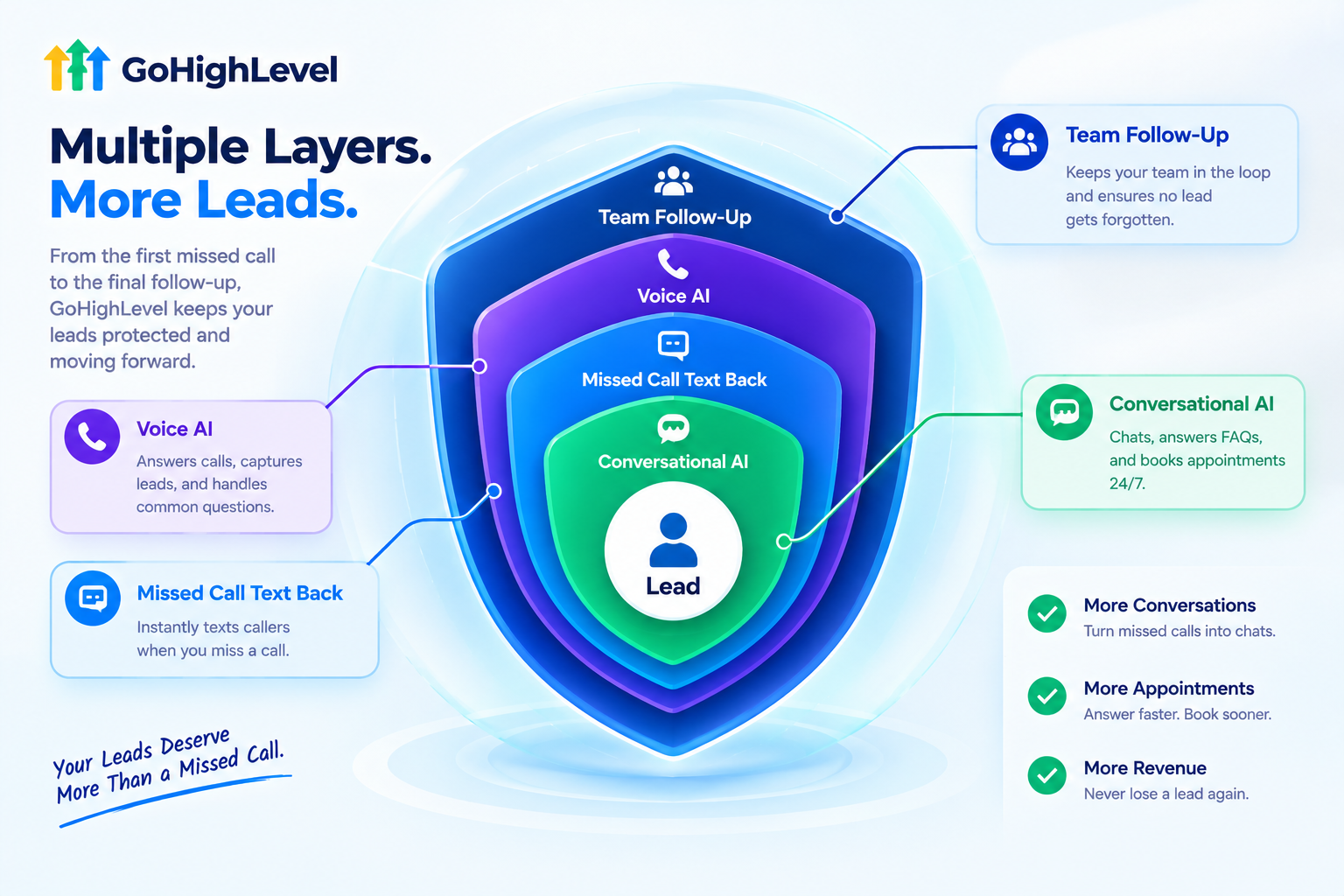
Think of it as layers of protection:
| Layer | What It Does |
|---|---|
| Voice AI receptionist | Answers calls so they don’t get missed |
| Missed call text back | Catches any calls that still slip through |
| Conversational AI | Replies to texts and books appointments instantly |
| Team follow-up | Handles complex or high-value conversations |
Learn more in our AI receptionist guide and conversational AI guide .
Best Practices
Common Mistakes to Avoid
Who Benefits Most?
Any business that relies on phone calls can benefit, but these niches see the biggest impact:
The Real Challenge: Clients Don’t Know It’s Working
Here’s something many agencies overlook. Missed call text back runs quietly in the background. The client doesn’t see the missed calls it rescued. They just see a few more conversations in their inbox, and they may not realize where those came from.
Worse, some clients never turn it on at all, because they don’t understand what it does or think texting customers feels “pushy.”
When clients don’t see the value, they don’t appreciate what they’re paying for. The fix is showing them exactly how it works and why it matters, in a way they understand in under a minute.
Explain Missed Call Text Back With a Feature Video
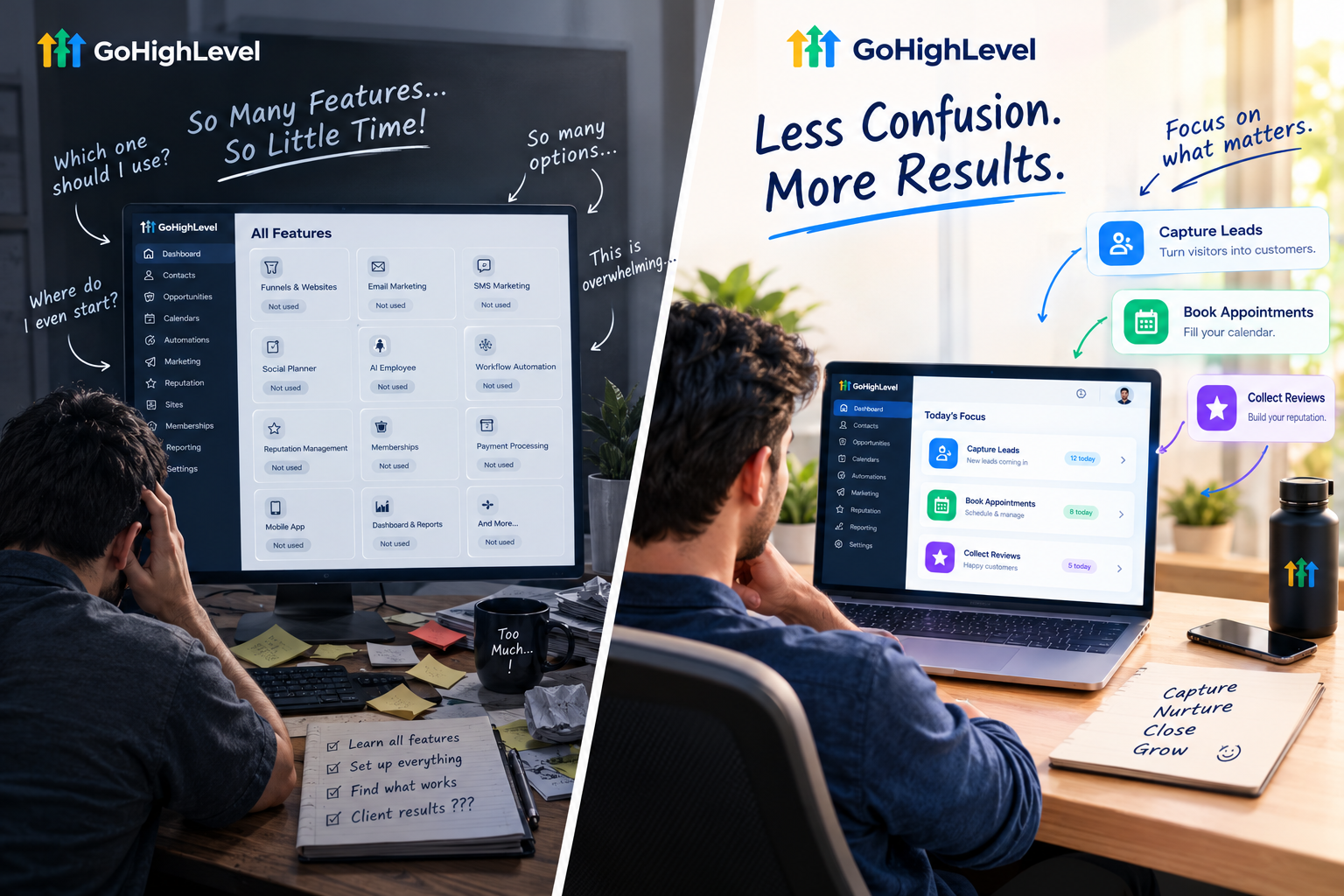
Our white-label GoHighLevel feature videos turn features like missed call text back into short, clear animations clients instantly get. Each video focuses on a single tool and explains it in 45 to 60 seconds.
Here’s what’s included:
Here’s where to use your missed call text back feature video:
| Where to Use It | What It Does |
|---|---|
| Sales pages and ads | Sells your platform with an easy-to-understand win |
| Cold outreach | Hooks local business owners with a clear benefit |
| Sales calls | Shows the value in under a minute |
| Onboarding checklists | Encourages clients to switch it on right away |
| Inside your app | Explains the setting before a support ticket |
Tips for Selling Missed Call Text Back
This feature is one of the easiest ways to win new clients, because the value is obvious. Try these angles:
Ready to help clients understand the feature that pays for itself?
Book A Free Call and we’ll plan the right feature videos for your platform.
Frequently Asked Questions
What is GoHighLevel missed call text back?
It’s an automation that sends a text message to anyone whose call goes unanswered, turning missed calls into conversations.
How fast does the text go out?
Usually within a minute. Many setups add a short wait so the team can call back first.
Do I need A2P 10DLC registration?
For US local numbers, yes. Without approved registration, texts may not be delivered.
Can I send different messages after hours?
Yes. Using a workflow, you can send one message during business hours and another after closing.
Can AI reply to the caller’s text?
Yes. Conversational AI can answer questions and book appointments automatically.
Is missed call text back worth it for small businesses?
For businesses that rely on phone calls, it’s often one of the fastest ways to recover lost revenue.
Can I include a booking link in the message?
Yes. Adding a booking link makes it easy for callers to schedule right away.
Will your feature videos mention GoHighLevel?
No. Every video uses your brand name, colors, and terminology. GoHighLevel never appears.
Skip the Loom. Talk to us.
Tell us what you're building. We'll tell you exactly which video it needs.
or write to hello@ghlexplainer.com