How to Write a GoHighLevel
Demo Video Script (+ Template)
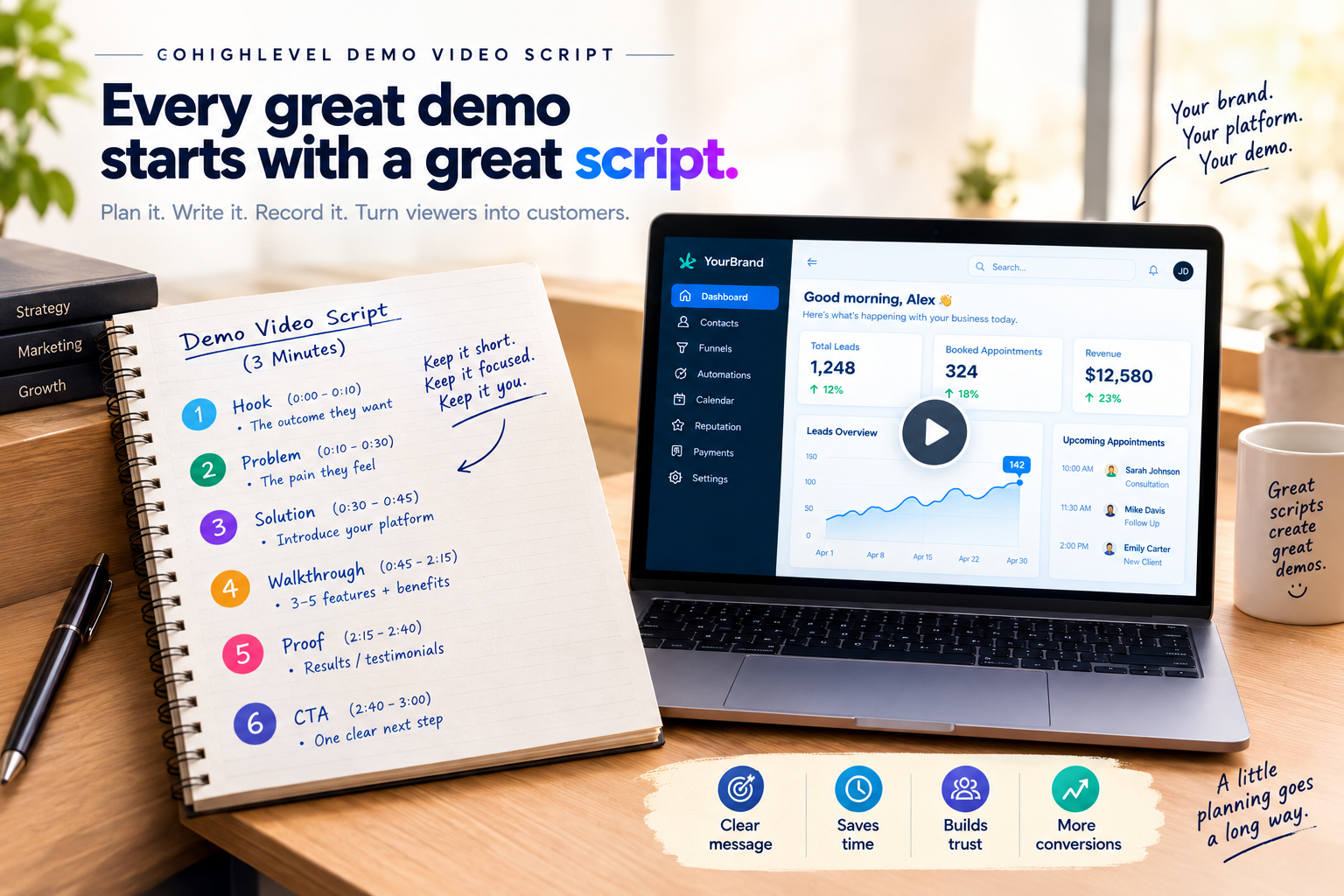
Here’s a secret most agencies learn the hard way: great demo videos aren’t made in the editing room. They’re made on paper first. Without a solid GoHighLevel demo video script, even the prettiest dashboard turns into a rambling screen tour that loses prospects halfway through.
The good news? Writing a script that sells is simpler than you think. Let’s break it down.
Why Your Demo Needs a Script
The 6-Part GHL Demo Video Script Framework
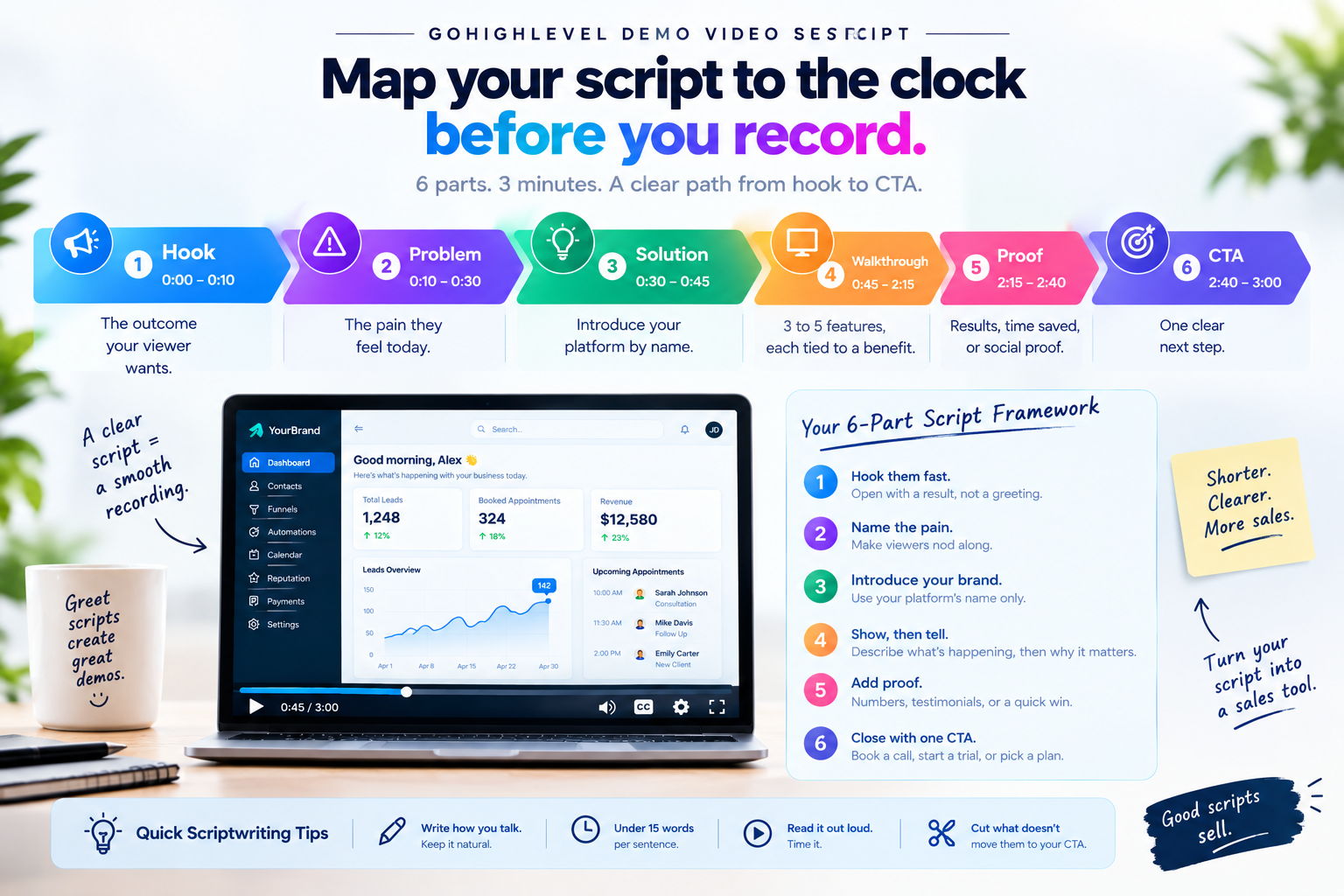
Use this timing guide for a 3-minute demo:
| Section | Timing | What to Say |
|---|---|---|
| Hook | 0:00 to 0:10 | The outcome your viewer wants |
| Problem | 0:10 to 0:30 | The pain they feel today |
| Solution | 0:30 to 0:45 | Introduce your platform by name |
| Walkthrough | 0:45 to 2:15 | 3 to 5 features, each tied to a benefit |
| Proof | 2:15 to 2:40 | Results, time saved, or social proof |
| CTA | 2:40 to 3:00 | One clear next step |
How to Write Each Section
Hook them fast
Open with a result, not a greeting. Skip “Hi, welcome to our demo.”
Name the pain
Missed calls, lost leads, juggling five apps. Make viewers nod along.
Introduce your brand
Use your platform’s name only. A white-label GHL demo video script should never mention GoHighLevel.
Show, then tell
For every feature, describe what’s happening on screen, then explain why it matters.
Add proof
Numbers, testimonials, or a quick before-and-after win.
Close with one CTA
Book a call, start a trial, or pick a plan.
Sample Script Lines
“What if every missed call turned into a booked appointment automatically?”
“Most local businesses lose leads simply because no one follows up fast enough.”
“Watch this. A call is missed, and [Your Brand] instantly sends a text back. No staff needed.”
“Ready to stop losing leads? Book your free call today.”
Quick Scriptwriting Tips
- Write how you talk, not how you write.
- Keep sentences under 15 words for easy voiceover.
- Read it out loud and time it with a stopwatch.
- Cut anything that doesn’t move the viewer directly toward your CTA.
Skip the Blank Page
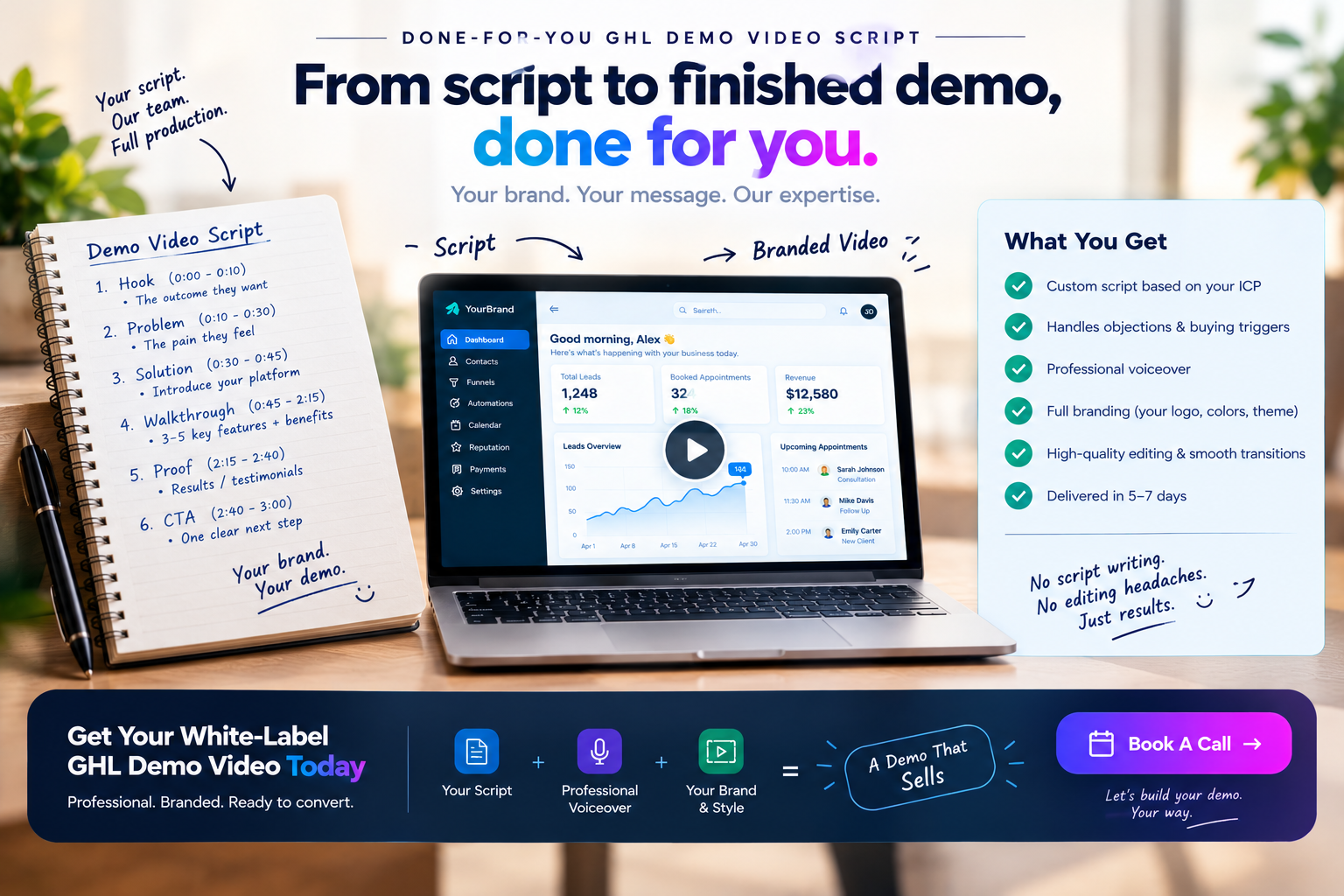
Not a natural scriptwriter? No problem. Our white-label GoHighLevel demo videos include scripting built around your ICP, objections, and buying triggers, plus professional voiceover and full branding.
Want a script that sells while you sleep?
Book a call and let’s craft a custom demo script for your SaaS.
Frequently Asked Questions
How long should a GoHighLevel demo video script be?
Around 350 to 450 words for a 3-minute demo, based on a natural speaking pace.
Should my script mention GoHighLevel?
No. Use only your brand name so your platform feels like your own product.
Can I reuse one script for different niches?
Keep the structure, but swap the pain points and examples for each niche.
Skip the Loom. Talk to us.
Tell us what you're building. We'll tell you exactly which video it needs.
or write to hello@ghlexplainer.com