How to Create a GoHighLevel
Demo Video That Converts
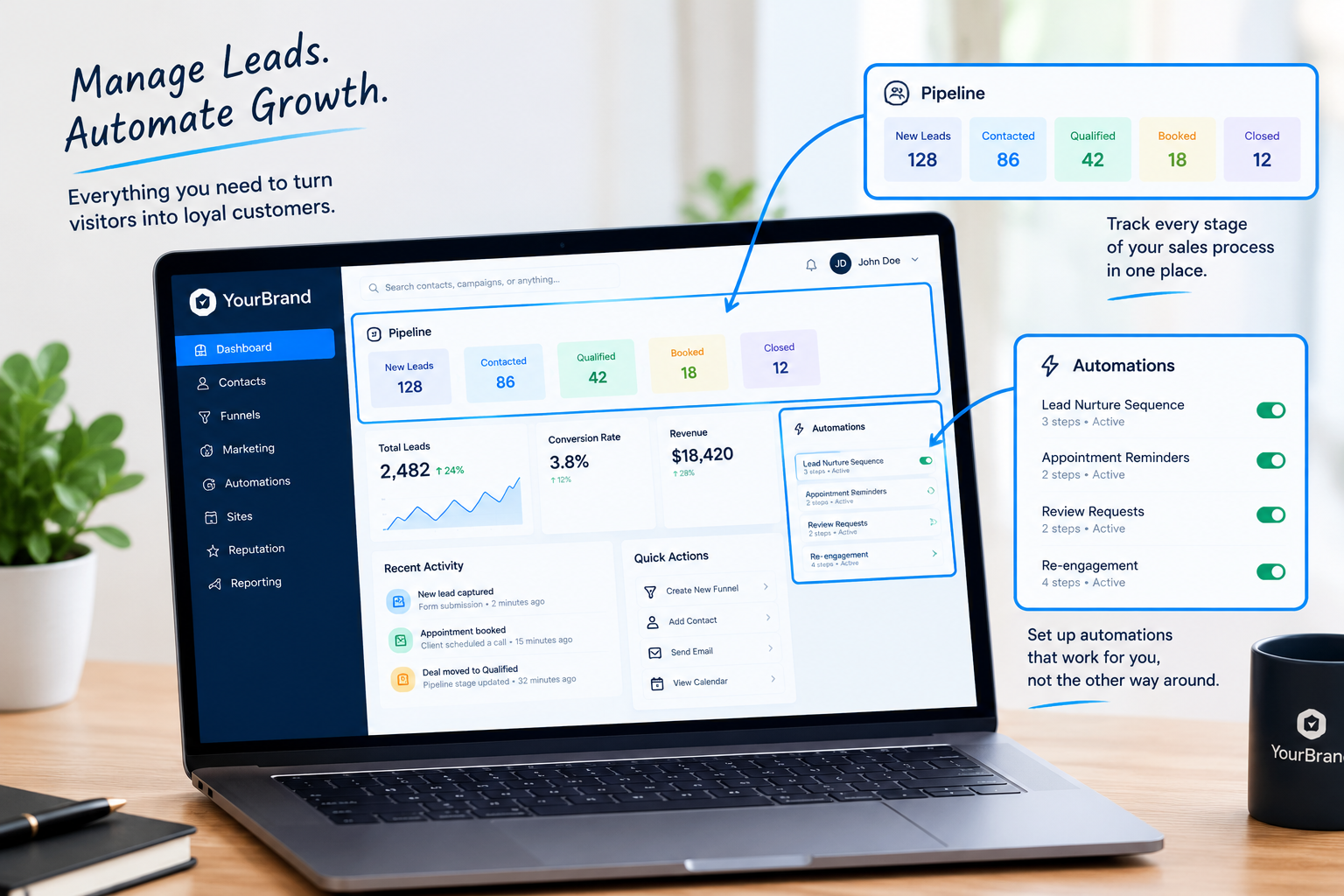
Let’s be honest. How many times this week have you shared your screen to show a prospect the same dashboard? If you run a GHL agency or a white-label SaaS, those repeat demo calls add up fast. A well-made GoHighLevel demo video does that job for you, around the clock, and usually does it better.
Here’s how to create one that actually turns viewers into clients.
What Is a GoHighLevel Demo Video?
A GoHighLevel demo video is a short, guided walkthrough of your white-label platform. It shows prospects how the software works, what it does for them, and why your offer fits their business. The best ones are fully branded to you, so your clients never see “GoHighLevel” at all.
5 Steps to a GHL Demo Video That Converts
Lead with the problem, not the features
Open with the pain your prospect feels: missed leads, scattered tools, slow follow-ups. Then show how your platform fixes it.
Keep it 2 to 4 minutes
Long enough to build trust, short enough to watch to the end. Focus only on the features your buyer cares about most.
Brand every frame
Your logo, colors, and custom dashboard theme should appear throughout. A white-label GHL SaaS demo video makes your platform feel like your own product, not a resold tool.
Use smooth zooms and a professional voiceover
Shaky recordings and “let me find that tab” moments kill credibility. Clean zooms guide the eye, and a clear voiceover frames the value.
End with one clear next step
Book a call, start a trial, or sign up. One CTA, zero confusion.
Demo Video vs. Loom vs. Live Calls
| Comparison Factor | Live Demo Call | Loom Screen Share | Professional GHL Demo Video |
|---|---|---|---|
| Your time per prospect | 30 to 60 minutes | Frequent re-recording | Zero after creation |
| Availability | Your calendar only | 24/7 | 24/7 |
| Branding | Depends on setup | Often exposes GHL | 100% white-labeled |
| Production quality | Varies | Basic | Polished zooms and voiceover |
| Consistency | Changes every call | Varies | Same strong pitch every time |
Where to Use Your Demo Video
Skip the DIY Struggle
Building a polished GoHighLevel demo video yourself means scripting, recording, editing, and voiceover work. Our GoHighLevel demo videos are done for you: 2 to 4 minutes, fully white-labeled to your brand, and ready to sell 24/7. Just pick the walkthrough closest to your setup and send your branding.
Ready to let your demo sell for you?
Let’s build a white-label GoHighLevel demo video tailored to your brand.
Frequently Asked Questions
How long should a GHL demo video be?
Two to four minutes works best. It covers the key features without losing attention.
Will my demo video mention GoHighLevel?
No. Every video is fully white-labeled with your brand, colors, and dashboard.
Can one demo video work for multiple niches?
Yes, but niche-specific versions usually convert better because they speak to one audience’s exact problems.
Skip the Loom. Talk to us.
Tell us what you're building. We'll tell you exactly which video it needs.
or write to hello@ghlexplainer.com