GoHighLevel Calendar:
Features & Guide
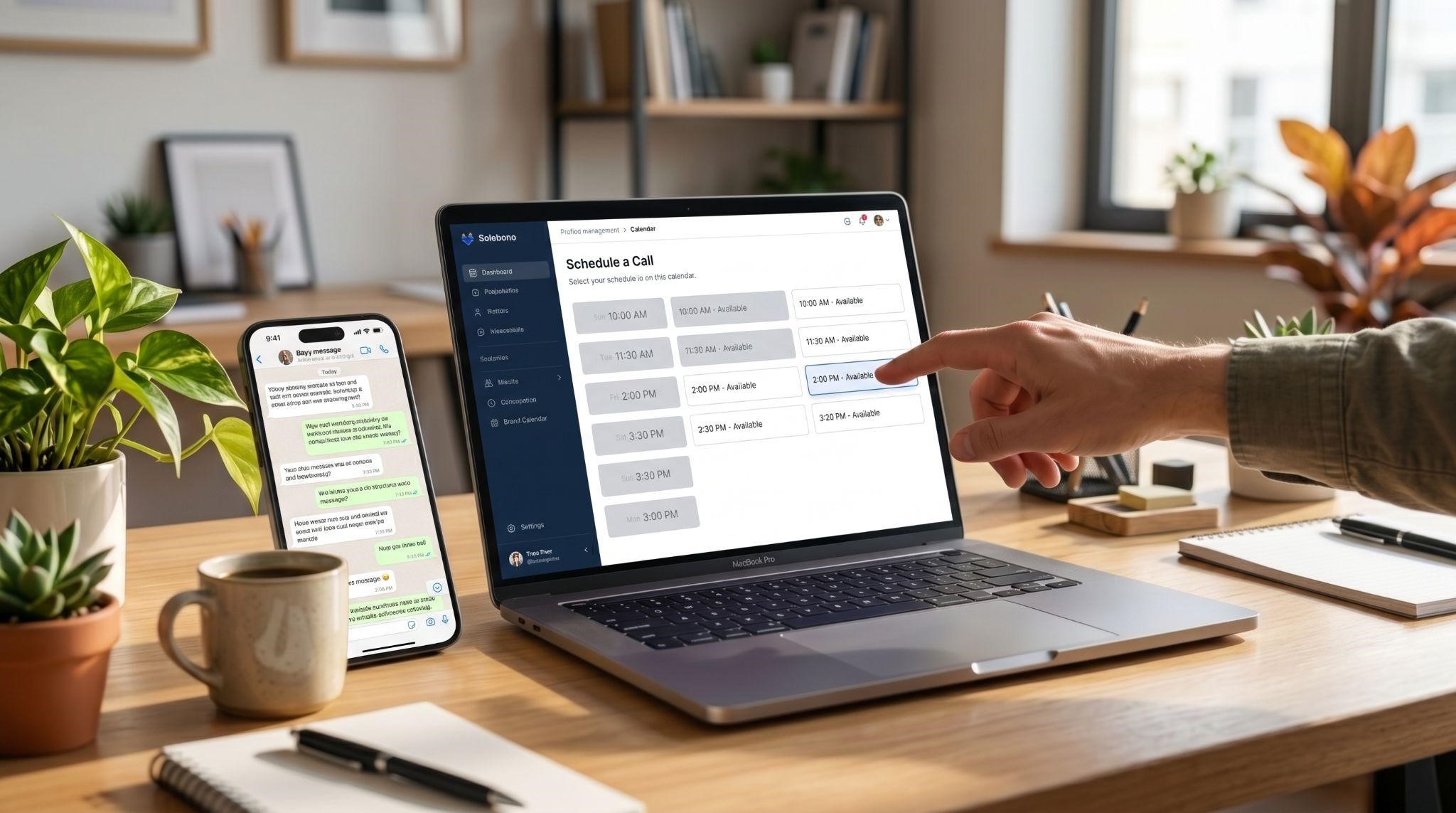
“Does Tuesday at 3 work?”
“Sorry, I’m booked. How about Wednesday?”
“Wednesday’s tough. Thursday morning?”
Sound familiar? For many businesses, booking a single appointment still takes three or four messages. And every back-and-forth gives the lead another chance to lose interest and book somewhere else.
The GoHighLevel calendar fixes this by letting customers book themselves, 24/7, based on real availability. Then it confirms the appointment, sends reminders, updates the CRM, and even collects payment if needed.
In this guide, we’ll cover every calendar type, the most useful features, how to choose the right setup, how to reduce no-shows, and how to help your clients actually get the most out of their calendars.
What Is the GoHighLevel Calendar?
The GoHighLevel calendar is a built-in booking system that handles appointment scheduling directly within the platform, so businesses don’t need a separate tool like Calendly.
But it’s more than a booking page. Because it lives inside the CRM, every appointment connects to a contact, a pipeline, and a set of automations. When someone books, the system can automatically move them from “New Lead” to “Booked” in the pipeline.
GoHighLevel Calendar Types Explained
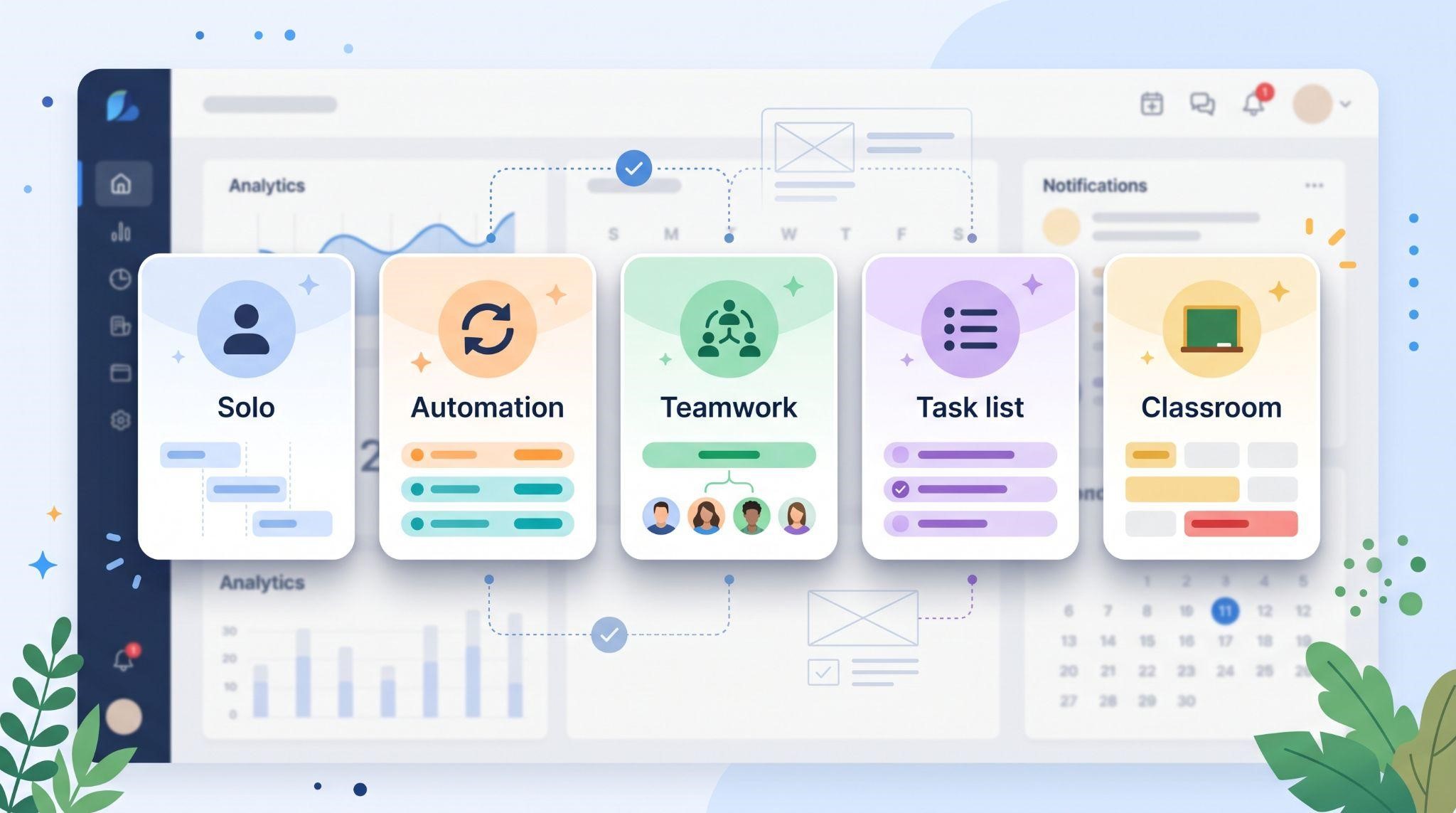
Choosing the right calendar type is the most important setup decision. GoHighLevel offers 4 to 5 calendar types depending on how you count them: Personal or Standard, Round Robin, Collective, Service, and Class or Event.
| Calendar Type | How It Works | Best For |
|---|---|---|
| Personal / Standard | One person, one service, one booking link | Solo consultants, coaches, single-provider clinics |
| Round Robin | Spreads bookings across a team based on availability or rotation | Sales teams, support teams, multi-staff offices |
| Collective | Requires all selected team members to be available | Panel interviews, joint consultations |
| Service | Multiple services, each with its own duration and staff | Med spas, salons, clinics, repair shops |
| Class / Event | Multiple people can book the same time slot, up to a maximum | Fitness classes, workshops, group sessions |
One tip worth knowing early: switching calendar types later can mean rebuilding the calendar, so choose carefully from the start.
Which Calendar Type Should You Choose?
A quick way to decide: use Simple or Round Robin for one-on-one prospect calls, a Service Calendar for services with different durations, a Class Calendar for group sessions, and Round Robin when several team members share the same role.
| If the business... | Use this calendar |
|---|---|
| Has one person taking appointments | Personal / Standard |
| Has a sales team sharing leads | Round Robin |
| Needs two or more people on the same appointment | Collective |
| Offers different treatments or services | Service |
| Runs classes, workshops, or group events | Class / Event |
Key GoHighLevel Calendar Features
Here’s what makes the calendar so powerful for service businesses:
| Feature | What It Does |
|---|---|
| Two-way calendar sync | Prevents double-booking with personal calendars |
| Video meeting links | Adds Zoom or Google Meet links automatically |
| Custom intake forms | Collects details and qualifies leads during booking |
| Payments and deposits | Collects payment upfront through Stripe |
| Automated reminders | Sends SMS and email reminders before appointments |
| Buffer times and booking rules | Controls availability and prevents last-minute surprises |
| Service menu | Lets customers browse and book all services from one link |
| Embeddable booking widget | Adds booking to websites and funnels |
| CRM and pipeline updates | Moves contacts forward automatically after booking |
| Mobile app access | Lets teams view and manage appointments on the go |
Let’s look at the most important ones.
1 Two-Way Calendar Sync
Nobody wants to be double-booked. GoHighLevel calendars offer two-way sync with Google and Outlook, so if you add an event in either one, your GoHighLevel availability updates in real time. Many setups also support iCloud.
One important detail for teams: every team member on a Round Robin or Collective calendar needs to connect their own Google, Outlook, or Zoom account.
2 Video Meetings
For virtual appointments, calendars can connect with Zoom and Google Meet, so meeting links are created and shared automatically. No copying and pasting links into emails.
3 Intake Forms
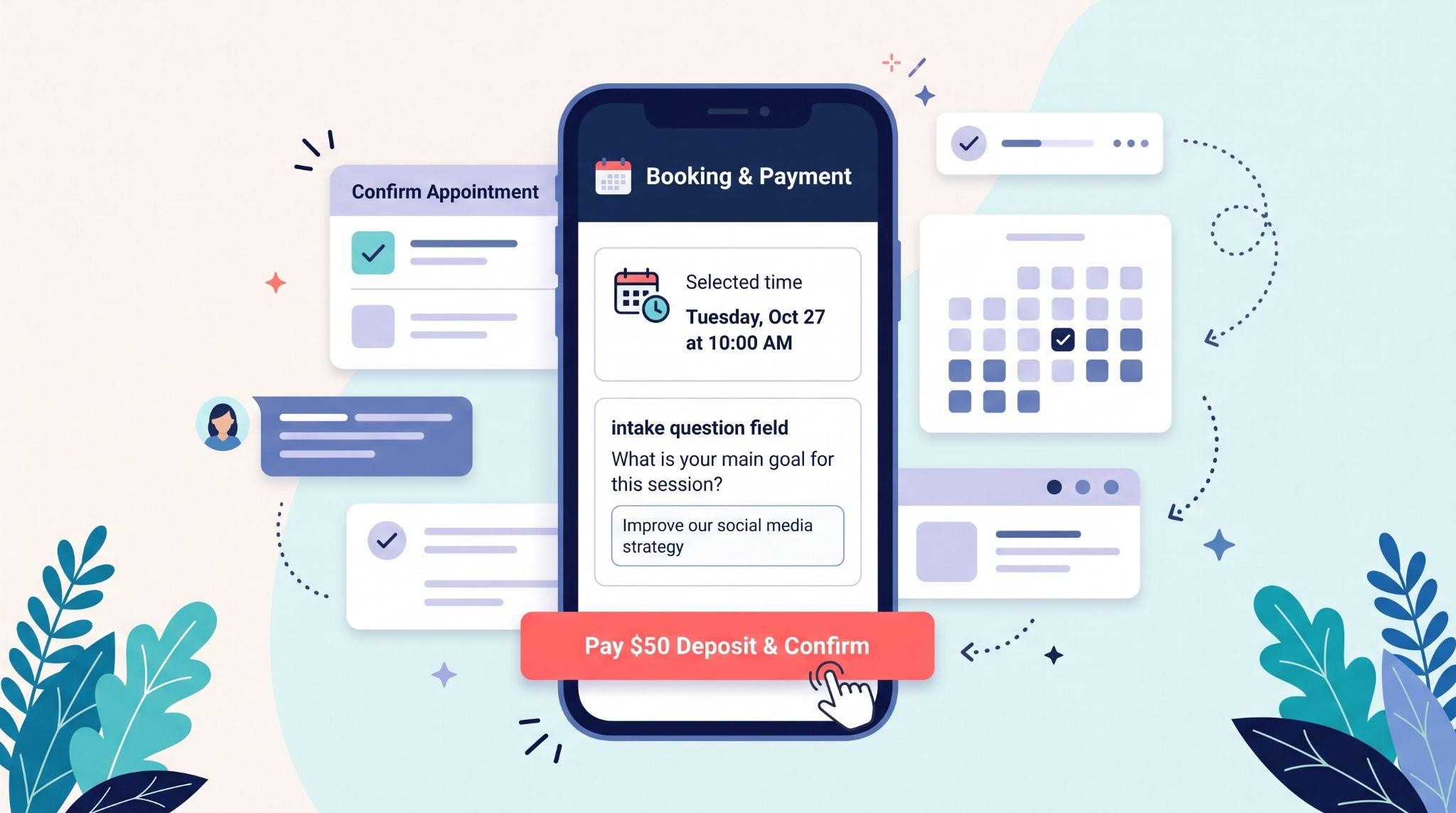
Booking pages can include custom questions, like the service needed, budget, or how they heard about the business. This helps qualify leads and prepare the team before the appointment even starts.
4 Payments and Deposits
No-shows cost money. One of the best ways to reduce them is collecting payment upfront. Calendars can connect with Stripe to collect deposits or full payments at the time of booking.
5 Booking Rules and Buffer Times
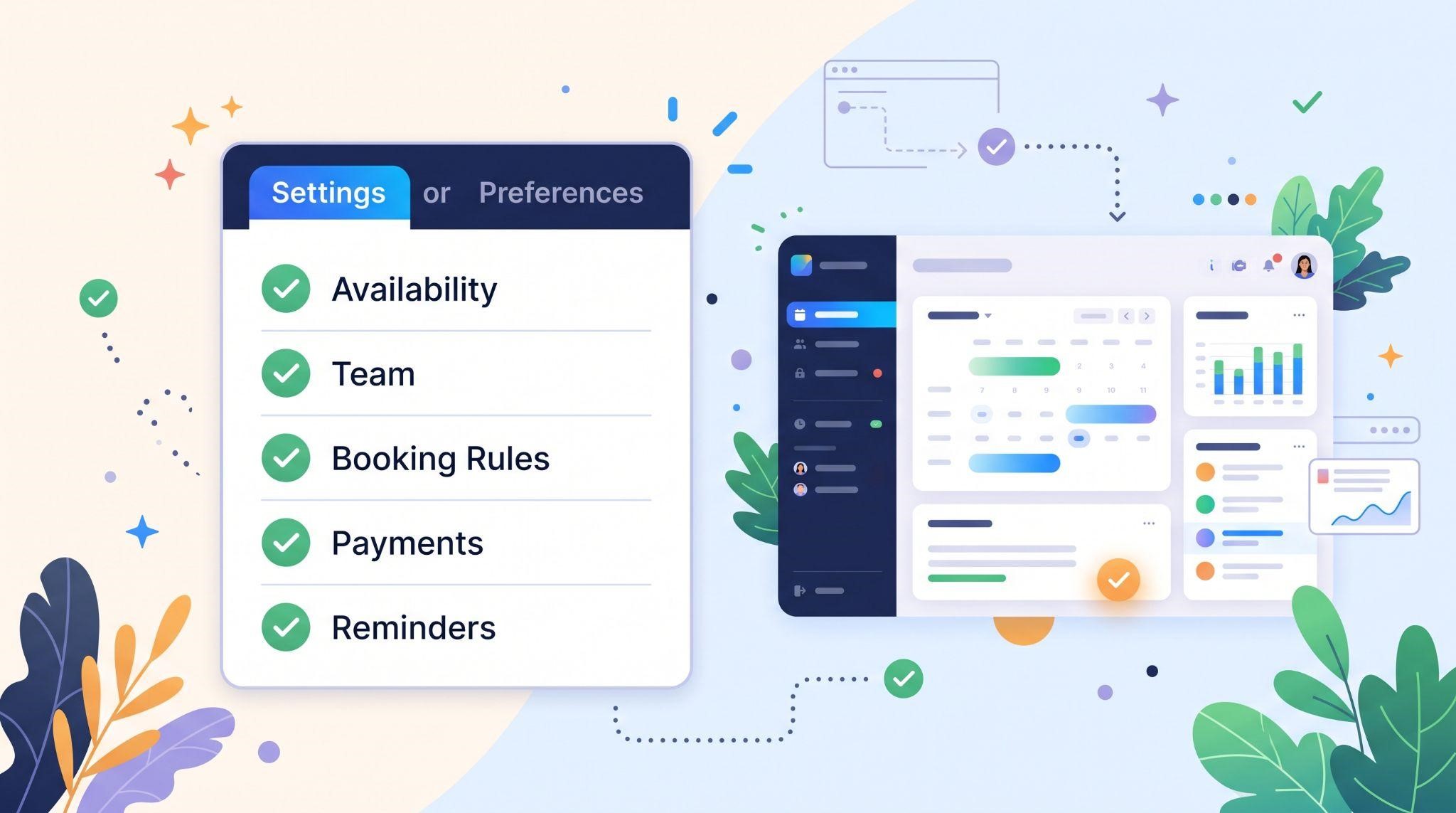
These small settings make a big difference:
- Buffer times: Add breaks before or after appointments for prep or travel
- Minimum scheduling notice: Stop customers from booking 10 minutes before a slot
- Booking window: Limit how far in advance people can book
- Daily limits: Cap the number of appointments per day
- Custom availability: Set different hours for different days or services
6 Service Menu
For businesses that offer many services, a Service Menu lets clients browse and book all offerings from one link. Customers pick the service first, and the calendar shows only the right times and staff.
7 Booking Widget and Links
Each calendar gets its own booking link that can be shared in emails, texts, ads, and social bios. You can also embed the booking widget directly into websites and funnels, so visitors book without leaving the page.
Automated Reminders: Your No-Show Prevention System
Here’s where the calendar really earns its keep. A typical automated setup sends a confirmation right after booking, a reminder 24 hours before, and another 1 hour before. If an appointment passes without a status update, a rebooking workflow can kick in automatically.
| When | Message | Purpose |
|---|---|---|
| Right after booking | Confirmation SMS and email with details | Builds confidence and sets expectations |
| 24 hours before | Reminder with option to reschedule | Gives time to adjust plans |
| 1 hour before | Short reminder with location or meeting link | Prompts them to show up |
| After a no-show | Friendly rebooking message with link | Recovers lost appointments |
| After the appointment | Thank-you message and review request | Builds loyalty and reviews |
There’s a small bonus too: when a booking syncs to the customer’s own Google or Outlook calendar, they’re more likely to honor it.
Want to build these automations yourself? See our GoHighLevel workflow automation guide . And for turning finished appointments into reviews, check out our reputation management guide .
How Booking Connects to the Rest of the Platform
Every booking can trigger actions across the CRM:
- Pipelines: Move the contact to “Booked” automatically
- Unified inbox: Keep all appointment messages in one conversation thread
- Conversational AI: Let AI offer times and book appointments in chat
- Voice AI: Let an AI receptionist book appointments during calls
- Reputation management: Send review requests after the appointment
- Reporting: Track bookings, cancellations, and no-show rates
That’s the big difference between a standalone booking tool and the GoHighLevel calendar: booking isn’t the end of the process, it’s the start of an automated customer journey.
GoHighLevel Calendar vs. Standalone Booking Tools
| GoHighLevel Calendar | Standalone Booking Tools | |
|---|---|---|
| Cost | Included in the platform | Separate subscription |
| CRM connection | Built in | Requires integrations |
| Automated SMS reminders | Built in | Often limited or extra |
| Pipeline updates | Automatic | Usually not available |
| AI booking | Works with chat and voice AI | Rarely available |
| White-labeling | Fully branded for agencies | Usually shows the tool’s brand |
How to Set Up a GoHighLevel Calendar
Here’s a straightforward setup process:
- Choose the calendar type. Match it to how the business actually books appointments.
- Add team members. Required for Round Robin and Collective calendars.
- Connect external calendars. Sync Google, Outlook, or iCloud for each team member.
- Set availability. Add working hours, days off, and service-specific hours.
- Configure booking rules. Add buffers, minimum notice, and booking windows.
- Create intake questions. Ask only what’s truly needed to prepare.
- Connect payments. Add Stripe if collecting deposits or full payment.
- Customize the booking page. Add brand colors, logo, and clear service descriptions.
- Set up reminders and workflows. Confirmation, reminders, and no-show follow-up.
- Test the booking. Book an appointment yourself to check every step.
- Share the link everywhere. Website, Google Business Profile, social bios, emails, and ads.
Calendar Setups by Industry
| Industry | Recommended Setup |
|---|---|
| Med spas and salons | Service calendar with deposits and a service menu |
| Dental and medical clinics | Service or round robin calendar with intake forms and reminders |
| Home services | Round robin calendar for estimates with address questions |
| Coaches and consultants | Personal calendar with Zoom links and paid sessions |
| Gyms and studios | Class calendar with seat limits |
| Sales teams | Round robin calendar with qualification questions |
| Law firms | Personal or collective calendar for consultations |
Best Practices
- Keep booking pages simple: Fewer clicks mean more bookings
- Ask only essential questions: Long forms scare people away
- Use deposits for high-value services: Commitment reduces no-shows
- Send reminders by SMS and email: Different people check different channels
- Make rescheduling easy: A rescheduled appointment beats a no-show
- Add buffers: Give staff breathing room between appointments
- Share the booking link everywhere: Make it easy to book from any channel
- Review no-show rates monthly: Adjust reminders and rules if needed
Common Mistakes to Avoid
- Choosing the wrong calendar type: It can mean rebuilding later
- Not syncing personal calendars: This leads to double-booking
- Forgetting team member connections: Round robin won’t work properly without them
- No reminders: One of the biggest causes of no-shows
- Overcomplicated booking pages: Too many steps cause drop-off
- Not testing: Always book a test appointment before going live
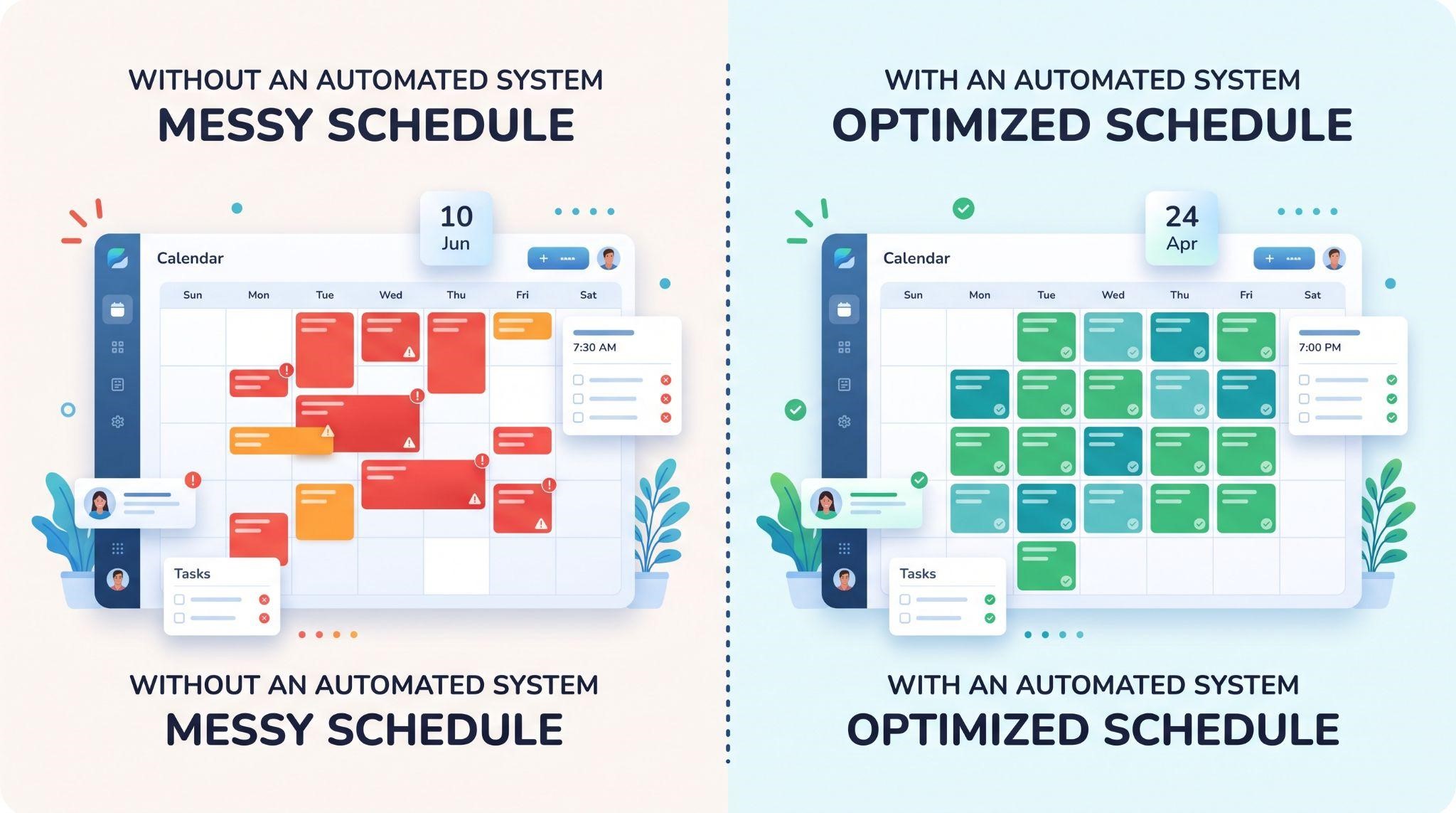
The Real Challenge: Clients Don’t Use Their Calendar Fully
Here’s the problem agencies often face. A client sets up a calendar but keeps booking appointments by phone and writing them in a notebook. Or they never connect payments, never turn on reminders, and never share their booking link.
The result? They miss out on the features that would save them the most time and money, and they don’t see the full value of the platform.
The fix is helping clients understand what their calendar can do, one feature at a time, in a format they’ll actually watch. That’s where short, focused videos make all the difference.
Explain the GoHighLevel Calendar With Feature Videos
Our white-label GoHighLevel feature videos turn tools like the calendar into short, easy-to-understand animations. Each video focuses on a single feature and explains it in 45 to 60 seconds.
You could create one video for the booking calendar overview, another for round robin, another for service menus, and another for reminders, so clients learn each feature exactly when they need it.
Here’s what’s included:
- Crisp 60fps motion graphics matching your dashboard theme
- Your brand name and terminology throughout, with GoHighLevel never mentioned or shown
- Ready-to-embed files for custom menus, onboarding checklists, help centers, and social posts
- Fast delivery in 3 to 5 business days
- Bundle options to cover calendars alongside pipelines, workflows, AI tools, and more
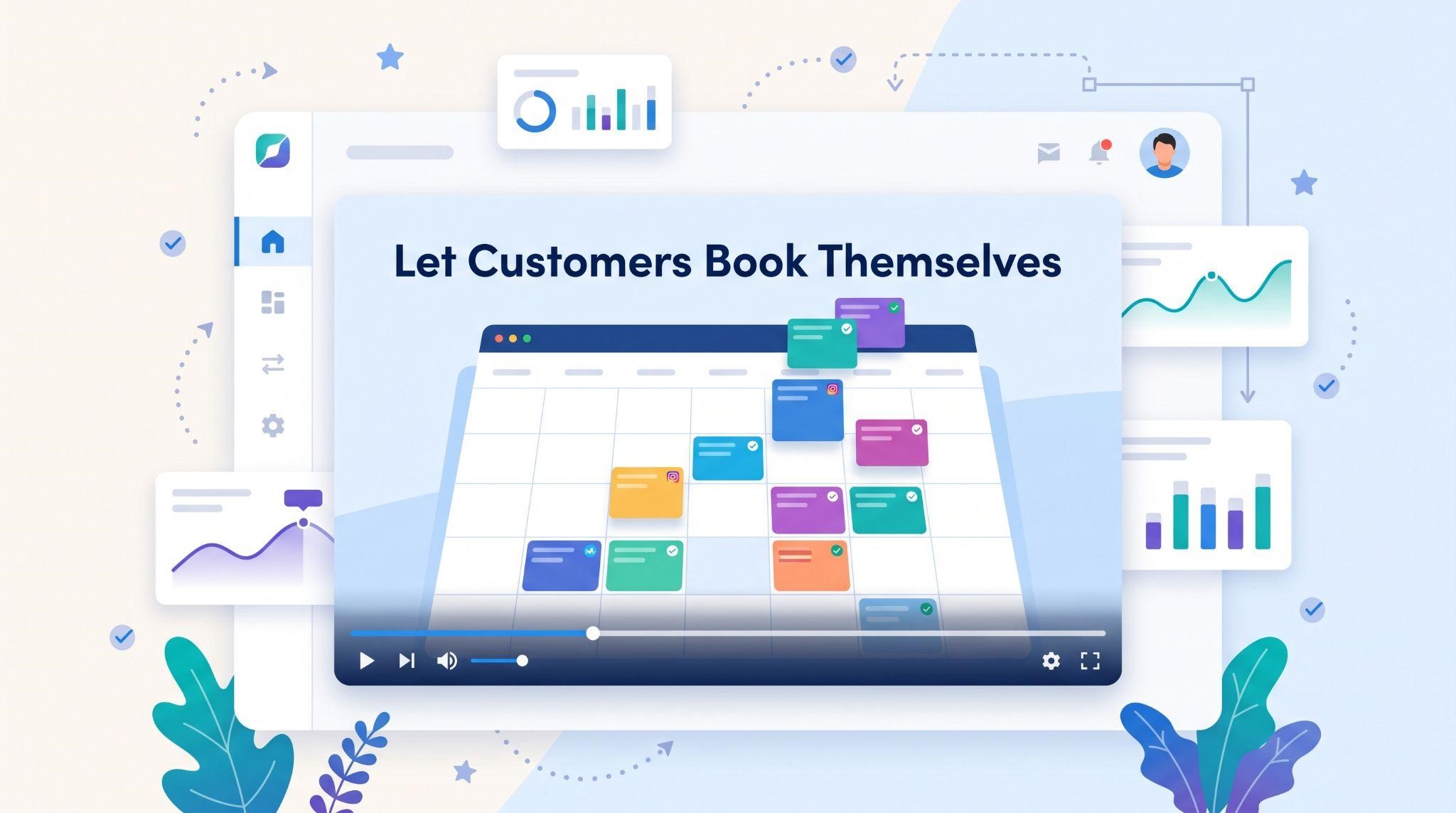
Here’s where to use your calendar feature video:
| Where to Use It | What It Does |
|---|---|
| Sales pages and ads | Shows prospects how easy online booking can be |
| Sales calls | Demonstrates value in under a minute |
| Onboarding checklists | Guides clients to set availability and sync calendars |
| Inside your app | Explains booking rules, payments, and reminders |
| Help center | Cuts down on repeat support questions |
Tips for Selling the GoHighLevel Calendar
- Ask about no-shows: Most service businesses know this pain well
- Highlight 24/7 booking: Customers can book while the business sleeps
- Show deposits in action: A powerful feature for high-value services
- Connect it to AI: Chat and voice AI booking appointments is a strong upsell
- Use a feature video: Let prospects see the booking experience before the call
Ready to help clients get more from their calendars?
Book A Free Call and we’ll plan the right feature videos for your platform.
Frequently Asked Questions
What is the GoHighLevel calendar?
It’s a built-in booking system that lets customers schedule appointments online and connects every booking to the CRM.
What calendar types does GoHighLevel offer?
Personal or Standard, Round Robin, Collective, Service, and Class or Event calendars.
Can GoHighLevel sync with Google Calendar?
Yes. It offers two-way sync with Google and Outlook to prevent double-booking.
Can I collect payments when someone books?
Yes. Calendars can connect with Stripe to collect deposits or full payments.
What is a round robin calendar?
It distributes bookings across a team based on availability, priority, or rotation.
Does GoHighLevel send appointment reminders?
Yes. You can automate SMS and email confirmations and reminders before each appointment.
Can I add the booking calendar to my website?
Yes. Each calendar has a booking link and an embeddable widget for websites and funnels.
Will your feature videos mention GoHighLevel?
No. Every video uses your brand name, colors, and terminology. GoHighLevel never appears.
Skip the Loom. Talk to us.
Tell us what you're building. We'll tell you exactly which video it needs.
or write to hello@ghlexplainer.com