GoHighLevel AI Employee: Features and Use Cases
Everyone’s talking about AI. But when you’re a business owner or agency trying to decide whether the GoHighLevel AI Employee is worth it, the big question isn’t “What is it?” It’s this:
“What will it actually do for my business?”
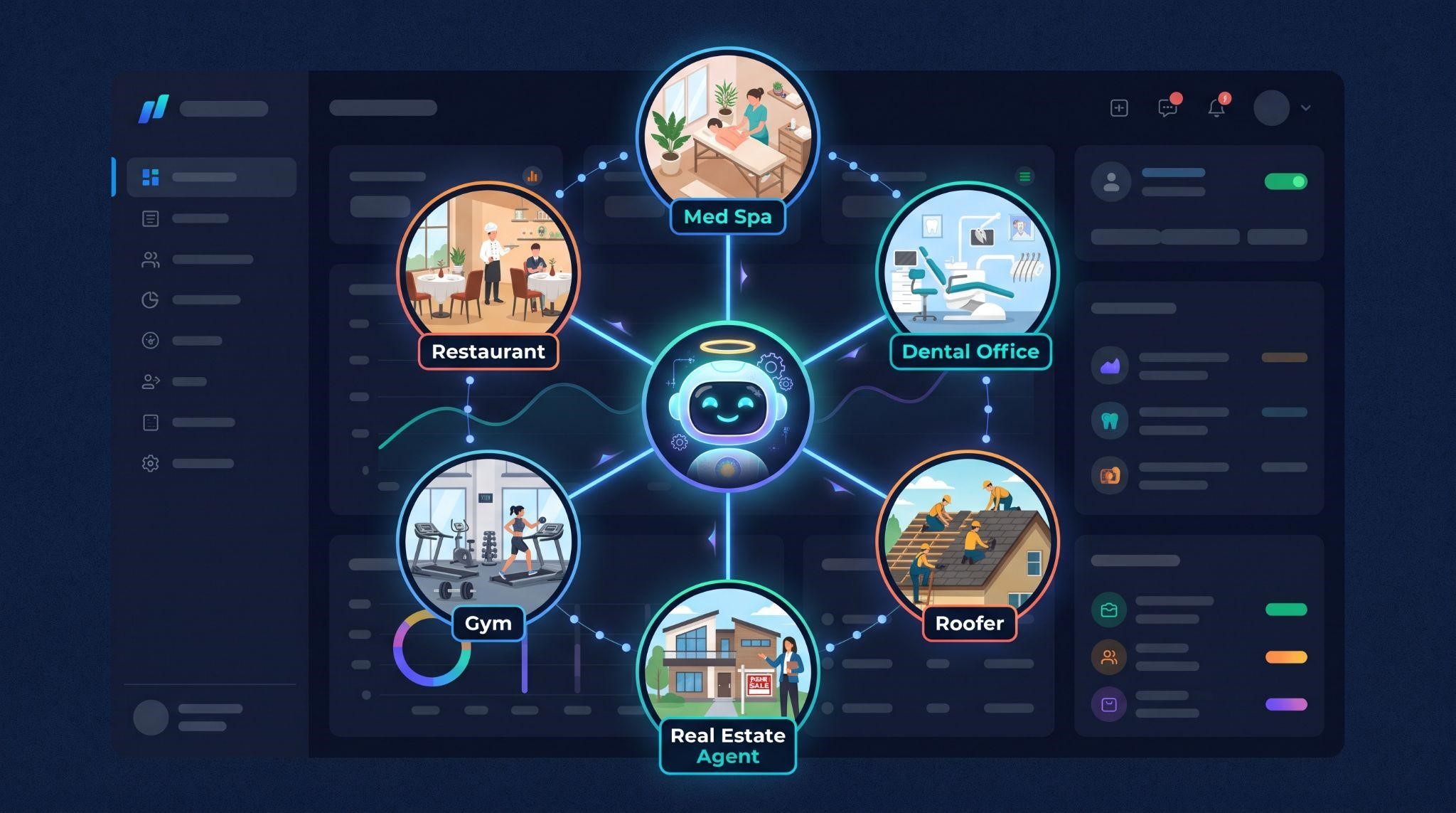
That’s what this guide is about. Instead of another overview, we’re focusing on real-world features and practical use cases: how a med spa, a roofer, a dental clinic, or a real estate agent can put the AI Employee to work, which tools to use for each job, and how agencies can package it into offers clients happily pay for.
If you’re new to the AI Employee and want the basics first, including how pricing works, start with our GoHighLevel AI Employee complete guide. Then come back here to see it in action.
A Quick Recap: What Is the AI Employee?
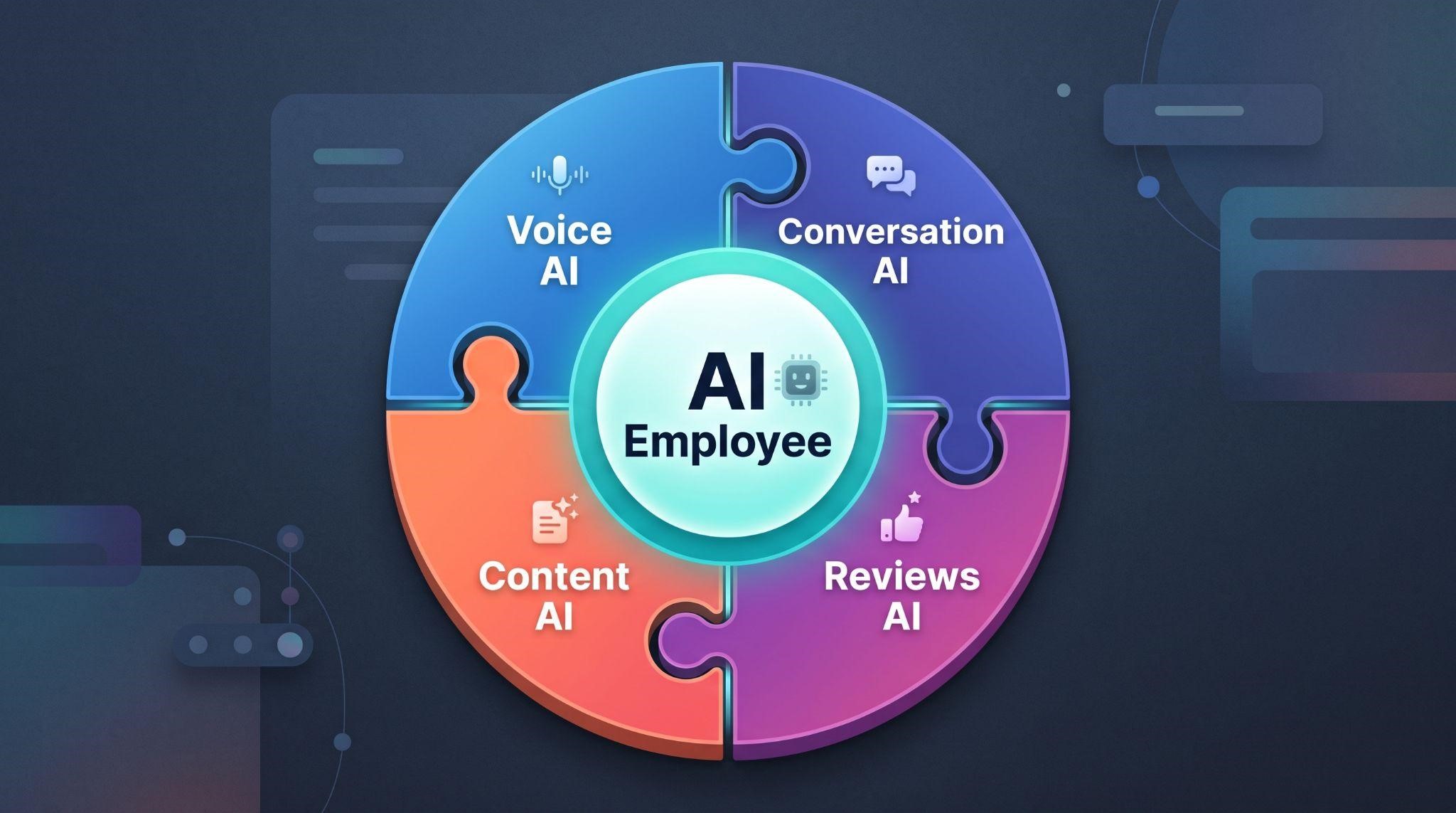
The AI Employee isn’t a single tool. It’s an add-on bundle inside HighLevel that puts AI into the tools agencies already sell, covering Conversation AI for chat and SMS, Voice AI for calls, Reviews AI for review replies, and Content AI for copy and images, along with assistants like Ask AI and AI Studio.
Think of it as a digital team member that handles the repetitive parts of running a business: answering, replying, following up, and writing, so people can focus on the work that actually needs a human.
AI Employee Features at a Glance
| Feature | What It Does | Best Used For |
|---|---|---|
| Voice AI | Answers calls, qualifies callers, books appointments, transfers to staff | After-hours calls, busy front desks, missed call recovery |
| Conversation AI | Replies to leads across SMS, web chat, Instagram, Facebook, and WhatsApp | Instant lead replies, FAQs, booking through chat |
| Reviews AI | Drafts and posts replies to online reviews | Keeping response rates high on Google and Facebook |
| Content AI | Writes emails, social posts, and marketing copy | Social media, newsletters, promotions |
| AI assistants and builders | Help users find answers, build agents, and speed up setup | Faster platform use and custom AI agents |
AI features change frequently, so the exact tools available may vary by account and over time.
Each feature is useful on its own. But the real magic happens when they work together.
A Day in the Life of an AI Employee
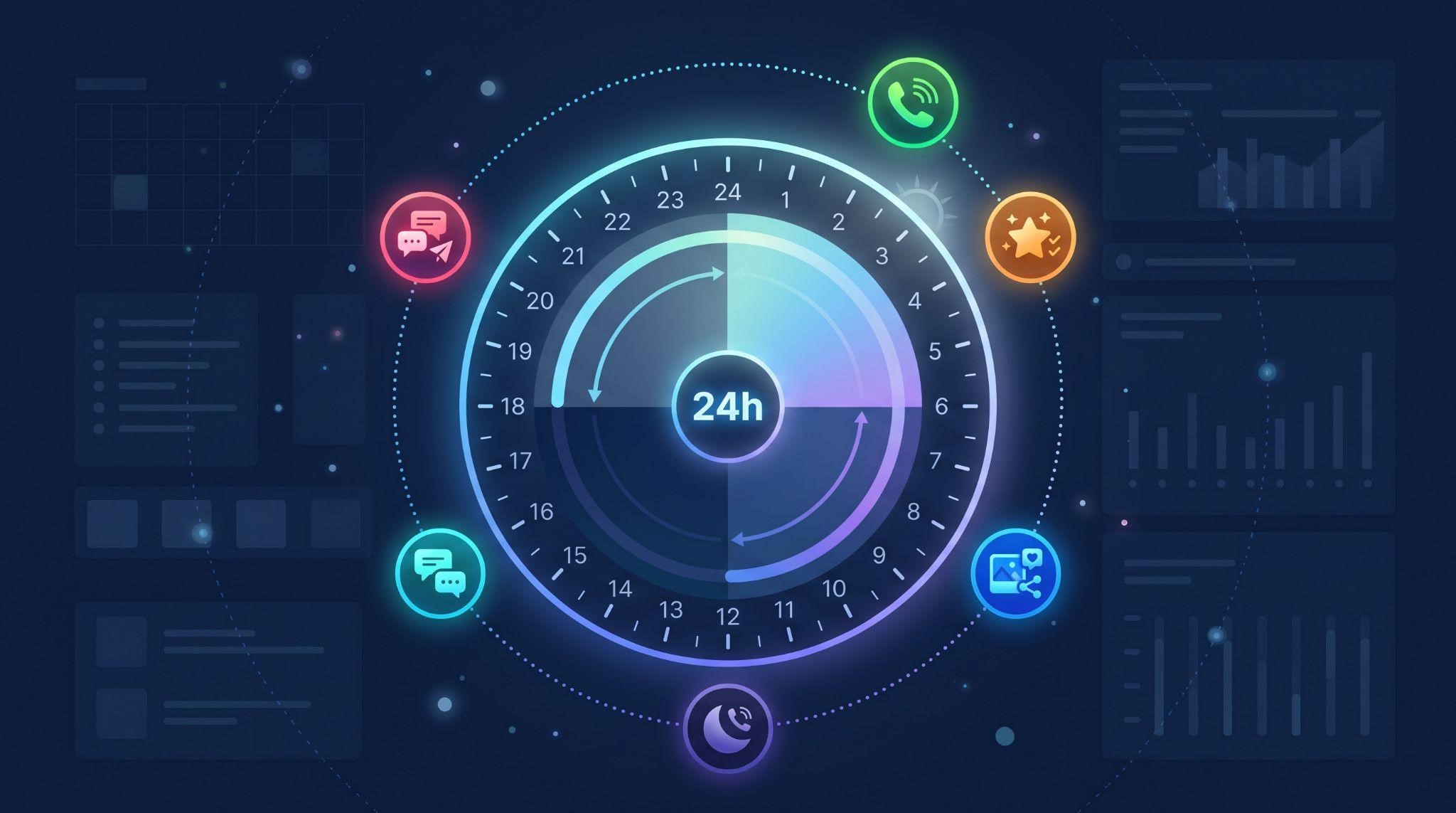
Here’s what the AI Employee might handle for a typical local service business in a single day:
| Time | What Happens | AI Tool Used |
|---|---|---|
| 7:15 AM | A lead messages on Instagram asking about pricing. AI replies instantly and offers times. | Conversation AI |
| 9:40 AM | Front desk is busy. A caller is greeted, qualified, and booked for Thursday. | Voice AI |
| 11:00 AM | A customer leaves a 5-star Google review. A warm thank-you reply goes out. | Reviews AI |
| 1:30 PM | The owner needs a promo post for the weekend. AI drafts it in seconds. | Content AI |
| 4:50 PM | A website visitor asks if they take walk-ins. AI answers and suggests booking. | Conversation AI |
| 8:20 PM | After hours, a caller with an urgent question is answered and booked for the morning. | Voice AI |
| 11:05 PM | A lead texts “Are you open Saturday?” AI replies with hours and a booking link. | Conversation AI |
None of these moments needed a staff member. And every one of them could have been a lost customer without AI.
Use Cases by Industry
Let’s look at how different businesses can put the AI Employee to work.
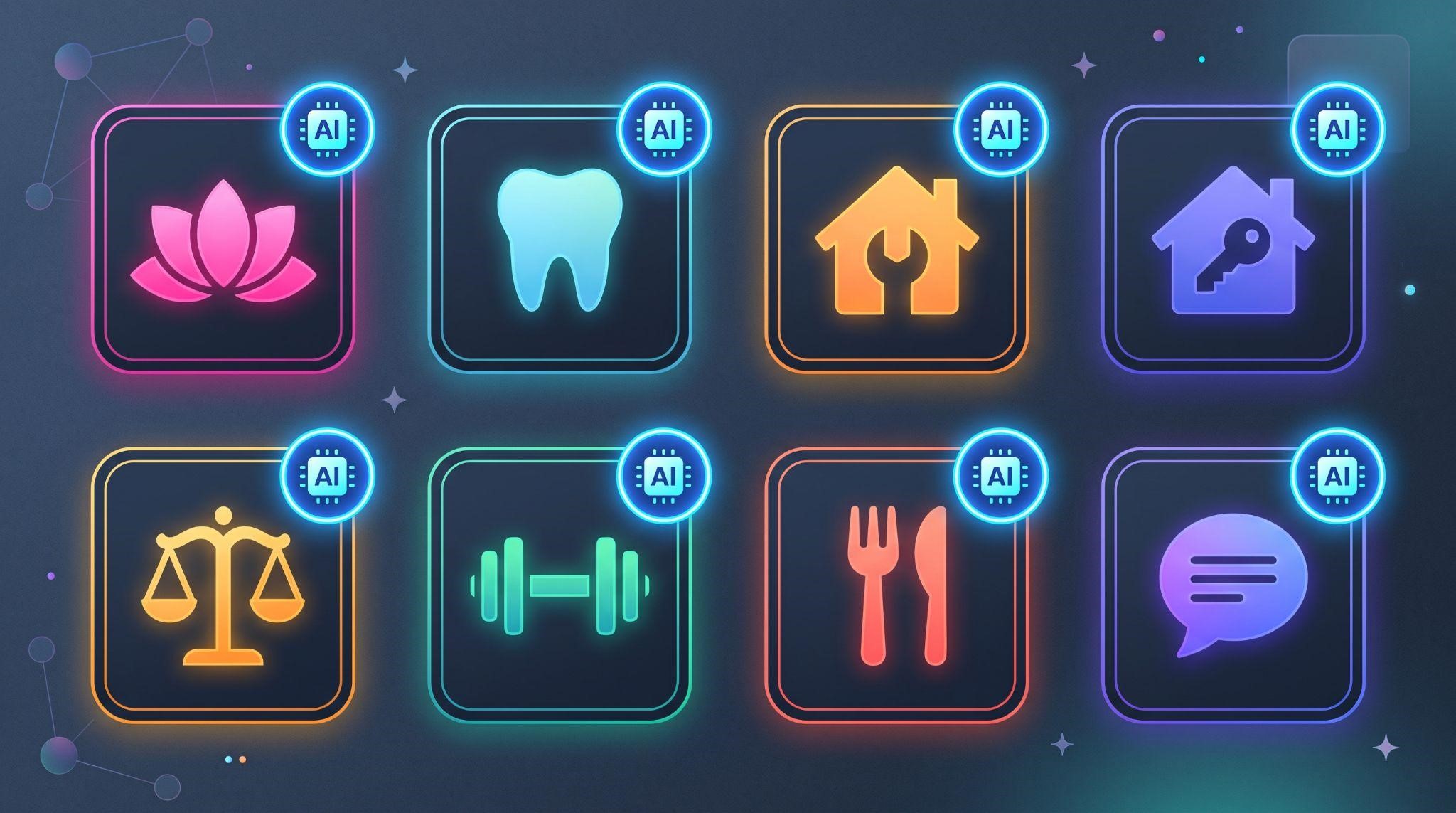
Med Spas and Aesthetic Clinics
The challenge: Staff are busy with clients, while new inquiries pour in through Instagram, texts, and calls asking about prices and availability.
How the AI Employee helps:
- Conversation AI answers treatment questions on Instagram DMs and books consultations
- Voice AI handles calls while the team is with clients
- Reviews AI replies to every review with a warm, on-brand message
- Content AI writes promotions for seasonal treatments
The result: More consultations booked, without pulling staff away from clients.
Dental and Medical Clinics
The challenge: Front desks juggle phones, check-ins, and insurance questions, and many new patient calls go unanswered.
How the AI Employee helps:
- Voice AI answers calls, books cleanings, and transfers urgent cases to staff
- Conversation AI answers common questions about hours, services, and new patients
- Reviews AI keeps response rates high on Google
The result: Fewer missed new-patient calls and a calmer front desk.
Home Services (Roofing, HVAC, Plumbing)
The challenge: Owners and techs are on job sites, and leads call competitors when nobody picks up.
How the AI Employee helps:
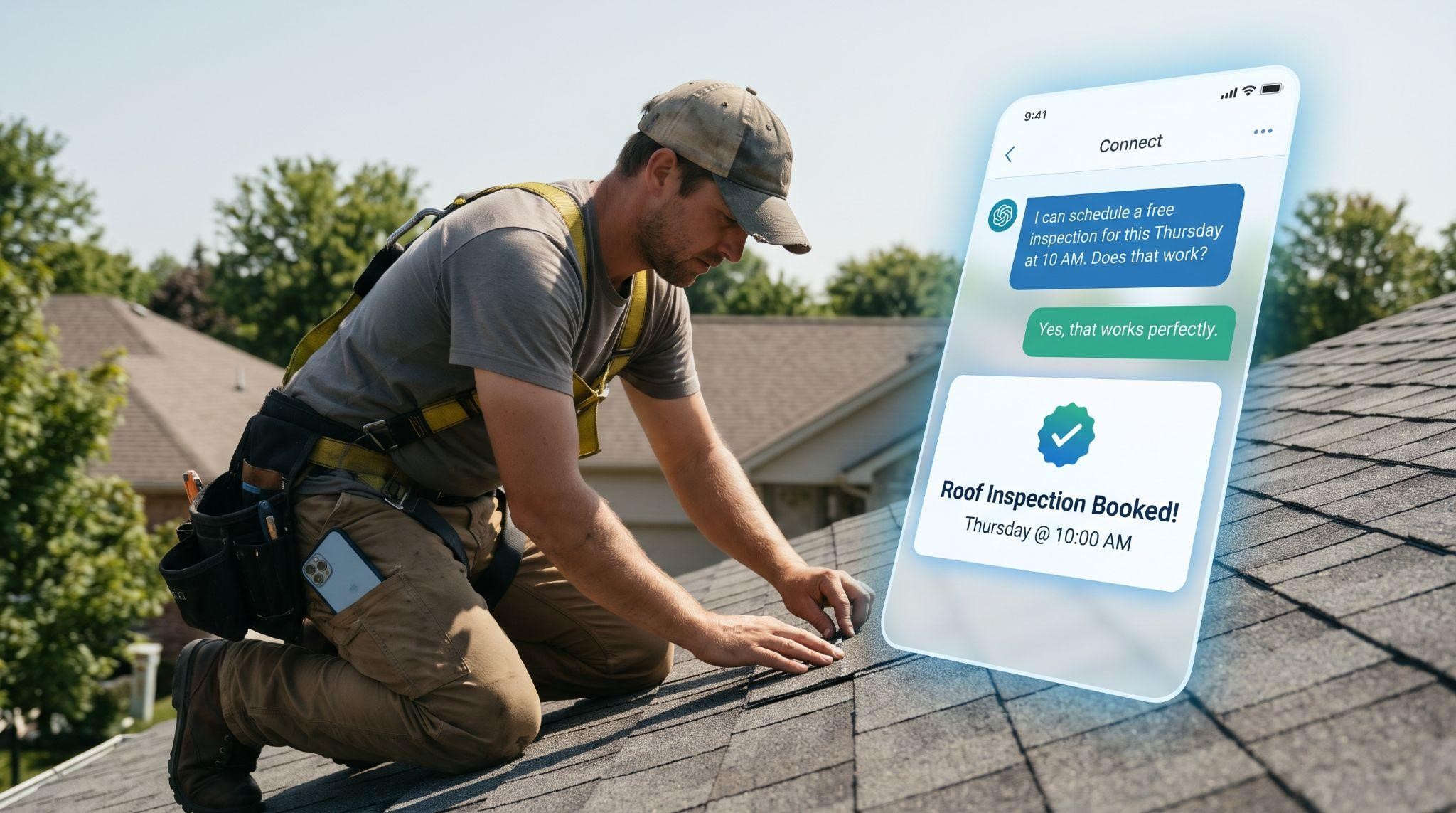
- Voice AI captures emergency and quote calls, asks for the address and issue, and books estimates
- Conversation AI replies to web form and Facebook leads instantly
- Content AI creates seasonal maintenance reminders and promotions
The result: More estimates booked, even while the team is on the roof.
Real Estate Agents
The challenge: Agents are at showings all day, and buyer leads expect fast responses.
How the AI Employee helps:
- Conversation AI qualifies buyers (budget, area, timeline) and books showings
- Voice AI answers listing inquiries and routes hot leads to the agent
- Content AI writes listing descriptions and social posts
The result: Faster responses to every lead and more qualified showings.
Law Firms
The challenge: Potential clients often call once. If nobody answers, they move on.
How the AI Employee helps:
- Voice AI screens new inquiries, collects basic case details, and books consultations
- Conversation AI handles website chat with intake questions
- Sensitive matters are transferred to a human immediately
The result: More consultations booked without missing high-value inquiries.
Gyms and Fitness Studios
The challenge: Members and prospects message at all hours about classes, memberships, and trials.
How the AI Employee helps:
- Conversation AI answers membership questions and books free trial classes
- Content AI creates class promotions and motivational posts
- Reviews AI thanks members for positive reviews
The result: More trial sign-ups and less time spent answering the same questions.
Restaurants
The challenge: Phones ring during the dinner rush with questions about hours, menus, and reservations.
How the AI Employee helps:
- Voice AI answers common questions and handles reservation requests
- Conversation AI replies to social media messages
- Reviews AI responds to reviews quickly, which matters a lot in food
The result: Fewer interrupted shifts and better online reputation.
Coaches and Consultants
The challenge: Solo business owners can’t respond to every inquiry while they’re coaching clients.
How the AI Employee helps:
- Conversation AI qualifies leads and books discovery calls
- Content AI writes emails, posts, and newsletters
- Voice AI answers calls during sessions
The result: A consistent pipeline of discovery calls without constant inbox-checking.
Use Cases by Business Function
Not every use case depends on the industry. Here’s how the AI Employee supports common business tasks:
| Business Need | AI Employee Use Case | Tools Involved |
|---|---|---|
| Speed to lead | Reply to new leads within seconds on any channel | Conversation AI, Voice AI |
| After-hours coverage | Answer calls and messages when the business is closed | Voice AI, Conversation AI |
| Appointment booking | Offer available times and book directly into the calendar | Voice AI, Conversation AI |
| No-show reduction | Confirm and remind customers before appointments | Voice AI, workflows |
| FAQ handling | Answer questions about hours, pricing, and services | Conversation AI |
| Lead qualification | Ask screening questions before booking | Voice AI, Conversation AI |
| Review management | Reply to reviews quickly and consistently | Reviews AI |
| Content creation | Write posts, emails, and promotions | Content AI |
| Lead reactivation | Re-engage old leads with personalized messages | Conversation AI, workflows |
Pair these with the right automations, and the AI Employee becomes part of a fully connected system. Learn more in our GoHighLevel workflow automation guide.
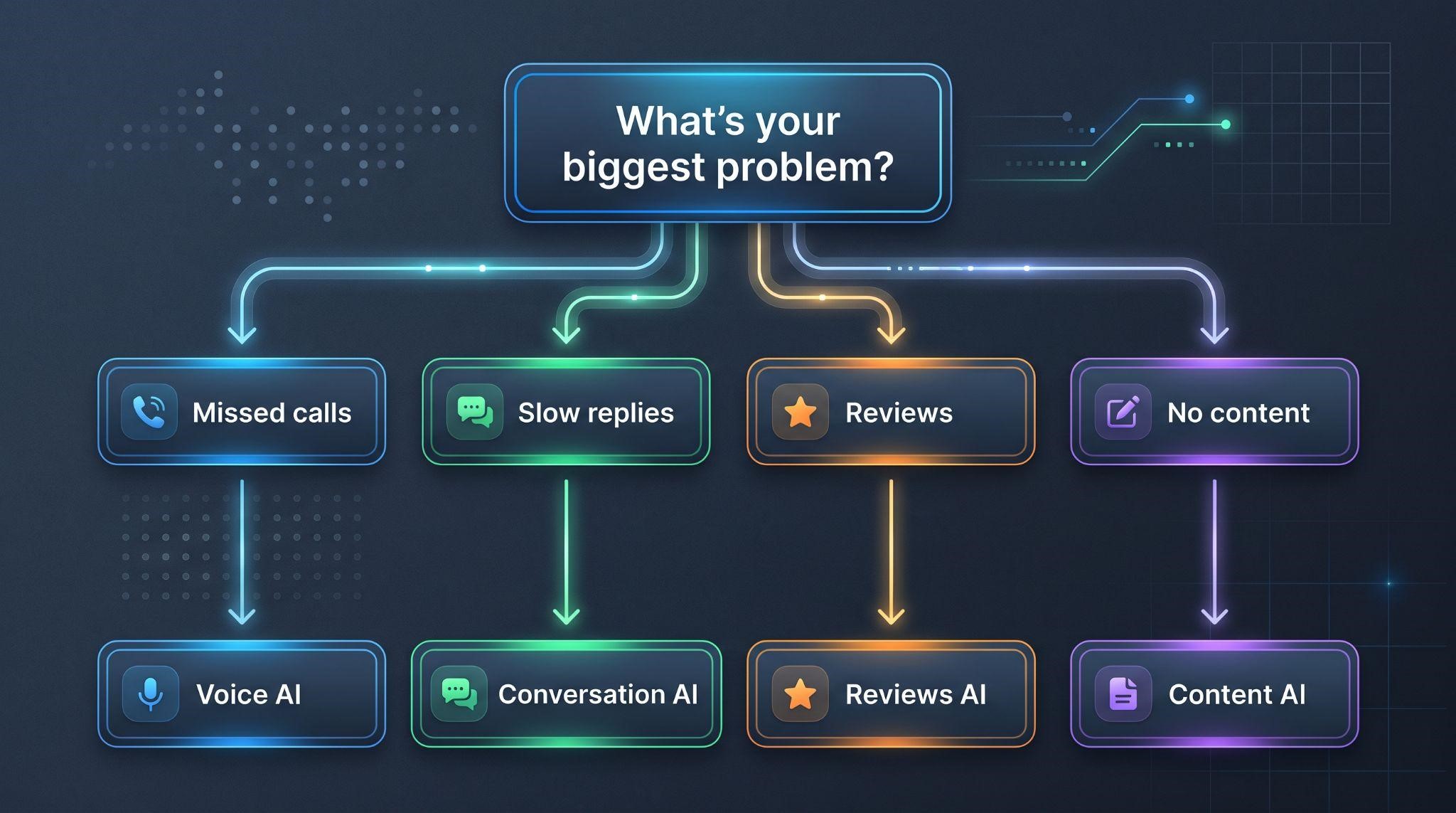
How to Choose Your First Use Case
Trying to switch everything on at once usually leads to confusion. Start with one clear win.
| If the business... | Start with this use case |
|---|---|
| Misses lots of phone calls | Voice AI as an AI receptionist |
| Gets many social media or text inquiries | Conversation AI on SMS and Instagram |
| Struggles with slow lead follow-up | Conversation AI for instant replies |
| Has lots of reviews going unanswered | Reviews AI for review responses |
| Never has time to post on social media | Content AI with the social media planner |
Once the first use case is working well, add the next. That’s how clients build trust in AI, one success at a time.
Want deeper guides on the two most popular starting points? Read our AI receptionist guide and conversational AI guide.
How Agencies Can Package the AI Employee
For agencies running a white-label SaaS, the AI Employee is one of the easiest upsells to sell, because the value is easy to explain. Here’s an example of how you might package it:
| Package | What’s Included | Best For |
|---|---|---|
| AI Starter | Conversation AI on website chat and SMS | Businesses new to AI |
| AI Front Desk | Voice AI receptionist plus Conversation AI | Businesses that miss calls |
| AI Growth | Voice AI, Conversation AI, Reviews AI, and Content AI | Businesses ready to automate fully |
| Done-for-You AI | Everything above, plus setup, training, and monthly optimization | Busy owners who want hands-off results |
This is an example structure only. Set your own pricing based on your costs, market, and the value you deliver.
Tips for Selling AI Employee Packages
- Lead with the problem: “How many calls and messages do you miss each week?”
- Use niche examples: Show a dental or roofing AI conversation, not a generic demo
- Address the “robot” fear: Explain human handoff and testing before going live
- Offer a starter use case: One quick win builds trust for bigger packages
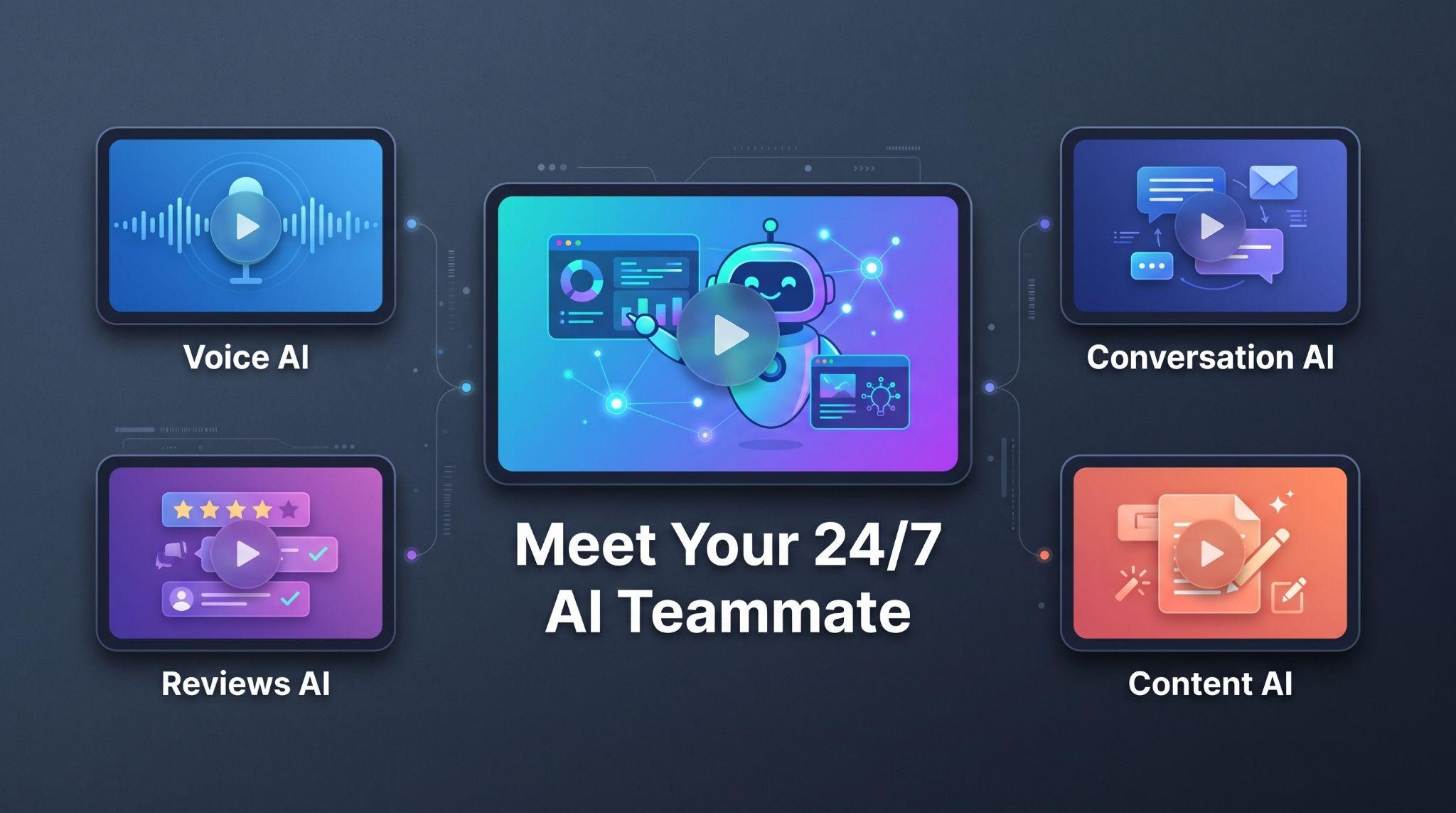
- Show it on video: A short video explains AI far better than a feature list
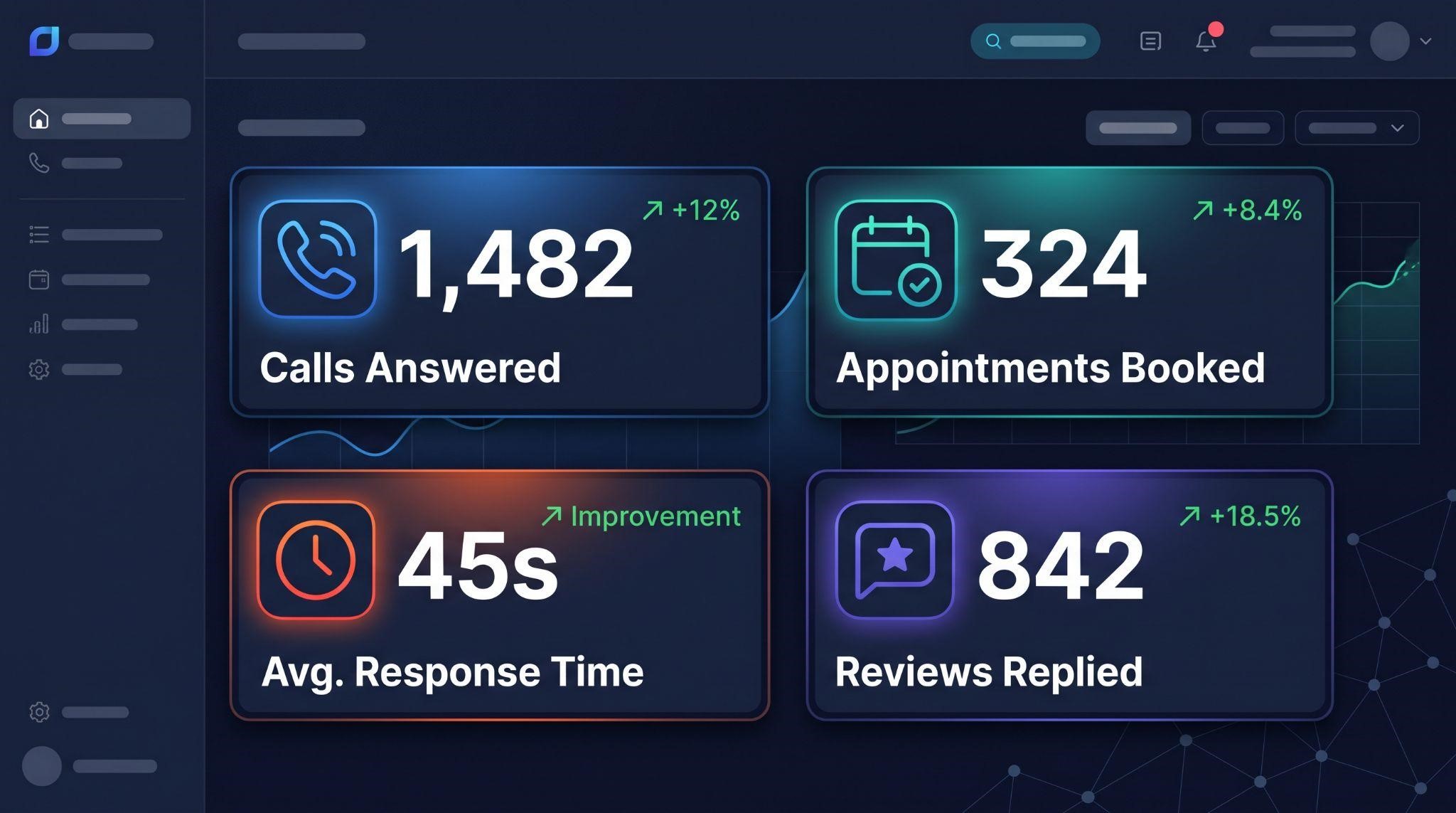
How to Measure Results
Track these numbers to show clients the value of their AI Employee:
| Metric | What It Shows |
|---|---|
| Calls answered by AI | How many calls would have been missed |
| Conversations handled | The volume of inquiries managed automatically |
| Appointments booked by AI | Direct revenue impact |
| Average response time | How fast leads hear back |
| Review response rate | How consistently reviews get replies |
| Human handoffs | Which situations still need a person |
Share these numbers in monthly reports. When clients see the work their AI Employee is doing, renewals become a lot easier.
Where Humans Still Matter
The AI Employee is powerful, but it’s not meant to replace every human interaction. Plan for handoffs when:
- A customer is upset or complaining
- The question involves medical, legal, or financial advice
- The deal is complex or high-value
- The customer asks to speak to a person
- The AI isn’t confident in its answer
Being upfront about this actually builds trust. Clients are much more comfortable switching AI on when they know a human is always one step away.
Common Mistakes to Avoid
- Turning everything on at once: Start with one use case
- A thin knowledge base: AI can only answer what it’s been taught
- No human handoff: Some situations always need a person
- Skipping testing: Try every scenario before going live
- Robotic instructions: Write AI prompts the way the business actually talks
- Never reviewing conversations: Weekly reviews keep quality high
- Not showing clients the results: Invisible value leads to cancellations
The Real Challenge: Helping Clients Understand AI
Here’s what many agencies run into. Clients are curious about AI, but also nervous. They worry it will sound robotic, say something wrong, or scare customers away. So they hesitate, delay setup, or switch it off after one odd reply.
The fix isn’t more explaining on calls. It’s showing them. When a client watches a short, clear video of their AI Employee answering a call, replying to a message, and booking an appointment, the fear fades and excitement takes over.

Explain Your AI Employee With White-Label Videos
At GHL Explainer, we create premium white-label videos made specifically for GoHighLevel SaaS businesses, including videos that make your AI Employee easy to understand and easy to sell.
Here’s how our videos can help at every stage:
| Video Type | How It Helps With AI Employee |
|---|---|
| AI Employee explainer video | A ready-made explainer showing clients their new 24/7 AI teammate handling calls, messages, follow-ups, and content |
| Feature videos | Short videos explaining individual AI tools like Voice AI or Conversation AI |
| Demo videos | Full walkthroughs showing AI features inside your platform |
| Onboarding videos | Step-by-step guidance for setting up AI features |
| Marketing videos | Scroll-stopping ads that promote your AI offer |
Every video is:
- 100% white-labeled: Your logo, colors, dashboard theme, and voice, with GoHighLevel never named or shown
- Made by a GHL-fluent team: No need to explain how the AI Employee works
- Delivered fast: Most single videos arrive in 3 to 7 days
- Backed by unlimited revisions until it matches your brief
- Yours to use anywhere with full commercial rights
Want a full set of videos for your AI offer? Our Video Stacks bundle explainer, demo, onboarding, feature, and marketing videos at a lower cost than ordering each separately.
Quick Use Case Planner
Use this quick planner when introducing the AI Employee to a new client:
Ready to help clients understand, trust, and buy your AI Employee offer? Book A Free Call and we’ll help you choose the right videos for your platform.
Frequently Asked Questions
What can the GoHighLevel AI Employee do?
It can answer calls, reply to messages across channels, book appointments, respond to reviews, and write marketing content.
Which industries benefit most from the AI Employee?
Med spas, dental clinics, home services, real estate, law firms, gyms, restaurants, and coaches all see strong use cases.
What’s the best first use case to start with?
Usually Voice AI for businesses that miss calls, or Conversation AI for businesses that get lots of messages.
Can the AI Employee replace staff?
It works best alongside staff, handling repetitive tasks and after-hours coverage while humans handle complex situations.
Can agencies resell the AI Employee?
Yes. Agencies running a white-label SaaS can package AI features into their own plans and set their own pricing.
How do I get clients comfortable using AI?
Start with one use case, set clear human handoff rules, and show them how it works with short videos.
Does GHL Explainer have an AI Employee video?
Yes. Our ready-made AI Employee explainer shows clients their 24/7 AI teammate, fully branded to your platform.
Will GoHighLevel appear in the videos?
No. Every GHL Explainer video is 100% white-labeled to your brand.
Skip the Loom. Talk to us.
Tell us what you're building. We'll tell you exactly which video it needs.
or write to hello@ghlexplainer.com