How to Make a GHL SaaS Demo Video (Step-by-Step)
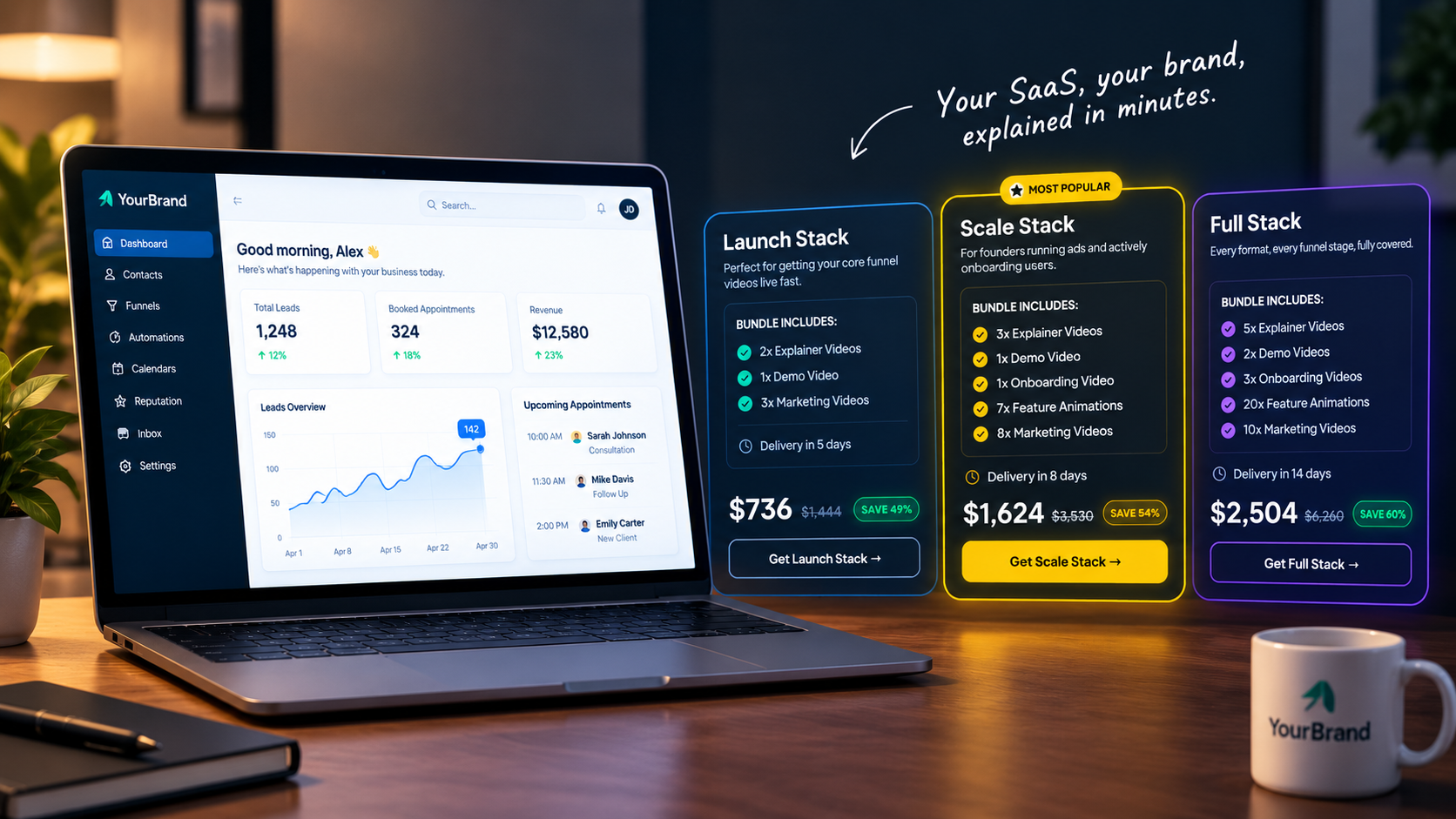
You’ve switched on SaaS mode, branded your platform, and set your pricing plans. Now comes the hard part: getting people to actually buy it. The problem? Prospects can’t buy what they can’t picture. A GHL SaaS demo video fixes that by showing exactly how your software works and why it’s worth paying for, before they ever talk to you.
Let’s walk through how to make one.
Why Your SaaS Needs a Demo Video
How to Make a GHL SaaS Demo Video in 6 Steps
Know your buyer
A dental clinic and a roofing company care about different things. Tailor the demo to one audience.
Pick 3 to 5 hero features
Don’t show everything. Choose the features that solve your buyer’s biggest headaches.
Write a short script
Follow a simple flow: problem, solution, proof, call to action. Hook viewers in the first 10 seconds.
Set up a clean demo account
Load it with realistic sample data. Empty dashboards look unfinished. Add your logo, colors, and custom domain.
Record and polish
Use smooth zooms, cursor highlights, and a professional voiceover. Keep it between 2 and 4 minutes.
End with one clear CTA
Start a trial, book a call, or pick a plan. Just one.
What to Show in a GoHighLevel SaaS Demo
| Feature | What to Show | Why It Sells |
|---|---|---|
| CRM Pipeline | Leads moving through stages | Proves no lead slips through |
| Automations | Missed-call text-back firing | Shows real time saved |
| Calendar | A client booking an appointment | Fills the schedule effortlessly |
| Reputation | Review requests going out | Builds trust online |
| Unified Inbox | SMS, email, and social in one place | Ends app switching |
Common Mistakes to Avoid
- Cramming in every feature: Overwhelms viewers and dilutes your core value proposition.
- Using an empty or messy demo account: Looks unprofessional and makes the product feel untested.
- Showing GoHighLevel branding anywhere: Breaks your white-label promise and exposes your provider.
- Skipping the voiceover or rushing it: Makes the demo difficult to follow and drains buyer confidence.
- Ending without a clear next step: Leaves prospects wondering what to do next instead of taking action.
Want It Done for You?
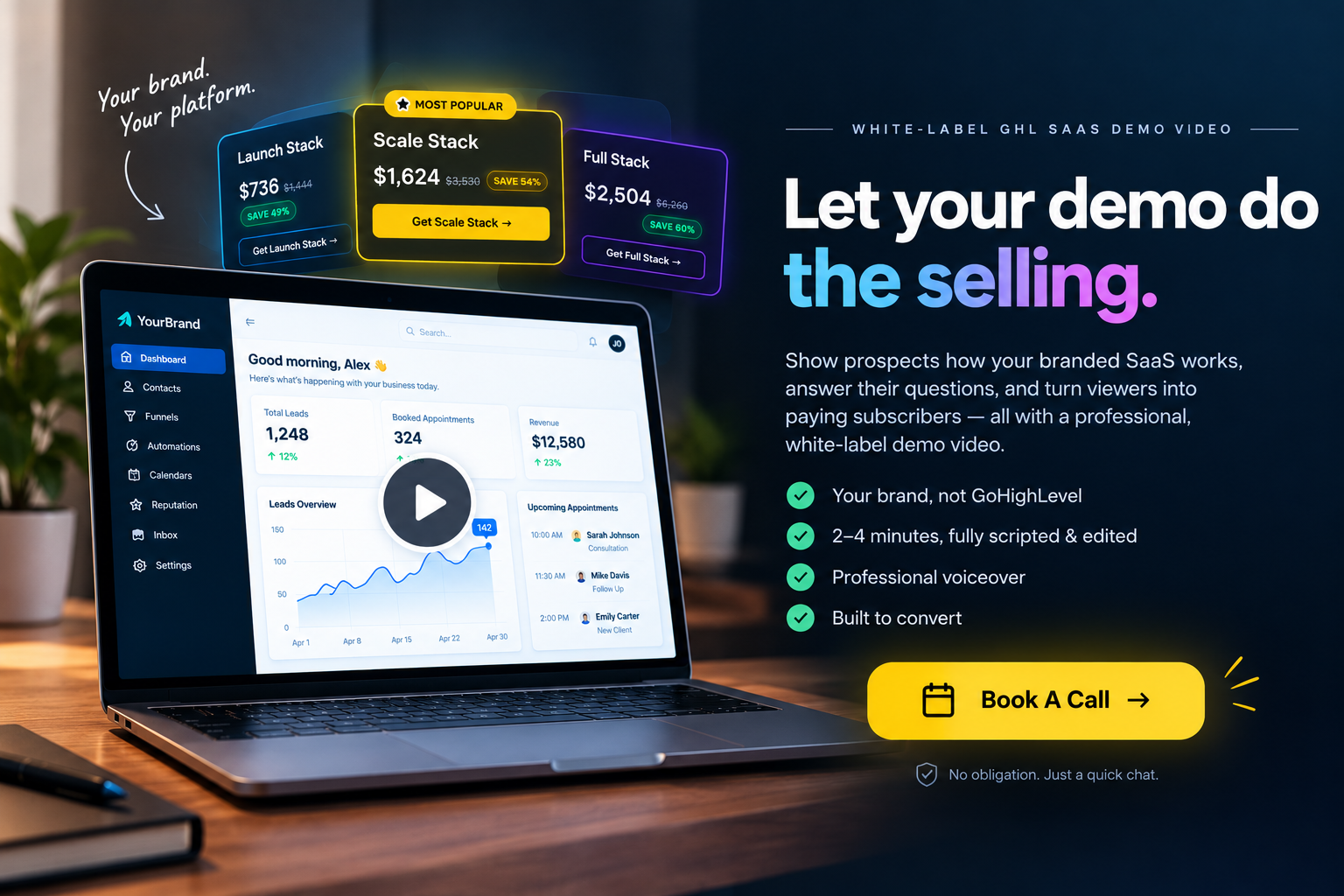
Making a polished demo takes scripting, recording, editing, and voiceover skills. Our white-label GHL SaaS demo videos handle all of it. Each one runs 2 to 4 minutes, carries your branding, and never mentions GoHighLevel.
Ready to turn viewers into paying subscribers?
Let’s build your white-label GHL SaaS demo video today.
Frequently Asked Questions
What is a GHL SaaS demo video?
It’s a short, branded walkthrough that shows prospects how your white-label GoHighLevel SaaS works and why they should subscribe.
Can one GoHighLevel SaaS demo work for every niche?
It can, but niche-specific demos usually convert better because they speak directly to one audience’s problems.
Should I show pricing in the demo?
Briefly, yes. Mentioning plans near the end helps qualified prospects take the next step.
Skip the Loom. Talk to us.
Tell us what you're building. We'll tell you exactly which video it needs.
or write to hello@ghlexplainer.com